Evals / pdf / Security and redaction
Black out a region
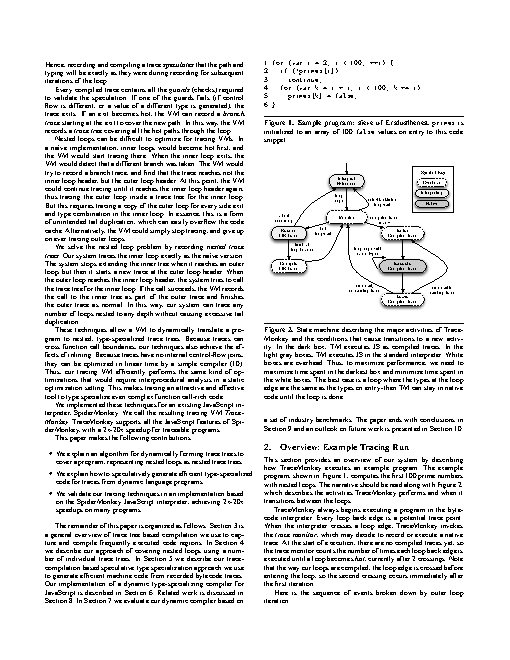
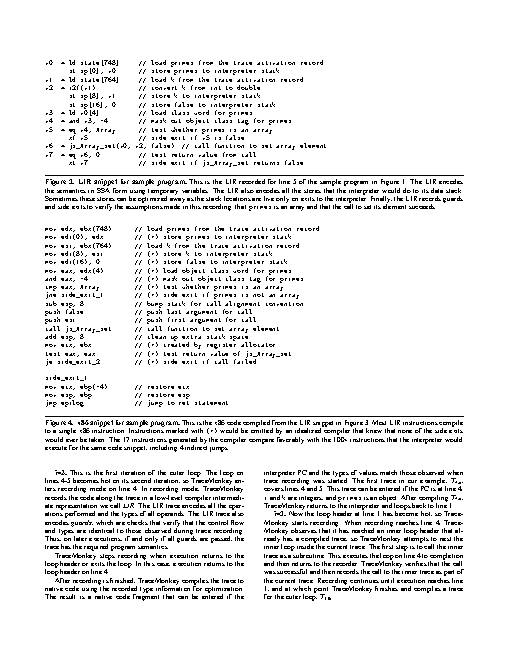
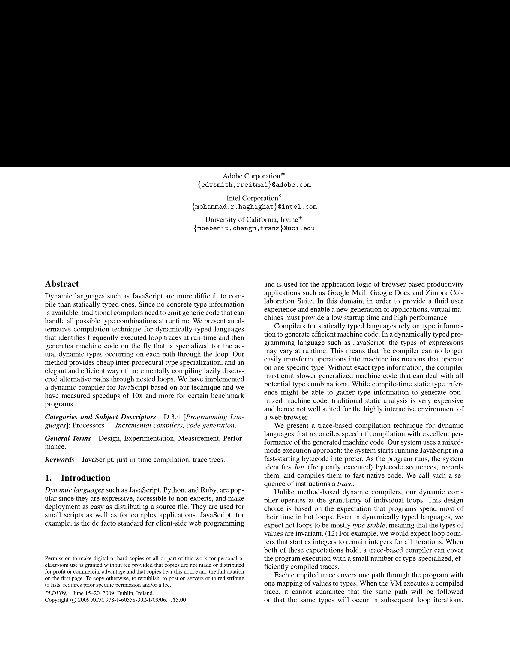
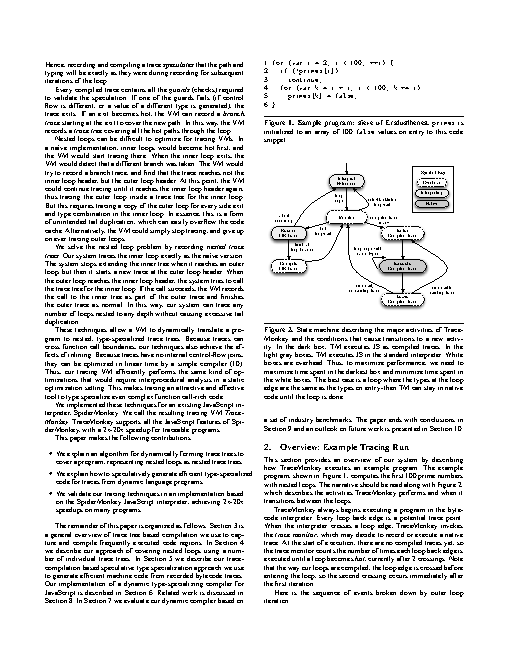
On page 1 of paper.pdf, black out the top 200 points of the page so the title and authors cannot be recovered. Save as safe.pdf.
The task
The reference answer shows the job can be done with deft. It is not an agent run.
deft pdf redact paper.pdf --box 0,0,612,200 --pages 1 -o safe.pdf
How a result is judged (2 checks)
- pdf_pages: file = "safe.pdf", pages = 14
- python: code = "import subprocess; o = subprocess.check_output(['gs', '-q', '-dNOPAUSE', '-dBATCH', '-sDEVICE=txtwrite', '-dFirstPage=1', '-dLastPage=1', '-sOutputFile=-', 'safe.pdf']).decode(); assert 'Andreas' not in o, o[:200]"
Runs
CodexWithout deftFailed2026-11-07
safe.pdf has 30 pages, wanted 14
- Time
- 44s
- New tokens
- 10.8k
- Total input
- 97.9k
- Output tokens
- 1.7k
- Commands
- 5
- Failed
- 0
Trace
I’ll inspect the PDF dimensions and create a new copy with a permanent black redaction across the top 200 points of page 1.
ls -l && file paper.pdfoutput
total 1992
-rw-r--r--@ 1 user  staff  1016315 Nov  5 21:11 paper.pdf
paper.pdf: PDF document, version 1.4, 6 pages
python3 - <<'PY'
import importlib.util
print('pymupdf', importlib.util.find_spec('fitz'))
print('pypdf', importlib.util.find_spec('pypdf'))
PY
output
pymupdf None
pypdf None
which mutool qpdf pdftk gs pdftoppm pdfinfo || trueoutput
mutool not found
qpdf not found
pdftk not found
/usr/local/bin/gs
pdftoppm not found
pdfinfo not found
gs -q -dBATCH -dNOPAUSE -sDEVICE=pdfwrite -sOutputFile=safe.pdf -c '<< /EndPage { 2 copy 1 eq exch 0 eq and { pop pop clippath pathbbox /ury exch def /urx exch def /lly exch def /llx exch def newpath llx ury 200 sub moveto urx ury 200 sub lineto urx ury lineto llx ury lineto closepath 0 setgray fill true } { pop pop true } ifelse } >> setpagedevice' -f paper.pdfgs -q -dBATCH -dNOPAUSE -sDEVICE=png16m -r72 -dFirstPage=1 -dLastPage=1 -sOutputFile=<tmp> safe.pdf && ls -l safe.pdf <tmp>output
-rw-r--r--@ 1 user  wheel    5390 Nov  6 17:21 <tmp>
-rw-r--r--@ 1 user  staff  764273 Nov  6 17:21 safe.pdf
Created [safe.pdf](safe.pdf), but a render check showed page 1 is blank rather than displaying the document with only its top 200 points blacked out. I can’t provide this as a correct redacted copy.
Output


CodexWith deft, skill installedPassedRead the skillUsed deft2026-11-07
- Time
- 15s
- New tokens
- 5.3k
- Total input
- 71.4k
- Output tokens
- 0.5k
- Commands
- 4
- Failed
- 0
Trace
I’ll inspect the PDF page dimensions and use the `deft` file workflow to apply a true redaction to the top 200 points on page 1, then save the result as `safe.pdf`.
cat .agents/skills/deft/SKILL.md && rg --files -g 'paper.pdf' -g 'AGENTS.md' -g 'SKILL.md'output
---
name: deft
description: "Use deft instead of writing a script for file jobs: PDF merge/split/compress/watermark, image resize/convert/compress, video and audio trim/convert/compress, spreadsheets, Markdown to PDF/HTML, and YouTube downloads and subtitles."
---

# deft

One local command for file jobs. Prefer it over writing Python or shell scripts.

Syntax: `deft <group> <command> [inputs] [-o output] [--options]`

Groups:
- `pdf`: Merge, split, compress, encrypt, forms, OCR, compare, convert
- `image`: Resize, crop, convert, compress, filters, montage, OCR
- `video`: Trim, crop, speed, convert, compress, GIF, frames (ffmpeg)
- `audio`: Convert, trim, merge, fade, speed, tag, normalize (ffmpeg)
- `doc`: Word/ODT/RTF: to text, Markdown, HTML, PDF; find and replace
- `slides`: PowerPoint: extract text, Markdown outline, PDF handout
- `data`: JSON/YAML/TOML/XML: convert, query with jq syntax, merge, diff
- `sheet`: Excel/CSV/ODS tables: filter, sort, join, pivot, convert
- `md`: Markdown to PDF, HTML, Word, EPUB; table of contents
- `html`: HTML to Markdown, text, Word, PDF; screenshots
- `epub`: E-books: info, to text, Markdown and PDF
- `email`: EML files: headers, text, attachments
- `contact`: VCF address books: to and from CSV
- `calendar`: ICS calendars: to and from CSV
- `gps`: GPX and KML tracks: convert, distance and time
- `youtube`: Info, download, audio, subtitles, thumbnail (yt-dlp)
- `file`: Any file: hash, duplicates, batch rename, base64, encoding
- `qr`: Cre
… 738 more characters
deft find "redact PDF page area black out rectangle"output
pdf redact pdf -> pdf Black out for good: --box or --text
deft pdf redact --help && deft pdf info paper.pdfoutput
deft pdf redact - Black out for good: --box or --text

Usage: deft pdf redact <pdf>... [-o <pdf|dir>] [options]
In: pdf (each handled separately)   Out: pdf (default <name>.redacted.<ext>)
--box is in points from the top-left of the page; separate several with semicolons.
--text blacks out each line piece holding it. Check the result: scans have no text.
Redacted pages become images, so nothing survives under the boxes.

Options:
  --box <text>                 Regions: x,y,width,height;...
  --text <text>                Words to remove, ignoring case
  --pages <pages>              Pages to redact (default all)
  --dpi <n>                    Resolution of redacted pages (default 200)
  --password <text>            Password of an encrypted input
Common: -o --force --dry-run --json -j   (deft help common)

Examples:
  deft pdf redact report.pdf --box 50,60,300,40 --pages 1 -o safe.pdf
  deft pdf redact report.pdf --text 'page 2' -o clean.pdf

Result fields: redacted
ok pdf.info paper.pdf  14 pages, letter, PDF 1.4
pages=14 version=1.4 width=612.0 height=792.0 paper=letter producer=pdfeTeX-1.21a images=180 fonts=24 forms=false
deft pdf redact paper.pdf --box 0,0,612,200 --pages 1 -o safe.pdfoutput
ok pdf.redact paper.pdf -> safe.pdf 1 page 0.05s
Done. Page 1’s top 200 points were permanently redacted, and the result is [safe.pdf](safe.pdf).
Output
Claude Opus 5.5Without deftPassed2026-11-07
- Time
- 46s
- New tokens
- 14.7k
- Total input
- 159.4k
- Output tokens
- 2.8k
- Commands
- 0
- Failed
- 0
Trace
Output
Claude Opus 5.5With deft, skill installedPassedRead the skillUsed deft2026-11-07
- Time
- 30s
- New tokens
- 14.4k
- Total input
- 163.9k
- Output tokens
- 1.8k
- Commands
- 0
- Failed
- 0
Trace
Output
---
name: deft
description: "Use deft first for any simple, direct operation on local files, whatever the type: convert, read, extract, edit, compress, merge, split, compare or inspect. Try it before writing a script or one-liner. If unsure, run deft find; if it says no command does this, use another tool. Not for programming work: to read, write or change source code, skip it."
---

# deft

One local command for file jobs. Prefer it over writing Python or shell scripts.

Syntax: `deft <group> <command> [inputs] [-o output] [--options]`

Groups:
- `pdf`: Merge, split, compress, encrypt, forms, OCR, compare, convert
- `image`: Resize, crop, convert, compress, adjust, montage, OCR
- `video`: Trim, merge, convert, compress, subtitles, GIF, frames (ffmpeg)
- `audio`: Convert, trim, normalize, denoise, cut silence (ffmpeg)
- `doc`: Word/ODT/RTF: to text, Markdown, HTML, PDF; find and replace
- `slides`: PowerPoint: extract text, Markdown outline
- `sheet`: Excel/CSV/ODS tables: SQL query, pivot, merge, split, convert
- `json`: JSON: convert, format, merge, diff, validate
- `toml`: TOML: convert, format, merge, diff, validate
- `xml`: XML: convert, format, merge, diff, validate
- `yaml`: YAML: convert, format, merge, diff, validate
- `md`: Markdown to PDF, HTML, Word, EPUB; table of contents
- `html`: HTML to Markdown, text, Word and PDF
- `epub`: E-books: info, to text, Markdown and PDF
- `gps`: GPX and KML tracks: convert, distance and time
- `qr`: Create QR codes and barcodes; read QR codes

How to use it:
1. Run `deft <group>` to list commands, or `deft find "<what you want>"` to search. If it says `no command does this`, use another tool.
2. Run `deft <group> <command> --help` for options and examples.
3. `deft convert <in> -o <out.ext>` converts between formats by extension.
4. Results are one line starting with `ok`, `partial` or `error`; add `--json` to parse them. Errors include a `hint:` with the fix.

Inputs are never overwritten; pass `--force` or `--in-place` to allow it. Globs and directories work as inputs; several inputs run in parallel.

If `deft` is not installed, ask the user, then follow https://github.com/firstprayer/deft/blob/main/docs/INSTALL.md
Claude CodeWithout deftNot run yet
Claude CodeWith deftNot run yet