Make a collagePassed
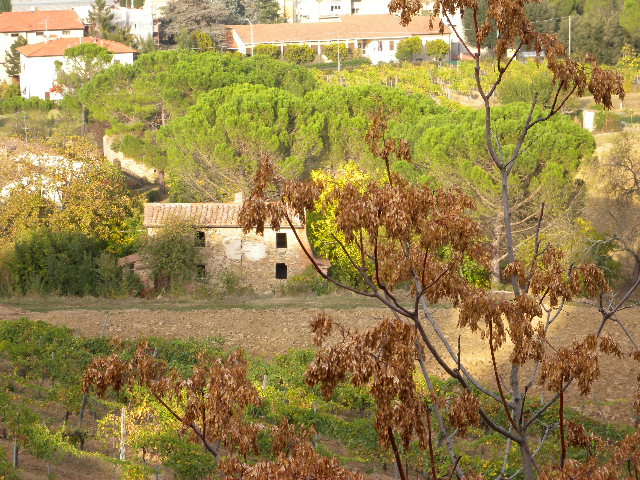
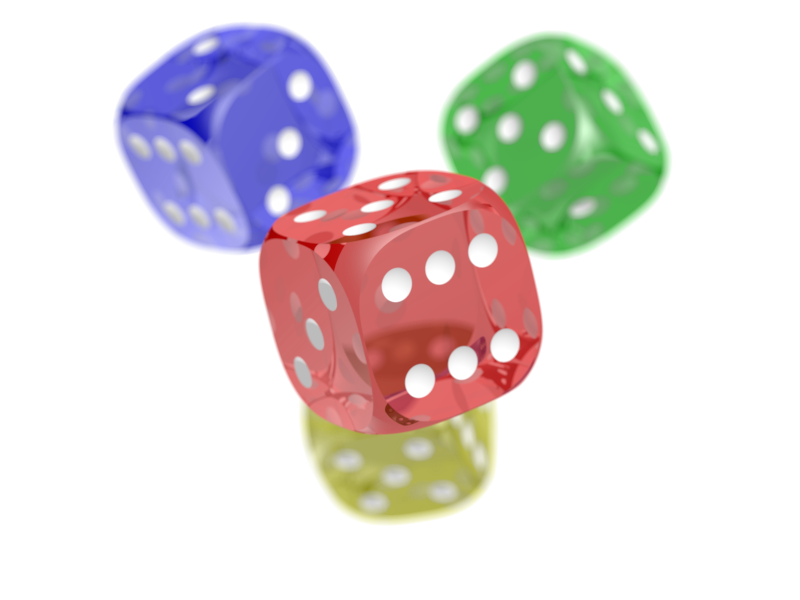
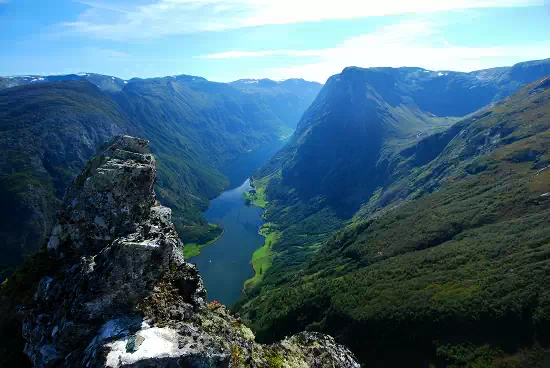
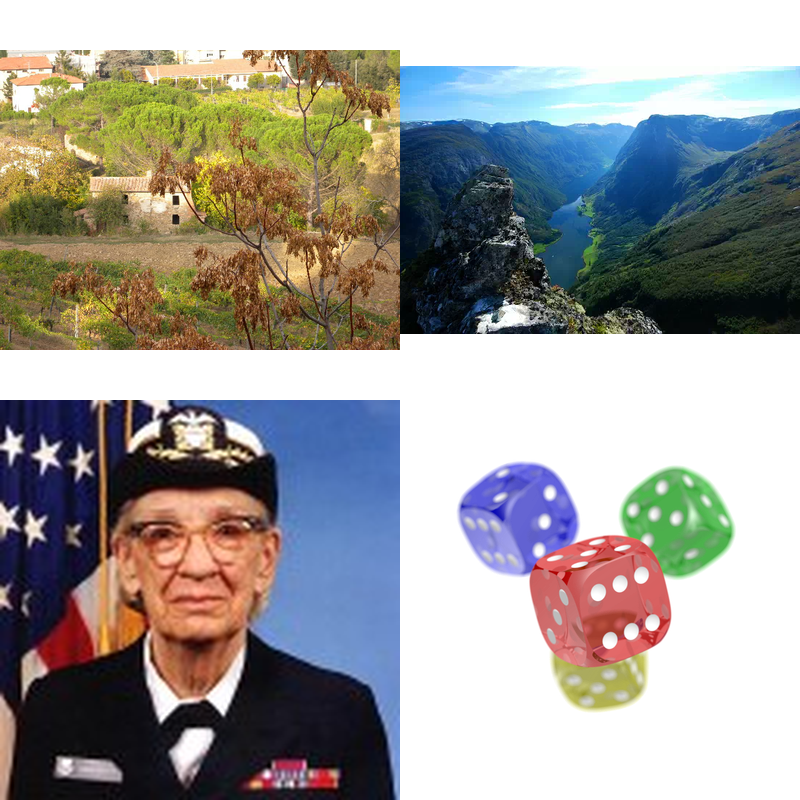
Put DSCN0010.jpg, gallery.webp, hopper.png and dice.png into a 2 by 2 grid image called collage.png.
deft image montage DSCN0010.jpg gallery.webp hopper.png dice.png --cols 2 --size 400x400 -o collage.png
Input
DSCN0010.jpg 157.9 KB · 640x480
dice.png 219.3 KB · 800x600
gallery.webp 29.6 KB · 550x368
hopper.png 29.9 KB · 128x128

Output
collage.png 798.0 KB · 800x800
Automatic checks (2)
- image: file = "collage.png", format = "PNG"
- python: code = "from PIL import Image\nw, h = Image.open('collage.png').size\nassert w >= 400 and h >= 400 and 0.5 < w / h < 2, (w, h)\n"