Test cases / image

deft image watermark

Add text or a logo: --text, --image, --position

3 runs on real files, 20 tests on generated files, not shown. 0 failed.

Real-file tasks

Real files and a plain-language job, from the agent benchmark. These are the reference answers, not an agent run.

Add a Chinese caption to a photoPassed

在 DSCN0010.jpg 右下角加上“版权所有”四个字,保存为 captioned.jpg。

deft image watermark DSCN0010.jpg --text 版权所有 -o captioned.jpg

Input

DSCN0010.jpg 157.9 KB · 640x480
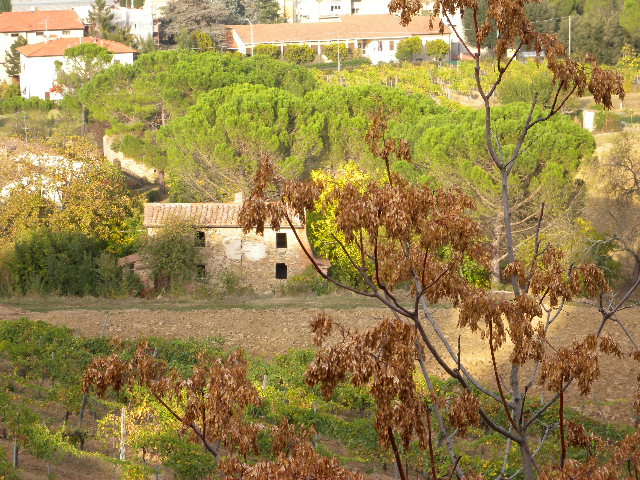
DSCN0010.jpg

Output

captioned.jpg 157.6 KB · 640x480
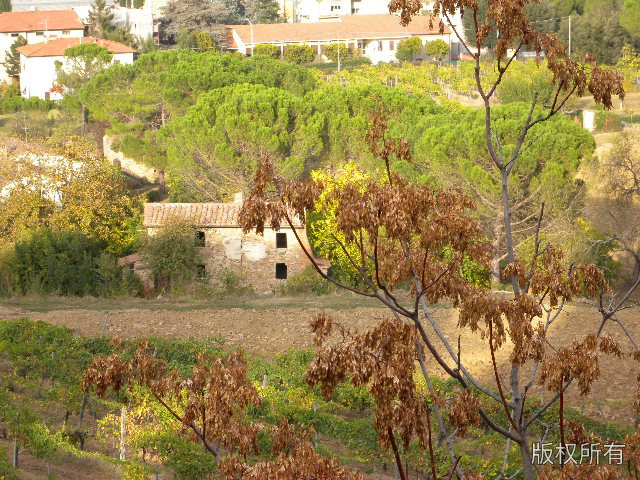
captioned.jpg
Automatic checks (2)
  • image: file = "captioned.jpg", width = 640
  • image_similar: file = "captioned.jpg", to = "DSCN0010.jpg", max_difference = 8
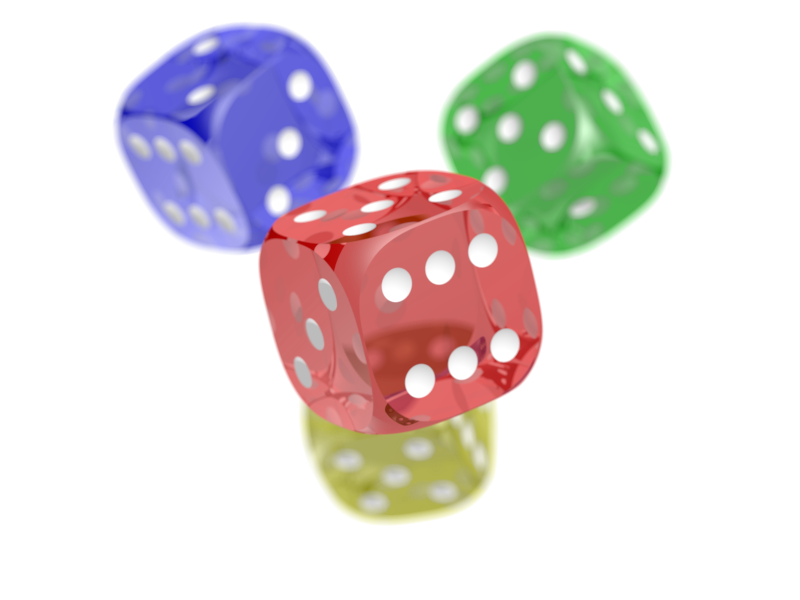
Put a logo on a photoPassed

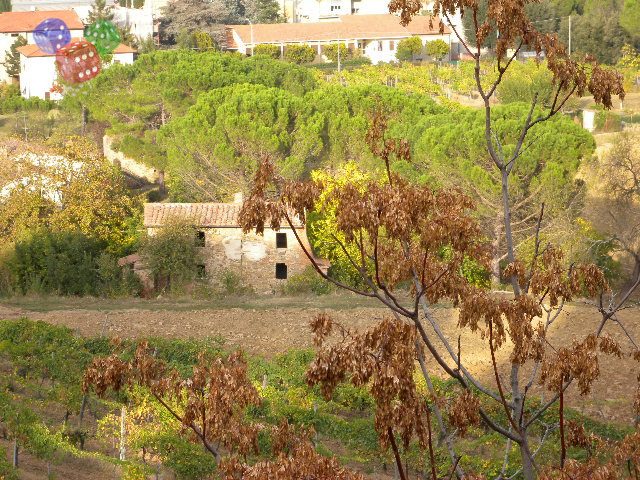
Place dice.png as a small logo in the top left corner of DSCN0010.jpg. Save it as branded.jpg.

deft image watermark DSCN0010.jpg --image dice.png --position top-left -o branded.jpg

Input

DSCN0010.jpg 157.9 KB · 640x480
DSCN0010.jpg
dice.png 219.3 KB · 800x600
dice.png

Output

branded.jpg 157.5 KB · 640x480
branded.jpg
Automatic checks (2)
  • image: file = "branded.jpg", width = 640
  • image_similar: file = "branded.jpg", to = "DSCN0010.jpg", max_difference = 12

Put a caption on a photoPassed

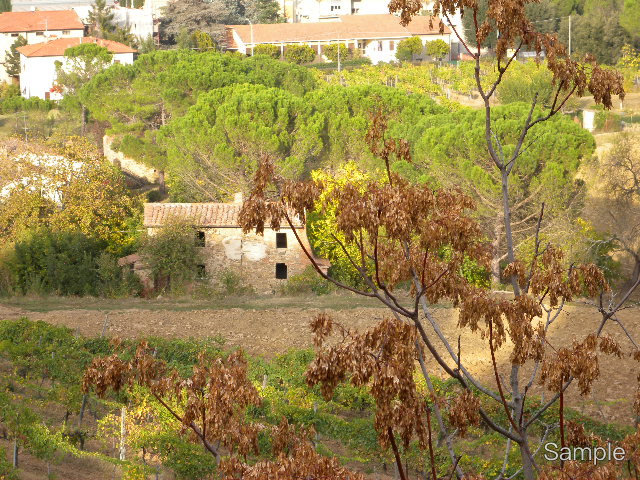
Add the text Sample in the bottom right corner of DSCN0010.jpg and save it as captioned.jpg.

deft image watermark DSCN0010.jpg --text Sample -o captioned.jpg

Input

DSCN0010.jpg 157.9 KB · 640x480
DSCN0010.jpg

Output

captioned.jpg 157.6 KB · 640x480
captioned.jpg
Automatic checks (2)
  • image: file = "captioned.jpg", width = 640
  • image_similar: file = "captioned.jpg", to = "DSCN0010.jpg", max_difference = 8