6 runs on real files, 8 tests on generated files, not shown. 0 failed.
Real-file tasks
Real files and a plain-language job, from the agent benchmark. These are the reference answers, not an agent run.
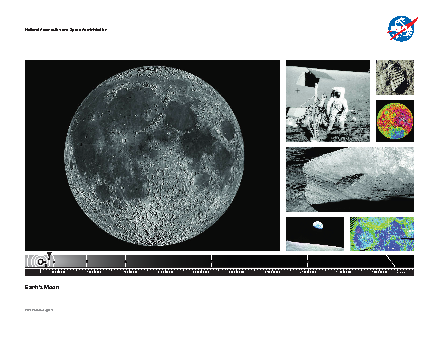
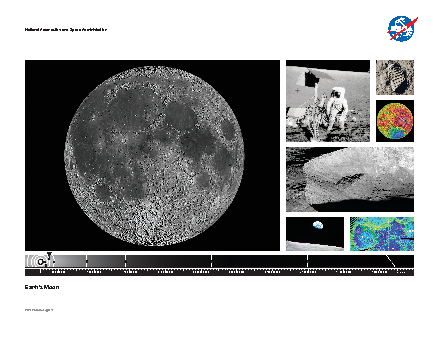
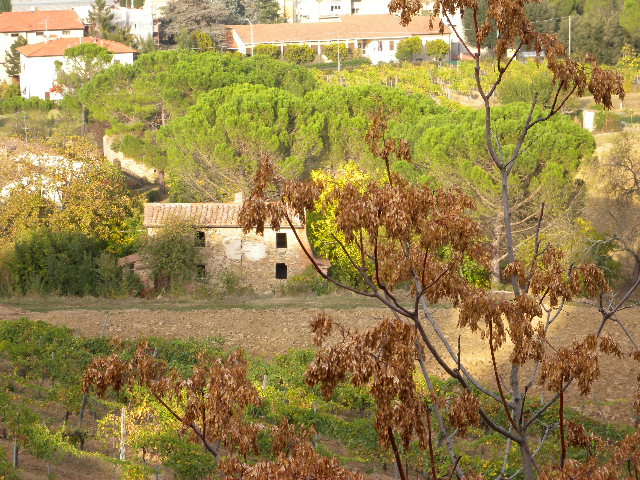
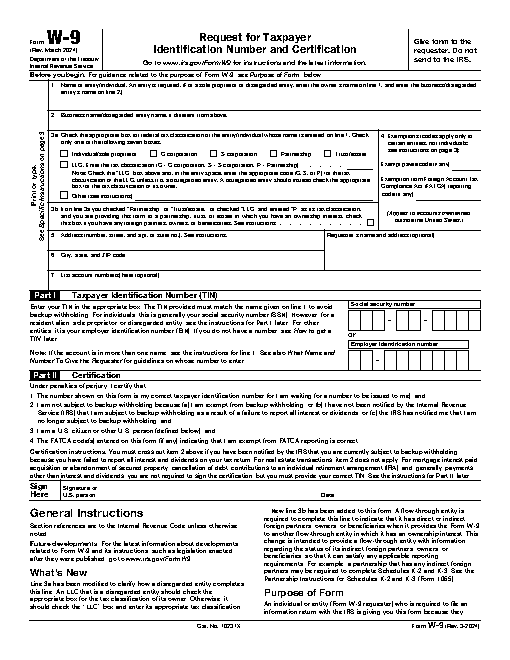
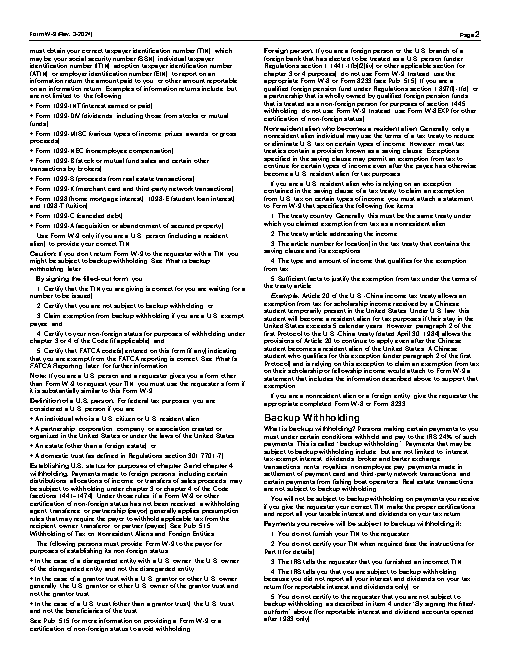
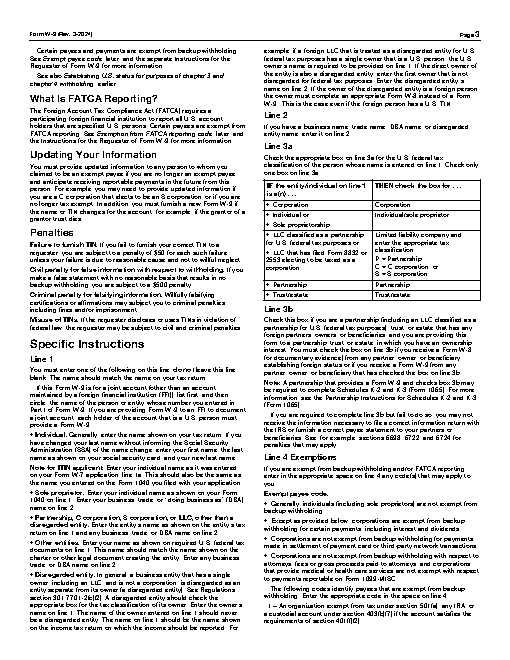
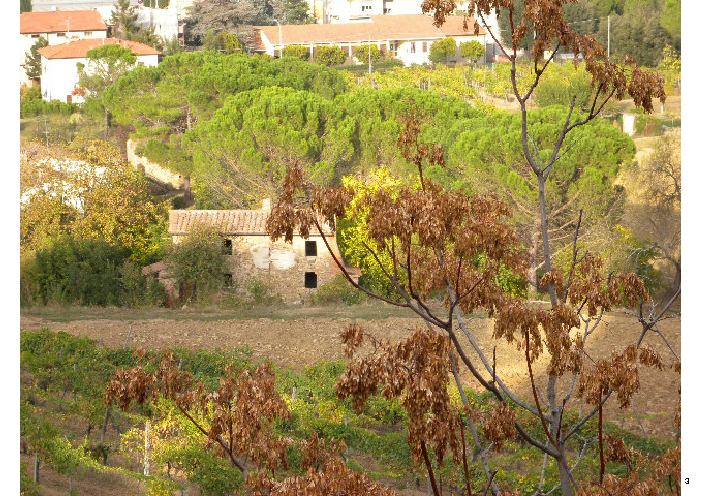
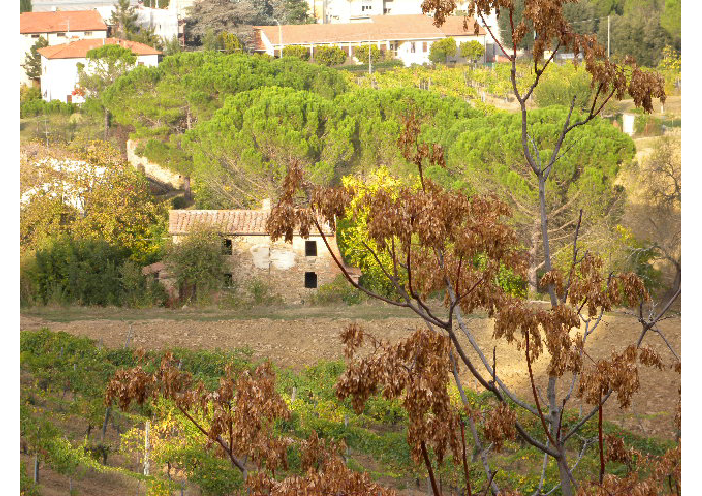
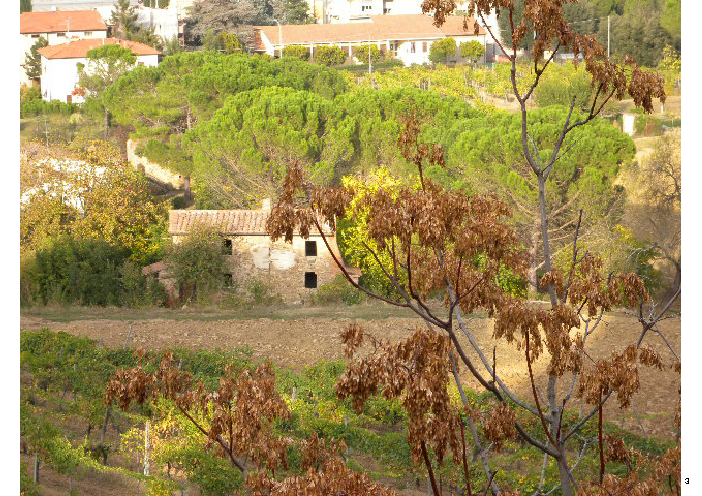
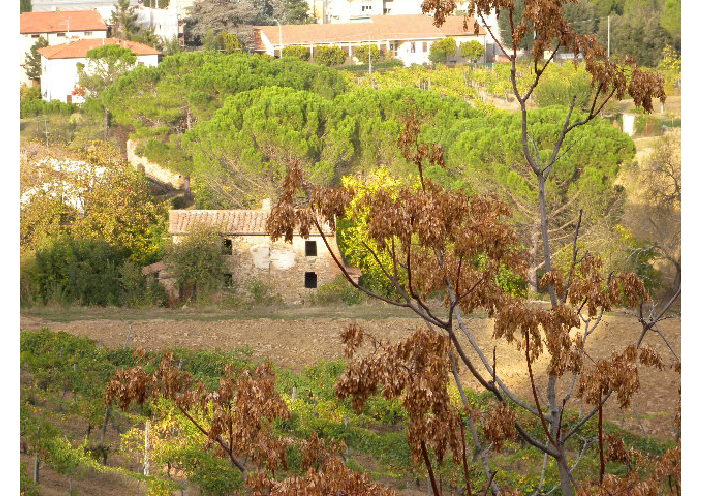
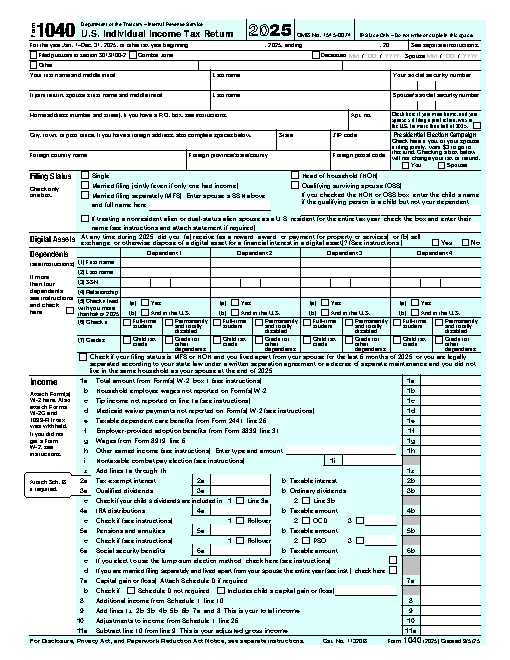
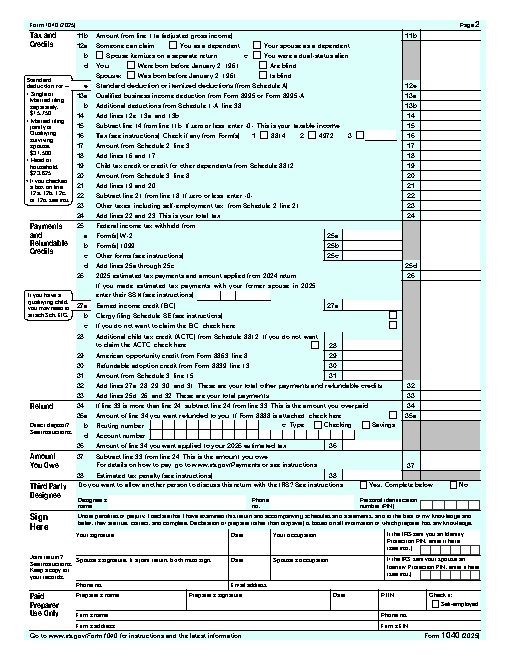
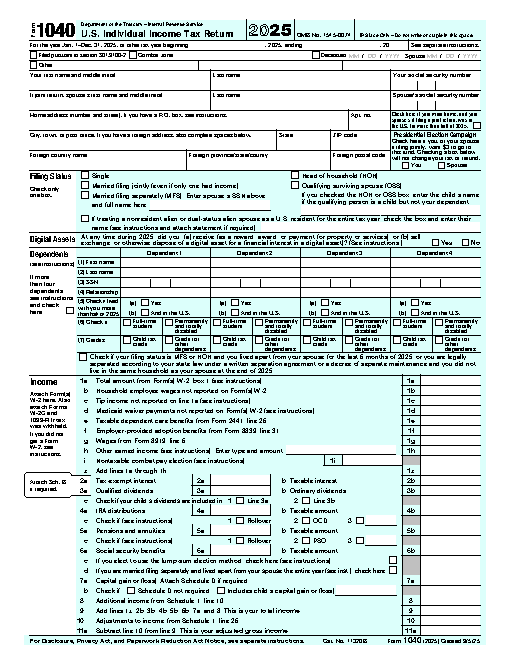
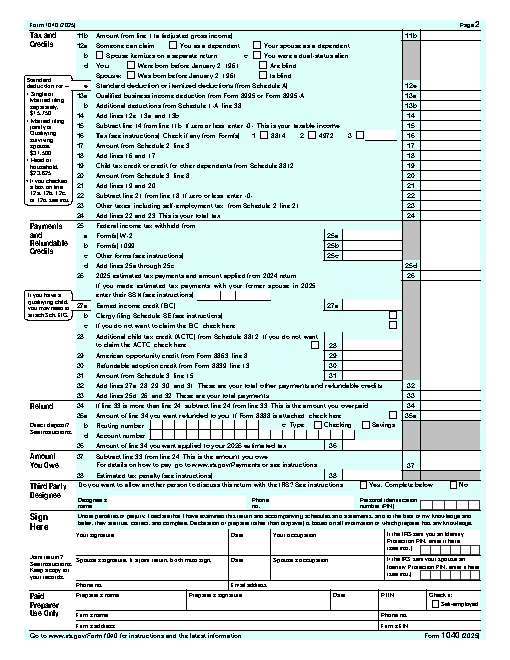
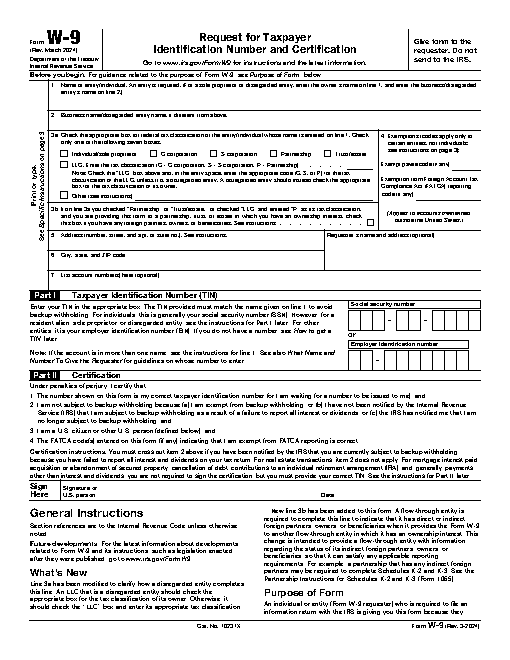
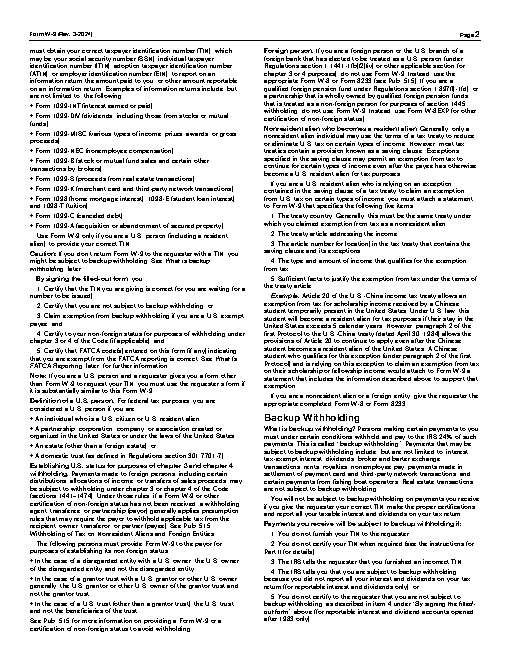
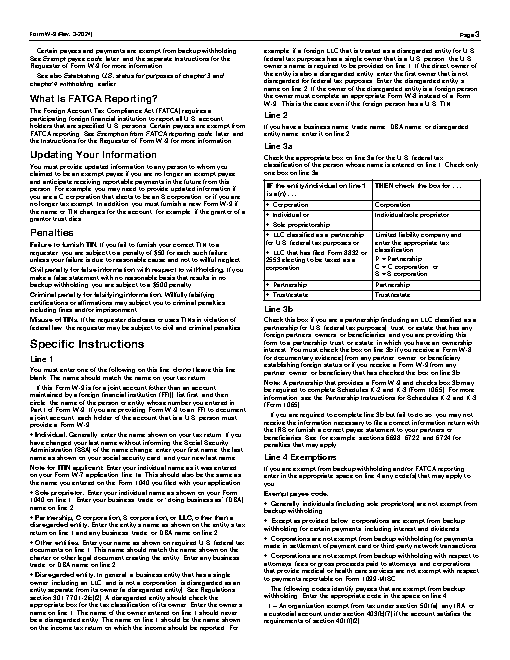
Put together one application.pdf for a portal: letter.docx first, then the photo DSCN0010.jpg, then fw9.pdf. Number the pages at the bottom. The portal rejects anything over 1MB.
deft doc to-pdf letter.docx -o letter.pdf
deft image to-pdf DSCN0010.jpg -o photo.pdf
deft pdf merge letter.pdf photo.pdf fw9.pdf -o joined.pdf
deft pdf number joined.pdf -o numbered.pdf
deft pdf compress numbered.pdf --target-size 1MB -o application.pdf
Input
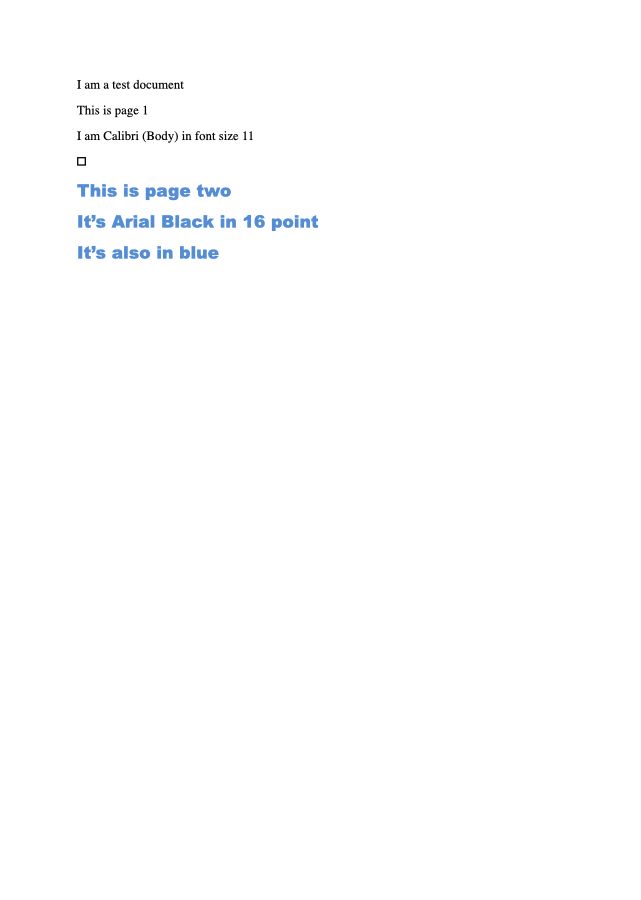
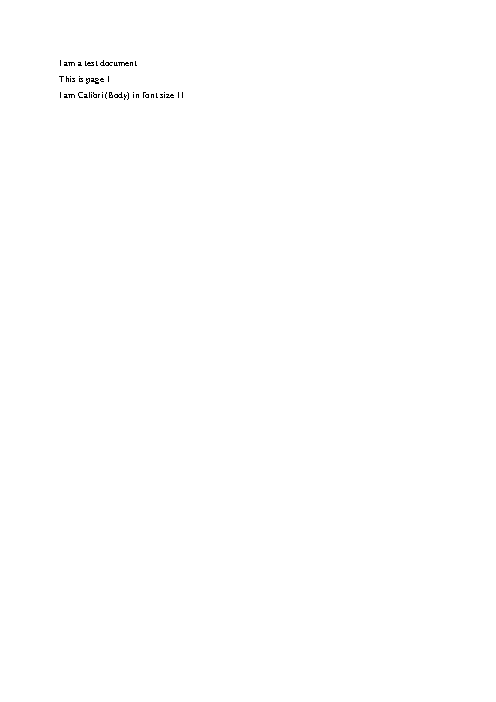
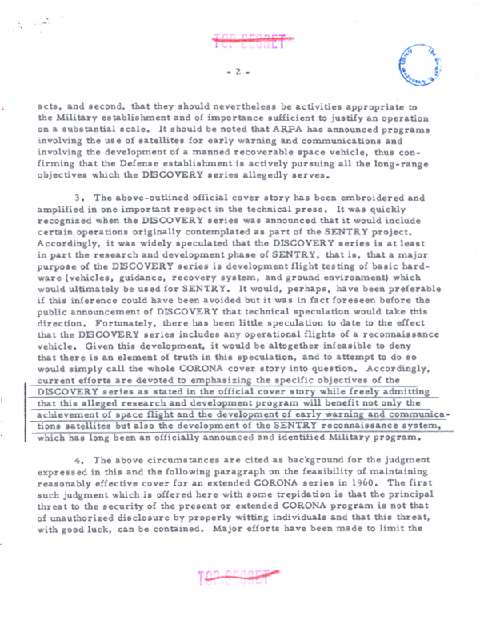
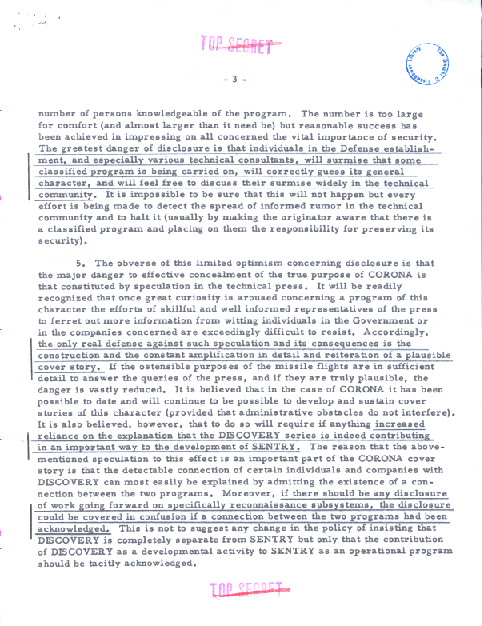
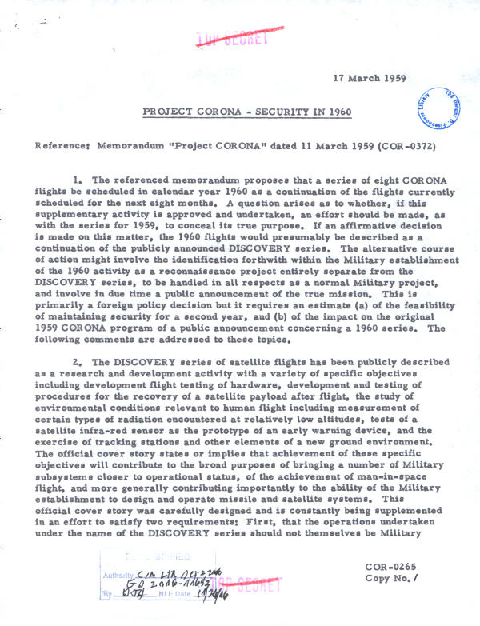
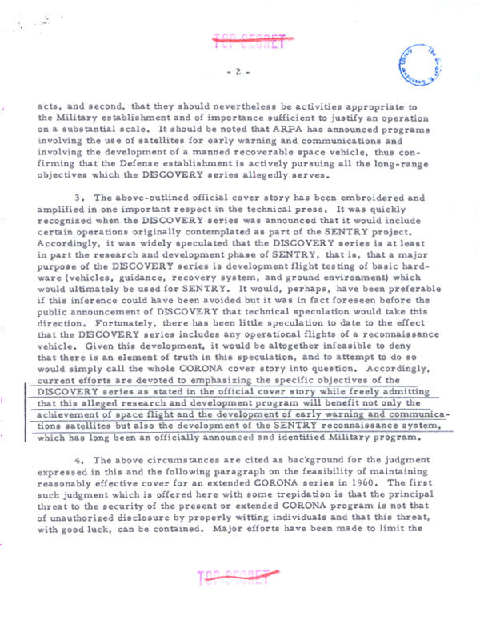
Rendered by macOS Quick Look, first page
Text inside
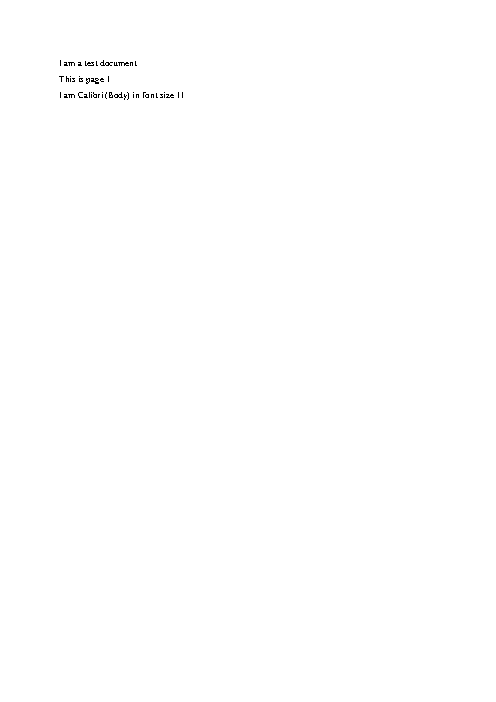
I am a test document
This is page 1
I am Calibri (Body) in font size 11
�
This is page two
It’s Arial Black in 16 point
It’s also in blue
Automatic checks (2)
- max_bytes: file = "application.pdf", bytes = 1048576
- python: code = "import subprocess\ndef text(first, last):\n return subprocess.run(['gs', '-q', '-dNOPAUSE', '-dBATCH', '-sDEVICE=txtwrite', f'-dFirstPage={first}', f'-dLastPage={last}', '-sOutputFile=-', 'application.pdf'], capture_output=True, text=True, errors='replace').stdout\nn = int(subprocess.check_output(['gs', '-q', '-dNODISPLAY', '--permit-file-read=application.pdf', '-c', '(application.pdf) (r) file runpdfbegin pdfpagecount = quit'], text=True).split()[-1])\nw9 = subprocess.check_output(['gs', '-q', '-dNODISPLAY', '--permit-file-read=fw9.pdf', '-c', '(fw9.pdf) (r) file runpdfbegin pdfpagecount = quit'], text=True).split()[-1]\nassert n >= int(w9) + 2, n\nassert 'W-9' in text(n - int(w9) + 1, n - int(w9) + 1), 'the form is not last'\nassert 'W-9' not in text(1, 1), 'the letter is not first'\nassert str(n) in text(n, n).split(), 'last page has no number'\n"
Compress every PDF in the reports folder and put the results in a folder called compressed, keeping the file names.
deft pdf compress reports/*.pdf -o compressed/
Automatic checks (4)
- count_files: glob = "compressed/*.pdf", count = 3
- exists: file = "compressed/scan.pdf"
- each: glob = "compressed/*.pdf", check = {"type": "format", "format": "pdf"}
- max_bytes: file = "compressed/scan.pdf", bytes = 1500000
Reduce photos.pdf to less than half its size and save it as light.pdf.
deft pdf compress photos.pdf --level strong -o light.pdf
Automatic checks (3)
- pdf_pages: file = "light.pdf", pages = 2
- max_bytes: file = "light.pdf", bytes = 1322761
- pdf_page: file = "light.pdf", page = 1, ink_min = 0.2
scan.pdf is too big to email. Make a copy called small.pdf under 150KB that is still readable.
deft pdf compress scan.pdf --target-size 150KB -o small.pdf
Automatic checks (3)
- pdf_pages: file = "small.pdf", pages = 4
- max_bytes: file = "small.pdf", bytes = 153600
- pdf_page: file = "small.pdf", page = 1, ink_min = 0.02
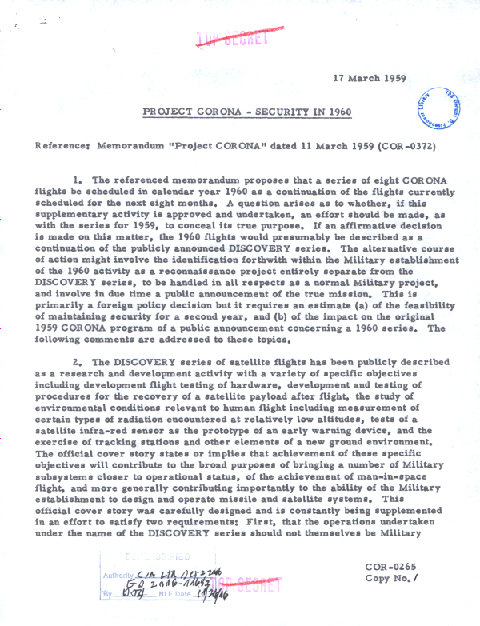
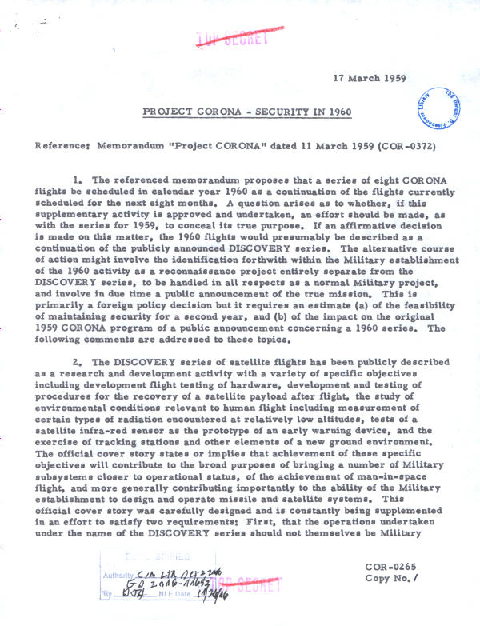
scan.pdf is going to our accountant. Make the text searchable, keep it under 1MB, and protect it with the password hunter2. Save it as for-accountant.pdf.
deft pdf ocr scan.pdf -o searchable.pdf
deft pdf compress searchable.pdf --target-size 1MB -o small.pdf
deft pdf encrypt small.pdf --new-password hunter2 -o for-accountant.pdf
Output
This PDF has no preview: it needs a password or cannot be read.
Automatic checks (3)
- max_bytes: file = "for-accountant.pdf", bytes = 1048576
- pdf_encrypted: file = "for-accountant.pdf", encrypted = true
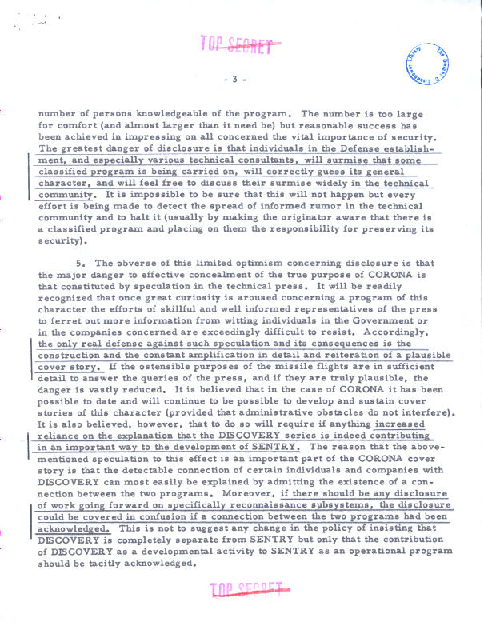
- pdf_text: file = "for-accountant.pdf", password = "hunter2", contains = ["CORONA"]