Evals / documents / Make a PDF
E-book to PDF
Convert frankenstein.epub to book.pdf.
The task
The reference answer shows the job can be done with deft. It is not an agent run.
deft epub to-pdf frankenstein.epub -o book.pdf
Input
[OEBPS/4328224471496264690_84-h-0.htm.xhtml] The Project Gutenberg eBook of Frankenstein; or, The modern Prometheus This eBook is for the use of anyone anywhere in the United States and most other parts of the world at no cost and with almost no restrictions whatsoever. You may copy it, give it away or re-use it under the terms of the Project Gutenberg License included with this eBook or online at www.gutenberg.org . If you are not located in the United States, you will have to check the laws of the country where you are located before usi
[OEBPS/4328224471496264690_84-h-1.htm.xhtml] CONTENTS Letter 1 Letter 2 Letter 3 Letter 4 Chapter 1 Chapter 2 Chapter 3 Chapter 4 Chapter 5 Chapter 6 Chapter 7 Chapter 8 Chapter 9 Chapter 10 Chapter 11 Chapter 12 Chapter 13 Chapter 14 Chapter 15 Chapter 16 Chapter 17 Chapter 18 Chapter 19 Chapter 20 Chapter 21 Chapter 22 Chapter 23 Chapter 24
[OEBPS/4328224471496264690_84-h-2.htm.xhtml] Letter 1 To Mrs. Saville, England. St. Petersburgh, Dec. 11th, 17—. You will rejoice to hear that no disaster has accompanied the commencement of an enterprise which you have regarded with such evil forebodings. I arrived here yesterday, and my first task is to assure my dear sister of my welfare and increasing confidence in the success of my undertaking. I am already far north of London, and as I walk in the streets of Petersburgh, I feel a cold northern breeze play upon my cheeks, which braces
[OEBPS/4328224471496264690_84-h-3.htm.xhtml] Letter 2 To Mrs. Saville, England. Archangel, 28th March, 17—. How slowly the time passes here, encompassed as I am by frost and snow! Yet a second step is taken towards my enterprise. I have hired a vessel and am occupied in collecting my sailors; those whom I have already engaged appear to be men on whom I can depend and are certainly possessed of dauntless courage. But I have one want which I have never yet been able to satisfy, and the absence of the object of which I now feel as a most seve
[OEBPS/4328224471496264690_84-h-4.htm.xhtml] Letter 3 To Mrs. Saville, England. July 7th, 17—. My dear Sister, I write a few lines in haste to say that I am safe—and well advanced on my voyage. This letter will reach England by a merchantman now on its homeward voyage from Archangel; more fortunate than I, who may not see my native land, perhaps, for many years. I am, however, in good spirits: my men are bold and apparently firm of purpose, nor do the floating sheets of ice that continually pass us, indicating the dangers of the region tow
[OEBPS/4328224471496264690_84-h-5.htm.xhtml] Letter 4 To Mrs. Saville, England. August 5th, 17—. So strange an accident has happened to us that I cannot forbear recording it, although it is very probable that you will see me before these papers can come into your possession. Last Monday (July 31st) we were nearly surrounded by ice, which closed in the ship on all sides, scarcely leaving her the sea-room in which she floated. Our situation was somewhat dangerous, espe
… 3352 more characters
Reference output
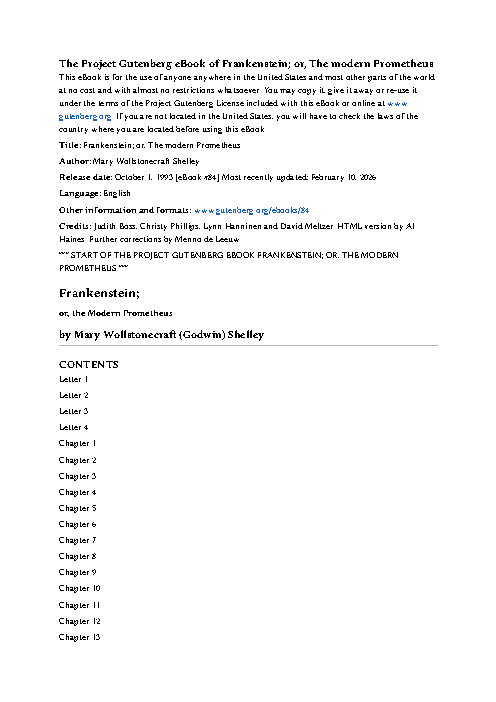
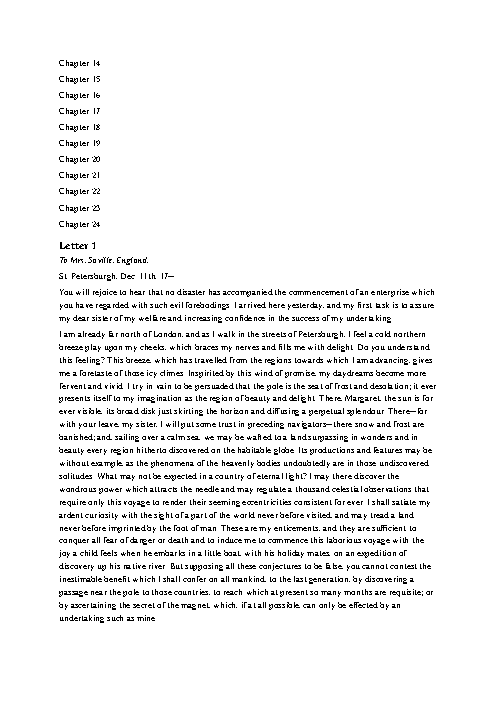
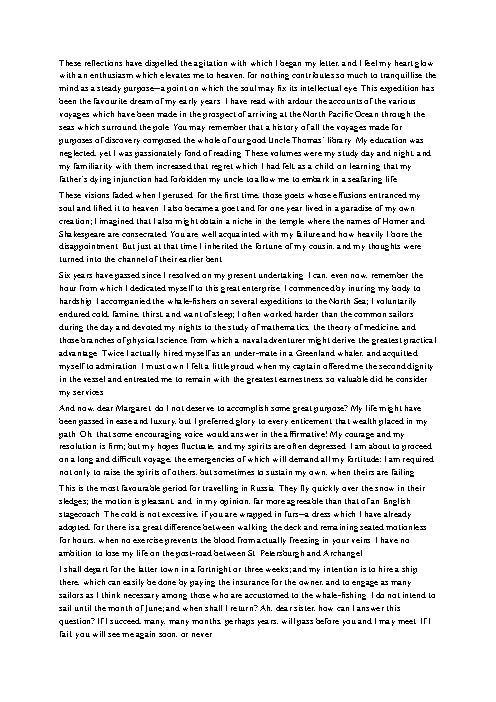
How a result is judged (1 check)
- pdf_text: file = "book.pdf", contains = ["Frankenstein"]
Runs
CodexWithout deftPassed2026-11-07
- Time
- 34s
- New tokens
- 7.2k
- Total input
- 85.8k
- Output tokens
- 1.4k
- Commands
- 5
- Failed
- 0
Trace
I’ll check the EPUB and available conversion tools, then create `book.pdf` in the current directory.
pwd && rg --files -g 'frankenstein.epub' -g 'AGENTS.md' -g '*.py' -g '*.md' | head -40 && command -v ebook-convert || true && command -v pandoc || true && command -v python3 || true && command -v unzip || trueoutput
frankenstein.epub
/usr/local/bin/python3
/usr/bin/unzip
python3 - <<'PY'
mods=['ebooklib','weasyprint','reportlab','fitz','bs4','lxml']
for m in mods:
 try:
  x=__import__(m); print(m, 'available')
 except Exception as e: print(m, 'missing')
PY
ls -lh frankenstein.epub
output
ebooklib missing
weasyprint missing
reportlab missing
fitz missing
bs4 missing
lxml missing
-rw-r--r--@ 1 user  staff   430K Nov  5 21:11 frankenstein.epub
'for x in libreoffice soffice chromium google-chrome wkhtmltopdf cupsfilter textutil; do command -v "$x" || true; done
python3 - <<'"'PY'
import zipfile
z=zipfile.ZipFile('frankenstein.epub')
print('\\n'.join(z.namelist()[:30]))
PY"
output
/usr/sbin/cupsfilter
/usr/bin/textutil
mimetype
META-INF/container.xml
OEBPS/7423641491831241083_cover.jpg
OEBPS/pgepub.css
OEBPS/0.css
OEBPS/1.css
OEBPS/4328224471496264690_84-h-0.htm.xhtml
OEBPS/4328224471496264690_84-h-1.htm.xhtml
OEBPS/4328224471496264690_84-h-2.htm.xhtml
OEBPS/4328224471496264690_84-h-3.htm.xhtml
OEBPS/4328224471496264690_84-h-4.htm.xhtml
OEBPS/4328224471496264690_84-h-5.htm.xhtml
OEBPS/4328224471496264690_84-h-6.htm.xhtml
OEBPS/4328224471496264690_84-h-7.htm.xhtml
OEBPS/4328224471496264690_84-h-8.htm.xhtml
OEBPS/4328224471496264690_84-h-9.htm.xhtml
OEBPS/4328224471496264690_84-h-10.htm.xhtml
OEBPS/4328224471496264690_84-h-11.htm.xhtml
OEBPS/4328224471496264690_84-h-12.htm.xhtml
OEBPS/4328224471496264690_84-h-13.htm.xhtml
OEBPS/4328224471496264690_84-h-14.htm.xhtml
OEBPS/4328224471496264690_84-h-15.htm.xhtml
OEBPS/4328224471496264690_84-h-16.htm.xhtml
OEBPS/4328224471496264690_84-h-17.htm.xhtml
OEBPS/4328224471496264690_84-h-18.htm.xhtml
OEBPS/4328224471496264690_84-h-19.htm.xhtml
OEBPS/4328224471496264690_84-h-20.htm.xhtml
OEBPS/4328224471496264690_84-h-21.htm.xhtml
OEBPS/4328224471496264690_84-h-22.htm.xhtml
OEBPS/4328224471496264690_84-h-23.htm.xhtml
There’s no dedicated EPUB converter installed. I’m using the EPUB’s reading order to extract the book text, then the system’s PDF print filter to produce the file.
python3 - <<'PY'
import zipfile, xml.etree.ElementTree as ET
z=zipfile.ZipFile('frankenstein.epub')
container=ET.fromstring(z.read('META-INF/container.xml'))
rootfile=container.find('.//{*}rootfile').attrib['full-path']
opf=ET.fromstring(z.read(rootfile))
base=rootfile.rsplit('/',1)[0]+'/'
manifest={x.attrib['id']:x.attrib['href'] for x in opf.findall('.//{*}manifest/{*}item')}
spine=[x.attrib['idref'] for x in opf.findall('.//{*}spine/{*}itemref')]
from html.parser import HTMLParser
class Extract(HTMLParser):
 def __init__(self): super().__init__(); self.out=[]; self.skip=0
 def handle_starttag(self,t,a):
  if t in ('script','style'): self.skip+=1
  if not self.skip and t in ('p','div','h1','h2','h3','br','li','blockquote'): self.out.append('\\n')
 def handle_endtag(self,t):
  if t in ('script','style') and self.skip: self.skip-=1
  if not self.skip and t in ('p','div','h1','h2','h3','li','blockquote'): self.out.append('\\n')
 def handle_data(self,d):
  if not self.skip: self.out.append(d)
parts=[]
for id in spine:
 path=base+manifest[id]
 try: data=z.read(path).decode('utf-8')
 except KeyError: continue
 p=Extract(); p.feed(data)
 text=''.join(p.out)
 lines=[ln.strip() for ln in text.splitlines() if ln.strip()]
 parts.append('\\n'.join(lines))
with open('<tmp>','w',encoding='utf-8') as f: f.write('\\n\\n'.join(parts))
print('Extracted',len(parts),'sections',sum(map(len,parts)),'characters')
PY
cupsfilter -i text/plain -m application/pdf <tmp> > book.pdf
ls -lh book.pdf
file book.pdf
output
Extracted 32 sections 437689 characters
DEBUG: argv[0]="cupsfilter"
DEBUG: argv[1]="1"
DEBUG: argv[2]="user"
DEBUG: argv[3]="frankenstein.txt"
DEBUG: argv[4]="1"
DEBUG: argv[5]=""
DEBUG: argv[6]="<tmp>"
DEBUG: envp[0]="<CFProcessPath>"
DEBUG: envp[1]="CONTENT_TYPE=text/plain"
DEBUG: envp[2]="CUPS_DATADIR=/usr/share/cups"
DEBUG: envp[3]="CUPS_FONTPATH=/usr/share/cups/fonts"
DEBUG: envp[4]="CUPS_SERVERBIN=/usr/libexec/cups"
DEBUG: envp[5]="CUPS_SERVERROOT=/private/etc/cups"
DEBUG: envp[6]="LANG=en_US.UTF8"
DEBUG: envp[7]="PATH=/usr/libexec/cups/filter:/usr/bin:/usr/sbin:/bin:/usr/bin"
DEBUG: envp[8]="PPD=/System/Library/Frameworks/ApplicationServices.framework/Versions/A/Frameworks/PrintCore.framework/Versions/A/Resources/Generic.ppd"
DEBUG: envp[9]="PRINTER_INFO=cupsfilter"
DEBUG: envp[10]="PRINTER_LOCATION=Unknown"
DEBUG: envp[11]="PRINTER=cupsfilter"
DEBUG: envp[12]="RIP_MAX_CACHE=128m"
DEBUG: envp[13]="USER=user"
DEBUG: envp[14]="CHARSET=utf-8"
DEBUG: envp[15]="FINAL_CONTENT_TYPE=application/pdf"
INFO: cgtexttopdf (PID 83796) started.
DEBUG: Page = 612x792; 17,19 to 595,773
DEBUG: No italic font!
DEBUG: No bold-italic font!
DEBUG: No bold font!
INFO: cgtexttopdf (PID 83796) exited with no errors.
-rw-r--r--@ 1 user  staff   339K Nov  7 00:46 book.pdf
book.pdf: PDF document, version 1.3, 8 pages
command -v pdfinfo || true
python3 - <<'PY'
p='book.pdf'
b=open(p,'rb').read()
print('PDF bytes',len(b),'page objects',b.count(b'/Type /Page'))
PY
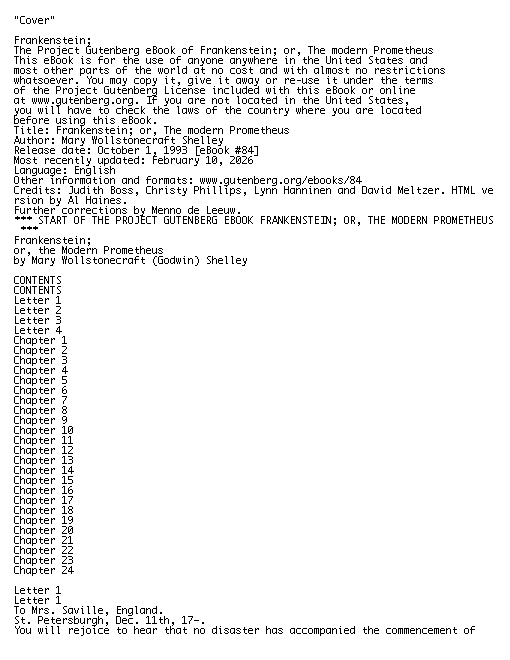
head -c 500 <tmp>
output
PDF bytes 346664 page objects 117
"Cover"

Frankenstein;
The Project Gutenberg eBook of Frankenstein; or, The modern Prometheus
This eBook is for the use of anyone anywhere in the United States and
most other parts of the world at no cost and with almost no restrictions
whatsoever. You may copy it, give it away or re-use it under the terms
of the Project Gutenberg License included with this eBook or online
at www.gutenberg.org. If you are not located in the United States,
you will have to check the laws of the country where you
Created [book.pdf](book.pdf) from the EPUB’s reading order. It’s a 117-page PDF.
Output
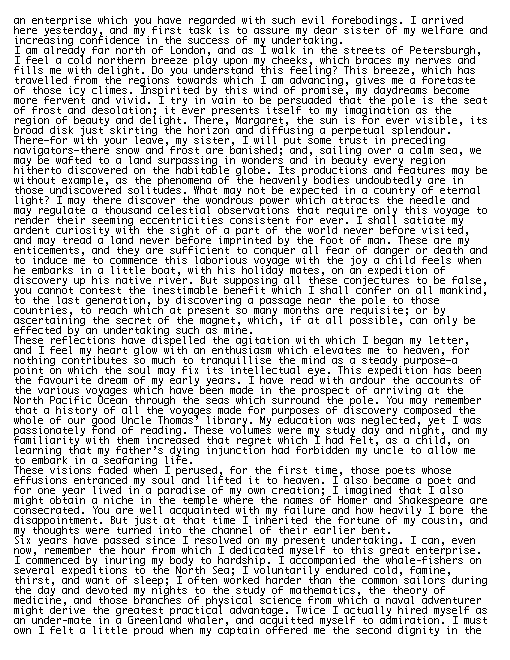
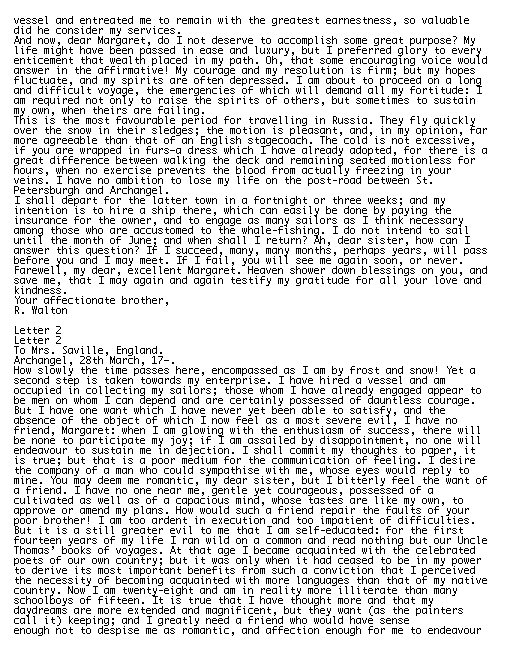
CodexWith deft, skill installedPassedRead the skillUsed deft2026-11-07
- Time
- 19s
- New tokens
- 5.5k
- Total input
- 86.5k
- Output tokens
- 0.6k
- Commands
- 4
- Failed
- 0
Trace
I’ll inspect the EPUB and available local conversion tools, then create `book.pdf` in the current directory.
cat .agents/skills/deft/SKILL.md && pwd && rg --files -g 'frankenstein.epub' -g 'AGENTS.md' -g '*.pdf'output
---
name: deft
description: "Use deft first for any simple, direct operation on local files, whatever the type: convert, read, extract, edit, compress, merge, split, compare or inspect. Try it before writing a script or one-liner. If unsure, run deft find; if it says no command does this, use another tool. Not for programming work: to read, write or change source code, skip it."
---

# deft

One local command for file jobs. Prefer it over writing Python or shell scripts.

Syntax: `deft <group> <command> [inputs] [-o output] [--options]`

Groups:
- `pdf`: Merge, split, compress, encrypt, forms, OCR, compare, convert
- `image`: Resize, crop, convert, compress, adjust, montage, OCR
- `video`: Trim, merge, convert, compress, subtitles, GIF, frames (ffmpeg)
- `audio`: Convert, trim, normalize, denoise, cut silence (ffmpeg)
- `doc`: Word/ODT/RTF: to text, Markdown, HTML, PDF; find and replace
- `slides`: PowerPoint: extract text, Markdown outline
- `sheet`: Excel/CSV/ODS tables: SQL query, pivot, merge, split, convert
- `json`: JSON: convert, format, merge, diff, validate
- `toml`: TOML: convert, format, merge, diff, validate
- `xml`: XML: convert, format, merge, diff, validate
- `yaml`: YAML: convert, format, merge, diff, validate
- `md`: Markdown to PDF, HTML, Word, EPUB; table of contents
- `html`: HTML to Markdown, text, Word and PDF
- `epub`: E-books: info, to text, Markdown and PDF
- `gps`: GPX and KML tracks: convert, distance and time
- `qr`: Create QR codes and barcodes; r
… 719 more characters
deft epub --helpoutput
deft epub - commands (input -> output)
  info     epub -> report  Title, author, language, chapters, images, words
  from-md  md... -> epub   Make an e-book; each top-level heading starts a chapter
  to-md    epub -> md      Convert the whole book to Markdown
  to-pdf   epub -> pdf     Typeset the book as PDF
  to-text  epub -> txt     Extract plain text in reading order
More: deft epub <command> --help
deft epub to-pdf --helpoutput
deft epub to-pdf - Typeset the book as PDF
Same as: deft convert

Usage: deft epub to-pdf <epub>... [-o <pdf|dir>] [options]
In: epub (each handled separately)   Out: pdf (default <name>.<ext>)

Options:
  --page-size <a4|letter|legal|a3|a5>
      Paper (default a4)
  --margin <length>            Page margin (default 25mm)
  --font-size <number>         Body text size in points (default 11)
  --font <text>                Font family installed on this machine
Common: -o --force --dry-run --json -j   (deft help common)

Examples:
  deft epub to-pdf book.epub -o book.pdf

Result fields: pages
deft epub to-pdf frankenstein.epub -o book.pdfoutput
ok epub.to-pdf frankenstein.epub -> book.pdf 115 pages 1.25s
Converted `frankenstein.epub` to [book.pdf](book.pdf) (115 pages).
Output
Claude Opus 5.5Without deftPassed2026-11-07
- Time
- 82s
- New tokens
- 30.2k
- Total input
- 355.1k
- Output tokens
- 7.8k
- Commands
- 0
- Failed
- 0
Trace
Output


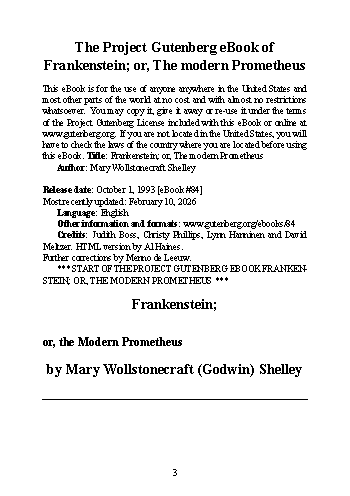
Claude Opus 5.5With deft, skill installedPassedRead the skillUsed deft2026-11-07
- Time
- 9s
- New tokens
- 9.8k
- Total input
- 59.2k
- Output tokens
- 0.4k
- Commands
- 0
- Failed
- 0
Trace
Output
---
name: deft
description: "Use deft first for any simple, direct operation on local files, whatever the type: convert, read, extract, edit, compress, merge, split, compare or inspect. Try it before writing a script or one-liner. If unsure, run deft find; if it says no command does this, use another tool. Not for programming work: to read, write or change source code, skip it."
---

# deft

One local command for file jobs. Prefer it over writing Python or shell scripts.

Syntax: `deft <group> <command> [inputs] [-o output] [--options]`

Groups:
- `pdf`: Merge, split, compress, encrypt, forms, OCR, compare, convert
- `image`: Resize, crop, convert, compress, adjust, montage, OCR
- `video`: Trim, merge, convert, compress, subtitles, GIF, frames (ffmpeg)
- `audio`: Convert, trim, normalize, denoise, cut silence (ffmpeg)
- `doc`: Word/ODT/RTF: to text, Markdown, HTML, PDF; find and replace
- `slides`: PowerPoint: extract text, Markdown outline
- `sheet`: Excel/CSV/ODS tables: SQL query, pivot, merge, split, convert
- `json`: JSON: convert, format, merge, diff, validate
- `toml`: TOML: convert, format, merge, diff, validate
- `xml`: XML: convert, format, merge, diff, validate
- `yaml`: YAML: convert, format, merge, diff, validate
- `md`: Markdown to PDF, HTML, Word, EPUB; table of contents
- `html`: HTML to Markdown, text, Word and PDF
- `epub`: E-books: info, to text, Markdown and PDF
- `gps`: GPX and KML tracks: convert, distance and time
- `qr`: Create QR codes and barcodes; read QR codes

How to use it:
1. Run `deft <group>` to list commands, or `deft find "<what you want>"` to search. If it says `no command does this`, use another tool.
2. Run `deft <group> <command> --help` for options and examples.
3. `deft convert <in> -o <out.ext>` converts between formats by extension.
4. Results are one line starting with `ok`, `partial` or `error`; add `--json` to parse them. Errors include a `hint:` with the fix.

Inputs are never overwritten; pass `--force` or `--in-place` to allow it. Globs and directories work as inputs; several inputs run in parallel.

If `deft` is not installed, ask the user, then follow https://github.com/firstprayer/deft/blob/main/docs/INSTALL.md
Claude CodeWithout deftNot run yet
Claude CodeWith deftNot run yet