Evals / documents / Make a PDF
Chinese Markdown to PDF
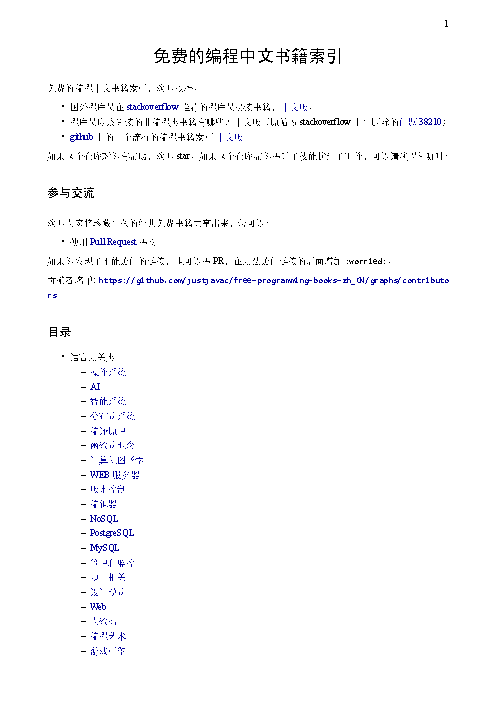
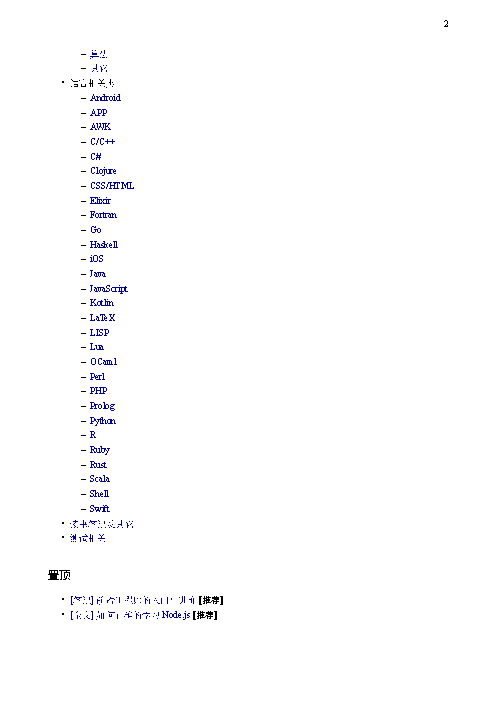
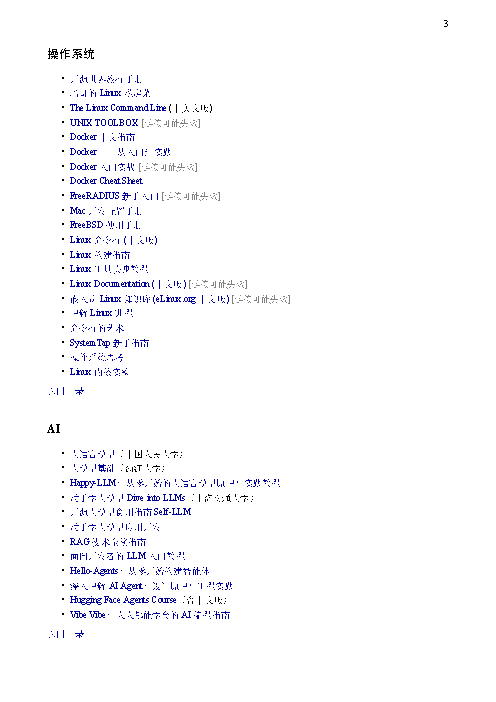
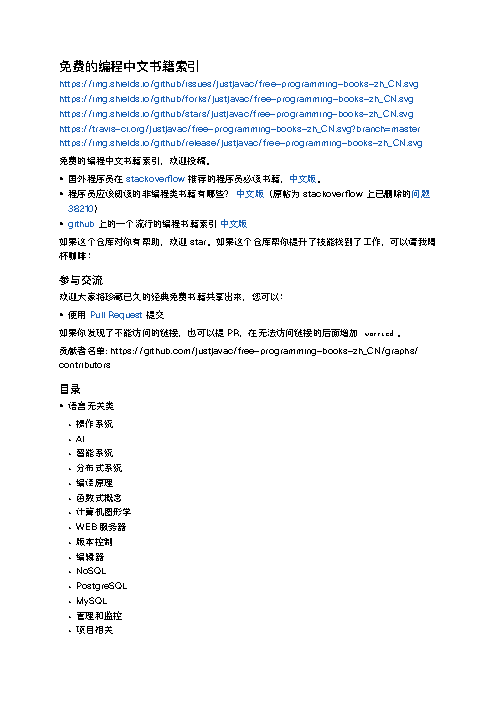
把 books.md 转成 PDF,保存为 books.pdf,中文必须正常显示。
In English: Convert books.md to PDF and save it as books.pdf. The Chinese text must display correctly.
The task
The reference answer shows the job can be done with deft. It is not an agent run.
deft md to-pdf books.md -o books.pdf
Input
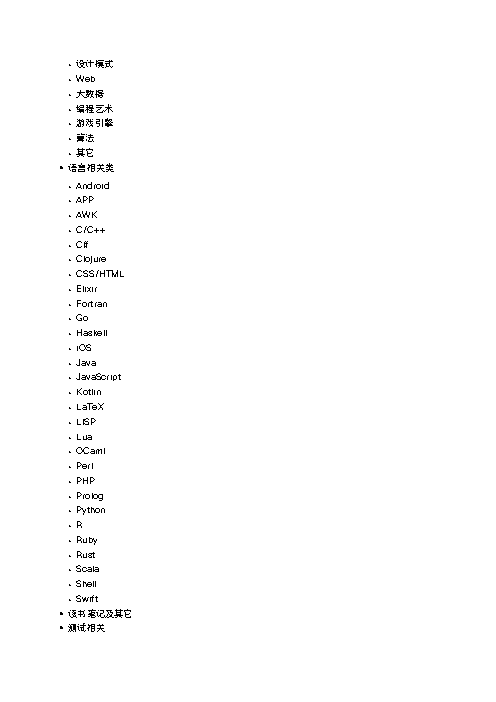
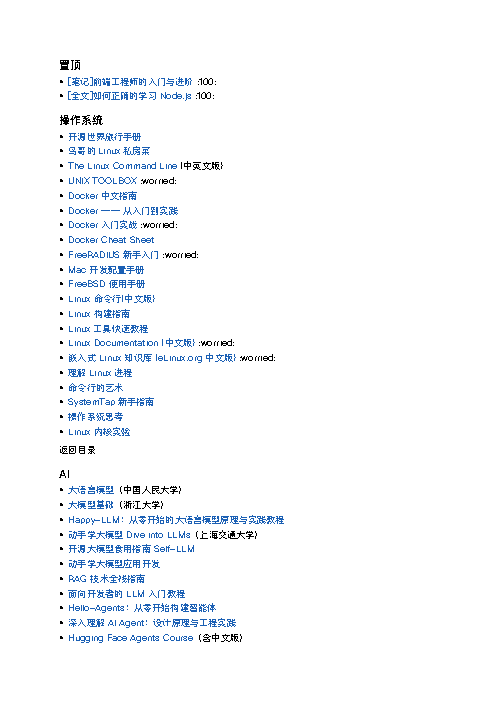
免费的编程中文书籍索引 ============================ [](https://github.com/justjavac/free-programming-books-zh_CN/issues) [](https://github.com/justjavac/free-programming-books-zh_CN/network) [](https://github.com/justjavac/free-programming-books-zh_CN/stargazers) [](https://travis-ci.org/justjavac/free-programming-books-zh_CN) [](https://github.com/justjavac/free-programming-books-zh_CN/releases) 免费的编程中文书籍索引,欢迎投稿。 - 国外程序员在 [stackoverflow](http://stackoverflow.com/questions/1711/what-is-the-single-most-influential-book-every-programmer-should-read/1713%231713) 推荐的程序员必读书籍,[中文版](http://justjavac.com/other/2012/05/15/qualified-programmer-should-read-what-books.html "一个合格的程序员应该读过哪些书")。 - 程序员应该阅读的非编程类书籍有哪些? [中文版](what-non-programming-books-should-programmers-read.md)(原帖为 stackoverflow 上已删除的[问题 38210](https://web.archive.org/web/20170103152138/http://stackoverflow.com/questions/38210/what-non-programming-books-should-programmers-read)) - [github](https://github.com/EbookFoundation/free-programming-books) 上的一个流行的编程书籍索引 [中文版](https://github.com/EbookFoundation/free-programming-books/blob/main/books/free-programming-books-zh.md) 如果这个仓库对你有帮助,欢迎 star。如果这个仓库帮你提升了技能找到了工作,可以请我喝杯咖啡: <p align="center"><img src="https://dl.deno.js.cn/buy-me-a-coffee-wechat.png" width="320" height="320" alt="" /></p> ## 参与交流 欢迎大家将珍藏已久的经典免费书籍共享出来,您可以: * 使用 [Pull Request](https://github.com/justjavac/free-programming-books-zh_CN/pulls) 提交 如果你发现了不能访问的链接,也可以提 PR,在无法访问链接的后面增加 `:worried:`。 贡献者名单: https://github.com/justjavac/free-programming-books-zh_CN/graphs/contributors ## 目录 * 语言无关类 * [操作系统](#操作系统) * [AI](#ai) * [智能系统](#智能系统) * [分布式系统](#分布式系统) * [编译原理](#编译原理) * [函数式概念](#函数式概念) * [计算机图形学](#计算机图形学) * [WEB服务器](#web服务器) * [版本控制](#版本控制) * [编辑器](#编辑器) * [NoSQL](#nosql) * [PostgreSQL](#postgresql) * [MySQL](#mysql) * [管理和监控](#管理和监控) * [项目相关](#项目相关) * [设计模式](#设计模式) * [Web](#web) * [大数据](#大数据) * [编程艺术](#编程艺术) * [游戏引擎](#游戏引擎) * [算法](#算法) * [其它](#其它) * 语言相关类 * [Android](#android) * [APP](#app) * [AWK](#awk) * [C/C++](#cc) * [C#](#c) * [Clojure](#clojure) * [CSS/HTML](#csshtml) * [Elixir](#elixir) * [Fortran](#fortran) * [Go](#go) * [Haskell](#haskell) * [iOS](#ios) * [Java](#java) * [JavaScript](#javascript) * [Kotlin](#kotlin) * [LaTeX](#latex) * [LISP](#lisp) * [Lua](#lua) * [OCaml](#OCaml) * [Perl](#perl) * [PHP](#php) * [Prolog](#prolog) * [Python](#python) * [R](#r) * [Ruby](#ruby) * [Rust](#rust) * [Scala](#scala) * [Shell](#shell) * [Swift](#swift) * [读书笔记及其它](#读书笔记及其它) * … 36052 more characters
Reference output
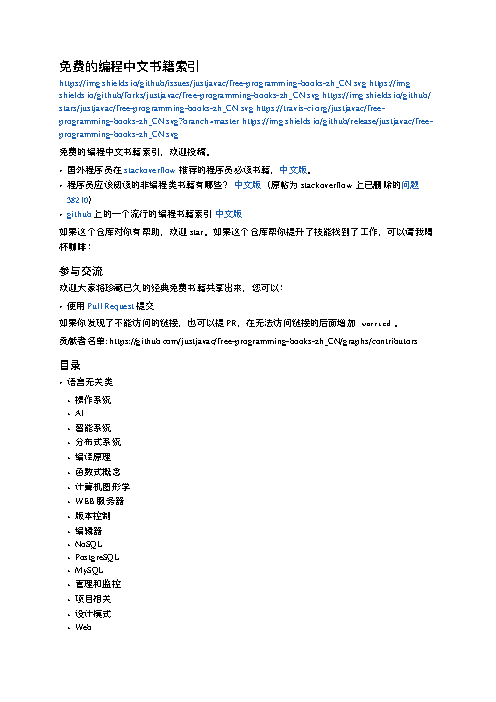
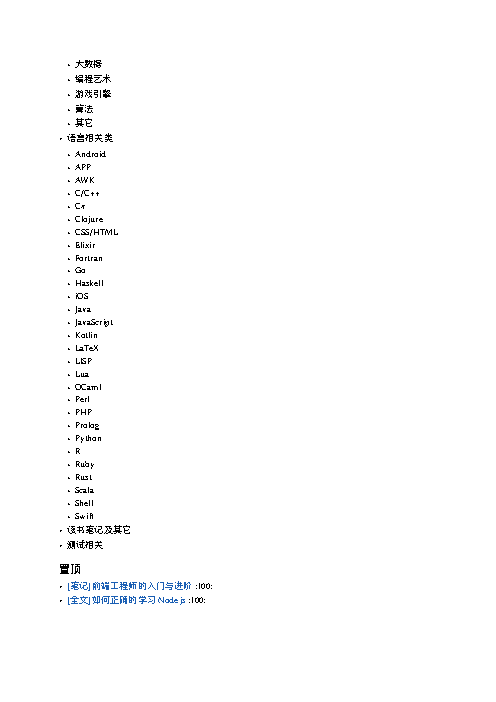
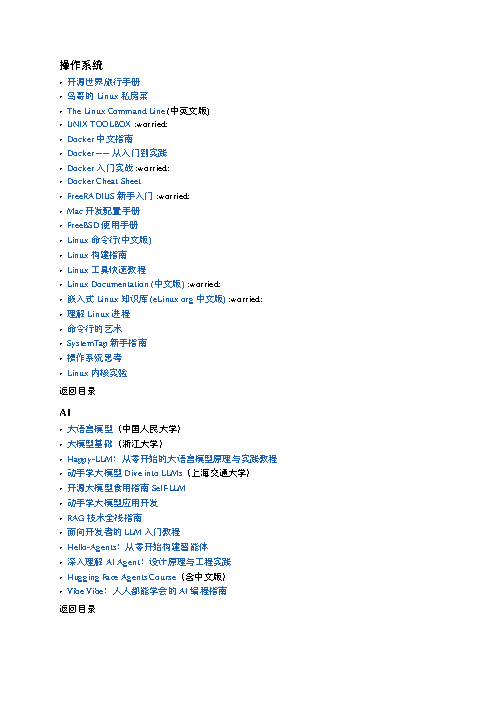
How a result is judged (2 checks)
- pdf_text: file = "books.pdf", contains = ["编程"]
- pdf_page: file = "books.pdf", page = 1, ink_min = 0.01
Runs
CodexWithout deftFailed2026-11-07
books.pdf does not contain "编程"
- Time
- 98s
- New tokens
- 30.0k
- Total input
- 275.0k
- Output tokens
- 2.3k
- Commands
- 12
- Failed
- 3
Trace
我先检查 `books.md` 的内容和当前环境可用的 PDF 转换工具,再生成 `books.pdf` 并确认中文字体能正常嵌入或渲染。
pwd && rg --files -g 'books.md' -g 'AGENTS.md' -g '*.css' | head -80 && command -v pandoc && command -v weasyprint && command -v wkhtmltopdf && command -v prince && command -v libreoffice (exit 1)output
books.md
cat books.md && command -v pandoc || true; command -v python3 || true; command -v weasyprint || true; command -v wkhtmltopdf || true; command -v libreoffice || true; command -v typst || true; command -v chromium || true; fc-list :lang=zh family | head -20output
免费的编程中文书籍索引 ============================ [](https://github.com/justjavac/free-programming-books-zh_CN/issues) [](https://github.com/justjavac/free-programming-books-zh_CN/network) [](https://github.com/justjavac/free-programming-books-zh_CN/stargazers) [](https://travis-ci.org/justjavac/free-programming-books-zh_CN) [](https://github.com/justjavac/free-programming-books-zh_CN/releases) 免费的编程中文书籍索引,欢迎投稿。 - 国外程序员在 [stackoverflow](http://stackoverflow.com/questions/1711/what-is-the-single-most-influential-book-every-programmer-should-read/1713%231713) 推荐的程序员必读书籍,[中文版](http://justjavac.com/other/2012/05/15/qualified-programmer-should-read-what-books.html "一个合格的程序员应该读过哪些书")。 - 程序员应该阅读的非编程类书籍有哪些? [中文版](what-non-programming-books-should-programmers-read.md)(原帖为 stackoverflow 上已删除的[问题 38210](https://web.archive.org/web/20170103152138/http://stackoverflow.com/questions/38210/what-non-programming-books-should-programmers-read)) - [github](https://github.com/EbookFoundation/free-programming-books) 上的一个流行的编程书籍索引 [中文版](https://github.com/EbookFoundation/free-programming-boo … 37929 more characters
python3 -c 'import importlib.util as u; print({x: bool(u.find_spec(x)) for x in [\"markdown\",\"weasyprint\",\"reportlab\",\"fitz\",\"mistune\",\"xhtml2pdf\"]})' ; command -v textutil || true; command -v cupsfilter || true; ls -laoutput
{'markdown': False, 'weasyprint': False, 'reportlab': False, 'fitz': False, 'mistune': False, 'xhtml2pdf': False}
/usr/bin/textutil
/usr/sbin/cupsfilter
total 96
drwxr-xr-x@    3 user  staff     96 Nov  6 17:13 .
drwx------@ 1710 user  staff  54720 Nov  6 17:13 ..
-rw-r--r--@    1 user  staff  46287 Nov  5 21:11 books.md
textutil -convert html -stdout books.md | head -c 400 && cupsfilter -i text/markdown -m application/pdf books.md > books.pdf && file books.pdf && ls -lh books.pdf (exit 1)output
<!DOCTYPE html PUBLIC "-//W3C//DTD HTML 4.01//EN" "http://www.w3.org/TR/html4/strict.dtd">
<html>
<head>
  <meta http-equiv="Content-Type" content="text/html; charset=utf-8">
  <meta http-equiv="Content-Style-Type" content="text/css">
  <title></title>
  <meta name="Generator" content="Cocoa HTML Writer">
  <meta name="CocoaVersion" content="2685.3">
  <style type="text/css">
    p.p1 {margin: 0.0cupsfilter: Unknown source MIME type text/markdown.
textutil -convert html -stdout books.md | cupsfilter -i text/html -m application/pdf > books.pdf; file books.pdf; ls -lh books.pdfoutput
cupsfilter: No filter to convert from text/html to application/pdf.
books.pdf: empty
-rw-r--r--@ 1 user  staff     0B Nov  6 17:13 books.pdf
系统有中文字体,但没有现成的 Markdown→PDF 排版器。我正在用 macOS 原生排版与 PDF 打印能力生成文件,中文会使用系统字体渲染。
swift --versionoutput
swift-driver version: 1.127.14.1 Apple Swift version 6.2.3 (swiftlang-6.2.3.3.21 clang-1700.6.3.2)
Target: arm64-apple-macosx26.0
ls -lh books.pdf; file books.pdf; pgrep -fl mdtopdf || trueoutput
-rw-r--r--@ 1 user  staff     0B Nov  6 17:13 books.pdf
books.pdf: empty
sysmon request failed with error: sysmond service not found
pgrep: Cannot get process list
swiftc <tmp> -o <tmp>cat > <tmp> <<'SWIFT' import AppKit import Foundation let input = URL(fileURLWithPath: CommandLine.arguments[1]) let output = URL(fileURLWithPath: CommandLine.arguments[2]) let markdown = try String(contentsOf: input, encoding: .utf8) let parsed = try AttributedString(markdown: markdown, options: AttributedString.MarkdownParsingOptions(interpretedSyntax: .full)) let text = NSMutableAttributedString(parsed) let full = NSRange(location: 0, length: text.length) text.addAttribute(.font, value: NSFont(name: \"Hiragino Sans GB\", size: 10) ?? NSFont.systemFont(ofSize: 10), range: full) text.addAttribute(.foregroundColor, value: NSColor.black, range: full) let page = NSSize(width: 612, height: 792) let inset: CGFloat = 52 let container = NSTextContainer(containerSize: NSSize(width: page.width - inset * 2, height: .greatestFiniteMagnitude)) container.widthTracksTextView = true let layout = NSLayoutManager() layout.addTextContainer(container) let storage = NSTextStorage(attributedString: text) storage.addLayoutManager(layout) let view = NSTextView(frame: NSRect(x: 0, y: 0, width: page.width - inset * 2, height: 1000), textContainer: container) view.textContainerInset = NSSize(width: 0, height: 0) view.isEditable = false view.drawsBackground = true view.backgroundColor = .white let info = NSPrintInfo() info.paperSize = page info.topMargin = inset info.bottomMargin = inset info.leftMargin = inset info.rightMargin = inset info.horizontalPagination = .fit info.verticalPagination = .automatic info.jobDisposition = .save info.dictionary()[NSPrintInfo.AttributeKey.jobSavingURL] = output let op = NSPrintOperation(view: view, printInfo: info) op.showsPrintPanel = false op.showsProgressPanel = false guard op.run() else { fatalError(\"PDF print operation failed\") } SWIFT swift <tmp> book … 52 more charactersoutput
2026-11-06 17:14:44.225 swift-frontend[89776:6490628] CFURLGetFSRef was passed a URL which has no scheme (the URL will not work with other CFURL routines)
2026-11-06 17:14:44.293 swift-frontend[89776:6490628] CFURLCopyResourcePropertyForKey failed because it was passed a URL which has no scheme
books.pdf: PDF document, version 1.3, 2 pages
-rw-r--r--@ 1 user  staff   963K Nov  6 17:14 books.pdf
<tmp> books.md books.pdfoutput
2026-11-06 17:14:46.568 mdtopdf[92669:6503871] CFURLGetFSRef was passed a URL which has no scheme (the URL will not work with other CFURL routines)
2026-11-06 17:14:46.612 mdtopdf[92669:6503871] CFURLCopyResourcePropertyForKey failed because it was passed a URL which has no scheme
file books.pdf && ls -lh books.pdf && mdls -name kMDItemNumberOfPages books.pdf && pdftotext books.pdf - | head -20 (exit 1)output
books.pdf: PDF document, version 1.3, 2 pages
-rw-r--r--@ 1 user  staff   963K Nov  6 17:14 books.pdf
books.pdf: could not find books.pdf.
cat > <tmp> <<'SWIFT'
import PDFKit
import Foundation
let d = PDFDocument(url: URL(fileURLWithPath: CommandLine.arguments[1]))"'!
print("pages='"\\(d.pageCount)\")
let s = (0..<d.pageCount).compactMap { d.page(at: "'$0)?.string }.joined()
print("characters='"\\(s.count)\")
print(\"hasChinese=\\(s.contains(\"免费\") && s.contains(\"编程\"))\")
SWIFT
swiftc <tmp> -o <tmp> && <tmp> books.pdf
output
pages=2
characters=4478
hasChinese=true
已生成 [books.pdf](books.pdf)。PDF 共 2 页,已确认能提取出中文文本。
Output
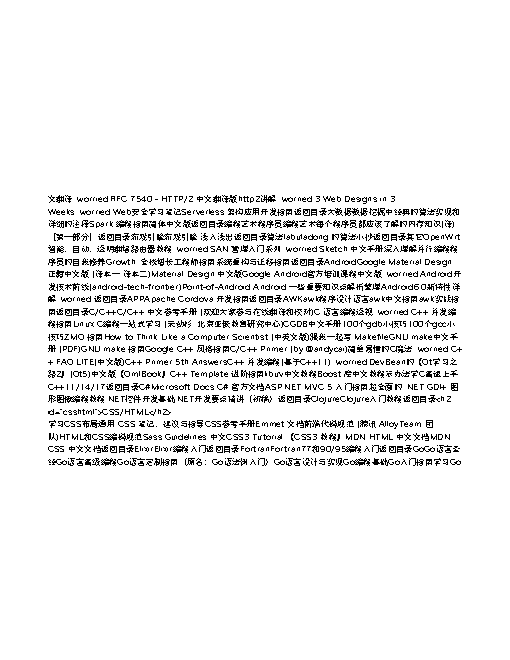
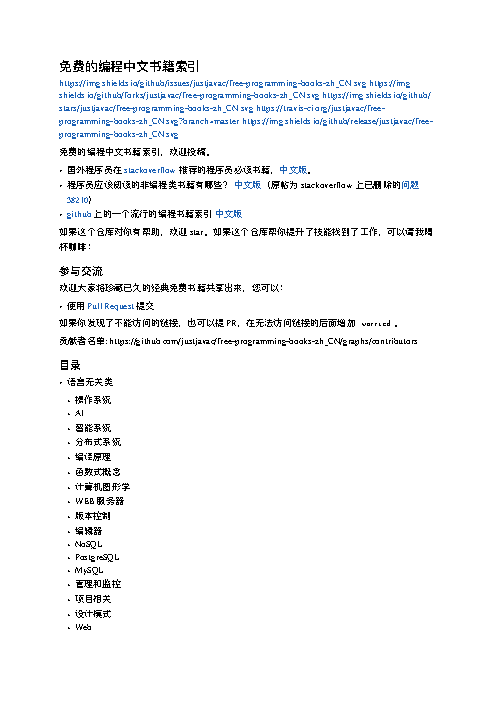
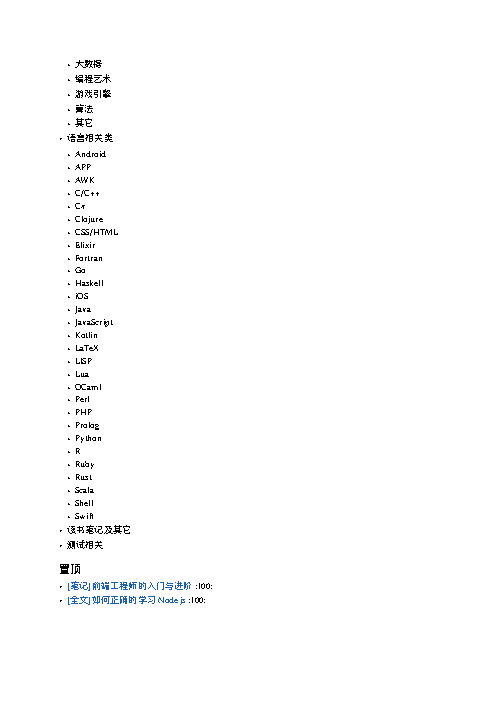
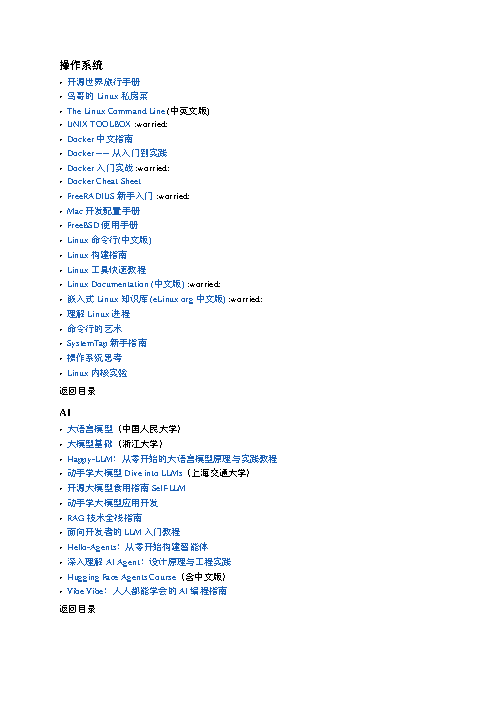
CodexWith deft, skill installedPassedRead the skillUsed deft2026-11-07
- Time
- 19s
- New tokens
- 5.9k
- Total input
- 73.9k
- Output tokens
- 0.5k
- Commands
- 4
- Failed
- 0
Trace
我会先查看 `deft` 文件转换说明和当前目录中的 `books.md`,再生成 `books.pdf` 并确认中文字体显示设置。
cat .agents/skills/deft/SKILL.md && rg --files -g 'books.md' -g 'AGENTS.md' -g 'books.pdf'output
---
name: deft
description: "Use deft instead of writing a script for file jobs: PDF merge/split/compress/watermark, image resize/convert/compress, video and audio trim/convert/compress, spreadsheets, Markdown to PDF/HTML, and YouTube downloads and subtitles."
---

# deft

One local command for file jobs. Prefer it over writing Python or shell scripts.

Syntax: `deft <group> <command> [inputs] [-o output] [--options]`

Groups:
- `pdf`: Merge, split, compress, encrypt, forms, OCR, compare, convert
- `image`: Resize, crop, convert, compress, filters, montage, OCR
- `video`: Trim, crop, speed, convert, compress, GIF, frames (ffmpeg)
- `audio`: Convert, trim, merge, fade, speed, tag, normalize (ffmpeg)
- `doc`: Word/ODT/RTF: to text, Markdown, HTML, PDF; find and replace
- `slides`: PowerPoint: extract text, Markdown outline, PDF handout
- `data`: JSON/YAML/TOML/XML: convert, query with jq syntax, merge, diff
- `sheet`: Excel/CSV/ODS tables: filter, sort, join, pivot, convert
- `md`: Markdown to PDF, HTML, Word, EPUB; table of contents
- `html`: HTML to Markdown, text, Word, PDF; screenshots
- `epub`: E-books: info, to text, Markdown and PDF
- `email`: EML files: headers, text, attachments
- `contact`: VCF address books: to and from CSV
- `calendar`: ICS calendars: to and from CSV
- `gps`: GPX and KML tracks: convert, distance and time
- `youtube`: Info, download, audio, subtitles, thumbnail (yt-dlp)
- `file`: Any file: hash, duplicates, batch rename, base64, encoding
- `qr`: Cre
… 737 more characters
deft mdoutput
deft md - commands (input -> output)
  from-docx  doc -> md      Convert to Markdown, keeping headings, lists and tables
  from-html  html -> md     Convert to Markdown; scripts and styles are dropped
  from-pdf   pdf -> md      Text as Markdown paragraphs [beta]
  to-docx    md -> docx     Write a Word document with headings, lists, tables, images
  to-epub    md... -> epub  Make an e-book; each top-level heading starts a chapter
  to-html    md -> html     Render to a styled HTML page, or --fragment
  to-pdf     md -> pdf      Typeset Markdown as PDF
  to-pptx    md -> pptx     Make a deck: each heading or --- starts a slide [beta]
  toc        md -> md       Insert a table of contents from the headings
More: deft md <command> --help
deft md to-pdf --help && deft md to-pdf books.md -o books.pdfoutput
deft md to-pdf - Typeset Markdown as PDF
Same as: deft pdf from-md · deft convert

Usage: deft md to-pdf <md>... [-o <pdf|dir>] [options]
In: md (each handled separately)   Out: pdf (default <name>.<ext>)
Relative image paths resolve against the Markdown file. Non-Latin text uses system fonts.

Options:
  --page-size <a4|letter|legal|a3|a5>
      Paper (default a4)
  --margin <length>            Page margin (default 25mm)
  --font-size <number>         Body text size in points (default 11)
  --font <text>                Font family installed on this machine
Common: -o --force --dry-run --json -j   (deft help common)

Examples:
  deft md to-pdf notes.md -o notes.pdf
  deft pdf from-md notes.md --page-size letter --font-size 12 -o letter.pdf

Result fields: pages
ok md.to-pdf books.md -> books.pdf  18 pages  0.72s
warning: remote image not embedded: https://img.shields.io/github/issues/justjavac/free-programming-books-zh_CN.svg
warning: remote image not embedded: https://img.shields.io/github/forks/justjavac/free-programming-books-zh_CN.svg
warning: remote image not embedded: https://img.shields.io/github/stars/justjavac/free-programming-books-zh_CN.svg
warning: remote image not embedded: https://travis-ci.org/justjavac/free-programming-books-zh_CN.svg?branch=master
warning: remote image not embedded: https://img.shields.io/github/release/justjavac/free-programming-books-zh_CN.svg
warning: raw HTML is skipped in PDF output
`books.pdf` 已生成,共 18 页。转换器提示它会使用系统字体处理非拉丁文字;我再检查一下 PDF 是否确实嵌入了中文字体,避免只确认文件存在。
ls -lh books.pdf && (pdffonts books.pdf || true) && (pdftotext -f 1 -l 2 books.pdf - | head -40 || true)output
-rw-r--r--@ 1 user  staff   750K Nov  6 17:13 books.pdf
zsh:1: command not found: pdffonts
zsh:1: command not found: pdftotext
已将 `books.md` 转成 [books.pdf](books.pdf),共 18 页。转换器使用系统字体处理中文;当前环境没有 `pdffonts` 和 `pdftotext`,无法进一步检查字体嵌入或提取文本。
Output
CodexWith deft, skill as AGENTS.mdPassed2026-11-05
- Time
- 15s
- New tokens
- 10.5k
- Total input
- 61.5k
- Output tokens
- 0.5k
- Commands
- 4
- Failed
- 0
Trace
我会在当前目录检查 `books.md` 和 `deft` 的 Markdown 转 PDF 选项,然后生成 `books.pdf` 并确认文件结果。
deft mdoutput
deft md - commands (input -> output)
  to-html  md -> html  Render to a styled HTML page, or --fragment
  to-pdf   md -> pdf   Typeset a PDF with headings, tables, code, images
More: deft md <command> --help
deft md to-pdf --helpoutput
deft md to-pdf - Typeset a PDF with headings, tables, code, images
Same as: deft pdf from-md · deft convert

Usage: deft md to-pdf <md>... [-o <pdf|dir>] [options]
In: md (each handled separately)   Out: pdf (default <name>.<ext>)
Relative image paths resolve against the Markdown file. Non-Latin text uses system fonts.

Options:
  --page-size <a4|letter|legal|a3|a5>
      Paper (default a4)
  --margin <length>            Page margin (default 25mm)
  --font-size <number>         Body text size in points (default 11)
  --font <text>                Font family installed on this machine
Common: -o --force --dry-run --json -j   (deft help common)

Examples:
  deft md to-pdf notes.md -o notes.pdf
  deft pdf from-md notes.md --page-size letter --font-size 12 -o letter.pdf

Result fields: pages
ls -l books.mdoutput
-rw-r--r--@ 1 user staff 46287 Nov 4 19:32 books.md
deft md to-pdf books.md -o books.pdf --jsonoutput
{"elapsed_ms":647,"items":[{"facts":{"pages":18},"inputs":["books.md"],"ok":true,"outputs":[{"bytes":768390,"format":"pdf","path":"books.pdf"}],"warnings":["remote image not embedded: https://img.shields.io/github/issues/justjavac/free-programming-books-zh_CN.svg","remote image not embedded: https://img.shields.io/github/forks/justjavac/free-programming-books-zh_CN.svg","remote image not embedded: https://img.shields.io/github/stars/justjavac/free-programming-books-zh_CN.svg","remote image not embedded: https://travis-ci.org/justjavac/free-programming-books-zh_CN.svg?branch=master","remote image not embedded: https://img.shields.io/github/release/justjavac/free-programming-books-zh_CN.svg","raw HTML is skipped in PDF output"]}],"ok":true,"op":"md.to-pdf","v":1}已将 [books.md](books.md) 转换为 [books.pdf](books.pdf),共 18 页。转换工具使用系统字体处理非拉丁文字;部分远程图片和原始 HTML 未嵌入 PDF。
Output
Its files were not kept in this run. The last line of the trace is its own report.
Claude Opus 5.5Without deftPassed2026-11-07
- Time
- 69s
- New tokens
- 24.1k
- Total input
- 177.4k
- Output tokens
- 5.5k
- Commands
- 0
- Failed
- 0
Trace
Output
Claude Opus 5.5With deft, skill installedPassedRead the skillUsed deft2026-11-07
- Time
- 23s
- New tokens
- 13.7k
- Total input
- 114.9k
- Output tokens
- 1.0k
- Commands
- 0
- Failed
- 0
Trace
Output
---
name: deft
description: "Use deft first for any simple, direct operation on local files, whatever the type: convert, read, extract, edit, compress, merge, split, compare or inspect. Try it before writing a script or one-liner. If unsure, run deft find; if it says no command does this, use another tool. Not for programming work: to read, write or change source code, skip it."
---

# deft

One local command for file jobs. Prefer it over writing Python or shell scripts.

Syntax: `deft <group> <command> [inputs] [-o output] [--options]`

Groups:
- `pdf`: Merge, split, compress, encrypt, forms, OCR, compare, convert
- `image`: Resize, crop, convert, compress, adjust, montage, OCR
- `video`: Trim, merge, convert, compress, subtitles, GIF, frames (ffmpeg)
- `audio`: Convert, trim, normalize, denoise, cut silence (ffmpeg)
- `doc`: Word/ODT/RTF: to text, Markdown, HTML, PDF; find and replace
- `slides`: PowerPoint: extract text, Markdown outline
- `sheet`: Excel/CSV/ODS tables: SQL query, pivot, merge, split, convert
- `json`: JSON: convert, format, merge, diff, validate
- `toml`: TOML: convert, format, merge, diff, validate
- `xml`: XML: convert, format, merge, diff, validate
- `yaml`: YAML: convert, format, merge, diff, validate
- `md`: Markdown to PDF, HTML, Word, EPUB; table of contents
- `html`: HTML to Markdown, text, Word and PDF
- `epub`: E-books: info, to text, Markdown and PDF
- `gps`: GPX and KML tracks: convert, distance and time
- `qr`: Create QR codes and barcodes; read QR codes

How to use it:
1. Run `deft <group>` to list commands, or `deft find "<what you want>"` to search. If it says `no command does this`, use another tool.
2. Run `deft <group> <command> --help` for options and examples.
3. `deft convert <in> -o <out.ext>` converts between formats by extension.
4. Results are one line starting with `ok`, `partial` or `error`; add `--json` to parse them. Errors include a `hint:` with the fix.

Inputs are never overwritten; pass `--force` or `--in-place` to allow it. Globs and directories work as inputs; several inputs run in parallel.

If `deft` is not installed, ask the user, then follow https://github.com/firstprayer/deft/blob/main/docs/INSTALL.md
Claude CodeWithout deftNot run yet
Claude CodeWith deftNot run yet