Evals / image / Multi-step jobs
Wide blog header in WebP
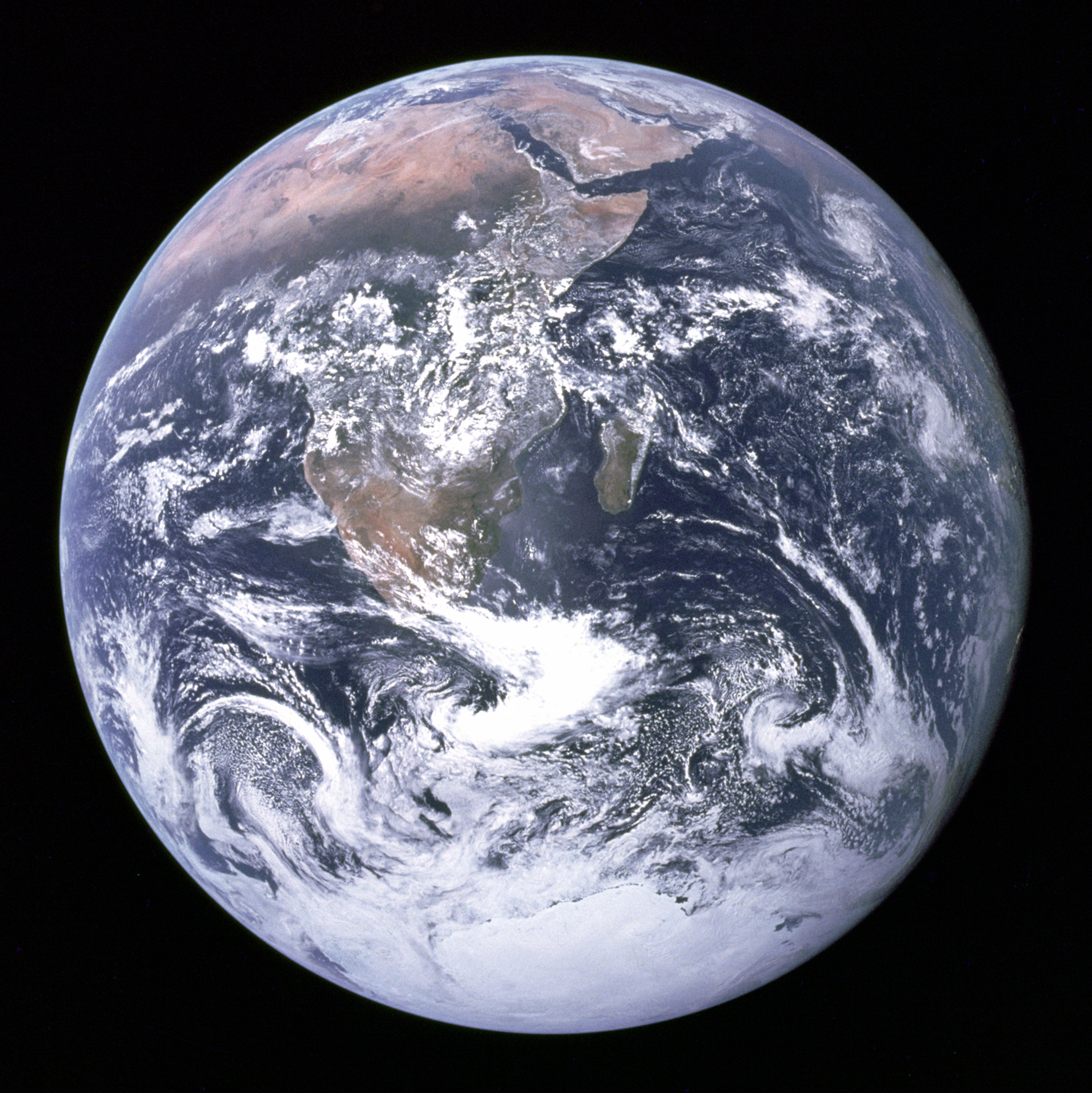
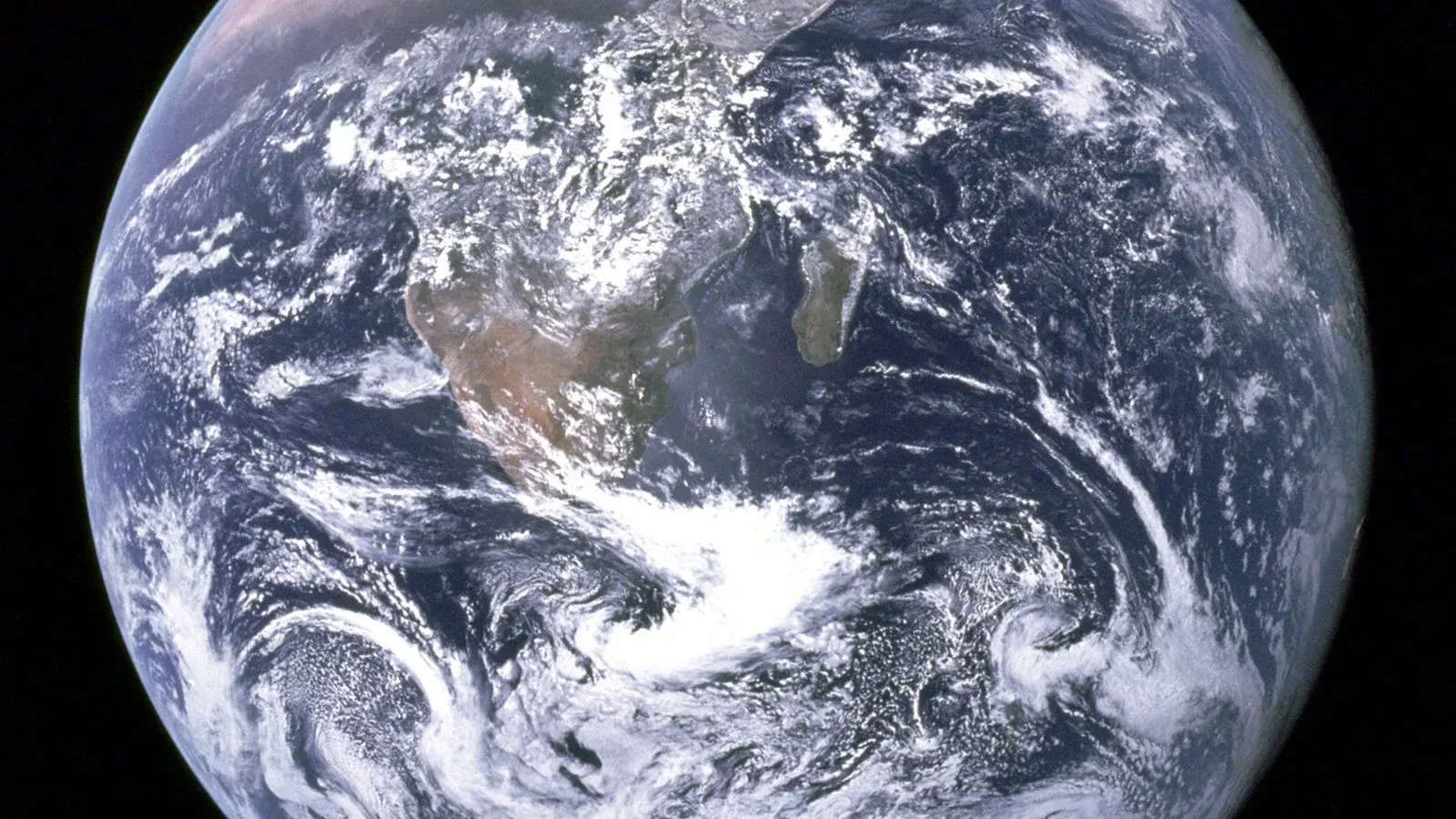
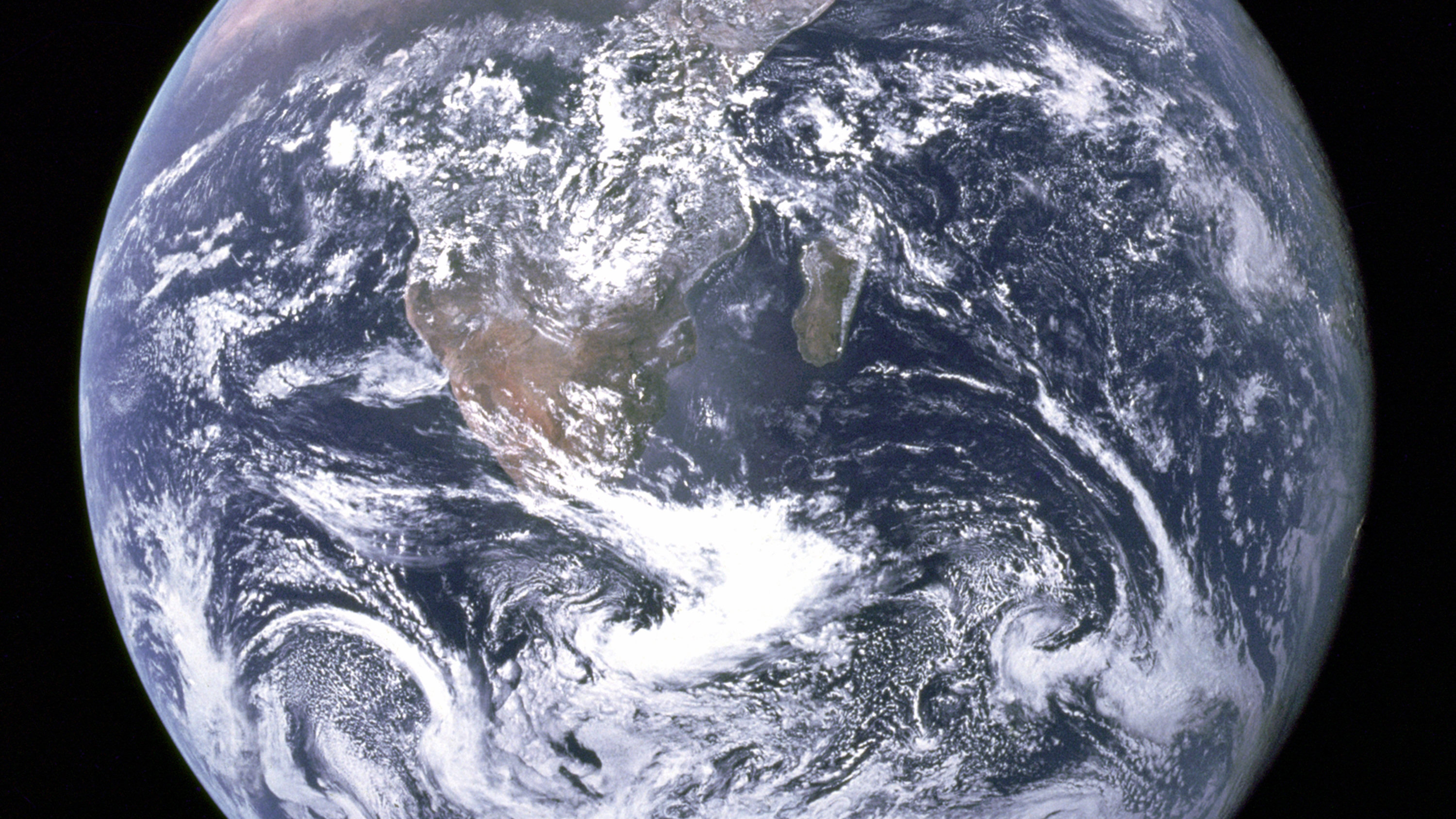
I need a header image for my blog from earth.jpg: a 16:9 crop from the centre, exactly 1600 by 900 pixels, saved as hero.webp and under 200KB.
The task
The reference answer shows the job can be done with deft. It is not an agent run.
deft image crop earth.jpg --aspect 16:9 -o wide.jpg
deft image resize wide.jpg --size 1600x900 -o wide-1600.jpg
deft image convert wide-1600.jpg --to webp -o large.webp
deft image compress large.webp --target-size 200KB -o hero.webp
Input
Reference output
How a result is judged (2 checks)
- max_bytes: file = "hero.webp", bytes = 204800
- python: code = "from PIL import Image, ImageChops, ImageOps, ImageStat\nim = Image.open('hero.webp')\nassert im.format == 'WEBP', im.format\nassert im.size == (1600, 900), im.size\nwant = ImageOps.fit(Image.open('earth.jpg').convert('RGB'), (1600, 900))\nd = sum(ImageStat.Stat(ImageChops.difference(want, im.convert('RGB'))).mean) / 3\nassert d < 12, ('not the centre 16:9 part of the photo', round(d, 1))\n"
Runs
Claude Opus 5.5Without deftPassed2026-11-15
- Time
- 15s
- New tokens
- 9.7k
- Total input
- 43.7k
- Output tokens
- 0.8k
- Commands
- 2
- Failed
- 0
Trace
ls -la; which magick convert cwebp ffmpeg vips sips; python3 -c "import PIL; print(PIL.__version__)"output
total 12720
drwxr-xr-x@   4 user  staff      128 Nov 14 19:36 .
drwx------@ 304 user  staff     9728 Nov 14 19:36 ..
drwxr-xr-x@   3 user  staff       96 Nov 14 19:36 .claude
-rw-r--r--@   1 user  staff  6511067 Nov  5 21:11 earth.jpg
magick not found
convert not found
~/opt/anaconda3/bin/cwebp
/opt/homebrew/bin/ffmpeg
vips not found
/usr/bin/sips
9.0.1
python3 -I - <<'EOF'
from PIL import Image, ImageOps, features
print(features.check('webp'))
im = ImageOps.exif_transpose(Image.open('earth.jpg'))
print(im.size, im.mode)
w,h = im.size
if w/h > 16/9:
    cw, ch = round(h*16/9), h
else:
    cw, ch = w, round(w*9/16)
l, t = (w-cw)//2, (h-ch)//2
im = im.crop((l,t,l+cw,t+ch)).convert('RGB').resize((1600,900), Image.LANCZOS)
import os
for q in range(85, 30, -5):
    im.save('hero.webp', 'WEBP', quality=q, method=6)
    s = os.path.getsize('hero.webp')
    print(q, s)
    if s < 200*1024: break
r = Image.open('hero.webp'); print(r.size, r.format)
EOF
output
True
(3000, 3002) RGB
85 262910
80 206962
75 166926
(1600, 900) WEBP
I made `hero.webp` from `earth.jpg`. It's exactly 1600×900 and 167 KB (166,926 bytes), so it's under the 200 KB limit. - **Crop:** the original is almost square (3000×3002), so I kept the full width and cut a 3000×1688 band from the vertical centre. That trims about 657 px from the top and the bottom. Then I scaled it down to 1600×900. - **Compression:** I saved it as WebP at quality 75. Quality 80 came out at about 207 KB, just over the limit. `earth.jpg` hasn't been changed.
Output
Its files were not kept in this run. The last line of the trace is its own report.
Claude Opus 5.5With deft, skill installedPassedRead the skillUsed deft2026-11-15
- Time
- 25s
- New tokens
- 13.1k
- Total input
- 81.9k
- Output tokens
- 1.1k
- Commands
- 3
- Failed
- 0
Trace
Loaded the deft skill
ls -la; deft image; deft image crop --help; deft image resize --helpoutput
total 12720
drwxr-xr-x@   4 user  staff      128 Nov 14 19:36 .
drwx------@ 304 user  staff     9728 Nov 14 19:36 ..
drwxr-xr-x@   4 user  staff      128 Nov 14 19:36 .claude
-rw-r--r--@   1 user  staff  6511067 Nov  5 21:11 earth.jpg
deft image - commands (input -> output)
  info         image -> report                  Format, dimensions, EXIF orientation, GPS
  adjust       image -> image                   Change --brightness, --contrast, --saturation, --gamma
  blur         image -> image                   Gaussian blur: --radius 5, or a --box region
  compress     JPEG, PNG or WebP -> image       Smaller file: --quality, --target-size 200KB
  convert      image -> image                   Change format: --to png|jpg|webp|avif|gif|tiff|bmp|ico
  crop         image -> image                   Cut a region: --box x,y,w,h or --aspect 16:9
  favicon      image -> ico+png...              Website icon set: favicon.ico and PNG sizes
  flip         image -> image                   Mirror: --direction horizontal|vertical
  frames       gif -> png...                    Save each frame of an animated GIF as PNG
  grayscale    image -> image                   Remove colour
  meta         image -> image                   Read EXIF, or set --title --author --copyright --date
  montage      image... -> image                Tile images into a grid: --cols 3 --size 300x300
  ocr          image -> txt                     Read the text in an image (tesseract)
  pad          image -> image
… 2317 more characters
deft image info earth.jpg && deft image crop earth.jpg --aspect 16:9 --position center --quality 100 -o "$TMPDIR/earth169.png" --force && deft image resize "$TMPDIR/earth169.png" --size 1600x900 --fit fill -o "$TMPDIR/hero_full.webp" --quality 90 --force && deft image compress "$TMPDIR/hero_full.webp" --target-size 200KB -o hero.webp && deft image info hero.webp && ls -l hero.webpoutput
ok image.info earth.jpg  3000x3002
width=3000 height=3002 orientation=1 has_metadata=true has_gps=false
ok image.crop earth.jpg -> <tmp>  3000x1688  0.86s
ok image.resize <tmp> -> <tmp>  1600x900  0.44s
ok image.compress <tmp> -> hero.webp  370KB -> 197KB (-47%)  1.47s
ok image.info hero.webp  1600x900
width=1600 height=900 orientation=1 has_metadata=false has_gps=false
-rw-r--r--@ 1 user  staff  201858 Nov 14 19:37 hero.webp
The file is 201,858 bytes. That's 197 KiB, but it's over 200 KB if you count 1 KB as 1,000 bytes, so I'll compress it a bit more to be safe.
deft image compress "$TMPDIR/hero_full.webp" --target-size 190KB -o hero.webp --force && deft image info hero.webp && ls -l hero.webpoutput
ok image.compress <tmp> -> hero.webp  370KB -> 189KB (-49%)  1.27s
ok image.info hero.webp  1600x900
width=1600 height=900 orientation=1 has_metadata=false has_gps=false
-rw-r--r--@ 1 user  staff  193356 Nov 14 19:37 hero.webp
I've saved `hero.webp` in the current directory. It's exactly 1600×900 and 193,356 bytes, which is under 200 KB whichever way you count a kilobyte. I checked the size and dimensions on the final file. - **Crop:** `earth.jpg` is 3000×3002, almost square. I cut the largest 16:9 area from the centre (3000×1688), which removes about 657px from the top and bottom. - **Resize and compress:** I scaled the crop down to 1600×900 and compressed it to WebP to get under the size limit. The temporary files are outside your folder and `earth.jpg` hasn't been changed. - **Metadata:** The image's metadata was removed along the way. It had no GPS location. My first pass came out at 201,858 bytes, which is under 200 KB only if 1 KB means 1,024 bytes. So I compressed it a little more.
Output
Its files were not kept in this run. The last line of the trace is its own report.