Evals / image / Multi-step jobs
Prepare photos for an online shop
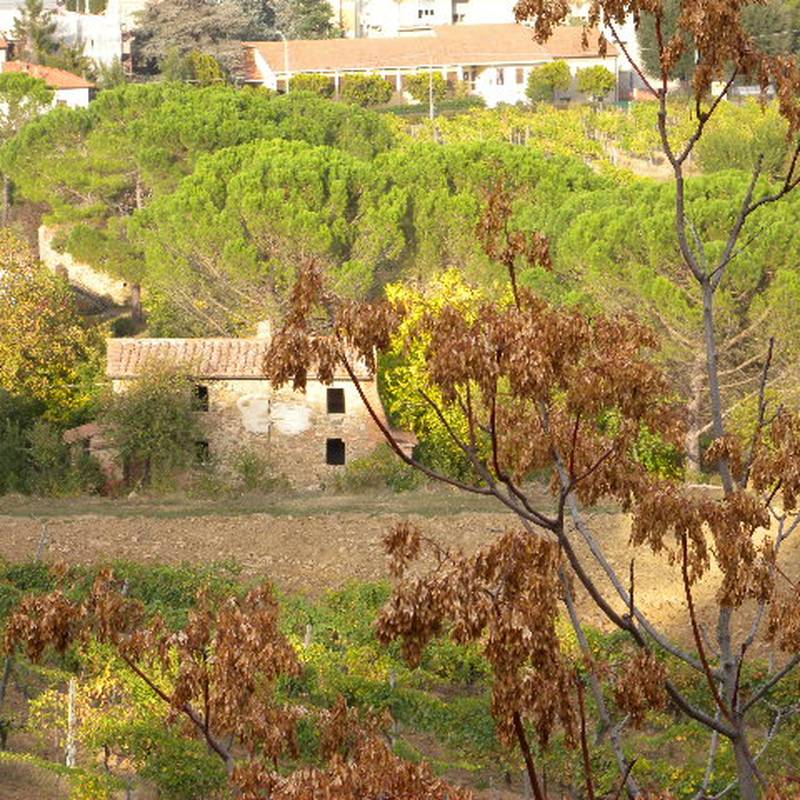
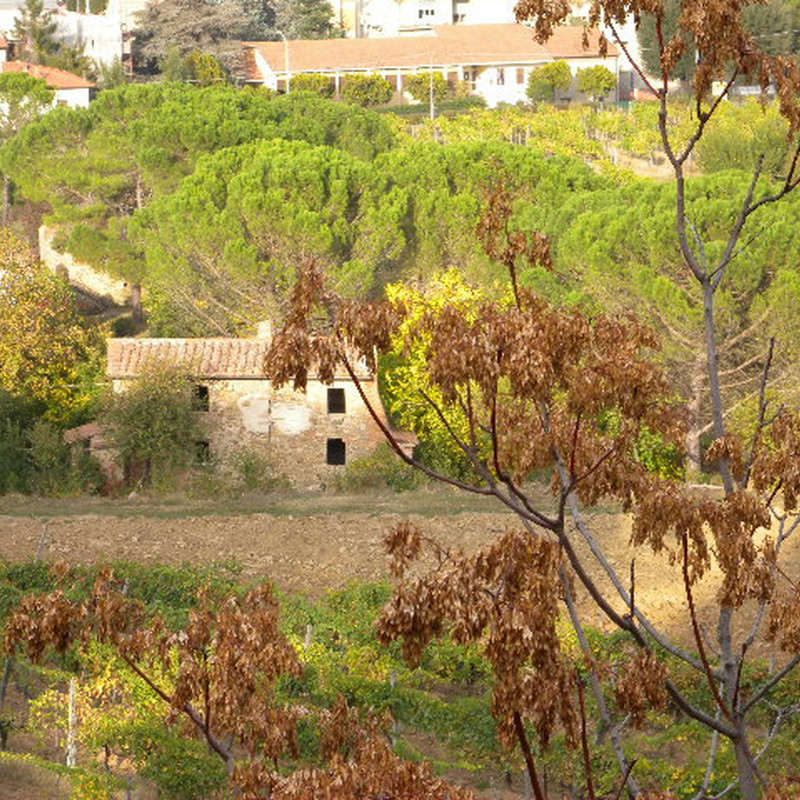
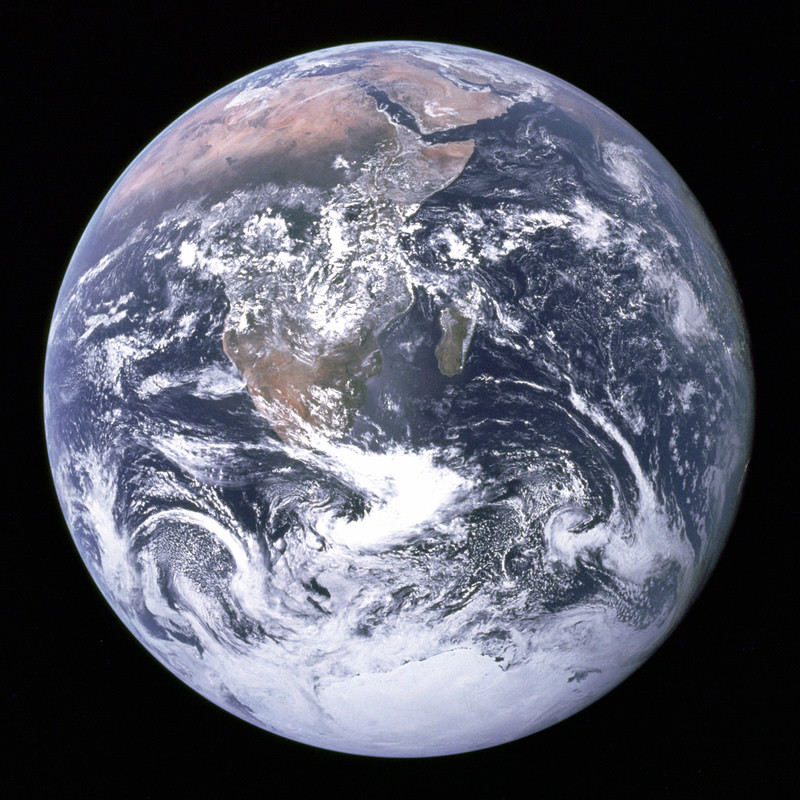
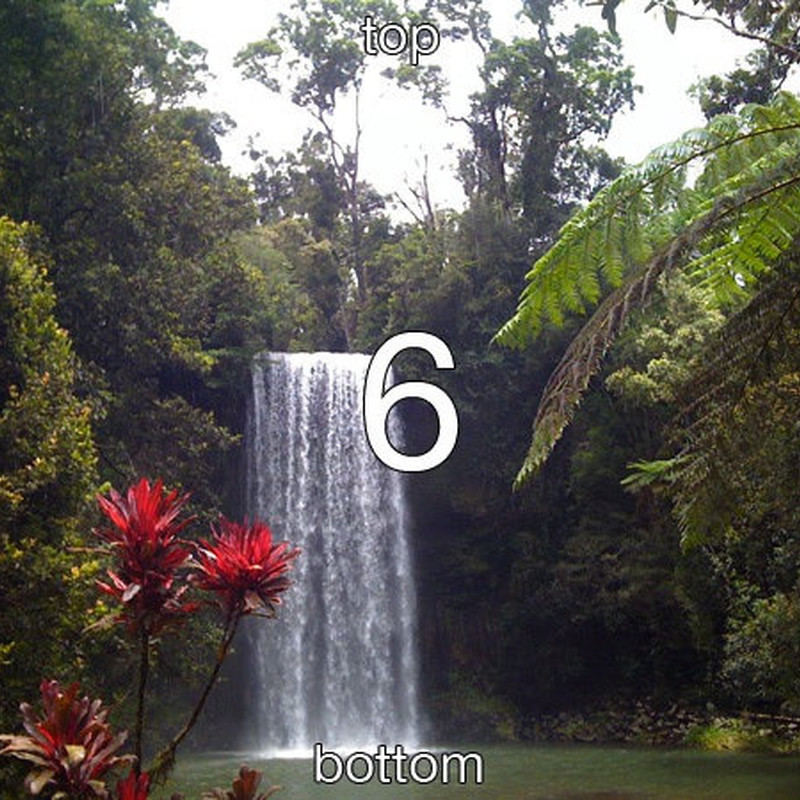
The photos folder is going on our online shop. Give me a folder called shop where every picture is upright, cropped to an 800 by 800 square from the centre, under 150KB and free of location data, named product-1.jpg, product-2.jpg and so on.
The task
The reference answer shows the job can be done with deft. It is not an agent run.
(none)
Input
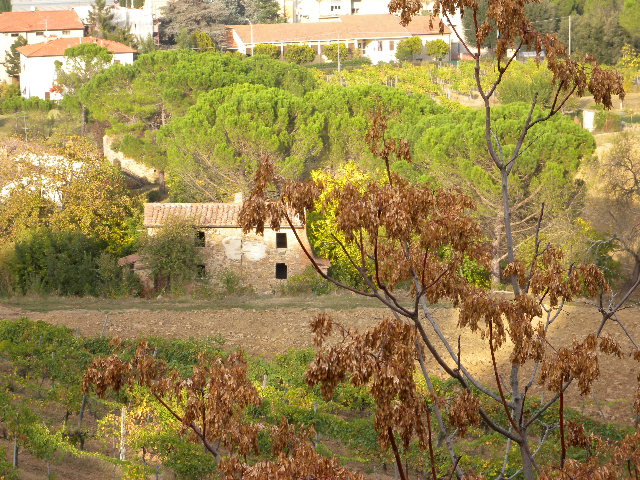
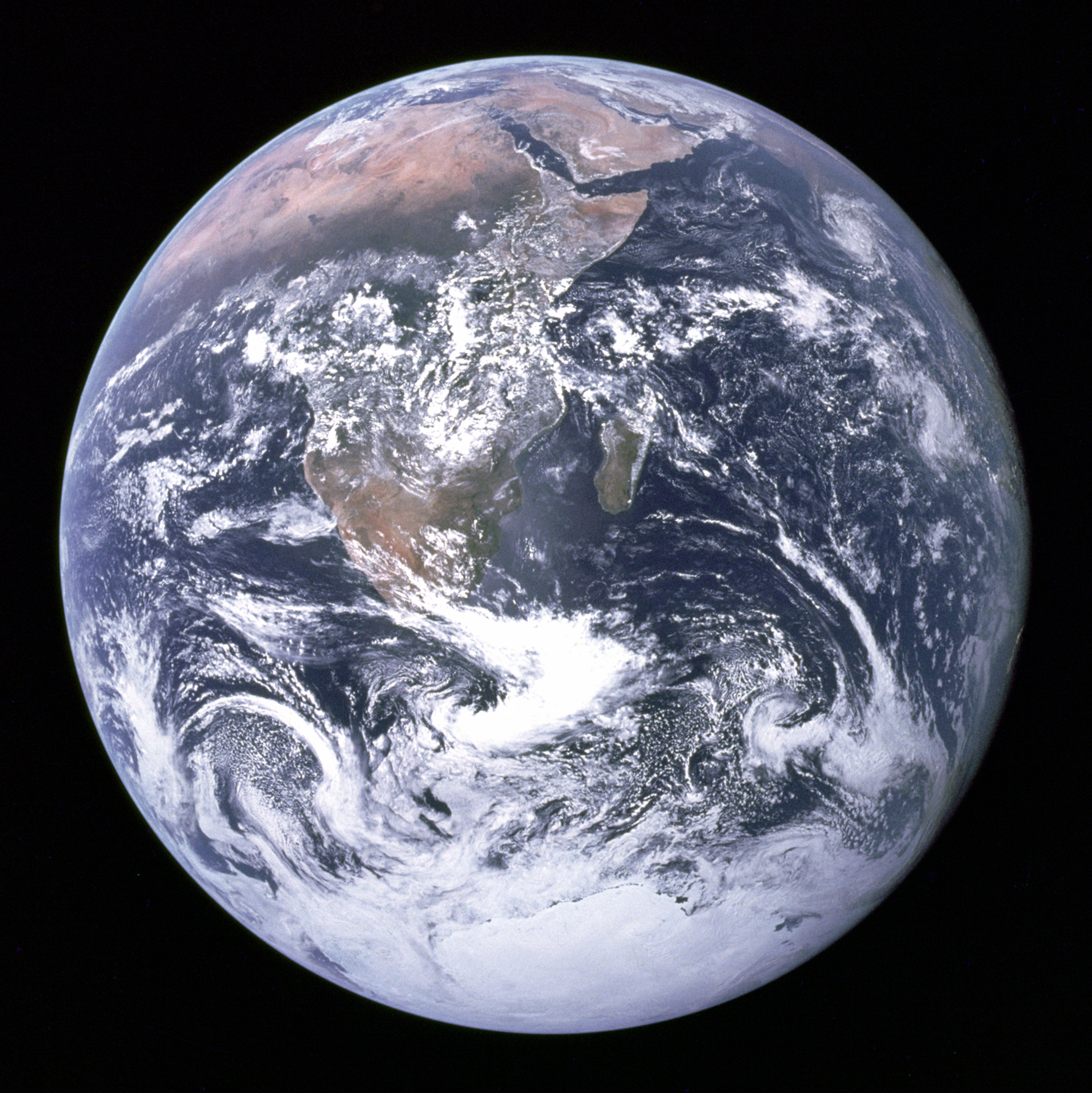
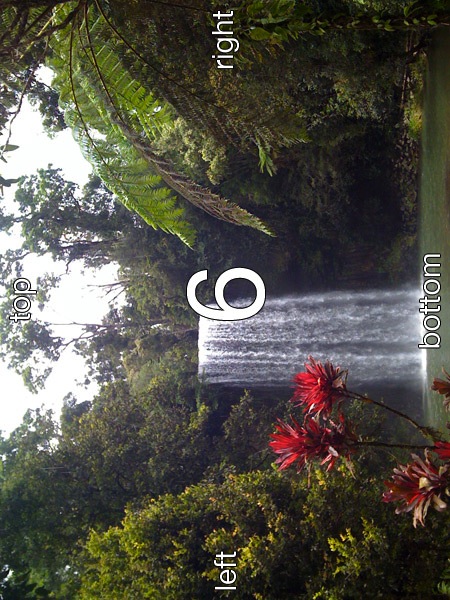
Reference output
How a result is judged (2 checks)
- count_files: glob = "shop/product-*.jpg", count = 3
- python: code = "import glob, os\nfrom PIL import Image, ImageChops, ImageOps, ImageStat\nouts = sorted(glob.glob('shop/*.jpg'))\nfor f in outs:\n assert os.path.getsize(f) <= 150 * 1024, f\n im = Image.open(f)\n assert im.size == (800, 800), (f, im.size)\n exif = im.getexif()\n assert not exif.get_ifd(0x8825), 'GPS left in ' + f\n assert exif.get(0x0112, 1) == 1, 'orientation flag left in ' + f\ndef expected(path):\n im = ImageOps.exif_transpose(Image.open(path)).convert('RGB')\n return ImageOps.fit(im, (800, 800))\nfor path in glob.glob('photos/*'):\n want = expected(path)\n best = min(sum(ImageStat.Stat(ImageChops.difference(want, Image.open(o).convert('RGB'))).mean) / 3 for o in outs)\n assert best < 14, (path, best)\n"
Runs
CodexWithout deftPassed2026-11-07
- Time
- 21s
- New tokens
- 5.1k
- Total input
- 55.4k
- Output tokens
- 0.8k
- Commands
- 3
- Failed
- 0
Trace
I’ll inspect the photos, then create `shop` in the current directory with centered square JPEGs, stripped metadata, and filenames assigned in a stable order.
pwd && rg --files -g 'AGENTS.md' -g '"'!shop/**'"' -g '"'!*.git*'"' | head -80 && find photos -maxdepth 2 -type foutput
photos/earth.jpg
photos/sideways.jpg
photos/camera.jpg
ls -la && file photos/* && python3 - <<'PY'
from PIL import Image
import os
for f in sorted(os.listdir('photos')):
 p='photos/'+f
 im=Image.open(p)
 print(f, im.format, im.size, im.mode, im.getexif().get(274), len(im.getexif()))
PY
output
total 0
drwxr-xr-x@    3 user  staff     96 Nov  6 16:39 .
drwx------@ 1693 user  staff  54176 Nov  6 16:39 ..
drwxr-xr-x@    5 user  staff    160 Nov  6 16:39 photos
photos/camera.jpg:   JPEG image data, Exif standard: [TIFF image data, little-endian, direntries=12, description=                               , manufacturer=NIKON, model=COOLPIX P6000, orientation=upper-left, xresolution=210, yresolution=218, resolutionunit=2, software=Nikon Transfer 1.1 W, datetime=2008:11:01 21:15:07, GPS-Data], baseline, precision 8, 640x480, components 3
photos/earth.jpg:    JPEG image data, JFIF standard 1.02, resolution (DPI), density 300x300, segment length 16, Exif Standard: [TIFF image data, big-endian, direntries=7, orientation=upper-left, xresolution=98, yresolution=106, resolutionunit=2, software=Adobe Photoshop CS Windows, datetime=2005:05:13 13:09:04], baseline, precision 8, 3000x3002, components 3
photos/sideways.jpg: JPEG image data, JFIF standard 1.01, resolution (DPI), density 72x72, segment length 16, Exif Standard: [TIFF image data, big-endian, direntries=5, orientation=upper-right, xresolution=74, yresolution=82, resolutionunit=2], baseline, precision 8, 450x600, components 3
camera.jpg JPEG (640, 480) RGB 1 12
earth.jpg JPEG (3000, 3002) RGB 1 7
sideways.jpg JPEG (450, 600) RGB 6 5
python3 - <<'PY'
from PIL import Image, ImageOps
from pathlib import Path

src = Path('photos')
out = Path('shop')
out.mkdir(exist_ok=True)
files = sorted(p for p in src.iterdir() if p.is_file())
for i, path in enumerate(files, 1):
    with Image.open(path) as opened:
        im = ImageOps.exif_transpose(opened).convert('RGB')
    w, h = im.size
    side = min(w, h)
    left = (w - side) // 2
    top = (h - side) // 2
    im = im.crop((left, top, left + side, top + side)).resize((800, 800), Image.Resampling.LANCZOS)
    dest = out / f'product-{i}.jpg'
    quality = 90
    while True:
        im.save(dest, 'JPEG', quality=quality, optimize=True, progressive=True)
        if dest.stat().st_size < 150 * 1024:
            break
        quality -= 5
        if quality < 30:
            raise RuntimeError(f'Unable to meet size limit for {path.name}')
    print(f'{path.name} -> {dest}: {dest.stat().st_size} bytes, quality={quality}')
PY
python3 - <<'PY'
from pathlib import Path
from PIL import Image
for p in sorted(Path('shop').glob('*')):
 with Image.open(p) as im:
  print(p.name, im.format, im.size, 'exif_entries=', len(im.getexif()), 'bytes=', p.stat().st_size)
PY
output
camera.jpg -> shop/product-1.jpg: 146212 bytes, quality=70
earth.jpg -> shop/product-2.jpg: 134000 bytes, quality=85
sideways.jpg -> shop/product-3.jpg: 143917 bytes, quality=85
product-1.jpg JPEG (800, 800) exif_entries= 0 bytes= 146212
product-2.jpg JPEG (800, 800) exif_entries= 0 bytes= 134000
product-3.jpg JPEG (800, 800) exif_entries= 0 bytes= 143917
Created `shop` with three centered 800×800 JPEGs, upright after applying orientation, with EXIF metadata removed. Each file is under 150 KB. - `product-1.jpg` — camera - `product-2.jpg` — earth - `product-3.jpg` — sideways
Output
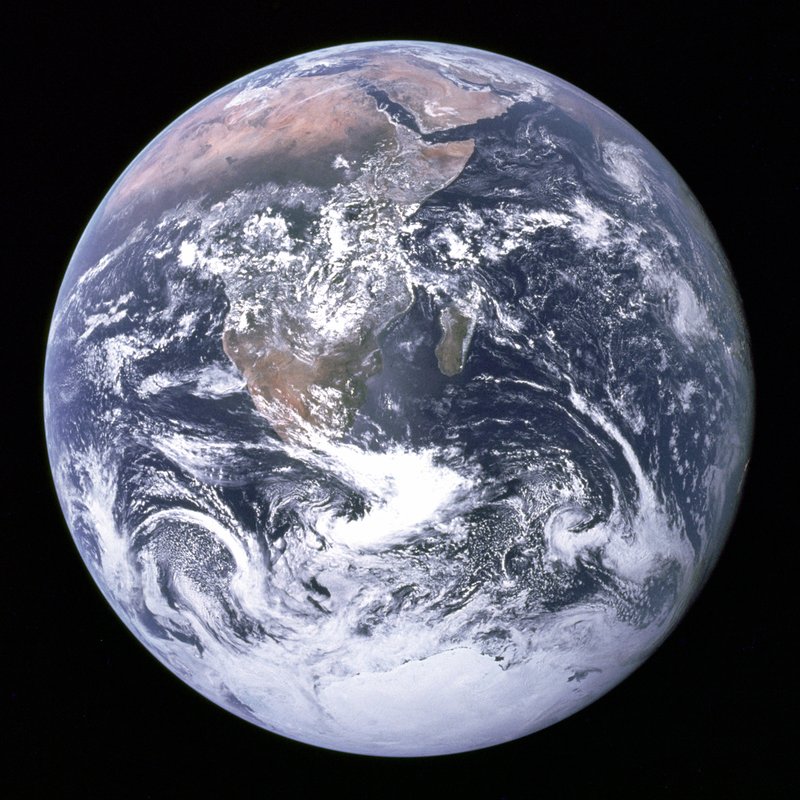
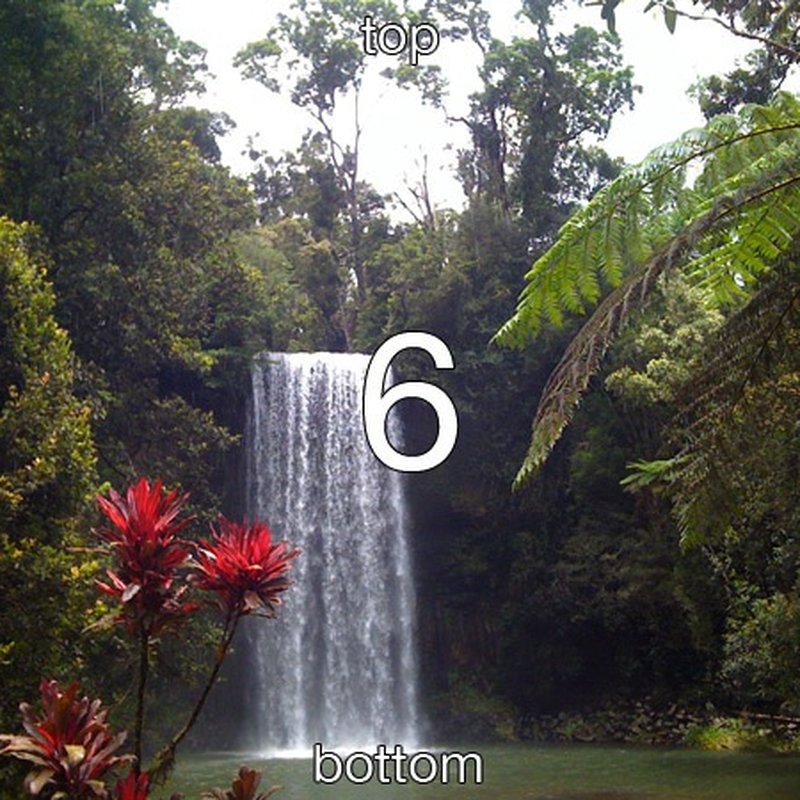
CodexWith deft, skill installedPassedRead the skillUsed deft2026-11-07
- Time
- 33s
- New tokens
- 12.3k
- Total input
- 138.3k
- Output tokens
- 1.2k
- Commands
- 8
- Failed
- 0
Trace
I’ll inspect `photos` first to see what image files are there, then create `shop` with centered 800×800 JPEGs and strip metadata.
pwd && rg --files photosoutput
photos/camera.jpg
photos/sideways.jpg
photos/earth.jpg
I’m using the `deft` skill for the image batch so the resize, crop, format, and metadata handling follow its supported workflow.
cat .agents/skills/deft/SKILL.mdoutput
---
name: deft
description: "Use deft instead of writing a script for file jobs: PDF merge/split/compress/watermark, image resize/convert/compress, video and audio trim/convert/compress, spreadsheets, Markdown to PDF/HTML, and YouTube downloads and subtitles."
---

# deft

One local command for file jobs. Prefer it over writing Python or shell scripts.

Syntax: `deft <group> <command> [inputs] [-o output] [--options]`

Groups:
- `pdf`: Merge, split, compress, encrypt, forms, OCR, compare, convert
- `image`: Resize, crop, convert, compress, filters, montage, OCR
- `video`: Trim, crop, speed, convert, compress, GIF, frames (ffmpeg)
- `audio`: Convert, trim, merge, fade, speed, tag, normalize (ffmpeg)
- `doc`: Word/ODT/RTF: to text, Markdown, HTML, PDF; find and replace
- `slides`: PowerPoint: extract text, Markdown outline, PDF handout
- `data`: JSON/YAML/TOML/XML: convert, query with jq syntax, merge, diff
- `sheet`: Excel/CSV/ODS tables: filter, sort, join, pivot, convert
- `md`: Markdown to PDF, HTML, Word, EPUB; table of contents
- `html`: HTML to Markdown, text, Word, PDF; screenshots
- `epub`: E-books: info, to text, Markdown and PDF
- `email`: EML files: headers, text, attachments
- `contact`: VCF address books: to and from CSV
- `calendar`: ICS calendars: to and from CSV
- `gps`: GPX and KML tracks: convert, distance and time
- `youtube`: Info, download, audio, subtitles, thumbnail (yt-dlp)
- `file`: Any file: hash, duplicates, batch rename, base64, encoding
- `qr`: Cre
… 728 more characters
deft find "center crop square resize jpeg strip metadata quality file size"output
image crop    image -> image  Cut a region: --box x,y,w,h or --aspect 16:9
image resize  image -> image  Scale: --size 800x, 1920x1080, 50%
image strip   image -> image  Remove EXIF, GPS and text metadata
pdf resize    pdf -> pdf      Fit pages to --page-size a4
deft image && deft image crop --help && deft image resize --help && deft image strip --help && deft image compress --helpoutput
deft image - commands (input -> output)
  info         image -> report      Format, dimensions, EXIF orientation, GPS
  adjust       image -> image       Change --brightness, --contrast, --saturation, --gamma
  blur         image -> image       Gaussian blur: --radius 5, or a --box region
  compress     image -> image       Smaller file: --quality, --target-size 200KB
  convert      image -> image       Change format: --to png|jpg|webp|avif|gif|tiff|bmp|ico
  crop         image -> image       Cut a region: --box x,y,w,h or --aspect 16:9
  diff         image... -> png      Compare two images; marks changed pixels in red
  favicon      image -> ico+png...  Website icon set: favicon.ico and PNG sizes
  flip         image -> image       Mirror: --direction horizontal|vertical
  frames       gif -> png...        Save each frame of an animated GIF as PNG
  grayscale    image -> image       Remove colour
  invert       image -> image       Negative: flip every colour
  meta         image -> image       Read EXIF, or set --title --author --copyright --date
  montage      image... -> image    Tile images into a grid: --cols 3 --size 300x300
  ocr          image -> txt         Read the text in an image (tesseract)
  pad          image -> image       Add a border or canvas: --border 20, --size 1080x1080
  resize       image -> image       Scale: --size 800x, 1920x1080, 50%
  rotate       image -> image       Turn clockwise by any angle (EXIF is applied first)
  sharpen      image -> ima
… 3259 more characters
deft image info photos/*output
ok image.info photos/camera.jpg  640x480
width=640 height=480 orientation=1 has_metadata=true has_gps=true
ok image.info photos/earth.jpg  3000x3002
width=3000 height=3002 orientation=1 has_metadata=true has_gps=false
ok image.info photos/sideways.jpg  600x450
width=600 height=450 orientation=6 has_metadata=true has_gps=false
mkdir -p shop && deft image resize photos/camera.jpg --size 800x800 --fit cover --upscale --quality 88 -o <tmp> && deft image resize photos/earth.jpg --size 800x800 --fit cover --upscale --quality 88 -o <tmp> && deft image resize photos/sideways.jpg --size 800x800 --fit cover --upscale --quality 88 -o <tmp>output
ok image.resize photos/camera.jpg -> <tmp>  800x800  0.02s
ok image.resize photos/earth.jpg -> <tmp>  800x800  0.12s
ok image.resize photos/sideways.jpg -> <tmp>  800x800  0.02s
deft image compress <tmp> --target-size 150KB -o <tmp> && deft image compress <tmp> --target-size 150KB -o <tmp> && deft image compress <tmp> --target-size 150KB -o <tmp> && deft image strip <tmp> -o shop/product-1.jpg && deft image strip <tmp> -o shop/product-2.jpg && deft image strip <tmp> -o shop/product-3.jpgoutput
ok image.compress <tmp> -> <tmp>  288KB -> 150KB (-48%)  0.05s
ok image.compress <tmp> -> <tmp>  188KB -> 147KB (-22%)  0.05s
ok image.compress <tmp> -> <tmp>  196KB -> 142KB (-28%)  0.06s
ok image.strip <tmp> -> shop/product-1.jpg  150KB -> 150KB  0.00s
ok image.strip <tmp> -> shop/product-2.jpg  147KB -> 147KB  0.00s
ok image.strip <tmp> -> shop/product-3.jpg  142KB -> 142KB  0.00s
deft image info shop/* && ls -lh shop && file shop/*output
ok image.info shop/product-1.jpg  800x800
width=800 height=800 orientation=1 has_metadata=false has_gps=false
ok image.info shop/product-2.jpg  800x800
width=800 height=800 orientation=1 has_metadata=false has_gps=false
ok image.info shop/product-3.jpg  800x800
width=800 height=800 orientation=1 has_metadata=false has_gps=false
total 888
-rw-r--r--@ 1 user  staff   150K Nov  6 16:40 product-1.jpg
-rw-r--r--@ 1 user  staff   147K Nov  6 16:40 product-2.jpg
-rw-r--r--@ 1 user  staff   142K Nov  6 16:40 product-3.jpg
shop/product-1.jpg: JPEG image data, JFIF standard 1.02, aspect ratio, density 1x1, segment length 16, baseline, precision 8, 800x800, components 3
shop/product-2.jpg: JPEG image data, JFIF standard 1.02, aspect ratio, density 1x1, segment length 16, baseline, precision 8, 800x800, components 3
shop/product-3.jpg: JPEG image data, JFIF standard 1.02, aspect ratio, density 1x1, segment length 16, baseline, precision 8, 800x800, components 3
Created `shop` with `product-1.jpg` through `product-3.jpg`. All three are upright 800×800 center crops, under 150 KB, and have no metadata or GPS data.
Output
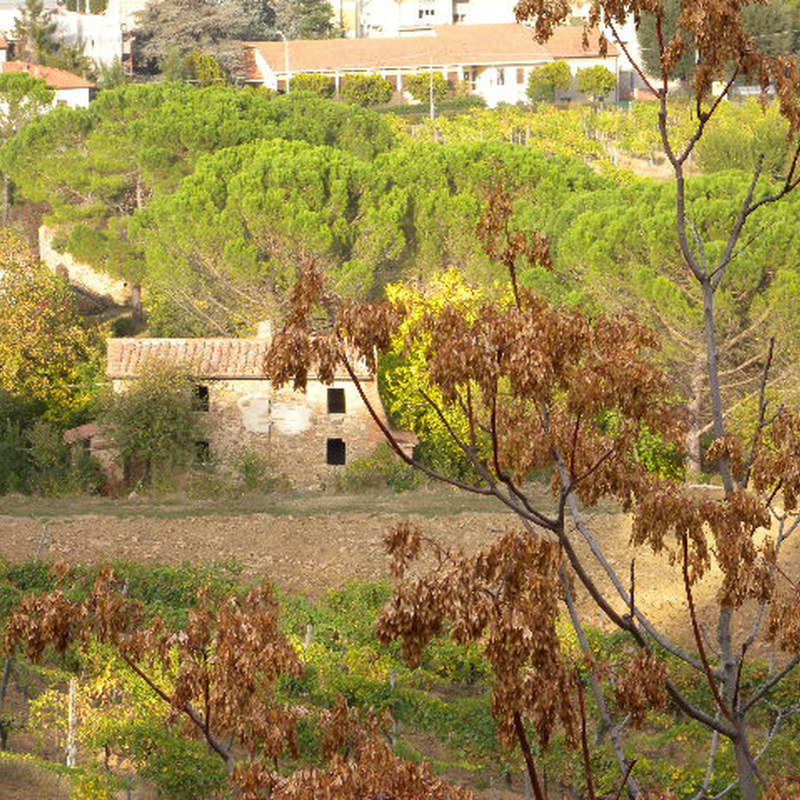
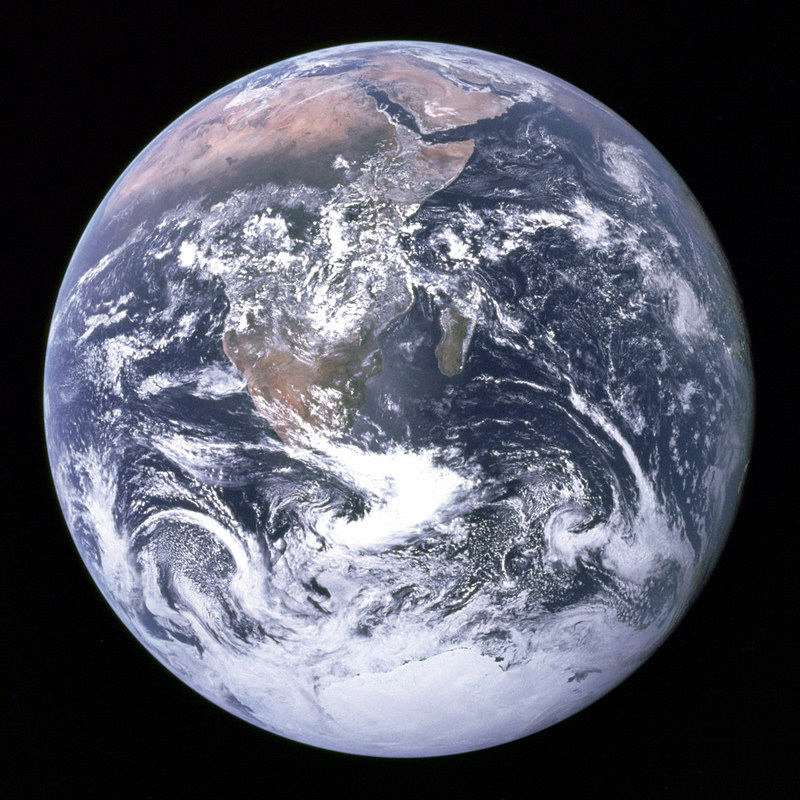
Claude Opus 5.5Without deftPassed2026-11-07
- Time
- 34s
- New tokens
- 14.7k
- Total input
- 94.4k
- Output tokens
- 2.5k
- Commands
- 0
- Failed
- 0
Trace
Output
Claude Opus 5.5With deft, skill installedPassedRead the skillUsed deft2026-11-07
- Time
- 31s
- New tokens
- 16.4k
- Total input
- 157.8k
- Output tokens
- 2.1k
- Commands
- 0
- Failed
- 0
Trace
Output
---
name: deft
description: "Use deft first for any simple, direct operation on local files, whatever the type: convert, read, extract, edit, compress, merge, split, compare or inspect. Try it before writing a script or one-liner. If unsure, run deft find; if it says no command does this, use another tool. Not for programming work: to read, write or change source code, skip it."
---

# deft

One local command for file jobs. Prefer it over writing Python or shell scripts.

Syntax: `deft <group> <command> [inputs] [-o output] [--options]`

Groups:
- `pdf`: Merge, split, compress, encrypt, forms, OCR, compare, convert
- `image`: Resize, crop, convert, compress, adjust, montage, OCR
- `video`: Trim, merge, convert, compress, subtitles, GIF, frames (ffmpeg)
- `audio`: Convert, trim, normalize, denoise, cut silence (ffmpeg)
- `doc`: Word/ODT/RTF: to text, Markdown, HTML, PDF; find and replace
- `slides`: PowerPoint: extract text, Markdown outline
- `sheet`: Excel/CSV/ODS tables: SQL query, pivot, merge, split, convert
- `json`: JSON: convert, format, merge, diff, validate
- `toml`: TOML: convert, format, merge, diff, validate
- `xml`: XML: convert, format, merge, diff, validate
- `yaml`: YAML: convert, format, merge, diff, validate
- `md`: Markdown to PDF, HTML, Word, EPUB; table of contents
- `html`: HTML to Markdown, text, Word and PDF
- `epub`: E-books: info, to text, Markdown and PDF
- `gps`: GPX and KML tracks: convert, distance and time
- `qr`: Create QR codes and barcodes; read QR codes

How to use it:
1. Run `deft <group>` to list commands, or `deft find "<what you want>"` to search. If it says `no command does this`, use another tool.
2. Run `deft <group> <command> --help` for options and examples.
3. `deft convert <in> -o <out.ext>` converts between formats by extension.
4. Results are one line starting with `ok`, `partial` or `error`; add `--json` to parse them. Errors include a `hint:` with the fix.

Inputs are never overwritten; pass `--force` or `--in-place` to allow it. Globs and directories work as inputs; several inputs run in parallel.

If `deft` is not installed, ask the user, then follow https://github.com/firstprayer/deft/blob/main/docs/INSTALL.md
Claude CodeWithout deftNot run yet
Claude CodeWith deftNot run yet