Evals / image / Multi-step jobs
Product cut-out on a square canvas
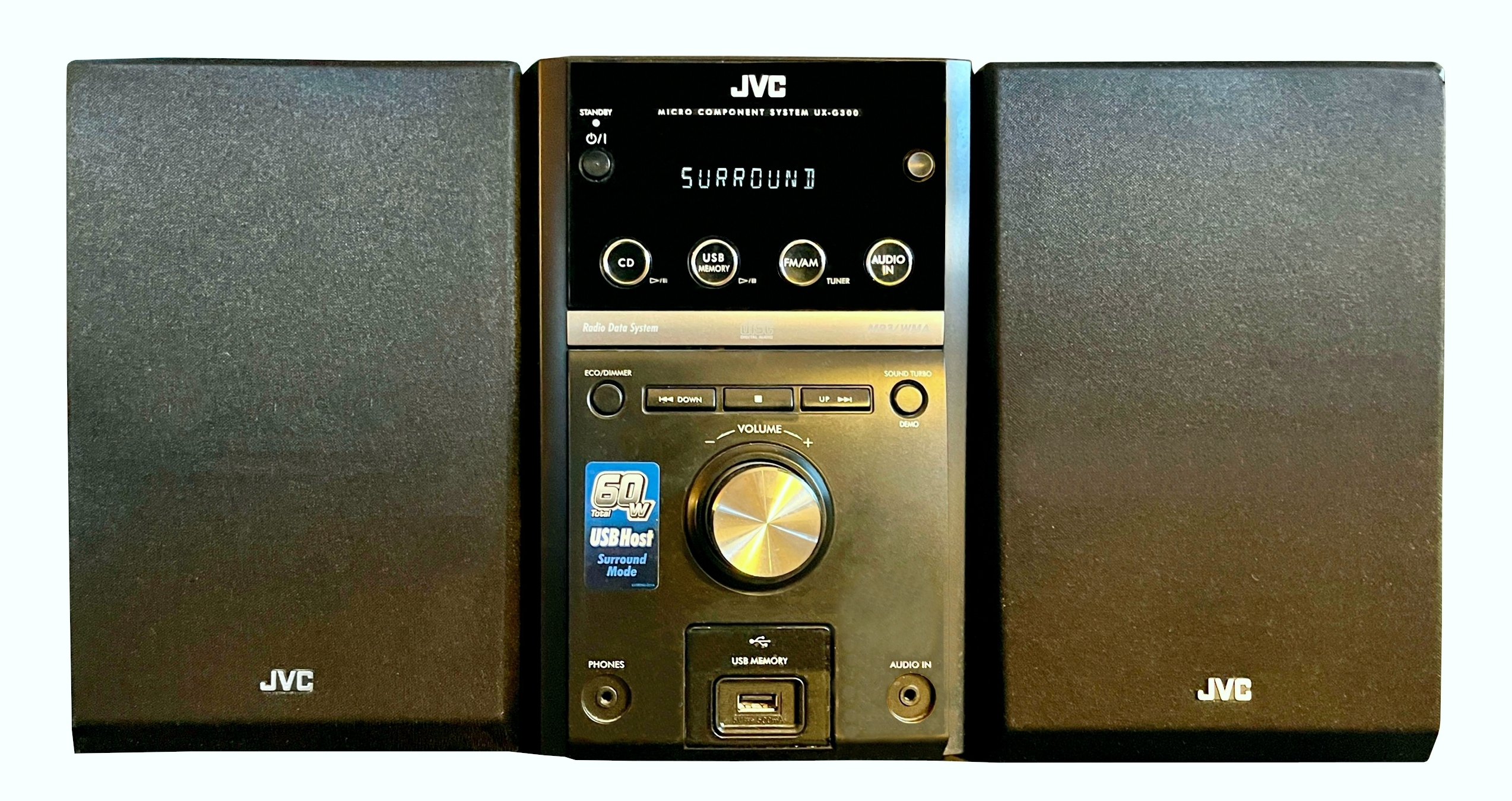
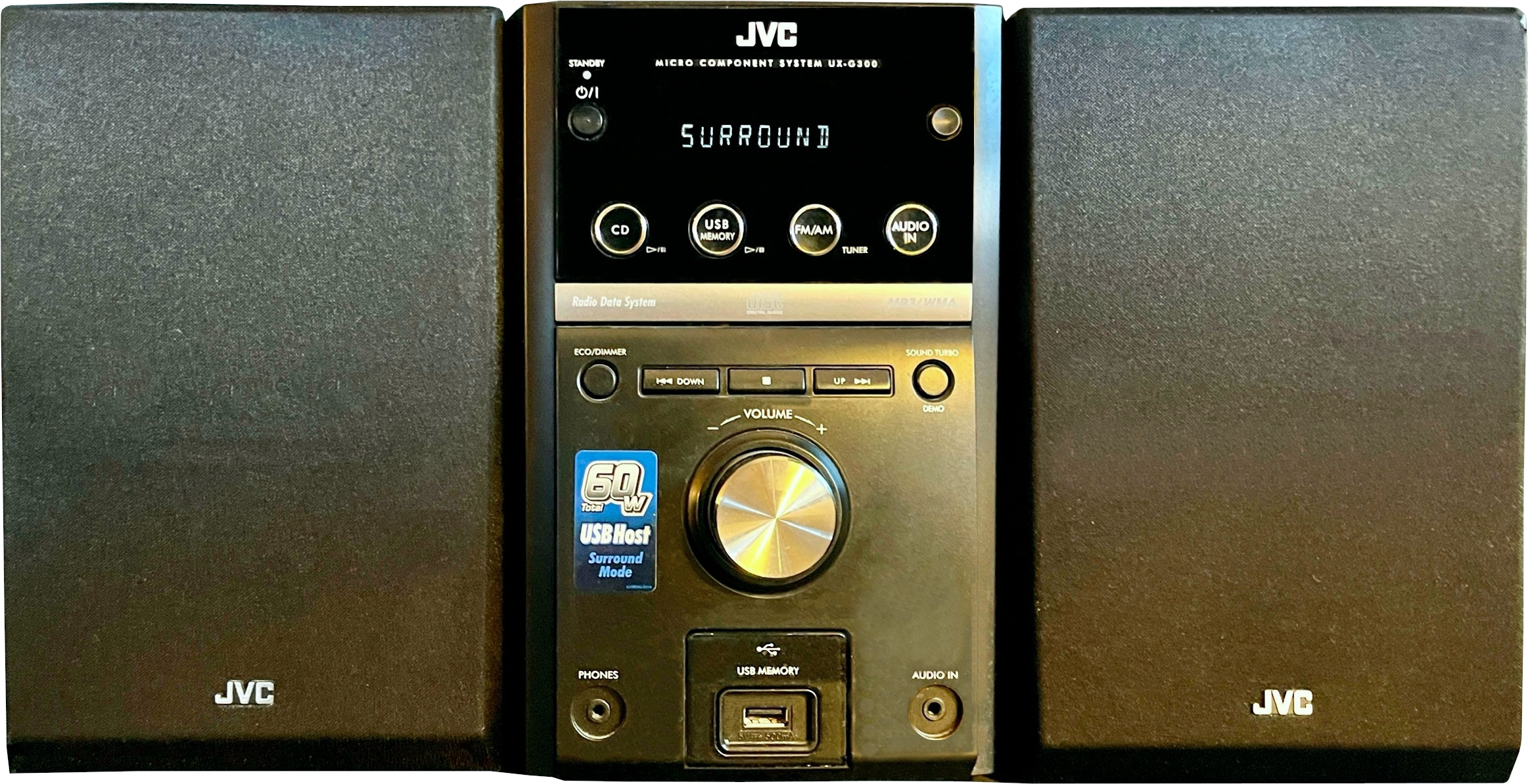
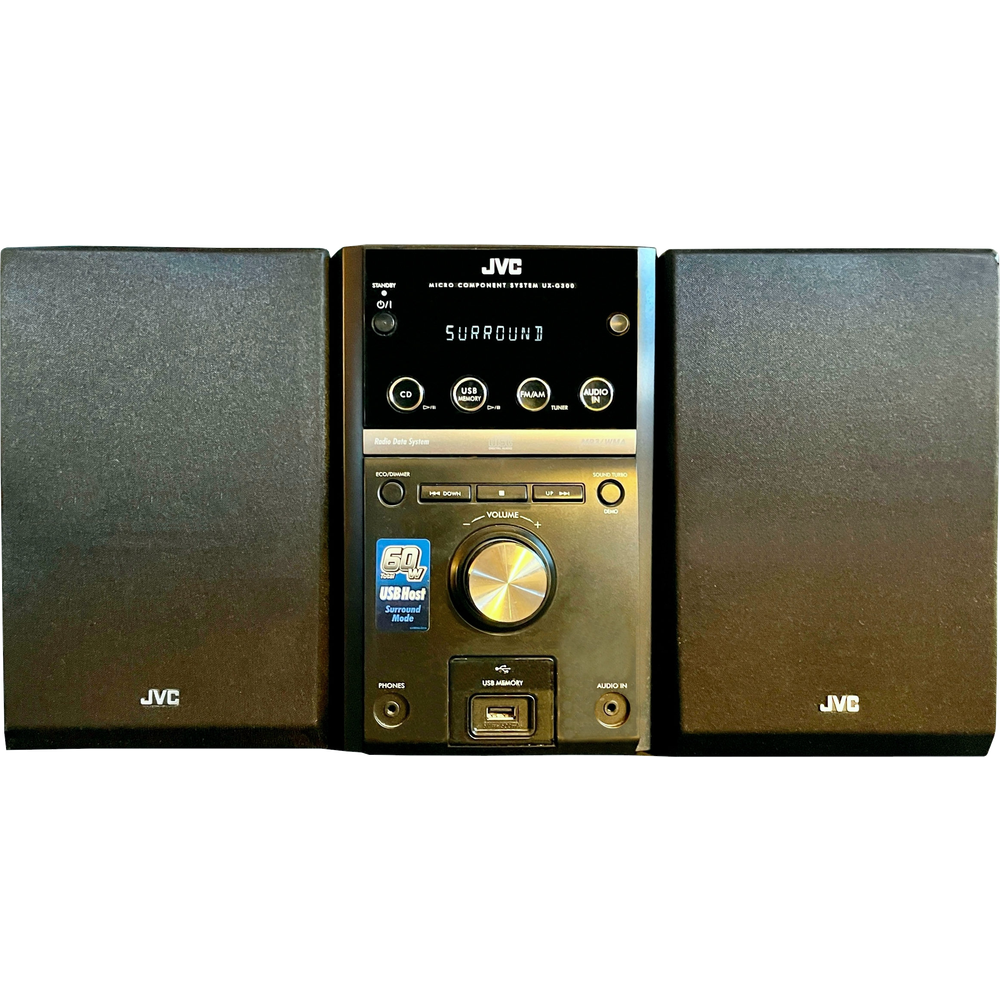
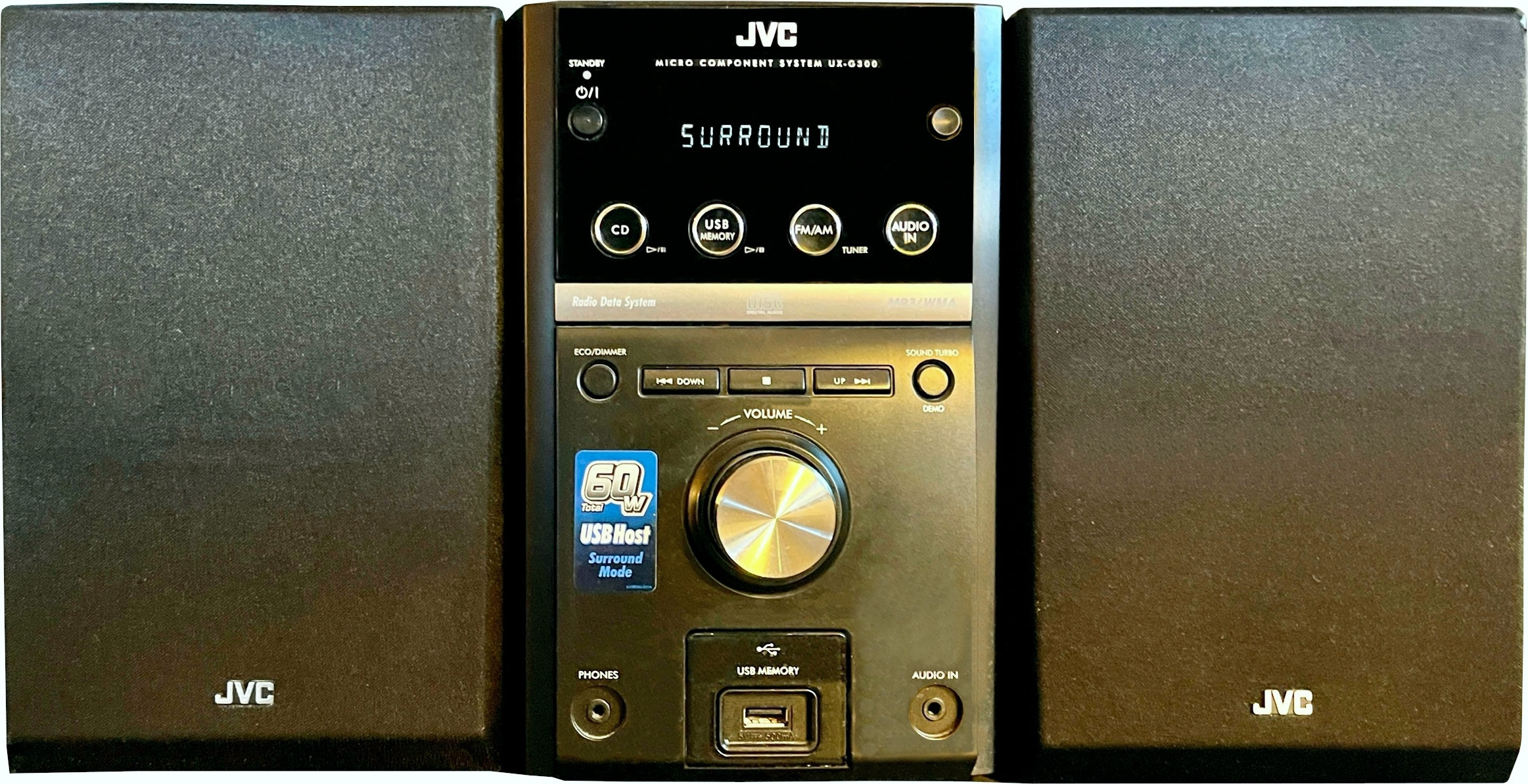
hifi.jpg is a product photo on a white background with a wide margin. For the shop, cut away the margin, make the white background transparent, and centre the product as large as it fits on a transparent 1000 by 1000 canvas. Save it as product.png.
The task
The reference answer shows the job can be done with deft. It is not an agent run.
deft image trim hifi.jpg -o tight.jpg
deft image transparent tight.jpg -o cutout.png
deft image pad cutout.png --size 1000x1000 --background transparent -o product.png
Input
Reference output
How a result is judged (1 check)
- python: code = "from PIL import Image\nim = Image.open('product.png')\nassert im.format == 'PNG' and im.size == (1000, 1000), (im.format, im.size)\nim = im.convert('RGBA')\nfor p in [(0, 0), (999, 0), (0, 999), (999, 999), (500, 5), (500, 994)]:\n assert im.getpixel(p)[3] < 20, ('canvas is not transparent at', p)\nbox = im.getchannel('A').point(lambda a: 255 if a > 128 else 0).getbbox()\nl, t, r, b = box\nassert max(r - l, b - t) >= 975, ('product does not fill the canvas: margin left on', box)\nassert abs(l - (1000 - r)) <= 12 and abs(t - (1000 - b)) <= 12, ('product not centred', box)\npx = list(im.crop(box).getdata())\nwhite = sum(1 for R, G, B, A in px if A > 128 and min(R, G, B) > 235) / len(px)\nassert white < 0.009, ('white background left around the product', round(white, 4))\n"
Runs
Claude Opus 5.5Without deftPassed2026-11-15
- Time
- 39s
- New tokens
- 17.4k
- Total input
- 124.4k
- Output tokens
- 2.4k
- Commands
- 4
- Failed
- 0
Trace
ls -la; python3 -c "import PIL, numpy; print(PIL.__version__, numpy.__version__)"; python3 -c "from PIL import Image; im=Image.open('hifi.jpg'); print(im.size, im.mode)"output
total 3936
drwxr-xr-x@   4 user  staff      128 Nov 14 20:03 .
drwx------@ 308 user  staff     9856 Nov 14 20:03 ..
drwxr-xr-x@   3 user  staff       96 Nov 14 20:03 .claude
-rw-r--r--@   1 user  staff  2011847 Nov 14 11:00 hifi.jpg
9.0.1 1.26.4
(2547, 1350) RGB
python3 -c "import scipy; print(scipy.__version__)"; python3 -c "
from PIL import Image; import numpy as np
a=np.asarray(Image.open('hifi.jpg')).astype(int)
print(a[:5,:5].reshape(-1,3)[:5], a[-3:,-3:].reshape(-1,3)[:3])
m=a.min(2)
for t in (220,235,245): print(t,(m>t).mean())
"
output
~/opt/anaconda3/lib/python3.9/site-packages/scipy/__init__.py:146: UserWarning: A NumPy version >=1.16.5 and <1.23.0 is required for this version of SciPy (detected version 1.26.4
  warnings.warn(f"A NumPy version >={np_minversion} and <{np_maxversion}"
1.7.3
[[247 255 255]
 [247 255 255]
 [247 255 255]
 [247 255 255]
 [247 255 255]] [[247 255 255]
 [247 255 255]
 [247 255 255]]
220 0.21228198752344807
235 0.20905815120184967
245 0.20608937166455815
cat > "$TMPDIR/cut.py" <<'EOF' import warnings; warnings.filterwarnings("ignore") import numpy as np from PIL import Image from scipy import ndimage as ndi im = Image.open("hifi.jpg").convert("RGB") a = np.asarray(im).astype(np.float32) mn = a.min(2) white = mn > 225 lab, n = ndi.label(white) border = np.unique(np.concatenate([lab[0], lab[-1], lab[:, 0], lab[:, -1]])) bg = np.isin(lab, border[border > 0]) bg = ndi.binary_opening(bg, iterations=1) | (bg & ~ndi.binary_dilation(~bg, iterations=1)) alpha = np.where(bg, 0.0, 1.0) # soft edge: on the 2px ring of product next to background, alpha by darkness ring = ndi.binary_dilation(bg, iterations=2) & ~bg soft = np.clip((250 - mn) / (250 - 150), 0, 1) alpha[ring] = soft[ring] # un-premultiply white from fringe pixels A = alpha[..., None] rgb = np.where(A > 0.02, (a - 255 * (1 - A)) / np.maximum(A, 1e-3), 0) rgb = np.clip(rgb, 0, 255) rgba = np.dstack([rgb, alpha * 255]).astype(np.uint8) ys, xs = np.nonzero(alpha > 0.05) y0, y1, x0, x1 = ys.min(), ys.max() + 1, xs.min(), xs.max() + 1 print("bbox", x0, y0, x1, y1) crop = Image.fromarray(rgba, "RGBA").crop((x0, y0, x1, y1)) s = 1000 / max(crop.size) crop = crop.resize((round(crop.width * s), round(crop.height * s)), Image.LANCZOS) canvas = Image.new("RGBA", (1000, 1000), (0, 0, 0, 0)) canvas.paste(crop, ((1000 - crop.width) // 2, (1000 - crop.height) // 2), crop) canvas.save("product.png") print(crop.size) EOF python3 "$TMPDIR/cut.py" python3 -c " from PIL import Image; im=Image.open('product.png'); print(im.size, im.mode) bg=Image.new('RGBA',im.size,(255,0,255,255)); bg.alpha_composite(im); bg.convert('RGB').save('$TMPDIR/preview.png')"output
bbox 111 94 2436 1286
(1000, 513)
(1000, 1000) RGBA
echo $TMPDIR/preview.pngoutput
<tmp>
I've saved product.png and am now checking a preview on a magenta background so any leftover white stands out.
I've saved `product.png` in the current directory: a 1000×1000 transparent PNG with the hi-fi centred on it. I checked it over a magenta background and found no leftover white. - **Margin:** I cropped the product to its outer edges, which run from pixel 111,94 to 2436,1286 in the original. - **Background:** All the white around the product is now transparent, including the narrow gaps between the speakers and the centre unit. White parts of the product itself, like the logos and labels, are kept because only white connected to the outer border was removed. The edges are slightly softened so no white halo shows on coloured page backgrounds. - **Size and position:** The product is wider than it is tall, so it fills the full 1000 px width and is about 513 px high. That leaves equal transparent space above and below it. `hifi.jpg` is unchanged.
Output
Its files were not kept in this run. The last line of the trace is its own report.
Claude Opus 5.5With deft, skill installedPassedRead the skillUsed deft2026-11-15
- Time
- 25s
- New tokens
- 15.8k
- Total input
- 122.6k
- Output tokens
- 1.5k
- Commands
- 4
- Failed
- 0
Trace
Loaded the deft skill
ls -la && deft image 2>&1 | head -50output
total 3936
drwxr-xr-x@   4 user  staff      128 Nov 14 20:03 .
drwx------@ 309 user  staff     9888 Nov 14 20:03 ..
drwxr-xr-x@   4 user  staff      128 Nov 14 20:03 .claude
-rw-r--r--@   1 user  staff  2011847 Nov 14 11:00 hifi.jpg
deft image - commands (input -> output)
  info         image -> report                  Format, dimensions, EXIF orientation, GPS
  adjust       image -> image                   Change --brightness, --contrast, --saturation, --gamma
  blur         image -> image                   Gaussian blur: --radius 5, or a --box region
  compress     JPEG, PNG or WebP -> image       Smaller file: --quality, --target-size 200KB
  convert      image -> image                   Change format: --to png|jpg|webp|avif|gif|tiff|bmp|ico
  crop         image -> image                   Cut a region: --box x,y,w,h or --aspect 16:9
  favicon      image -> ico+png...              Website icon set: favicon.ico and PNG sizes
  flip         image -> image                   Mirror: --direction horizontal|vertical
  frames       gif -> png...                    Save each frame of an animated GIF as PNG
  grayscale    image -> image                   Remove colour
  meta         image -> image                   Read EXIF, or set --title --author --copyright --date
  montage      image... -> image                Tile images into a grid: --cols 3 --size 300x300
  ocr          image -> txt                     Read the text in an image (tesseract)
  pad          image -> image
… 812 more characters
deft image info hifi.jpg; deft image trim --help; deft image transparent --help; deft image pad --help; deft image resize --helpoutput
ok image.info hifi.jpg  2547x1350
width=2547 height=1350 orientation=1 has_metadata=false has_gps=false
deft image trim - Cut away plain borders; --speck 4 ignores stray dots

Usage: deft image trim <image>... [-o <image|dir>] [options]
In: image (each handled separately)   Out: image (default <name>.trimmed.<ext>)
--speck is the largest patch of touching pixels to treat as dust, so scans trim cleanly.
Too high also drops small real marks, such as a full stop or a page number.

Options:
  --fuzz <number>              Colour tolerance in percent (default 5)
  --speck <n>                  Ignore patches up to this many pixels (default 0)
  --quality <n>                Quality for JPEG, WebP and AVIF (default 85)
Common: -o --force --dry-run --json -j   (deft help common)

Examples:
  deft image trim bordered.png -o tight.png
  deft image trim bordered.png --speck 4 -o clean.png

Result fields: width, height
deft image transparent - Make a colour see-through: --color white --fuzz 10

Usage: deft image transparent <image>... [-o <image|dir>] [options]
In: image (each handled separately)   Out: image (default <name>.transparent.<ext>)
When most of the colour touches the picture's edge it is the background, and only the part joined to the edge goes: a white product on white keeps its own white. Otherwise it goes everywhere, like the paper of a scan in a dark border. --everywhere always removes it everywhere.
JPEG cannot hold transparency, so JPEG input becomes PNG.

Options:
  --co
… 2111 more characters
T=$TMPDIR/deftwork && mkdir -p $T && deft image trim hifi.jpg -o $T/trim.png --force && deft image transparent $T/trim.png -o $T/cut.png --force && deft image resize $T/cut.png --size 1000x1000 --upscale -o $T/fit.png --force && deft image pad $T/fit.png --size 1000x1000 --background transparent -o product.png && deft image info product.pngoutput
ok image.trim hifi.jpg -> <tmp>  2325x1193  0.49s
ok image.transparent <tmp> -> <tmp>  2325x1193  0.71s
ok image.resize <tmp> -> <tmp>  1000x513  0.16s
ok image.pad <tmp> -> product.png  1000x1000  0.13s
ok image.info product.png  1000x1000
width=1000 height=1000 orientation=1 has_metadata=false has_gps=false
Let me check the result visually.
python3 -I -c "
from PIL import Image;im=Image.open('product.png');print(im.mode);a=im.getchannel('A');print(a.getbbox(),[im.getpixel(p) for p in [(0,0),(500,100),(500,240),(500,500)]])"
output
RGBA
(0, 244, 1000, 757) [(0, 0, 0, 0), (0, 0, 0, 0), (0, 0, 0, 0), (5, 4, 2, 255)]
I've saved `product.png`: a 1000×1000 transparent PNG with the product centred and as large as it fits. 1. **Margin cut away:** the 2547×1350 photo was cropped to the product, which is 2325×1193. 2. **White background removed:** only the white connected to the edges was made transparent, so any white details on the product itself are kept. 3. **Scaled and centred:** the product is wider than it is tall, so it fills the full 1000 px width and is about 513 px tall (rows 244–757). That leaves equal transparent space above and below. I checked the file: it has an alpha channel, the corners and the space above and below the product are fully transparent, and the product pixels are fully opaque. My image preview showed the transparent areas as black, so expect a checkerboard or your page's colour behind it in an editor or on the shop.
Output
Its files were not kept in this run. The last line of the trace is its own report.