Evals / image / Multi-step jobs
Photos onto 6x4 print pages
I want to print DSCN0010.jpg, landscape_6.jpg and portrait_8.jpg as 6x4 inch photos. Put each one upright and as large as it fits, without cropping, on a white 1800 by 1200 canvas. Then put them in prints.pdf in that order, one per page, each page the shape of the print with no extra margin.
The task
The reference answer shows the job can be done with deft. It is not an agent run.
deft image resize DSCN0010.jpg landscape_6.jpg portrait_8.jpg --size 1800x1200 --upscale -o big/
deft image pad big/DSCN0010.jpg big/landscape_6.jpg big/portrait_8.jpg --size 1800x1200 -o canvas/
deft image to-pdf canvas/DSCN0010.jpg canvas/landscape_6.jpg canvas/portrait_8.jpg --page-size fit -o prints.pdf
Input
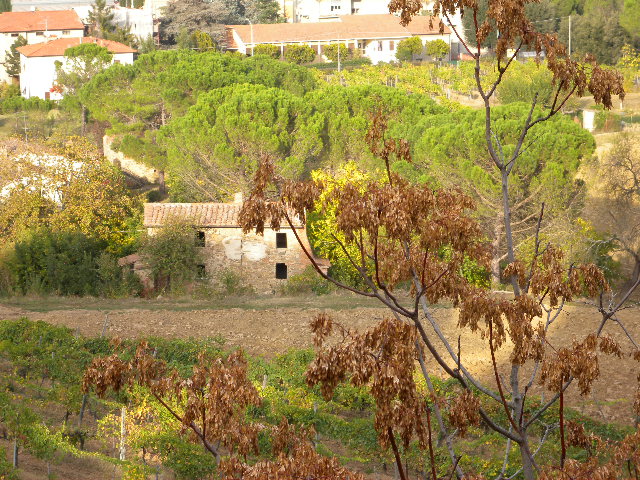
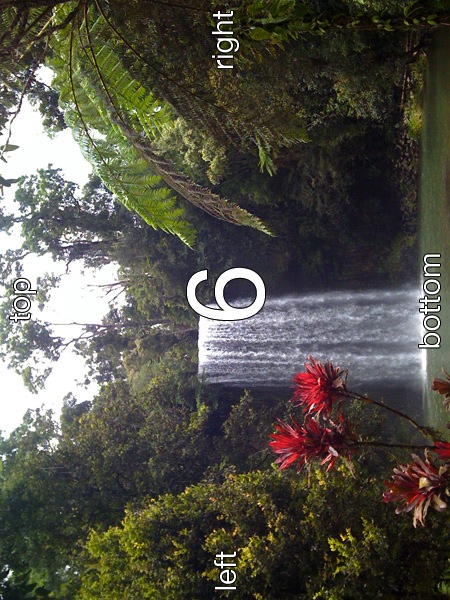
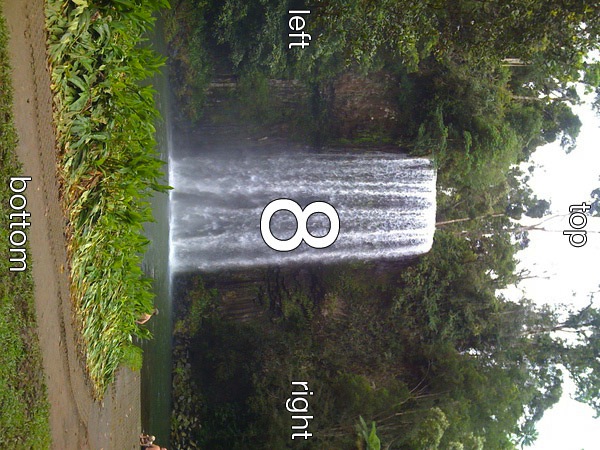
Reference output
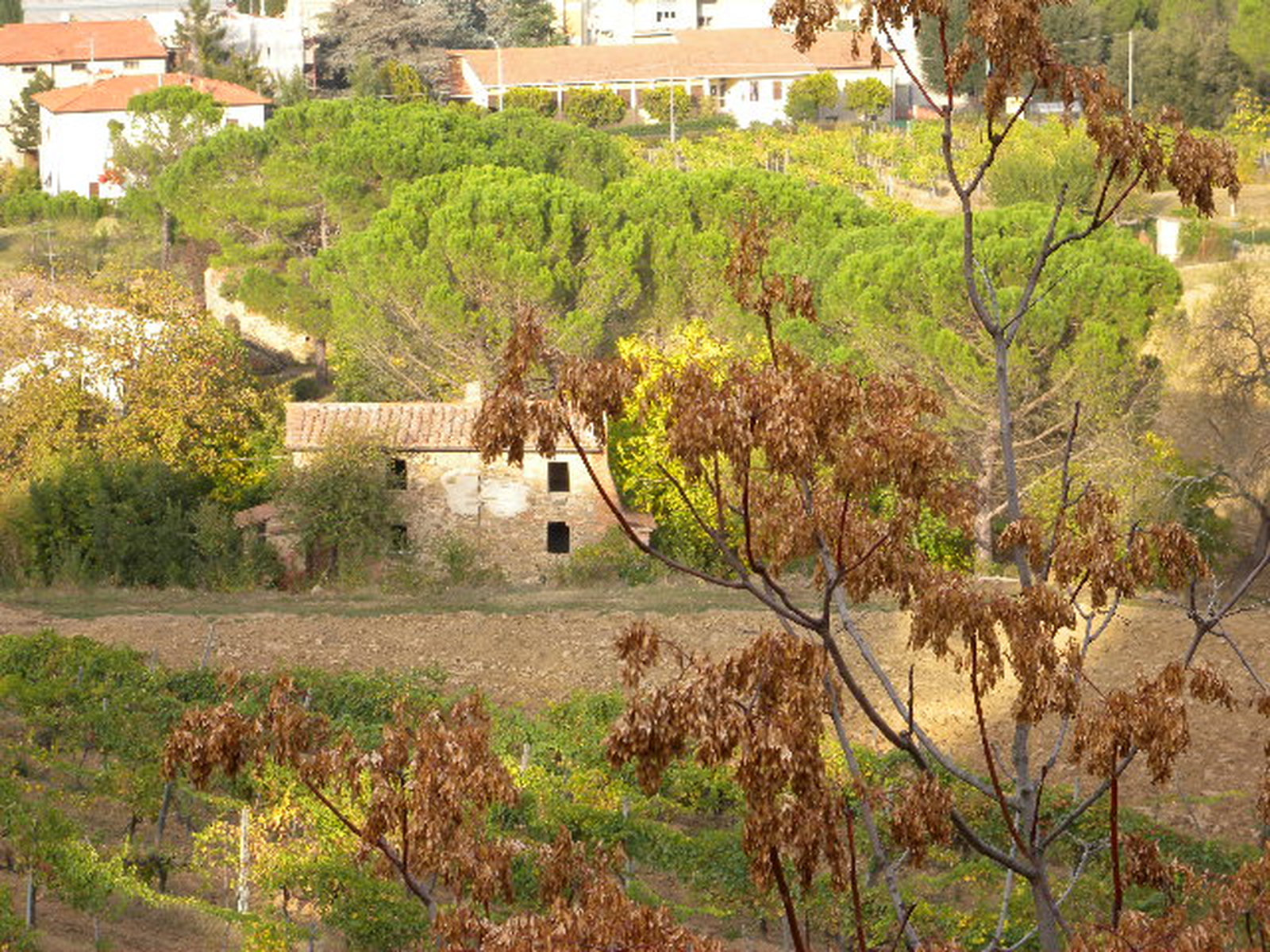
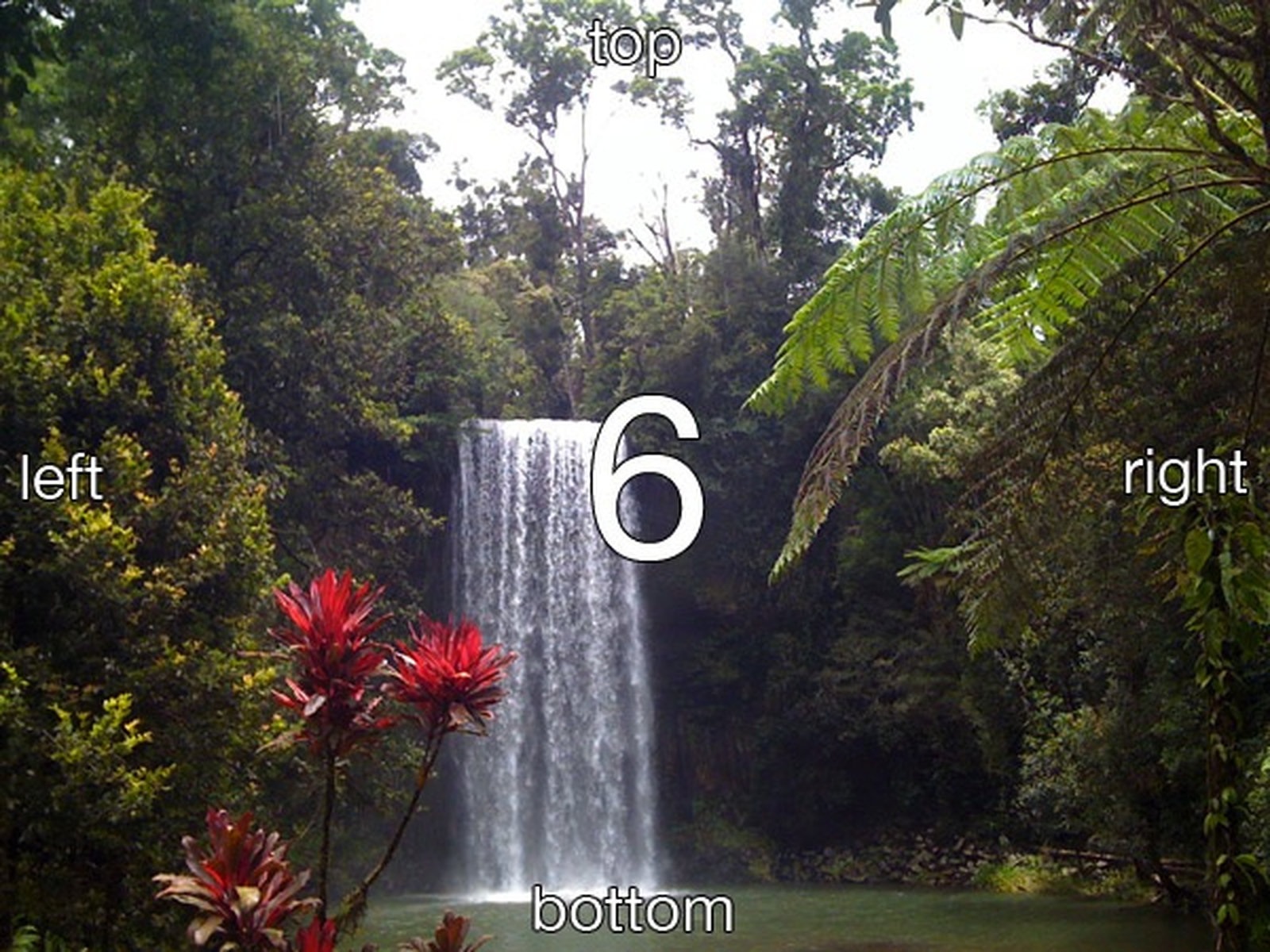
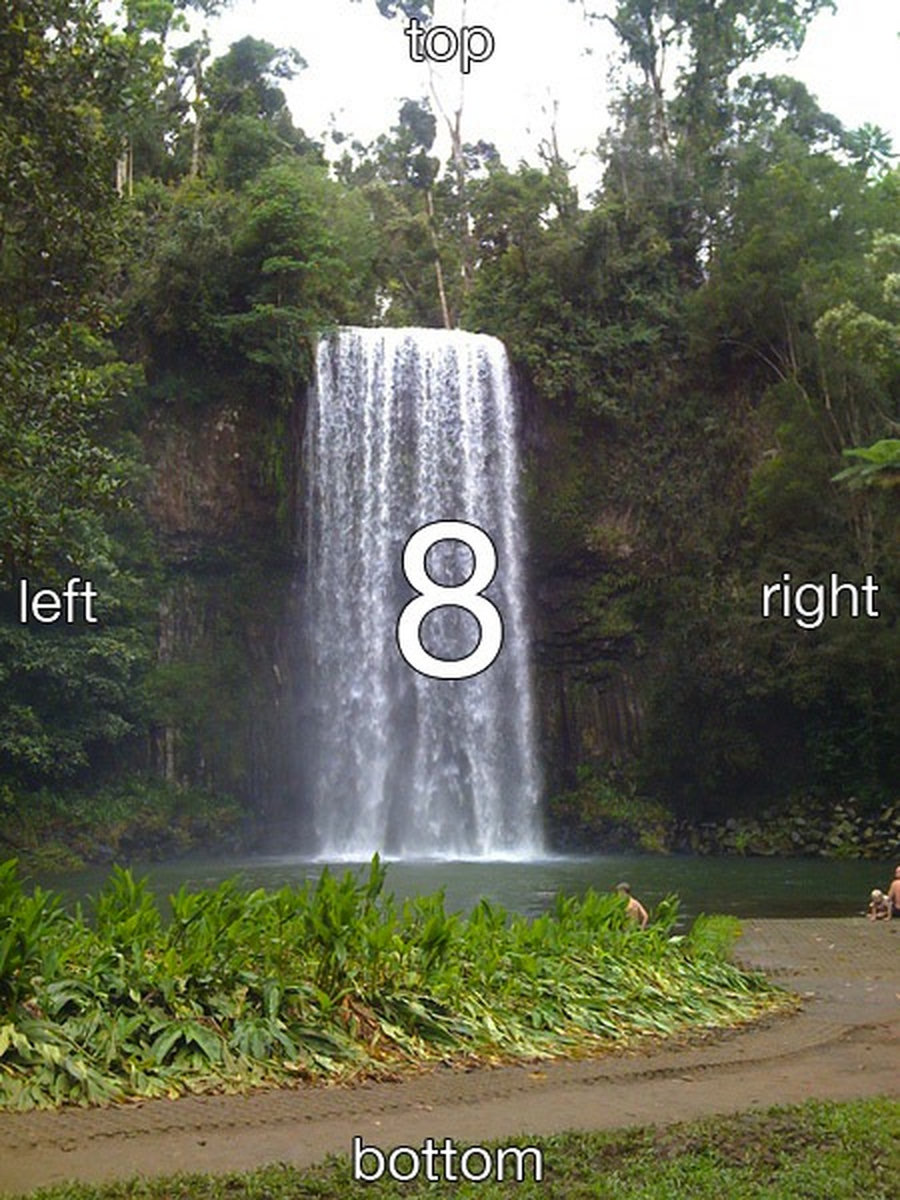
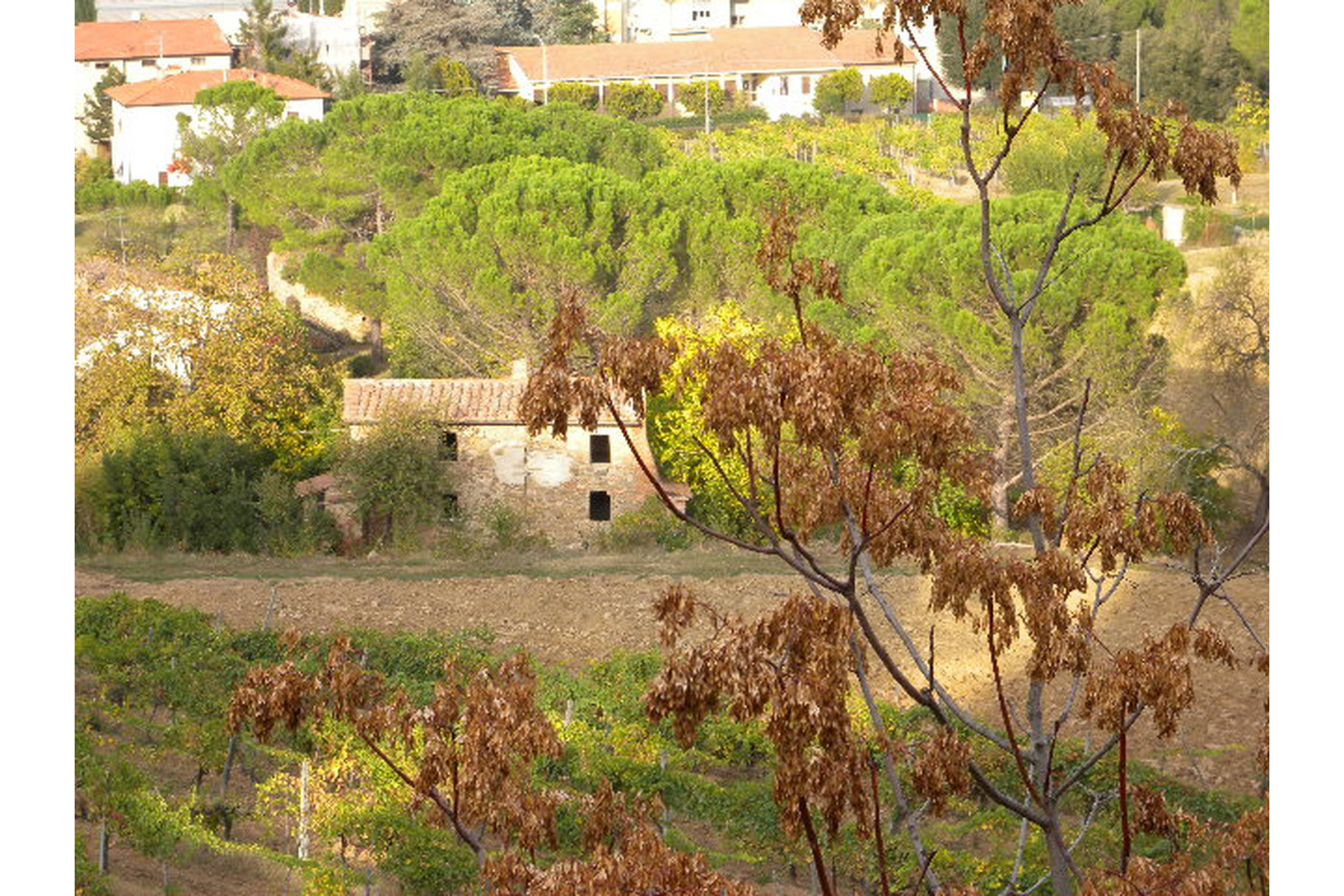
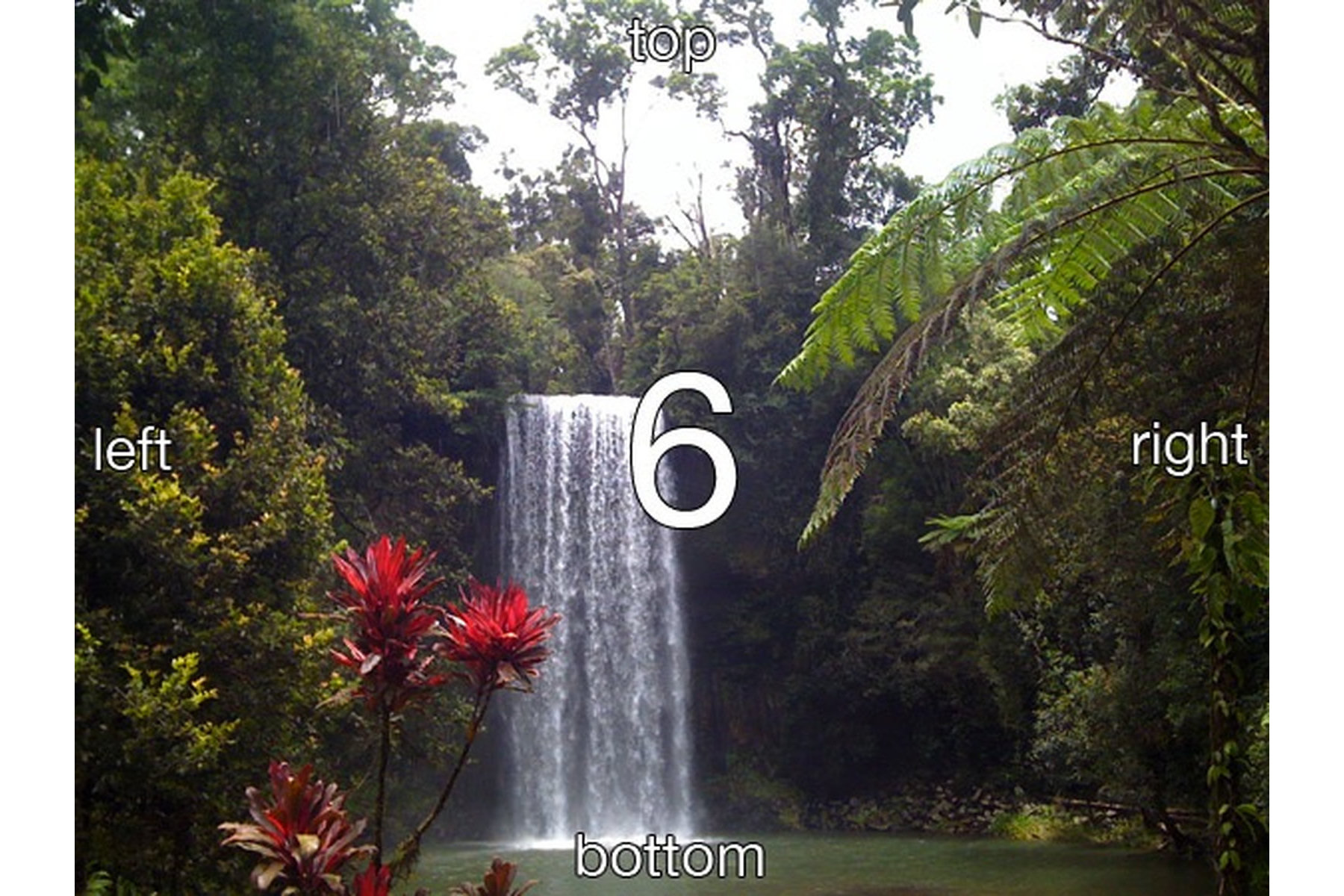
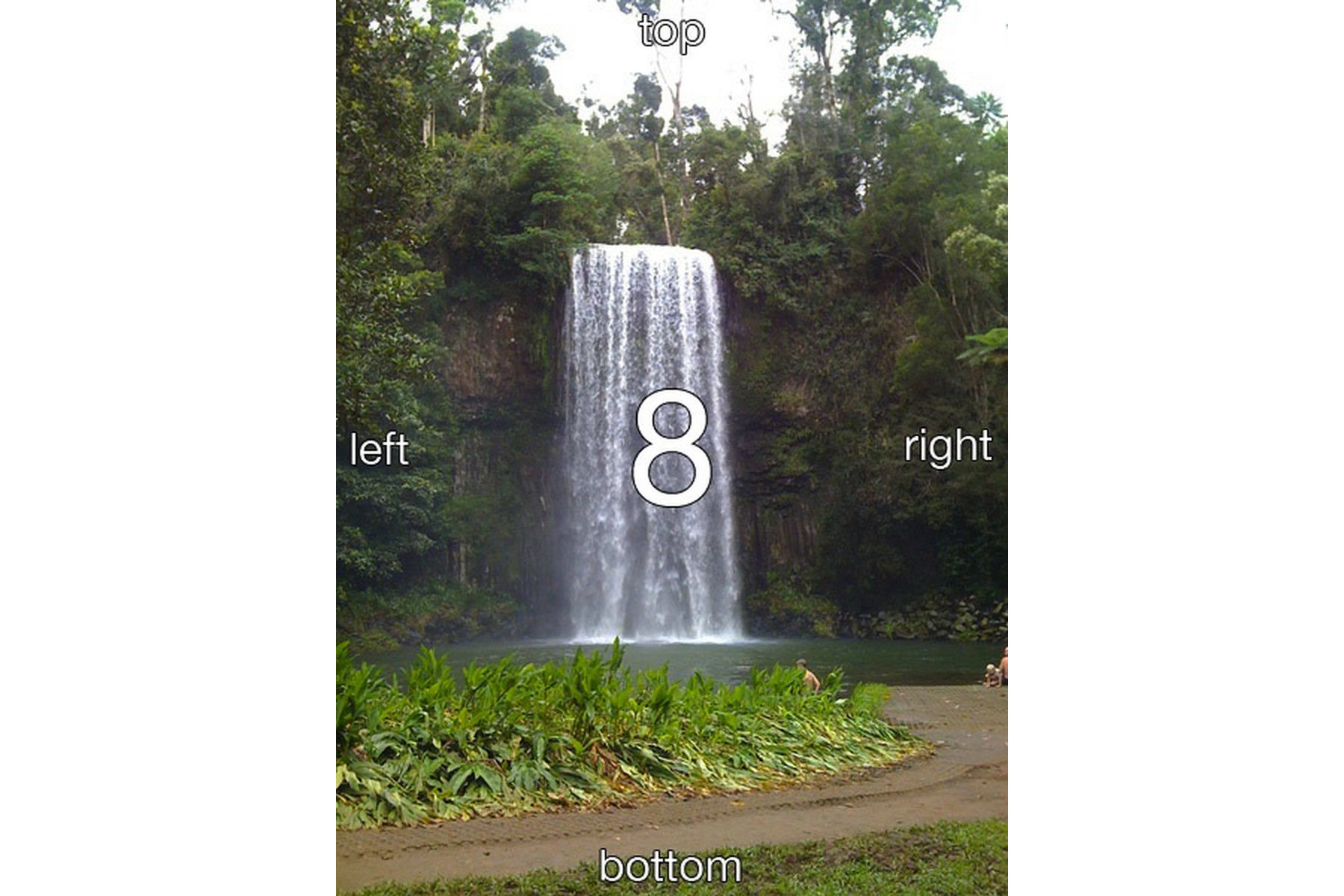
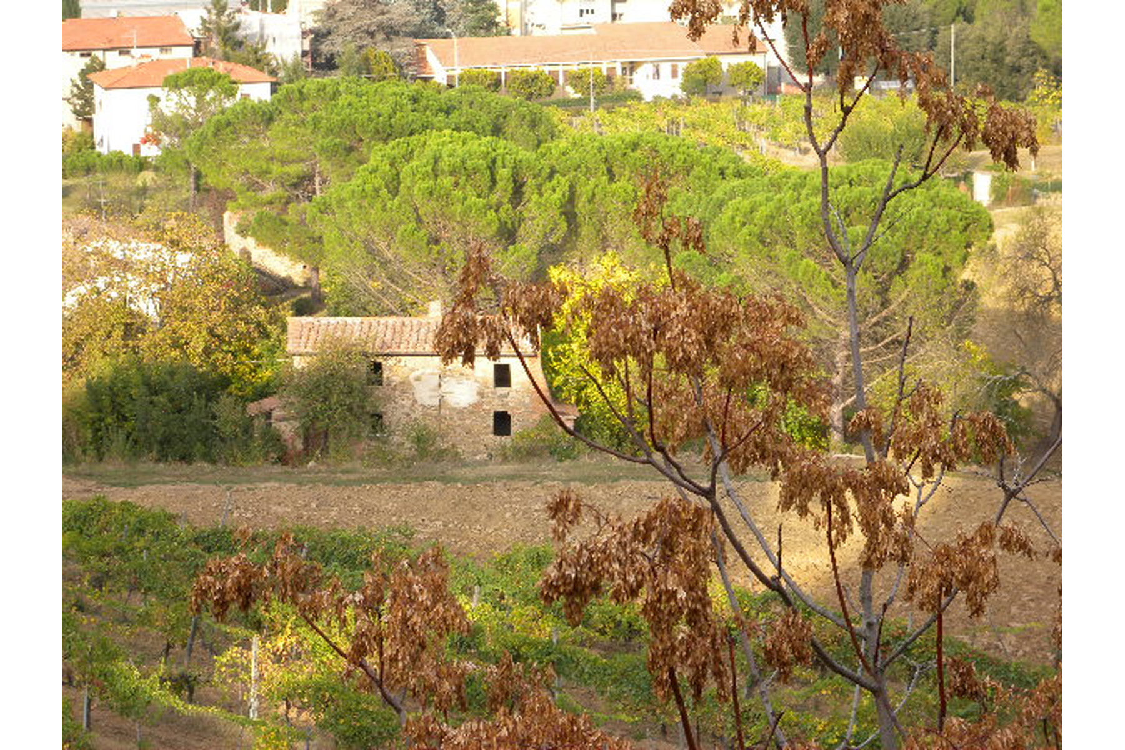
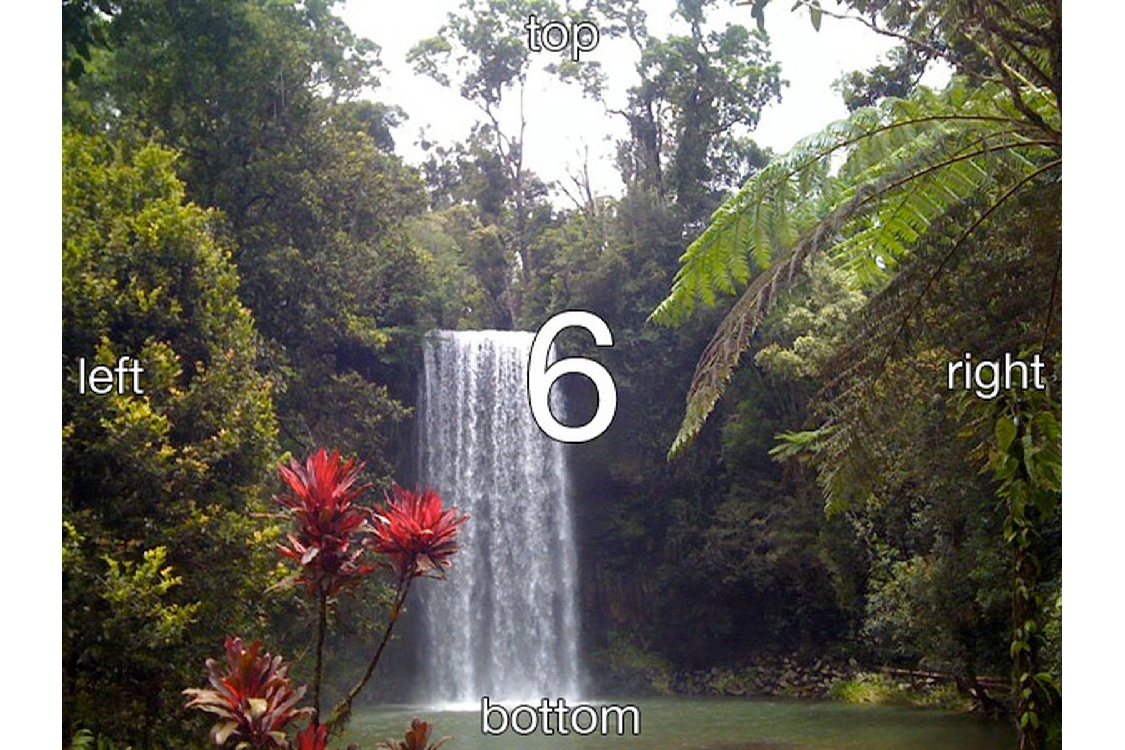
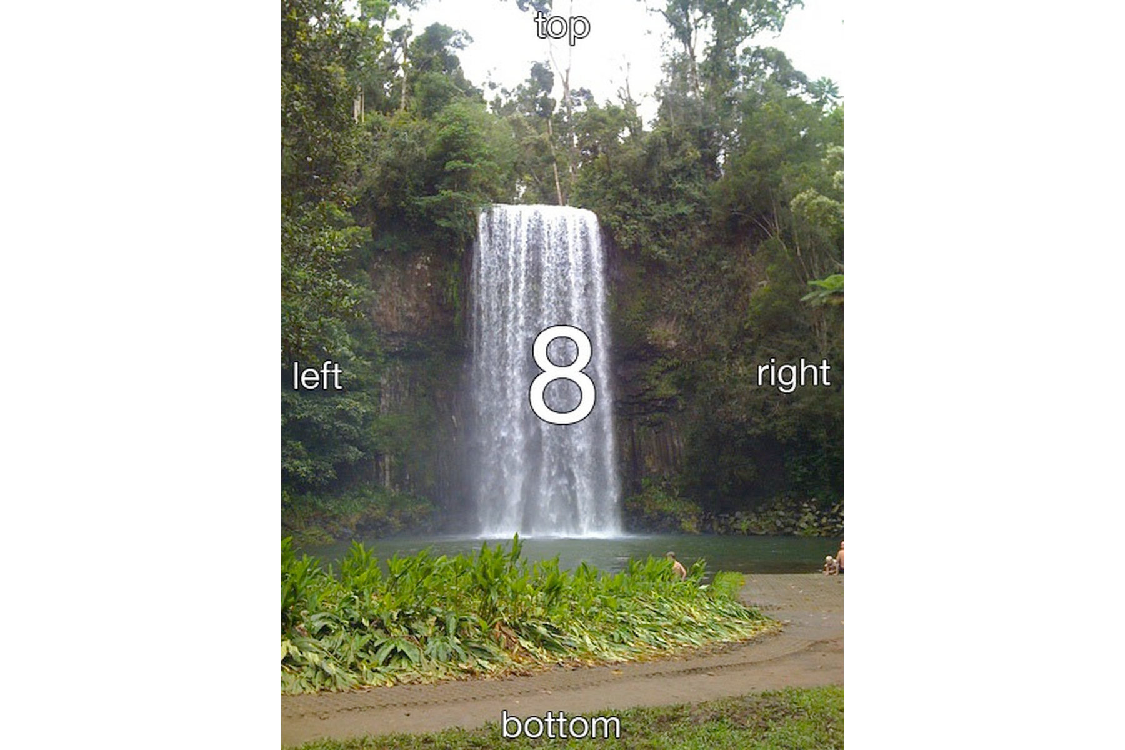
How a result is judged (2 checks)
- pdf_pages: file = "prints.pdf", pages = 3
- python: code = "import os, subprocess, tempfile\nfrom PIL import Image, ImageChops, ImageOps, ImageStat\ntmp = tempfile.mkdtemp()\nfor n, name in enumerate(['DSCN0010.jpg', 'landscape_6.jpg', 'portrait_8.jpg'], 1):\n png = os.path.join(tmp, f'{n}.png')\n subprocess.run(['gs', '-q', '-dNOPAUSE', '-dBATCH', '-sDEVICE=png16m', '-r50', f'-dFirstPage={n}', f'-dLastPage={n}', '-sOutputFile=' + png, 'prints.pdf'], check=True)\n page = Image.open(png).convert('RGB')\n w, h = page.size\n assert abs(w / h - 1.5) < 0.03, ('page is not 6x4', n, page.size)\n photo = ImageOps.exif_transpose(Image.open(name)).convert('RGB')\n photo = ImageOps.contain(photo, (1800, 1200))\n want = Image.new('RGB', (1800, 1200), 'white')\n want.paste(photo, ((1800 - photo.size[0]) // 2, (1200 - photo.size[1]) // 2))\n d = sum(ImageStat.Stat(ImageChops.difference(want.resize((300, 200)), page.resize((300, 200)))).mean) / 3\n assert d < 14, ('page does not show the photo upright and as large as it fits', n, name, round(d, 1))\n"
Runs
Claude Opus 5.5Without deftPassed2026-11-15
- Time
- 22s
- New tokens
- 11.3k
- Total input
- 45.0k
- Output tokens
- 1.5k
- Commands
- 2
- Failed
- 0
Trace
ls -la; python3 -c "import PIL; print(PIL.__version__)"; python3 -I -c "
from PIL import Image
for f in ['DSCN0010.jpg','landscape_6.jpg','portrait_8.jpg']:
    im=Image.open(f); print(f, im.size, im.mode, im.getexif().get(274))
"
output
total 856
drwxr-xr-x@   6 user  staff     192 Nov 14 20:03 .
drwx------@ 308 user  staff    9856 Nov 14 20:03 ..
drwxr-xr-x@   3 user  staff      96 Nov 14 20:03 .claude
-rw-r--r--@   1 user  staff  161713 Nov  5 21:11 DSCN0010.jpg
-rw-r--r--@   1 user  staff  137628 Nov  5 21:11 landscape_6.jpg
-rw-r--r--@   1 user  staff  132543 Nov  5 21:11 portrait_8.jpg
9.0.1
DSCN0010.jpg (640, 480) RGB 1
landscape_6.jpg (450, 600) RGB 6
portrait_8.jpg (600, 450) RGB 8
python3 -I - <<'EOF'
from PIL import Image, ImageOps
pages=[]
for f in ['DSCN0010.jpg','landscape_6.jpg','portrait_8.jpg']:
    im=ImageOps.exif_transpose(Image.open(f)).convert('RGB')
    W,H=1800,1200
    s=min(W/im.width,H/im.height)
    nw,nh=round(im.width*s),round(im.height*s)
    im=im.resize((nw,nh),Image.LANCZOS)
    c=Image.new('RGB',(W,H),'white'); c.paste(im,((W-nw)//2,(H-nh)//2))
    print(f,'->',(nw,nh)); pages.append(c)
pages[0].save('prints.pdf',save_all=True,append_images=pages[1:],resolution=300)
EOF
python3 -I -c "
import re;d=open('prints.pdf','rb').read();print(re.findall(rb'/MediaBox *\[[^\]]*\]',d))"
output
DSCN0010.jpg -> (1600, 1200)
landscape_6.jpg -> (1600, 1200)
portrait_8.jpg -> (900, 1200)
[b'/MediaBox [ 0 0 432.0 288.0 ]', b'/MediaBox [ 0 0 432.0 288.0 ]', b'/MediaBox [ 0 0 432.0 288.0 ]']
I made `prints.pdf` in the current directory. It has 3 pages in the order you gave. Each page is exactly 6×4 inches (432×288 pt) with no margin, and holds one 1800×1200 white canvas at 300 dpi. Two of the photos were stored sideways, with a tag in the file saying which way they should be turned. I turned them upright using that tag before fitting them: | Page | File | How it was stored | Size on the canvas | |---|---|---|---| | 1 | DSCN0010.jpg | 640×480, already upright | 1600×1200, white bars left and right | | 2 | landscape_6.jpg | 450×600, turned 90° clockwise | 1600×1200, white bars left and right | | 3 | portrait_8.jpg | 600×450, turned 90° counter-clockwise | 900×1200, centred, wide white bars left and right | Nothing is cropped. I checked that the page sizes are right, but I didn't open the PDF to look at the pages, so the uprighting relies on those tags being correct. The or
Output
Its files were not kept in this run. The last line of the trace is its own report.
Claude Opus 5.5With deft, skill installedPassedRead the skillUsed deft2026-11-15
- Time
- 53s
- New tokens
- 21.3k
- Total input
- 210.4k
- Output tokens
- 3.5k
- Commands
- 10
- Failed
- 1
Trace
Loaded the deft skill
ls -la; deft image; deft find "fit image on canvas with padding"output
total 856
drwxr-xr-x@   6 user  staff     192 Nov 14 20:03 .
drwx------@ 308 user  staff    9856 Nov 14 20:03 ..
drwxr-xr-x@   4 user  staff     128 Nov 14 20:03 .claude
-rw-r--r--@   1 user  staff  161713 Nov  5 21:11 DSCN0010.jpg
-rw-r--r--@   1 user  staff  137628 Nov  5 21:11 landscape_6.jpg
-rw-r--r--@   1 user  staff  132543 Nov  5 21:11 portrait_8.jpg
deft image - commands (input -> output)
  info         image -> report                  Format, dimensions, EXIF orientation, GPS
  adjust       image -> image                   Change --brightness, --contrast, --saturation, --gamma
  blur         image -> image                   Gaussian blur: --radius 5, or a --box region
  compress     JPEG, PNG or WebP -> image       Smaller file: --quality, --target-size 200KB
  convert      image -> image                   Change format: --to png|jpg|webp|avif|gif|tiff|bmp|ico
  crop         image -> image                   Cut a region: --box x,y,w,h or --aspect 16:9
  favicon      image -> ico+png...              Website icon set: favicon.ico and PNG sizes
  flip         image -> image                   Mirror: --direction horizontal|vertical
  frames       gif -> png...                    Save each frame of an animated GIF as PNG
  grayscale    image -> image                   Remove colour
  meta         image -> image                   Read EXIF, or set --title --author --copyright --date
  montage      image... -> image                Tile images into a grid: --cols 3 --size 3
… 1021 more characters
deft image info *.jpg; deft image pad --help; deft image to-pdf --helpoutput
ok image.info DSCN0010.jpg  640x480
width=640 height=480 orientation=1 has_metadata=true has_gps=true
ok image.info landscape_6.jpg  600x450
width=600 height=450 orientation=6 has_metadata=true has_gps=false
ok image.info portrait_8.jpg  450x600
width=450 height=600 orientation=8 has_metadata=true has_gps=false
deft image pad - Add a border or canvas: --border 20, --size 1080x1080

Usage: deft image pad <image>... [-o <image|dir>] [options]
In: image (each handled separately)   Out: image (default <name>.padded.<ext>)

Options:
  --border <n>                 Pixels on each side
  --size <size>                Final canvas size; a larger picture is scaled down to fit
  --background <color>         Canvas colour (default white)
  --position <position>        Where the picture sits (default center)
  --quality <n>                Quality for JPEG, WebP and AVIF (default 85)
Common: -o --force --dry-run --json -j   (deft help common)

Examples:
  deft image pad logo.png --border 20 --background red -o framed.png
  deft image pad photo-1.jpg --size 1600x1600 --position top -o square.jpg

Result fields: width, height
deft image to-pdf - One page per image
Same as: deft pdf from-images · deft convert

Usage: deft image to-pdf <image>... [-o <pdf|dir>] [options]
In: image (all together, in order)   Out: pdf (default <name>.<ext>)

Options:
  --page-size <a4|letter|legal|a3|a5|fit>
      Paper, or fit to each image (default a4)
  --orientation <auto|portrait|landscape>
      Page orient
… 302 more characters
deft image resize --help; deft image rotate --help | head -20output
deft image resize - Scale: --size 800x, 1920x1080, 50%

Usage: deft image resize <image>... [-o <image|dir>] [options]
In: image (each handled separately)   Out: image (default <name>.resized.<ext>)
Images never grow unless --upscale is set. SVG is drawn at the size asked for.

Options:
  --size <size>                Target size (required)
  --fit <contain|cover|fill>   For WxH: fit inside, fill and crop, or stretch (default contain)
  --upscale                    Allow enlarging
  --quality <n>                Quality for JPEG, WebP and AVIF (default 85)
Common: -o --force --dry-run --json -j   (deft help common)

Examples:
  deft image resize photo-1.jpg --size 800x -o small.jpg
  deft image resize *.jpg --size 300x300 --fit cover -o thumbs/

Result fields: width, height
deft image rotate - Turn clockwise by any angle (EXIF is applied first)

Usage: deft image rotate <image>... [-o <image|dir>] [options]
In: image (each handled separately)   Out: image (default <name>.rotated.<ext>)
--angle 0 only makes the pixels upright, for tools that ignore EXIF.

Options:
  --angle <number>             Degrees clockwise; angles other than 90, 180, 270 grow the canvas (default 90)
  --quality <n>                Quality for JPEG, WebP and AVIF (default 85)
Common: -o --force --dry-run --json -j   (deft help common)

Examples:
  deft image rotate photo-1.jpg --angle 180 -o upside.jpg
  deft image rotate photo-1.jpg --angle 12.5 -o tilted.png

Result fields: width, height
set -e; T=$TMPDIR/prints; mkdir -p $T
for f in DSCN0010 landscape_6 portrait_8; do
 deft image rotate $f.jpg --angle 0 -o $T/$f.up.png --force
 deft image resize $T/$f.up.png --size 1800x1200 --fit contain --upscale -o $T/$f.big.png --force
 deft image pad $T/$f.big.png --size 1800x1200 --background white -o $T/$f.print.png --force
done
deft image to-pdf $T/DSCN0010.print.png $T/landscape_6.print.png $T/portrait_8.print.png --page-size fit -o prints.pdf --force
output
ok image.rotate DSCN0010.jpg -> <tmp>  640x480  0.03s
ok image.resize <tmp> -> <tmp>  1600x1200  0.24s
ok image.pad <tmp> -> <tmp>  1800x1200  0.48s
ok image.rotate landscape_6.jpg -> <tmp>  600x450  0.03s
ok image.resize <tmp> -> <tmp>  1600x1200  0.58s
ok image.pad <tmp> -> <tmp>  1800x1200  0.93s
ok image.rotate portrait_8.jpg -> <tmp>  450x600  0.03s
ok image.resize <tmp> -> <tmp>  900x1200  0.23s
ok image.pad <tmp> -> <tmp>  1800x1200  0.42s
ok image.to-pdf 3 files -> prints.pdf  3 pages  0.36s
PDF is built. Now I'm checking it, because the rotation step didn't change the sizes of the two images that have EXIF orientation flags.
T=$TMPDIR/prints; for f in landscape_6 portrait_8; do sips -g pixelWidth -g pixelHeight -g orientation $f.jpg; deft image info $T/$f.up.png; done; deft pdf info prints.pdf 2>&1 | head; python3 -I -c "
from PIL import Image,ImageOps
for f in ['landscape_6','portrait_8']:
  im=Image.open(f+'.jpg'); print(f, im.size, im.getexif().get(274), ImageOps.exif_transpose(im).size)"
output
landscape_6.jpg
  pixelWidth: 450
  pixelHeight: 600
  orientation: <nil>
ok image.info <tmp>  600x450
width=600 height=450 orientation=1 has_metadata=false has_gps=false
portrait_8.jpg
  pixelWidth: 600
  pixelHeight: 450
  orientation: <nil>
ok image.info <tmp>  450x600
width=450 height=600 orientation=1 has_metadata=false has_gps=false
ok pdf.info prints.pdf  3 pages, 1350x900pt, PDF 1.7
pages=3 version=1.7 width=1350.0 height=900.0 images=3 fonts=0 forms=false
landscape_6 (450, 600) 6 (600, 450)
portrait_8 (600, 450) 8 (450, 600)
deft find "scale pdf pages to a custom size"; deft pdf | grep -iE "resize|scale|page"output
pdf resize  pdf -> pdf     Fit pages to --page-size a4
pdf split   pdf -> pdf...  Split: per page, --every N, --ranges
  info            pdf -> report      Pages, size, metadata, fonts, images
  crop            pdf -> pdf         Trim pages: --margin, --box, --auto
  delete          pdf -> pdf         Remove pages: --pages 2,5-7
  flatten         pdf -> pdf         Bake forms into pages
  from-images     image... -> pdf    One page per image
  number          pdf -> pdf         Add page numbers: --format
  resize          pdf -> pdf         Fit pages to --page-size a4
  rotate          pdf -> pdf         Turn pages clockwise: --angle 90, --pages
  select          pdf -> pdf         Keep and reorder pages
  split           pdf -> pdf...      Split: per page, --every N, --ranges
  to-images       pdf -> png|jpg...  Render pages: --dpi, --pages
  watermark       pdf -> pdf         Stamp text or an image on pages
deft pdf resize --helpoutput
deft pdf resize - Fit pages to --page-size a4

Usage: deft pdf resize <pdf>... [-o <pdf|dir>] [options]
In: pdf (each handled separately)   Out: pdf (default <name>.resized.<ext>)
Content is scaled and centred. Landscape pages stay landscape.

Options:
  --page-size <a3|a4|a5|letter|legal>
      Paper (default a4)
  --pages <pages>              Pages to resize (default all)
  --password <text>            Password of an encrypted input
Common: -o --force --dry-run --json -j   (deft help common)

Examples:
  deft pdf resize report.pdf --page-size letter -o letter.pdf

Result fields: resized
set -e; T=$TMPDIR/prints; mv prints.pdf $T/prints_raw.pdf deft pdf resize $T/prints_raw.pdf --page-size 6inx4in -o prints.pdf deft pdf info prints.pdf deft pdf to-images prints.pdf --dpi 300 -o $T/check/ --force deft image info $T/check/* (exit 1)output
Exit code 1
error BAD_VALUE --page-size: "6inx4in" is not one of a3, a4, a5, letter, legal
hint: deft pdf resize --help
error INPUT_NOT_FOUND prints.pdf: no such file or directory
error INPUT_NOT_FOUND prints.pdf: no such file or directory
(eval):5: no matches found: <tmp>
deft can't set a custom page size, so I'll use Pillow to write the PDF at 300 DPI. At that resolution an 1800×1200 image comes out at exactly 6×4 in.
set -e; T=$TMPDIR/prints
python3 -I - "$T" <<'EOF'
import sys
from PIL import Image
T=sys.argv[1]
ims=[Image.open(f"{T}/{n}.print.png").convert("RGB") for n in ["DSCN0010","landscape_6","portrait_8"]]
ims[0].save("prints.pdf", save_all=True, append_images=ims[1:], resolution=300.0)
EOF
deft pdf info prints.pdf
deft pdf to-images prints.pdf --dpi 300 -o $T/check/ --force
deft image info $T/check/*
output
ok pdf.info prints.pdf  3 pages, 432x288pt, PDF 1.4
pages=3 version=1.4 width=432.0 height=288.0 title=prints images=3 fonts=0 forms=false
ok pdf.to-images prints.pdf -> <tmp>  3 images  0.94s
ok image.info <tmp>  1800x1200
width=1800 height=1200 orientation=1 has_metadata=false has_gps=false
ok image.info <tmp>  1800x1200
width=1800 height=1200 orientation=1 has_metadata=false has_gps=false
ok image.info <tmp>  1800x1200
width=1800 height=1200 orientation=1 has_metadata=false has_gps=false
Quick visual check of the pages:
T=$TMPDIR/prints; deft image montage $T/check/*.png --cols 3 --size 600x400 -o $T/sheet.png --forceoutput
ok image.montage 3 files -> <tmp> 1800x400 0.20s
I made `prints.pdf` in the current directory. It has three pages in the order you gave: DSCN0010, landscape_6, portrait_8. Each page is exactly 6×4 in with no margin, and each holds the photo on a white 1800×1200 canvas. That works out to 300 DPI at print size. I rendered the pages back out and looked at them. All three photos are upright, and none are cropped: | Page | Photo | Size on the canvas | White space | |---|---|---|---| | 1 | DSCN0010 | 1600×1200 | thin bands left and right | | 2 | landscape_6 | 1600×1200 | thin bands left and right | | 3 | portrait_8 | 900×1200 | wide bands left and right (a portrait photo on a landscape print) | - **Rotation:** landscape_6 and portrait_8 are stored sideways, with a camera setting that says how to turn them. I applied it, and their "top/bottom/left/right" labels read correctly on the pages. - **Enlarged:** all three originals are small (abo
Output
Its files were not kept in this run. The last line of the trace is its own report.