Evals / pdf / Multi-step jobs
Shrink a scanned letter and mark it as a copy
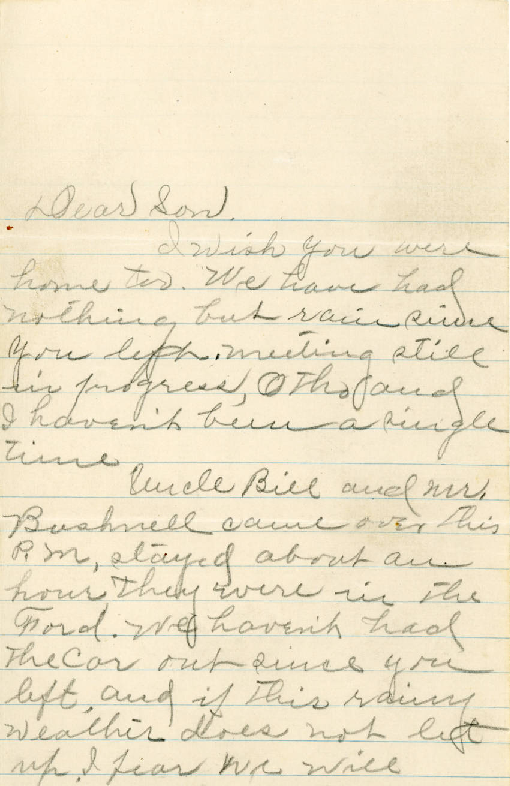
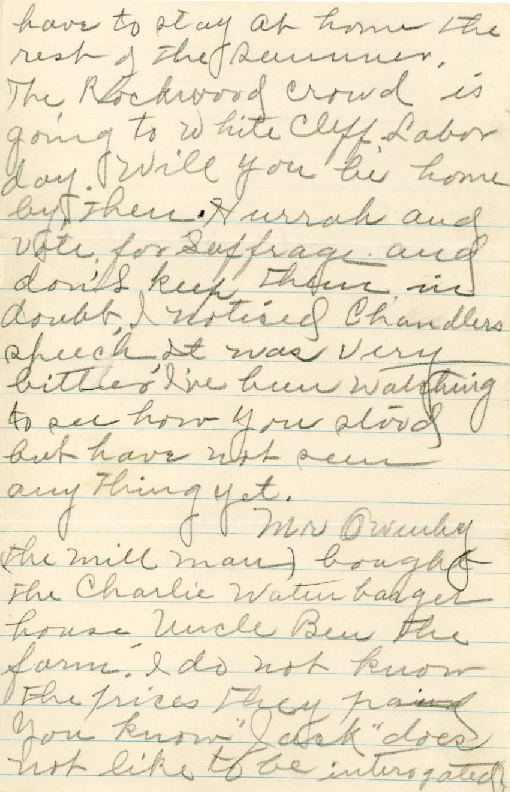
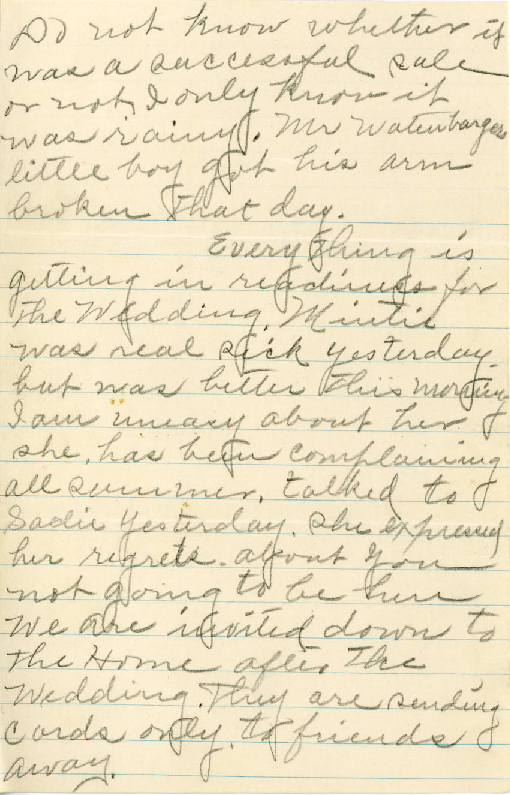
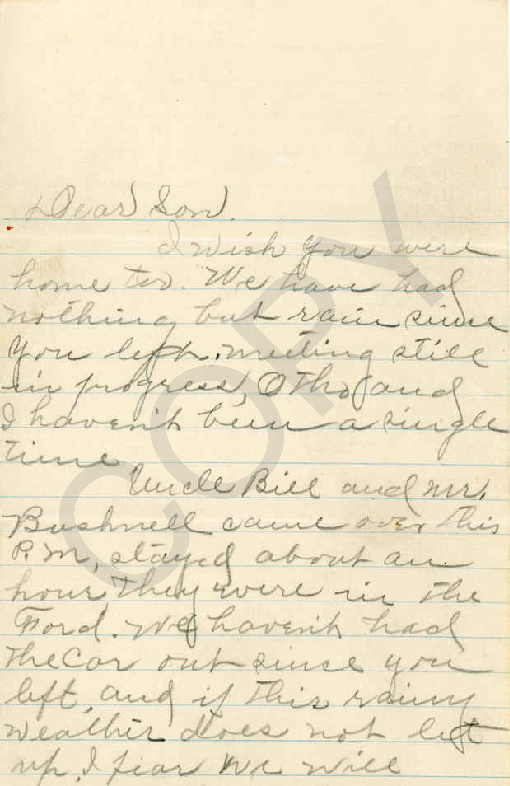
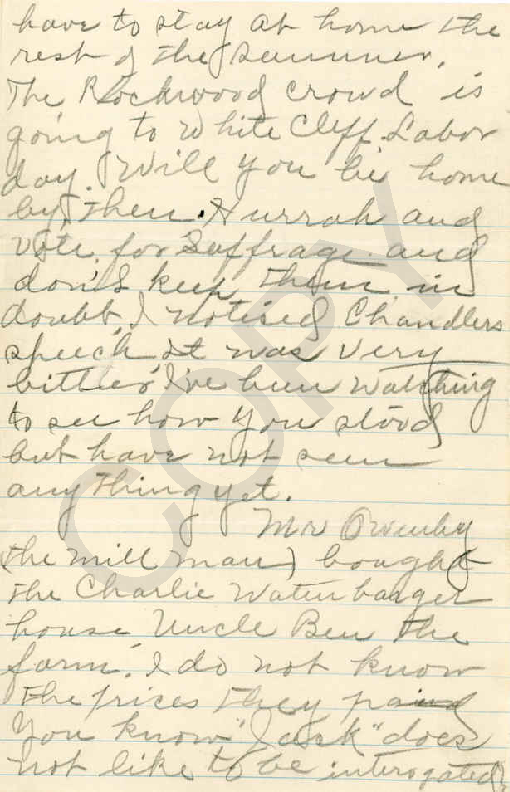
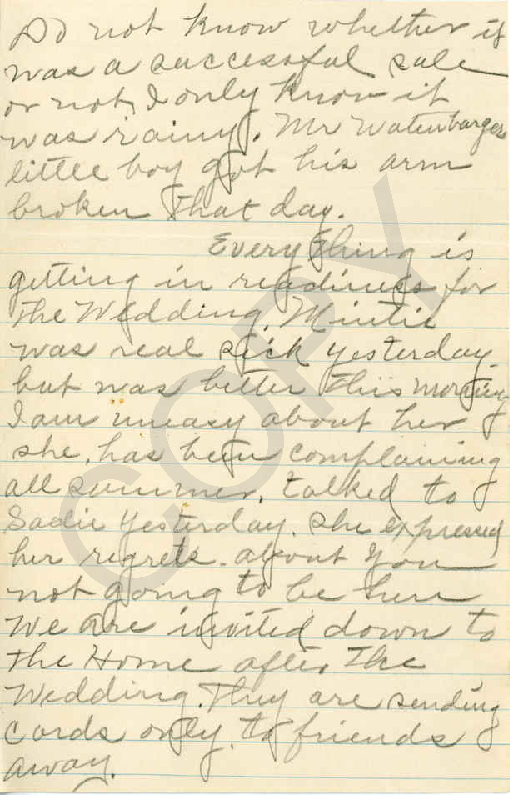
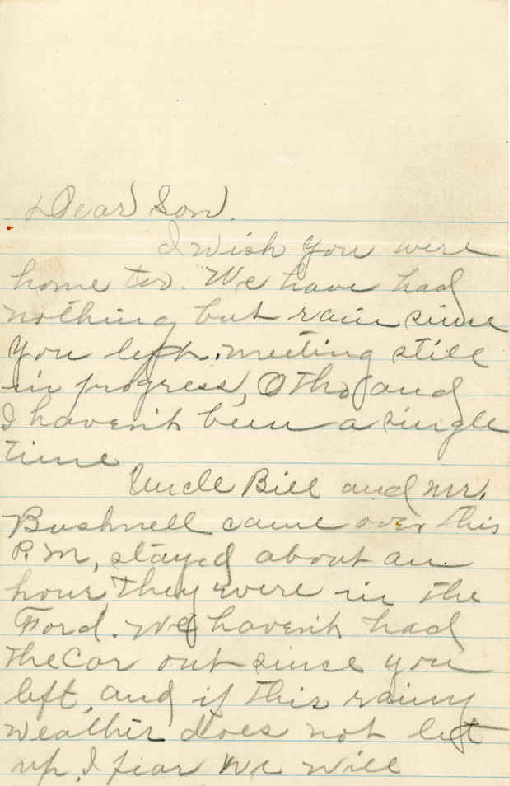
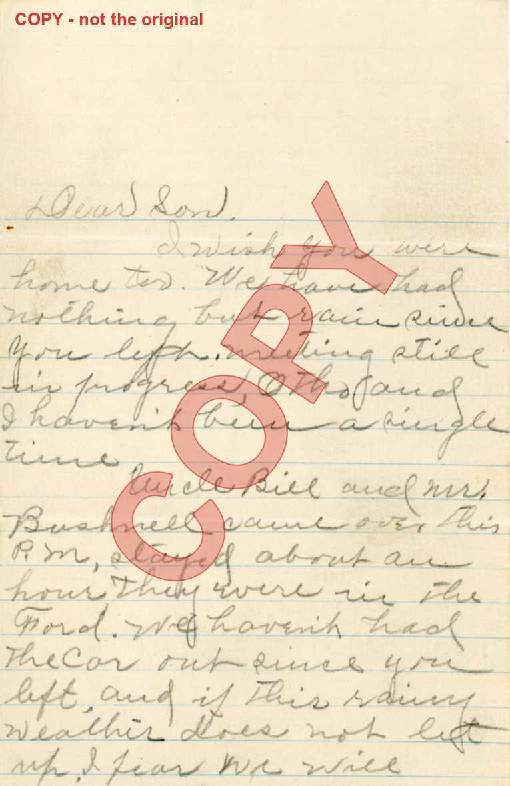
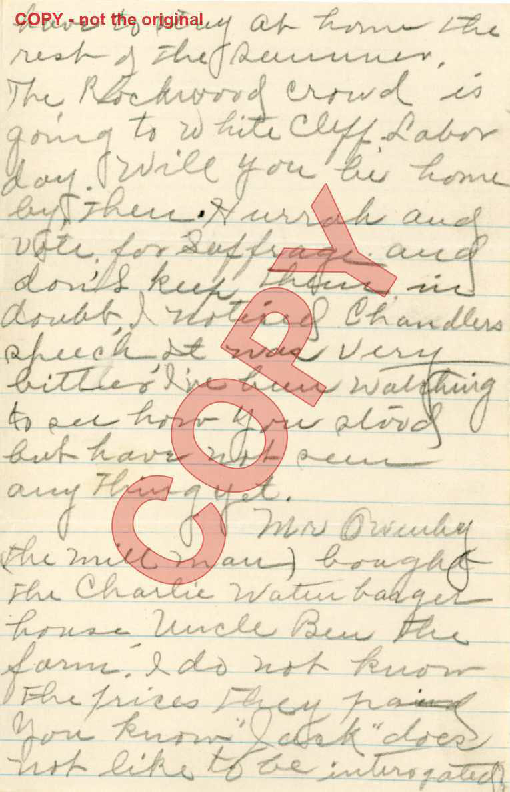
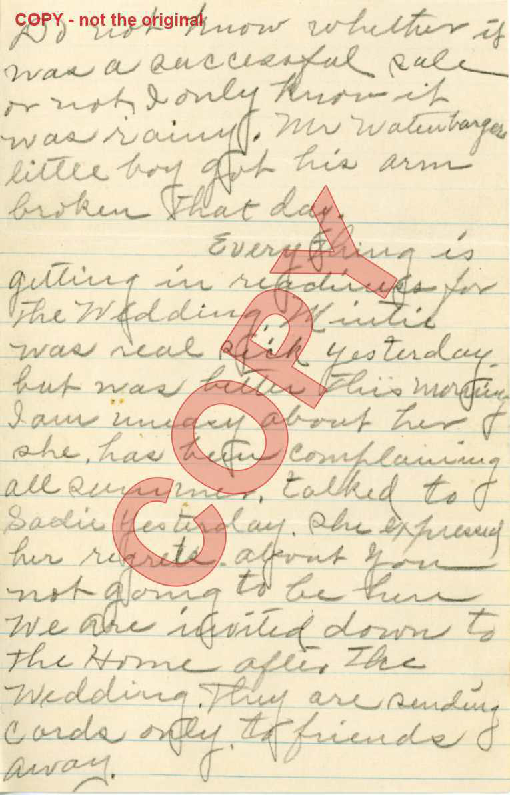
letter.pdf is a scan of an old handwritten letter. I want to email it to the family: get it under 500 KB and stamp COPY on every page so nobody takes it for the original. Save it as letter-copy.pdf.
The task
The reference answer shows the job can be done with deft. It is not an agent run.
deft pdf compress letter.pdf --target-size 500KB -o small.pdf
deft pdf watermark small.pdf --text COPY -o letter-copy.pdf
Input
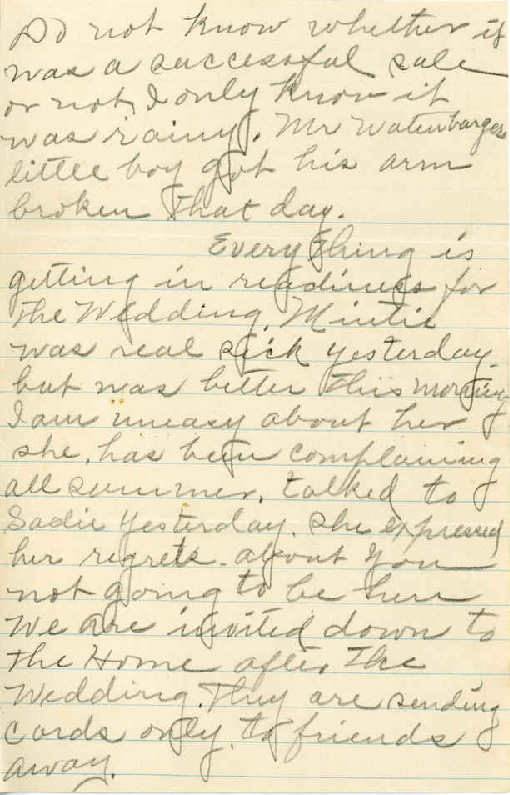
How a result is judged (4 checks)
- max_bytes: file = "letter-copy.pdf", bytes = 512000
- pdf_pages: file = "letter-copy.pdf", pages = 7
- python: code = "import subprocess\ndef added_marks(out, src, p, trim_mm):\n # Share of the page with new marks against the same page of the input.\n from PIL import Image, ImageChops, ImageFilter\n def render(pdf, name, extra):\n subprocess.check_call(['gs', '-q', '-dSAFER', '-dBATCH', '-dNOPAUSE', '-sDEVICE=pnggray', '-r50', f'-dFirstPage={p}', f'-dLastPage={p}', f'-sOutputFile={name}'] + extra + [pdf])\n return Image.open(name).convert('L')\n a = render(out, 'mark-out.png', ['-dUseCropBox'])\n b = render(src, 'mark-src.png', [])\n t = round(trim_mm / 25.4 * 50)\n if t:\n b = b.crop((t, t, b.width - t, b.height - t))\n b = b.resize(a.size)\n d = ImageChops.difference(a.filter(ImageFilter.GaussianBlur(2)), b.filter(ImageFilter.GaussianBlur(2)))\n return sum(1 for v in d.getdata() if v > 40) / (a.width * a.height)\ndef stamped(word, out, p, dpi):\n # A stamp may be drawn, not typed, and is often diagonal: read the page turned too.\n subprocess.check_call(['gs', '-q', '-dSAFER', '-dBATCH', '-dNOPAUSE', '-sDEVICE=pnggray', f'-r{dpi}', f'-dFirstPage={p}', f'-dLastPage={p}', '-sOutputFile=page.png', out])\n from PIL import Image\n page = Image.open('page.png')\n for angle in (0, 45, -45, 35, -35, 55, -55, 90, -90):\n page.rotate(angle, expand=True, fillcolor=255).save('turned.png')\n for psm in ('3', '11'):\n seen = subprocess.run(['tesseract', 'turned.png', '-', '--psm', psm], capture_output=True, text=True).stdout\n if word in seen.upper().replace(' ', ''):\n return True\n return False\nout = 'letter-copy.pdf'\nfor p in range(1, 8):\n text = subprocess.run(['gs', '-q', '-dNOPAUSE', '-dBATCH', '-dSAFER', '-sDEVICE=txtwrite', f'-dFirstPage={p}', f'-dLastPage={p}', '-sOutputFile=-', out], capture_output=True, text=True, errors='replace').stdout\n if 'COPY' not in text:\n assert added_marks(out, 'letter.pdf', p, 0) > 0.01 or stamped('COPY', out, p, 100), f'page {p} has no COPY stamp'\n"
- pdf_changed: file = "letter-copy.pdf", from = "letter.pdf", page = 4, max_difference = 10, min_difference = 0
Runs
Claude Opus 5.5Without deftPassed2026-11-15
- Time
- 119s
- New tokens
- 31.8k
- Total input
- 379.8k
- Output tokens
- 9.4k
- Commands
- 14
- Failed
- 5
Trace
ls -la; which gs qpdf magick convert pdftoppm img2pdf python3; python3 -c "import fitz; print('fitz', fitz.__doc__)"; python3 -c "import pypdf; print('pypdf', pypdf.__version__)"; python3 -c "import PIL; print('PIL')"; python3 -c "import reportlab; print('rl')" (exit 1)output
Exit code 1
total 1920
drwxr-xr-x@   4 user  staff     128 Nov 14 20:12 .
drwx------@ 324 user  staff   10368 Nov 14 20:12 ..
drwxr-xr-x@   3 user  staff      96 Nov 14 20:12 .claude
-rw-r--r--@   1 user  staff  979042 Nov 13 23:22 letter.pdf
/usr/local/bin/gs
qpdf not found
magick not found
convert not found
pdftoppm not found
img2pdf not found
~/opt/anaconda3/bin/python3
Traceback (most recent call last):
  File "<string>", line 1, in <module>
ModuleNotFoundError: No module named 'fitz'
Traceback (most recent call last):
  File "<string>", line 1, in <module>
ModuleNotFoundError: No module named 'pypdf'
PIL
Traceback (most recent call last):
  File "<string>", line 1, in <module>
ModuleNotFoundError: No module named 'reportlab'
gs -q -dNODISPLAY -dNOSAFER -c "(letter.pdf) (r) file runpdfbegin pdfpagecount = 1 1 pdfpagecount { pdfgetpage /MediaBox pget pop == } for quit"; gs --versionoutput
7
[0 943.183105 611.716675 0]
[0 950.377441 611.716675 0]
[0 953.974609 611.716675 0]
[0 950.377441 611.716675 0]
[0 944.621887 611.716675 0]
[0 948.938538 608.118347 0]
[0 948.938538 608.118347 0]
9.55.0
mkdir -p "$TMPDIR/prev" && gs -q -dSAFER -sDEVICE=jpeg -r30 -dFirstPage=1 -dLastPage=1 -o "$TMPDIR/prev/p1.jpg" letter.pdf && echo okoutput
ok
echo "$TMPDIR/prev/p1.jpg"output
<tmp>
Checking a preview of the page orientation before stamping.
cat > "$TMPDIR/stamp.ps" <<'EOF'
<< /EndPage {
  exch pop 2 lt {
    gsave
      currentpagedevice /PageSize get aload pop /H exch def /W exch def
      W 2 div H 2 div translate
      H W atan rotate
      /Helvetica-Bold findfont W 0.38 mul scalefont setfont
      0.85 0.1 0.1 setrgbcolor
      { .setfillconstantalpha } stopped { pop } { } ifelse
      0.30 { .setfillconstantalpha } stopped { pop } if
      (COPY) dup stringwidth pop -2 div W -0.13 mul moveto show
    grestore
    true
  } { false } ifelse
} bind >> setpagedevice
EOF
gs -q -dSAFER -dBATCH -dNOPAUSE -sDEVICE=pdfwrite -dCompatibilityLevel=1.4 \
  -dDownsampleColorImages=true -dColorImageResolution=110 -dColorImageDownsampleType=/Bicubic \
  -dDownsampleGrayImages=true -dGrayImageResolution=110 -dGrayImageDownsampleType=/Bicubic \
  -dAutoFilterColorImages=false -sColorImageFilter=/DCTEncode -dJPEGQ=60 \
  -dAutoFilterGrayImages=false -sGrayImageFilter=/DCTEncode \
  -sOutputFile=letter-copy.pdf "$TMPDIR/stamp.ps" letter.pdf && ls -l letter-copy.pdf && gs -q -sDEVICE=jpeg -r40 -o "$TMPDIR/prev/c%d.jpg" letter-copy.pdf (exit 1)
output
Exit code 255
Unrecoverable error: rangecheck in .putdeviceprops
cd "$TMPDIR" && sed -i '' '/{ .setfillconstantalpha } stopped { pop } { } ifelse/d' stamp.ps && cd - >/dev/null
gs -q -dSAFER -dBATCH -dNOPAUSE -sDEVICE=pdfwrite -dCompatibilityLevel=1.4 \
  -dDownsampleColorImages=true -dColorImageResolution=110 -dColorImageDownsampleType=/Bicubic \
  -dDownsampleGrayImages=true -dGrayImageResolution=110 -dGrayImageDownsampleType=/Bicubic \
  -sOutputFile=letter-copy.pdf "$TMPDIR/stamp.ps" letter.pdf && ls -l letter-copy.pdf && gs -q -sDEVICE=jpeg -r40 -o "$TMPDIR/prev/c%d.jpg" letter-copy.pdf
output
-rw-r--r--@ 1 user staff 971145 Nov 14 20:13 letter-copy.pdf
The pdfwrite route mangled the page orientation (the scan has an inverted MediaBox), so I'll rasterize the pages, which renders correctly, and rebuild the PDF with the stamp burned in.
mkdir -p "$TMPDIR/pages" && rm -f "$TMPDIR/pages"/* && gs -q -dSAFER -sDEVICE=png16m -r110 -o "$TMPDIR/pages/p%02d.png" letter.pdf && ls "$TMPDIR/pages"
cat > "$TMPDIR/build.py" <<'EOF'
import sys, glob, io, math
from PIL import Image, ImageDraw, ImageFont
src, out, q = sys.argv[1], sys.argv[2], int(sys.argv[3])
font_path = "/System/Library/Fonts/Supplemental/Arial Bold.ttf"
pages = []
for f in sorted(glob.glob(src + "/p*.png")):
    im = Image.open(f).convert("RGB")
    W, H = im.size
    diag = int(math.hypot(W, H))
    layer = Image.new("RGBA", (diag, diag), (0, 0, 0, 0))
    d = ImageDraw.Draw(layer)
    font = ImageFont.truetype(font_path, int(W * 0.30))
    bb = d.textbbox((0, 0), "COPY", font=font)
    tw, th = bb[2] - bb[0], bb[3] - bb[1]
    d.text(((diag - tw) / 2 - bb[0], (diag - th) / 2 - bb[1]), "COPY", font=font,
           fill=(200, 20, 20, 70), stroke_width=max(2, W // 300), stroke_fill=(200, 20, 20, 150))
    # small header label too
    sf = ImageFont.truetype(font_path, int(W * 0.035))
    layer = layer.rotate(math.degrees(math.atan2(H, W)), resample=Image.BICUBIC)
    x0, y0 = (diag - W) // 2, (diag - H) // 2
    layer = layer.crop((x0, y0, x0 + W, y0 + H))
    d2 = ImageDraw.Draw(layer)
    d2.text((W * 0.03, H * 0.015), "COPY — not the original", font=sf, fill=(200, 20, 20, 200))
    im = Image.alpha_composite(im.convert("RGBA"), layer).convert("RGB")
    buf = io.BytesIO(); im.save(buf, "JPEG", quality=q, optimize=True); buf.seek(0)
    pages.append(Image.open(buf))
pages[0].save(out, "PDF", save_all=True, append_images=pages[1:], resolution=110)
EOF
python3 -I "$TMPDIR/build.py" "$TMPDIR/pages" letter-copy.pdf 55 && ls -l letter-copy.pdf (exit 1)
output
Permission to use Bash has been denied because Claude Code is running in don't ask mode. IMPORTANT: You *may* attempt to accomplish this action using other tools that might naturally be used to accomplish this goal, e.g. using head instead of cat. But you *should not* attempt to work around this denial in malicious ways, e.g. do not use your ability to run tests to execute non-test actions. You should only try to work around this restriction in reasonable ways that do not attempt to bypass the intent behind this denial. If you believe this capability is essential to complete the user's request, STOP and explain to the user what you were trying to do and why you need this permission. Let the user decide how to proceed.
Edited build.py
mkdir -p "$TMPDIR/pages" && gs -q -dSAFER -sDEVICE=png16m -r110 -o "$TMPDIR/pages/p%02d.png" letter.pdf && ls "$TMPDIR/pages"output
p01.png
p02.png
p03.png
p04.png
p05.png
p06.png
p07.png
scan-001.png
scan-002.png
scan-003.png
scan-004.png
Some unrelated files already exist in that temp folder, so I'll use fresh, uniquely named paths.
Edited letter_stamp_build.py
D=$(mktemp -d "$TMPDIR/letterpages.XXXX") && gs -q -dSAFER -sDEVICE=png16m -r110 -o "$D/p%02d.png" letter.pdf && python3 -I <tmp> "$D" letter-copy.pdf 55 && ls -l letter-copy.pdf && gs -q -sDEVICE=jpeg -r40 -o "$D/check%d.jpg" letter-copy.pdf && gs -q -dNODISPLAY -dNOSAFER -c "(letter-copy.pdf) (r) file runpdfbegin pdfpagecount = quit" && echo "$D"output
-rw-r--r--@ 1 user  staff  1021017 Nov 14 20:13 letter-copy.pdf
7
<tmp>
Too big at 1 MB (the paper texture compresses poorly). Lowering resolution and quality:
D=$(mktemp -d "$TMPDIR/letterpages.XXXX") && gs -q -dSAFER -sDEVICE=png16m -r90 -o "$D/p%02d.png" letter.pdf && for q in 50 40; do python3 -I <tmp> "$D" "$D/out$q.pdf" $q; ls -l "$D/out$q.pdf"; done; echo "$D"output
-rw-r--r--@ 1 user  wheel  725208 Nov 14 20:14 <tmp>
-rw-r--r--@ 1 user  wheel  646131 Nov 14 20:14 <tmp>
<tmp>
Paper grain is eating the bytes. I'll add light denoising before JPEG compression.
Edited letter_stamp_build.py
D=<tmp> for b in 0.7 1.0; do python3 -I <tmp> "$D" "$D/b$b.pdf" 50 $b; ls -l "$D/b$b.pdf"; doneoutput
-rw-r--r--@ 1 user  wheel  635717 Nov 14 20:14 <tmp>
-rw-r--r--@ 1 user  wheel  570498 Nov 14 20:14 <tmp>
Found the real culprit: Pillow re-encodes the JPEG pages at its default quality when writing the PDF. Passing the quality through:
Edited letter_stamp_build.py
D=<tmp> for q in 55 45; do python3 -I <tmp> "$D" "$D/q$q.pdf" $q 0 90; ls -l "$D/q$q.pdf"; doneoutput
-rw-r--r--@ 1 user  wheel  550632 Nov 14 20:14 <tmp>
-rw-r--r--@ 1 user  wheel  480937 Nov 14 20:14 <tmp>
D=<tmp> python3 -I <tmp> "$D" "$D/final.pdf" 50 0.6 90 && ls -l "$D/final.pdf" && gs -q -sDEVICE=jpeg -r45 -dFirstPage=1 -dLastPage=1 -o "$D/view1.jpg" "$D/final.pdf" && gs -q -sDEVICE=jpeg -r110 -dFirstPage=4 -dLastPage=4 -o "$D/view4.jpg" "$D/final.pdf"output
-rw-r--r--@ 1 user wheel 467181 Nov 14 20:14 <tmp>
Looks good: the handwriting stays readable through the translucent stamp. Saving it as the final file:
cp <tmp> letter-copy.pdf && ls -l letter.pdf letter-copy.pdfoutput
-rw-r--r--@ 1 user  staff  467181 Nov 14 20:14 letter-copy.pdf
-rw-r--r--@ 1 user  staff  979042 Nov 13 23:22 letter.pdf
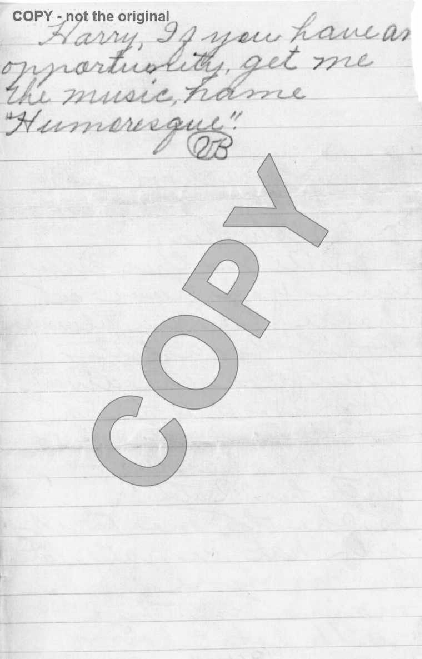
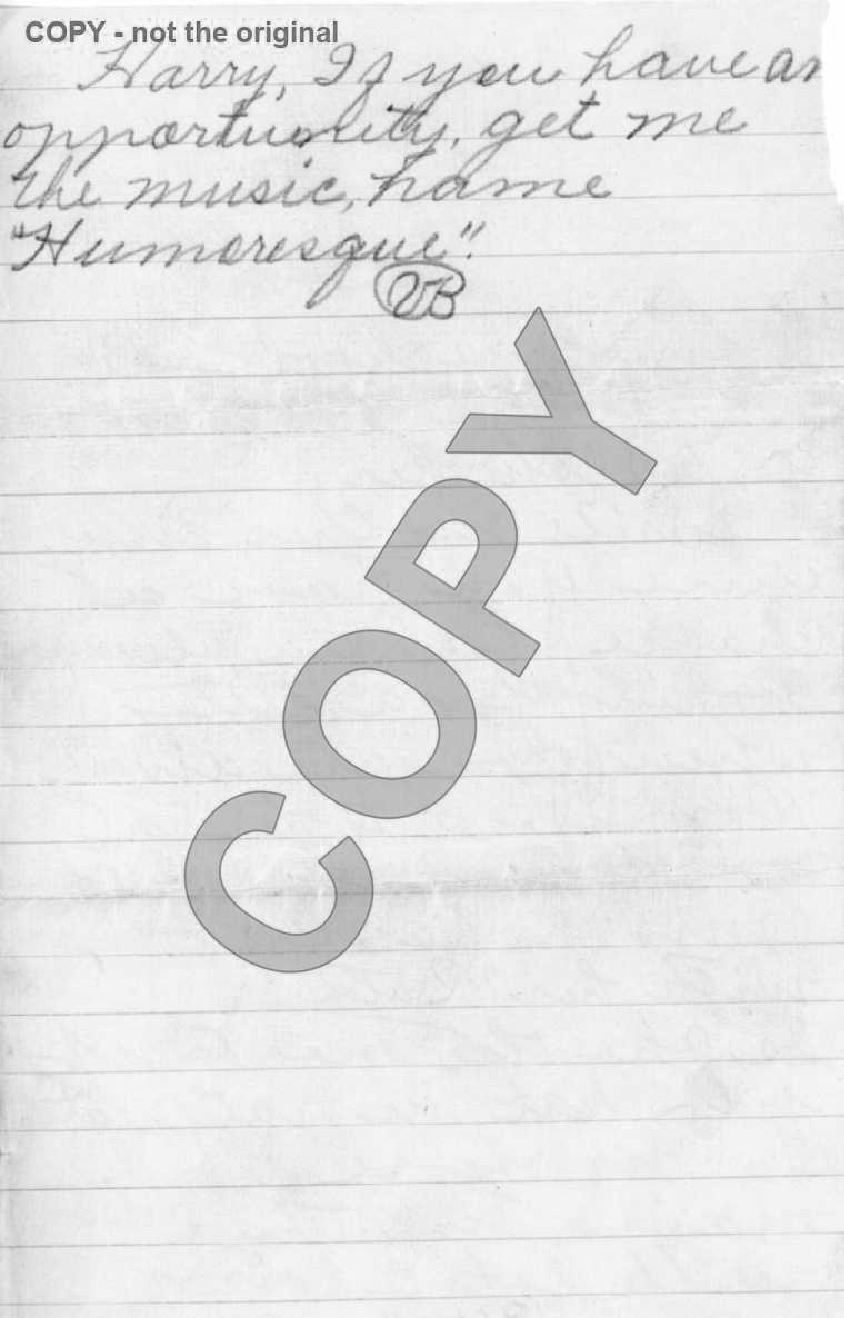
I saved **letter-copy.pdf**. It's 467 KB, down from 979 KB, which puts it under 500 KB whether you count a KB as 1,000 or 1,024 bytes. It has all 7 pages, and `letter.pdf` hasn't been changed. **Stamping:** each page has a large, see-through red **COPY** running corner to corner, plus a small "COPY - not the original" label at the top left. I checked pages 1 and 4 at screen size, and the handwriting reads clearly through the stamp. On some pages the small label overlaps the first line of writing a little. **How I did it:** - My first try kept the PDF's original structure, but it turned the pages sideways and barely made the file smaller. So I rebuilt the PDF from page images instead. - The pages are now 90 dpi images, lightly smoothed to remove paper grain, and saved as JPEGs. The stamp is part of each page image, so nobody can remove it from the PDF. - The cost is some sharpness compa
Output
Claude Opus 5.5With deft, skill installedPassedRead the skillUsed deft2026-11-15
- Time
- 23s
- New tokens
- 14.4k
- Total input
- 119.0k
- Output tokens
- 1.1k
- Commands
- 4
- Failed
- 0
Trace
Loaded the deft skill
ls -la; deft pdf; deft find "watermark pdf"output
total 1920
drwxr-xr-x@   4 user  staff     128 Nov 14 20:12 .
drwx------@ 324 user  staff   10368 Nov 14 20:12 ..
drwxr-xr-x@   4 user  staff     128 Nov 14 20:13 .claude
-rw-r--r--@   1 user  staff  979042 Nov 13 23:22 letter.pdf
deft pdf - commands (input -> output)
  info            pdf -> report      Pages, size, metadata, fonts, images
  compare         pdf... -> report   Compare two PDFs: text and pixels
  compress        pdf -> pdf         Make smaller: --level, --target-size 2MB
  crop            pdf -> pdf         Trim pages: --margin, --box, --auto
  decrypt         pdf -> pdf         Remove a password you know
  delete          pdf -> pdf         Remove pages: --pages 2,5-7
  encrypt         pdf -> pdf         Protect with a password (AES-256)
  extract-images  pdf -> image...    Save embedded pictures, unchanged
  fields          pdf -> report      List form fields
  fill            pdf -> pdf         Fill a form from JSON: --data values.json
  flatten         pdf -> pdf         Bake forms into pages
  from-images     image... -> pdf    One page per image
  from-md         md -> pdf          Typeset Markdown as PDF
  merge           pdf... -> pdf      Join PDFs in the given order
  meta            pdf -> pdf         Read or set metadata and bookmarks
  number          pdf -> pdf         Add page numbers: --format
  ocr             pdf -> txt         Read the text of a scanned PDF
  resize          pdf -> pdf         Fit pages to --page-size a4
  rotate          pd
… 531 more characters
deft pdf watermark --help; deft pdf compress --help; deft pdf info letter.pdfoutput
deft pdf watermark - Stamp text or an image on pages

Usage: deft pdf watermark <pdf>... [-o <pdf|dir>] [options]
In: pdf (each handled separately)   Out: pdf (default <name>.watermarked.<ext>)
Any script works. Latin text stays selectable; other scripts are drawn as an image.

Options:
  --text <text>                Watermark text
  --image <path>               Watermark image (PNG with transparency works best)
  --opacity <n>                Opacity in percent (default 20)
  --angle <number>             Rotation in degrees, counter-clockwise (default 45)
  --position <position>        Where on the page (default center)
  --color <color>              Text color (default gray)
  --font-size <number>         Text size in points (default: fits the page)
  --font <text>                Font family for non-Latin text
  --scale <number>             Image width as a fraction of the page width (default 0.5)
  --pages <pages>              Pages to stamp (default all)
  --password <text>            Password of an encrypted input
Common: -o --force --dry-run --json -j   (deft help common)

Examples:
  deft pdf watermark three-pages.pdf --text DRAFT -o draft.pdf
  deft pdf watermark report.pdf --text SECRET --color red -o secret.pdf
  deft pdf watermark report.pdf --image photo-1.jpg --opacity 10 --angle 0 -o branded.pdf

Result fields: pages
Errors: BAD_VALUE
deft pdf compress - Make smaller: --level, --target-size 2MB

Usage: deft pdf compress <pdf>... [-o <pdf|dir>] [options]
In: pdf (
… 971 more characters
Compress first, then stamp, so the COPY text stays crisp vector text rather than getting re-encoded.
deft pdf compress letter.pdf --target-size 450KB -o "$TMPDIR/letter-small.pdf" && deft pdf watermark "$TMPDIR/letter-small.pdf" --text COPY --opacity 30 -o letter-copy.pdf && ls -l letter-copy.pdf && deft pdf info letter-copy.pdfoutput
ok pdf.compress letter.pdf -> <tmp>  956KB -> 369KB (-61%)  0.07s
ok pdf.watermark <tmp> -> letter-copy.pdf  7 pages stamped  0.00s
-rw-r--r--@ 1 user  staff  380641 Nov 14 20:13 letter-copy.pdf
ok pdf.info letter-copy.pdf  7 pages, 611.7x943.2pt, PDF 1.6
pages=7 version=1.6 width=611.7 height=943.2 producer="Adobe Acrobat 23.3 Image Conversion Plug-in" images=7 fonts=3 forms=false
Let me check that the handwriting is still readable and the stamp shows.
deft pdf to-images letter-copy.pdf --pages 1 --dpi 80 -o "$TMPDIR/prev/"; ls "$TMPDIR/prev/"output
ok pdf.to-images letter-copy.pdf -> <tmp>  1 image  0.10s
letter-copy-001.png
p1.jpg
temperature-001.png
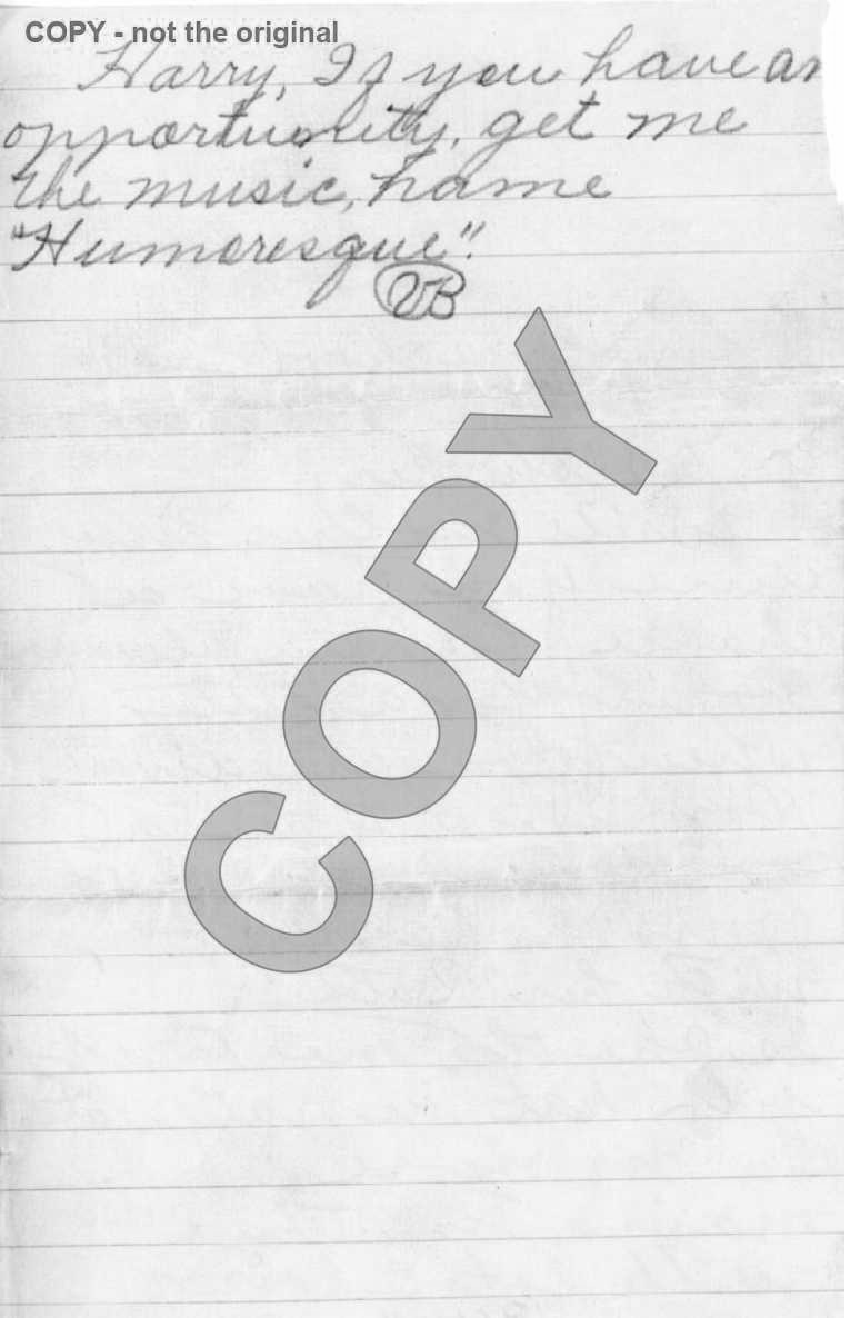
I saved `letter-copy.pdf`. It's 372 KB, down from 956 KB, and all 7 pages have a grey diagonal "COPY" stamped across them. I checked page 1 as an image: the handwriting is still easy to read and the stamp shows clearly without hiding the text. I didn't look at pages 2–7 the same way, but they all went through the same steps. To get the size down, the scanned images were saved at lower quality, so the copy is slightly less sharp than the scan. I shrank the file first and added the stamp afterwards, so the stamp itself stayed sharp. Your original `letter.pdf` is unchanged.
Output
Its files were not kept in this run. The last line of the trace is its own report.