Evals / pdf / Multi-step jobs
Unlock a PDF, merge it and lock it with a new password
locked.pdf opens with the password openpassword. Put it together with fw9.pdf (locked.pdf first) into hr-packet.pdf for HR, and protect the packet with their password HR-2026 instead of the old one.
The task
The reference answer shows the job can be done with deft. It is not an agent run.
deft pdf decrypt locked.pdf --password openpassword -o open.pdf
deft pdf merge open.pdf fw9.pdf -o joined.pdf
deft pdf encrypt joined.pdf --new-password HR-2026 -o hr-packet.pdf
Input
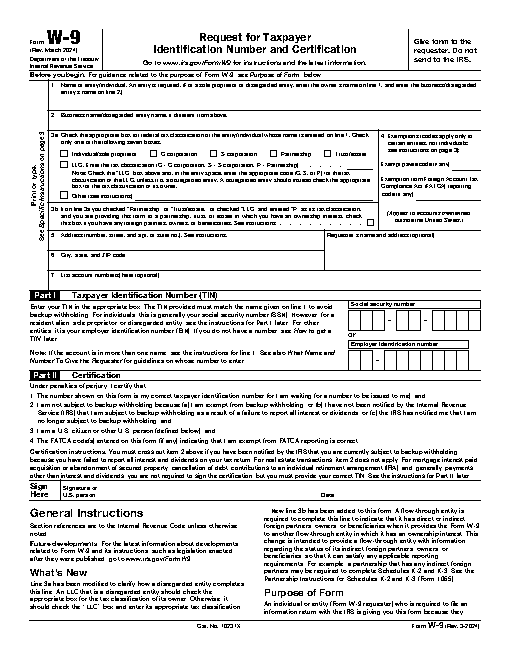
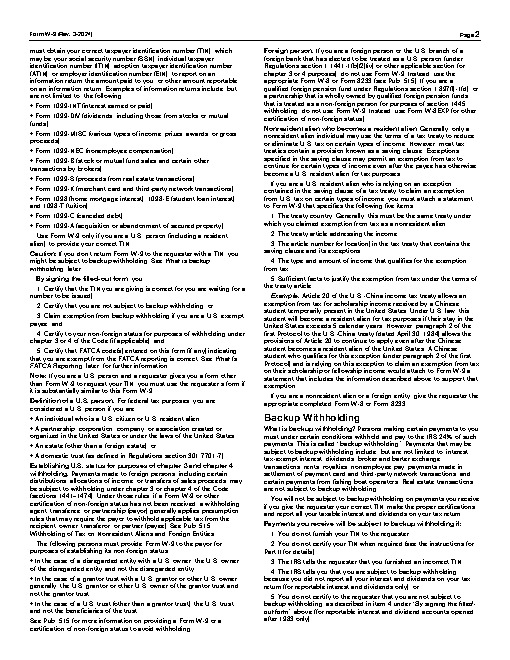
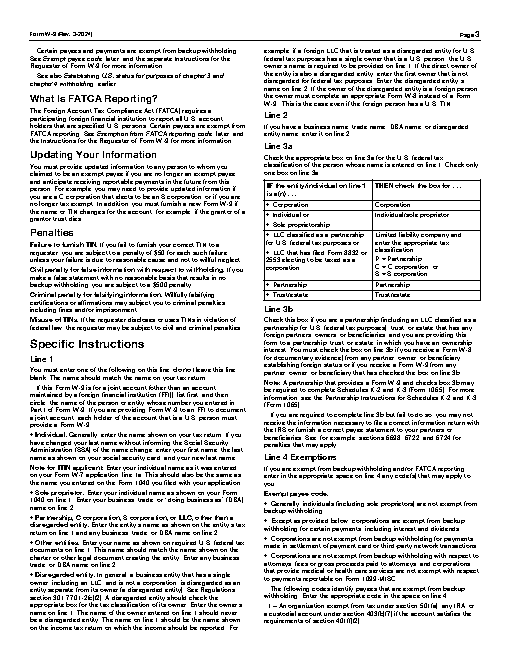
This PDF has no preview: it needs a password or cannot be read.
Reference output
This PDF has no preview: it needs a password or cannot be read.


How a result is judged (5 checks)
- pdf_encrypted: file = "hr-packet.pdf", encrypted = true
- pdf_pages: file = "hr-packet.pdf", password = "HR-2026", pages = 7
- pdf_text: file = "hr-packet.pdf", password = "HR-2026", page = 1, contains = ["Lorem ipsum"]
- pdf_text: file = "hr-packet.pdf", password = "HR-2026", page = 2, contains = ["W-9"]
- python: code = "import subprocess\nr = subprocess.run(['gs', '-q', '-dNODISPLAY', '-dSAFER', '-sPDFPassword=openpassword', '--permit-file-read=hr-packet.pdf', '-c', '(hr-packet.pdf) (r) file runpdfbegin pdfpagecount = quit'], capture_output=True, text=True)\nassert r.returncode != 0 or not r.stdout.split()[-1:] == ['7'], 'the old password still opens hr-packet.pdf'\n"
Runs
Claude Opus 5.5Without deftPassed2026-11-15
- Time
- 47s
- New tokens
- 14.8k
- Total input
- 127.5k
- Output tokens
- 2.5k
- Commands
- 7
- Failed
- 2
Trace
ls -la; which qpdf pdftk; python3 -c "import pypdf; print(pypdf.__version__)" (exit 1)output
Exit code 1
total 312
drwxr-xr-x@   5 user  staff     160 Nov 14 21:15 .
drwx------@ 327 user  staff   10464 Nov 14 21:15 ..
drwxr-xr-x@   3 user  staff      96 Nov 14 21:15 .claude
-rw-r--r--@   1 user  staff  140815 Nov  5 21:11 fw9.pdf
-rw-r--r--@   1 user  staff   12783 Nov  7 11:43 locked.pdf
qpdf not found
pdftk not found
Traceback (most recent call last):
  File "<string>", line 1, in <module>
ModuleNotFoundError: No module named 'pypdf'
python3 -c "import PyPDF2" 2>&1; python3 -c "import fitz" 2>&1; which gs mutool; pip3 --versionoutput
Traceback (most recent call last):
  File "<string>", line 1, in <module>
ModuleNotFoundError: No module named 'PyPDF2'
Traceback (most recent call last):
  File "<string>", line 1, in <module>
ModuleNotFoundError: No module named 'fitz'
/usr/local/bin/gs
mutool not found
pip 21.2.4 from ~/opt/anaconda3/lib/python3.9/site-packages/pip (python 3.9)
python3 -m venv "$TMPDIR/pdfenv" && "$TMPDIR/pdfenv/bin/pip" install -q pypdf cryptography 2>&1 | tail -3; "$TMPDIR/pdfenv/bin/python" -c "import pypdf; print(pypdf.__version__)" (exit 1)output
Exit code 1
WARNING: Retrying (Retry(total=0, connect=None, read=None, redirect=None, status=None)) after connection broken by 'ProxyError('Cannot connect to proxy.', OSError('Tunnel connection failed: 403 user denied'))': /simple/pypdf/
ERROR: Could not find a version that satisfies the requirement pypdf (from versions: none)
ERROR: No matching distribution found for pypdf
Traceback (most recent call last):
  File "<string>", line 1, in <module>
ModuleNotFoundError: No module named 'pypdf'

<sandbox_violations>
deny network-outbound pypi.org:443 (user denied)
deny network-outbound pypi.org:443 (user denied)
deny network-outbound pypi.org:443 (user denied)
deny network-outbound pypi.org:443 (user denied)
deny network-outbound pypi.org:443 (user denied)
deny network-outbound pypi.org:443 (user denied)
deny network-outbound pypi.org:443 (user denied)
</sandbox_violations>
gs --version; python3 -c "import pikepdf" 2>&1 | tail -1; grep -c -a "/Encrypt" fw9.pdf locked.pdf; grep -a -c "/AcroForm" fw9.pdf locked.pdfoutput
9.55.0
ModuleNotFoundError: No module named 'pikepdf'
fw9.pdf:0
locked.pdf:1
fw9.pdf:2
locked.pdf:0
gs -q -dNOPAUSE -dBATCH -sDEVICE=pdfwrite -sPDFPassword=openpassword -sOwnerPassword=HR-2026 -sUserPassword=HR-2026 -dEncryptionR=3 -dKeyLength=128 -dPermissions=-4 -sOutputFile=hr-packet.pdf locked.pdf fw9.pdf 2>&1 | tail -5; ls -l hr-packet.pdfoutput
-rw-r--r--@ 1 user staff 67281 Nov 14 21:16 hr-packet.pdf
Packet built; now checking the password and page count.
for f in locked.pdf fw9.pdf; do gs -q -dNODISPLAY -dNOSAFER -sPDFPassword=openpassword -c "($f) (r) file runpdfbegin pdfpagecount = quit"; done; echo "--- packet w/ HR-2026:"; gs -q -dNODISPLAY -dNOSAFER -sPDFPassword=HR-2026 -c "(hr-packet.pdf) (r) file runpdfbegin pdfpagecount = quit"; echo "--- packet w/o password:"; gs -q -dNODISPLAY -dNOSAFER -c "(hr-packet.pdf) (r) file runpdfbegin pdfpagecount = quit" 2>&1 | head -3; echo "--- old password:"; gs -q -dNODISPLAY -dNOSAFER -sPDFPassword=openpassword -c "(hr-packet.pdf) (r) file runpdfbegin pdfpagecount = quit" 2>&1 | head -3; grep -a -c "/AcroForm" hr-packet.pdfoutput
1
6
--- packet w/ HR-2026:
7
--- packet w/o password:
   **** This file requires a password for access.
Error: /invalidfileaccess in pdf_process_Encrypt
Operand stack:
--- old password:
   **** Error: Password did not work.
               Cannot decrypt PDF file.
Error: /invalidfileaccess in pdf_process_Encrypt
0
gs -q -dNOPAUSE -dBATCH -sDEVICE=txtwrite -sPDFPassword=HR-2026 -dFirstPage=1 -dLastPage=2 -sOutputFile=- hr-packet.pdf | head -15; echo ---; gs -q -dNOPAUSE -dBATCH -sDEVICE=txtwrite -sPDFPassword=openpassword -sOutputFile=- locked.pdf | head -5output
Lorem ipsum dolor sit amet, consetetur sadipscing elitr, sed diam nonumy eirmod tempor
      invidunt ut labore et dolore magna aliquyam erat, sed diam voluptua. At vero eos et accusam
      et justo duo dolores et ea rebum. Stet clita kasd gubergren, no sea takimata sanctus est Lorem
      ipsum dolor sit amet. Lorem ipsum dolor sit amet, consetetur sadipscing elitr, sed diam
      nonumy eirmod tempor invidunt ut labore et dolore magna aliquyam erat, sed diam voluptua.
      At vero eos et accusam et justo duo dolores et ea rebum. Stet clita kasd gubergren, no sea
      takimata sanctus est Lorem ipsum dolor sit amet.
             Form  W-9                                                           Request for Taxpayer                                                                  Give form to the
             (Rev. March 2024)                                Identification Number and Certification                                                                  requester. Do not
             Department of the Treasury                   Go to www.irs.gov/FormW9 for instructions and the latest information.                                        send to the IRS.
             Internal Revenue Service
             Before you begin. For guidance related to the purpose of Form W-9, see Purpose of Form, below.
                     1    Name of entity/individual. An entry is required. (For a sole proprietor or disregarded entity, enter the owner’s name on line
… 677 more characters
I've created `hr-packet.pdf` in the current directory, protected with HR's password `HR-2026`. One problem: **the W-9 is no longer fillable.** The original `fw9.pdf` has form fields, and they were lost in the merge. The text and layout are all still there. **Checks I ran:** - The packet has 7 pages: page 1 is `locked.pdf`, then the 6 pages of `fw9.pdf`. - `HR-2026` opens it. Opening without a password fails, and the old `openpassword` is rejected. - I left both original files unchanged. **Why the form fields are gone:** I couldn't install a proper PDF library because the network request to PyPI was denied. So I used Ghostscript, which was already on the machine. Ghostscript 9.55 rebuilds the PDF when it merges, and that drops the fillable fields. **Encryption:** the packet uses 128-bit RC4, the strongest option Ghostscript offers. Printing is allowed. It's fine for keeping casual read
Output
Its files were not kept in this run. The last line of the trace is its own report.
Claude Opus 5.5With deft, skill installedPassedRead the skillUsed deft2026-11-15
- Time
- 18s
- New tokens
- 12.6k
- Total input
- 80.9k
- Output tokens
- 1.0k
- Commands
- 3
- Failed
- 2
Trace
Loaded the deft skill
ls; deft pdf; deft pdf merge --help; deft pdf encrypt --helpoutput
fw9.pdf
locked.pdf
deft pdf - commands (input -> output)
  info            pdf -> report      Pages, size, metadata, fonts, images
  compare         pdf... -> report   Compare two PDFs: text and pixels
  compress        pdf -> pdf         Make smaller: --level, --target-size 2MB
  crop            pdf -> pdf         Trim pages: --margin, --box, --auto
  decrypt         pdf -> pdf         Remove a password you know
  delete          pdf -> pdf         Remove pages: --pages 2,5-7
  encrypt         pdf -> pdf         Protect with a password (AES-256)
  extract-images  pdf -> image...    Save embedded pictures, unchanged
  fields          pdf -> report      List form fields
  fill            pdf -> pdf         Fill a form from JSON: --data values.json
  flatten         pdf -> pdf         Bake forms into pages
  from-images     image... -> pdf    One page per image
  from-md         md -> pdf          Typeset Markdown as PDF
  merge           pdf... -> pdf      Join PDFs in the given order
  meta            pdf -> pdf         Read or set metadata and bookmarks
  number          pdf -> pdf         Add page numbers: --format
  ocr             pdf -> txt         Read the text of a scanned PDF
  resize          pdf -> pdf         Fit pages to --page-size a4
  rotate          pdf -> pdf         Turn pages clockwise: --angle 90, --pages
  search          pdf -> report      Find text: --text invoice
  select          pdf -> pdf         Keep and reorder pages
  split           pdf -> pdf..
… 1673 more characters
deft pdf merge locked.pdf fw9.pdf --password openpassword -o "$TMPDIR/merged.pdf" --force && deft pdf encrypt "$TMPDIR/merged.pdf" --new-password HR-2026 -o hr-packet.pdf && rm "$TMPDIR/merged.pdf" && deft pdf info hr-packet.pdf --password HR-2026; deft pdf info hr-packet.pdf (exit 1)output
Exit code 3
ok pdf.merge locked.pdf fw9.pdf -> <tmp>  7 pages  0.01s
error INPUT_ENCRYPTED <tmp> the PDF is password-protected
hint: add --password <password>
error INPUT_NOT_FOUND hr-packet.pdf: no such file or directory
The merge kept locked.pdf's old password on its output, so I'll pass that password to the encrypt step.
deft pdf encrypt "$TMPDIR/merged.pdf" --password openpassword --new-password HR-2026 -o hr-packet.pdf && rm "$TMPDIR/merged.pdf"; deft pdf info hr-packet.pdf --password HR-2026; deft pdf info hr-packet.pdf --password openpassword; deft pdf info hr-packet.pdf (exit 1)output
Exit code 3
ok pdf.encrypt <tmp> -> hr-packet.pdf  68KB  0.00s
ok pdf.info hr-packet.pdf  7 pages, a4, PDF 1.7
pages=7 version=1.7 width=595.3 height=841.9 paper=a4 producer="LibreOffice 6.4" images=0 fonts=10 forms=true
error INPUT_ENCRYPTED hr-packet.pdf: wrong password
error INPUT_ENCRYPTED hr-packet.pdf: the PDF is password-protected
hint: add --password <password>
I've created `hr-packet.pdf` in the current directory: locked.pdf comes first, then fw9.pdf, 7 pages in all. It's protected with HR-2026. I checked it: - It opens with **HR-2026**. - It does **not** open with the old password `openpassword`. - It won't open without a password. When the two files were first joined, the result still had locked.pdf's old password. I swapped it for HR-2026 in the next step, so the packet HR gets uses only their password. The temporary joined file has been deleted, and your two original files are unchanged.
Output
Its files were not kept in this run. The last line of the trace is its own report.