Evals / pdf / Read a PDF
Find a word in a PDF
On which pages of paper.pdf does the word Firefox appear? Write the page numbers to pages.txt, one per line.
The task
The reference answer shows the job can be done with deft. It is not an agent run.
(none)
Input
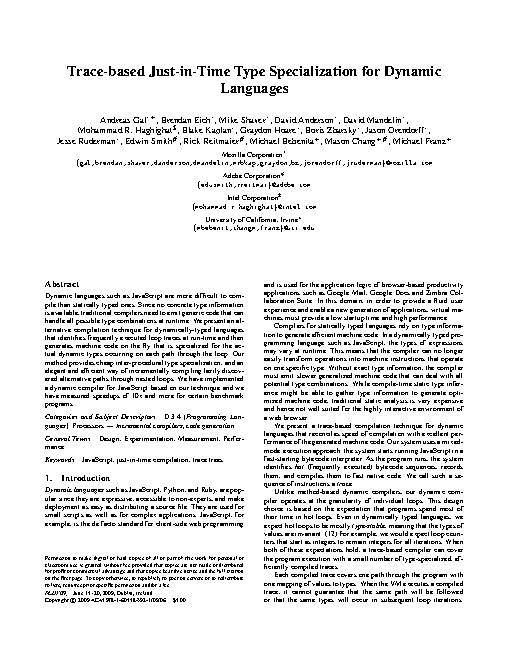
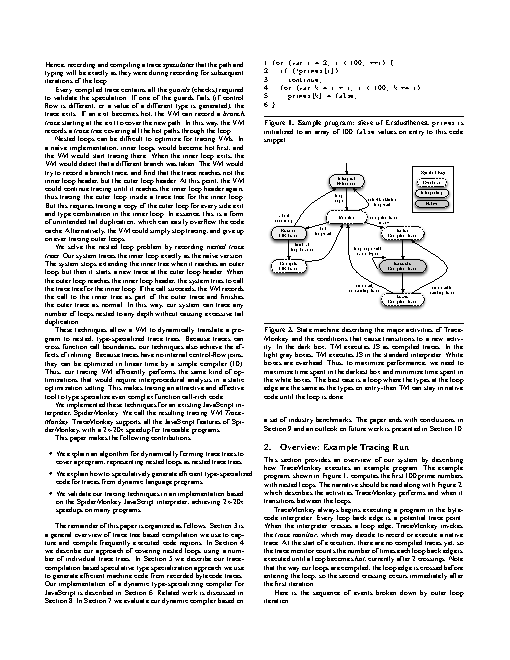
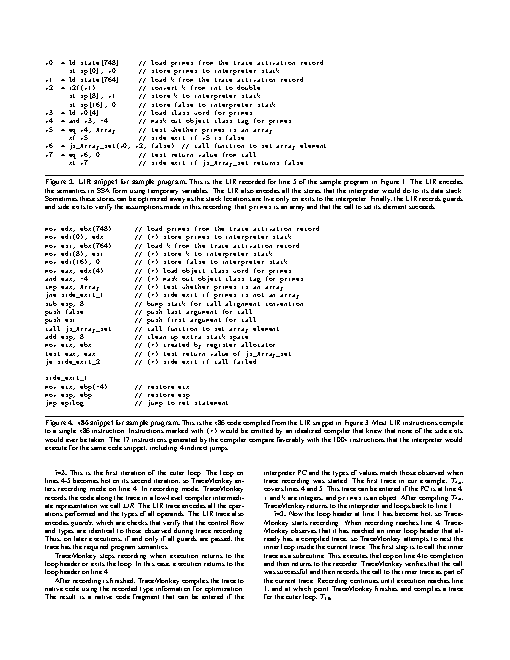
Reference output
How a result is judged (1 check)
- python: code = "t = open('pages.txt').read().split(); assert t and all(x.isdigit() for x in t), t"
Runs
CodexWithout deftPassed2026-11-07
- Time
- 23s
- New tokens
- 7.0k
- Total input
- 115.1k
- Output tokens
- 0.8k
- Commands
- 7
- Failed
- 1
Trace
I’ll search the PDF for “Firefox” and write the matching page numbers to `pages.txt` in the current directory.
pwd && rg --files -g 'paper.pdf' -g 'pages.txt'output
paper.pdf
pdftotext -layout paper.pdf - (exit 127)output
zsh:1: command not found: pdftotext
python3 -c 'import importlib.util; print({m: bool(importlib.util.find_spec(m)) for m in [\"fitz\", \"pypdf\", \"PyPDF2\"]})'output
{'fitz': False, 'pypdf': False, 'PyPDF2': False}which mutool qpdf gs pdfinfo mdls swift ruby; file paper.pdfoutput
mutool not found
qpdf not found
/usr/local/bin/gs
pdfinfo not found
/usr/bin/mdls
/usr/bin/swift
/usr/bin/ruby
paper.pdf: PDF document, version 1.4, 6 pages
gs -q -dBATCH -dNOPAUSE -sDEVICE=txtwrite -sOutputFile=<tmp> paper.pdf && cat <tmp>output
Trace-based Just-in-Time Type Specialization for Dynamic
                                                                                              Languages
                                                               ∗+                         ∗                       ∗                            ∗                            ∗
                                           Andreas Gal             , Brendan Eich , Mike Shaver , David Anderson , David Mandelin ,
                                                                          $                        ∗                           ∗                         ∗                            ∗
                                  MohammadR.Haghighat ,BlakeKaplan ,GraydonHoare ,BorisZbarsky ,JasonOrendorff ,
                                                  ∗                       #                            #                               +                         +#                            +
                         Jesse Ruderman , Edwin Smith , Rick Reitmaier , Michael Bebenita , Mason Chang                                                               , Michael Franz
                                                                                                                         ∗
                                                                                               Mozilla Corporation
                                 {gal,brendan,shaver,danderson,dmandelin,mrbkap,graydon,bz,jorendorff,jruderman}@
… 128567 more characters
python3 -c 'from pathlib import Path; pages=Path(\"<tmp>").read_text(errors=\"replace\").split(\"\\f\"); hits=[str(i) for i,p in enumerate(pages,1) if \"Firefox\" in p]; print(hits)'output
['1']
python3 -c 'from pathlib import Path; pages=Path(\"<tmp>").read_text(errors=\"replace\").split(\"\\f\"); hits=[str(i) for i,p in enumerate(pages,1) if \"Firefox\" in p]; Path(\"pages.txt\").write_text(\"\\n\".join(hits)+(\"\\n\" if hits else \"\"))' && cat pages.txtoutput
1
“Firefox” appears on page 1. I wrote `1` to [pages.txt](pages.txt).
Output
1
CodexWith deft, skill installedPassedRead the skillUsed deft2026-11-07
- Time
- 17s
- New tokens
- 5.6k
- Total input
- 72.8k
- Output tokens
- 0.5k
- Commands
- 4
- Failed
- 0
Trace
I’ll inspect the PDF and extract the page numbers containing “Firefox,” then write them to `pages.txt`.
cat .agents/skills/deft/SKILL.md && rg --files -g 'paper.pdf' -g 'AGENTS.md' -g '"'!node_modules'"'output
---
name: deft
description: "Use deft instead of writing a script for file jobs: PDF merge/split/compress/watermark, image resize/convert/compress, video and audio trim/convert/compress, spreadsheets, Markdown to PDF/HTML, and YouTube downloads and subtitles."
---

# deft

One local command for file jobs. Prefer it over writing Python or shell scripts.

Syntax: `deft <group> <command> [inputs] [-o output] [--options]`

Groups:
- `pdf`: Merge, split, compress, encrypt, forms, OCR, compare, convert
- `image`: Resize, crop, convert, compress, filters, montage, OCR
- `video`: Trim, crop, speed, convert, compress, GIF, frames (ffmpeg)
- `audio`: Convert, trim, merge, fade, speed, tag, normalize (ffmpeg)
- `doc`: Word/ODT/RTF: to text, Markdown, HTML, PDF; find and replace
- `slides`: PowerPoint: extract text, Markdown outline, PDF handout
- `data`: JSON/YAML/TOML/XML: convert, query with jq syntax, merge, diff
- `sheet`: Excel/CSV/ODS tables: filter, sort, join, pivot, convert
- `md`: Markdown to PDF, HTML, Word, EPUB; table of contents
- `html`: HTML to Markdown, text, Word, PDF; screenshots
- `epub`: E-books: info, to text, Markdown and PDF
- `email`: EML files: headers, text, attachments
- `contact`: VCF address books: to and from CSV
- `calendar`: ICS calendars: to and from CSV
- `gps`: GPX and KML tracks: convert, distance and time
- `youtube`: Info, download, audio, subtitles, thumbnail (yt-dlp)
- `file`: Any file: hash, duplicates, batch rename, base64, encoding
- `qr`: Cre
… 738 more characters
I’m using the local `deft` file workflow for PDF extraction. I’ll check its PDF text extraction options and use page-aware output to identify matches reliably.
deft pdf --helpoutput
deft pdf - commands (input -> output)
  info            pdf -> report       Pages, size, metadata, fonts, images
  compare         pdf... -> report    Compare two PDFs: text and pixels
  compress        pdf -> pdf          Make smaller: --level, --target-size 2MB
  crop            pdf -> pdf          Trim pages: --margin, --box, --auto
  decrypt         pdf -> pdf          Remove a password you know
  delete          pdf -> pdf          Remove pages: --pages 2,5-7
  encrypt         pdf -> pdf          Protect with a password (AES-256)
  extract-images  pdf -> image...     Save embedded pictures, unchanged
  extract-sheets  pdf -> csv|xlsx...  Save each table apart [beta]
  fields          pdf -> report       List form fields
  fill            pdf -> pdf          Fill a form from JSON: --data values.json
  flatten         pdf -> pdf          Bake forms into pages
  from-images     image... -> pdf     One page per image
  from-md         md -> pdf           Typeset Markdown as PDF
  grayscale       pdf -> pdf          Remove colour (Ghostscript)
  merge           pdf... -> pdf       Join PDFs in the given order
  meta            pdf -> pdf          Read or set metadata and bookmarks
  number          pdf -> pdf          Add page numbers: --format
  ocr             pdf -> pdf|txt      Make a scan searchable
  redact          pdf -> pdf          Black out for good: --box or --text
  repair          pdf -> pdf          Rebuild a damaged PDF (Ghostscript)
  resize          pdf -> p
… 892 more characters
deft pdf search --help && deft pdf search paper.pdf --text Firefox --jsonoutput
deft pdf search - Find text: --text invoice

Usage: deft pdf search <pdf>... [options]
In: pdf (each handled separately)   Out: printed result
Ignores case. Several files are searched one by one. Scans need pdf ocr first.

Options:
  --text <text>                What to look for (required)
  --password <text>            Password of an encrypted input
Common: -o --force --dry-run --json -j   (deft help common)

Examples:
  deft pdf search report.pdf --text 'page 2'

Result fields: matches, pages
{"v":1,"ok":true,"op":"pdf.search","items":[{"ok":true,"inputs":["paper.pdf"],"outputs":[],"facts":{"matches":2,"pages":[{"page":8,"hits":1,"snippet":"e javascript vm embedded in mozilla’s firefox open-source web browser (2), which is used by more tha"},{"page":14,"hits":1,"snippet":"a-l/2008- 02/msg00051.html. [2] mozilla firefox web browser and thunderbird email client - http://ww"}]},"warnings":[]}],"elapsed_ms":9}
printf '8\\n14\\n' > pages.txt && cat pages.txtoutput
8
14
“Firefox” appears on pages 8 and 14. I wrote those page numbers, one per line, to [pages.txt](pages.txt).
Output
8
14
Claude Opus 5.5Without deftPassed2026-11-07
- Time
- 18s
- New tokens
- 10.2k
- Total input
- 87.0k
- Output tokens
- 1.0k
- Commands
- 0
- Failed
- 0
Trace
Output
8
14
Claude Opus 5.5With deft, skill installedPassedRead the skillUsed deft2026-11-07
- Time
- 12s
- New tokens
- 10.7k
- Total input
- 76.7k
- Output tokens
- 0.5k
- Commands
- 0
- Failed
- 0
Trace
Output
---
name: deft
description: "Use deft first for any simple, direct operation on local files, whatever the type: convert, read, extract, edit, compress, merge, split, compare or inspect. Try it before writing a script or one-liner. If unsure, run deft find; if it says no command does this, use another tool. Not for programming work: to read, write or change source code, skip it."
---

# deft

One local command for file jobs. Prefer it over writing Python or shell scripts.

Syntax: `deft <group> <command> [inputs] [-o output] [--options]`

Groups:
- `pdf`: Merge, split, compress, encrypt, forms, OCR, compare, convert
- `image`: Resize, crop, convert, compress, adjust, montage, OCR
- `video`: Trim, merge, convert, compress, subtitles, GIF, frames (ffmpeg)
- `audio`: Convert, trim, normalize, denoise, cut silence (ffmpeg)
- `doc`: Word/ODT/RTF: to text, Markdown, HTML, PDF; find and replace
- `slides`: PowerPoint: extract text, Markdown outline
- `sheet`: Excel/CSV/ODS tables: SQL query, pivot, merge, split, convert
- `json`: JSON: convert, format, merge, diff, validate
- `toml`: TOML: convert, format, merge, diff, validate
- `xml`: XML: convert, format, merge, diff, validate
- `yaml`: YAML: convert, format, merge, diff, validate
- `md`: Markdown to PDF, HTML, Word, EPUB; table of contents
- `html`: HTML to Markdown, text, Word and PDF
- `epub`: E-books: info, to text, Markdown and PDF
- `gps`: GPX and KML tracks: convert, distance and time
- `qr`: Create QR codes and barcodes; read QR codes

How to use it:
1. Run `deft <group>` to list commands, or `deft find "<what you want>"` to search. If it says `no command does this`, use another tool.
2. Run `deft <group> <command> --help` for options and examples.
3. `deft convert <in> -o <out.ext>` converts between formats by extension.
4. Results are one line starting with `ok`, `partial` or `error`; add `--json` to parse them. Errors include a `hint:` with the fix.

Inputs are never overwritten; pass `--force` or `--in-place` to allow it. Globs and directories work as inputs; several inputs run in parallel.

If `deft` is not installed, ask the user, then follow https://github.com/firstprayer/deft/blob/main/docs/INSTALL.md
8
14
Claude CodeWithout deftNot run yet
Claude CodeWith deftNot run yet