Evals / image / Combine images
Make a collage
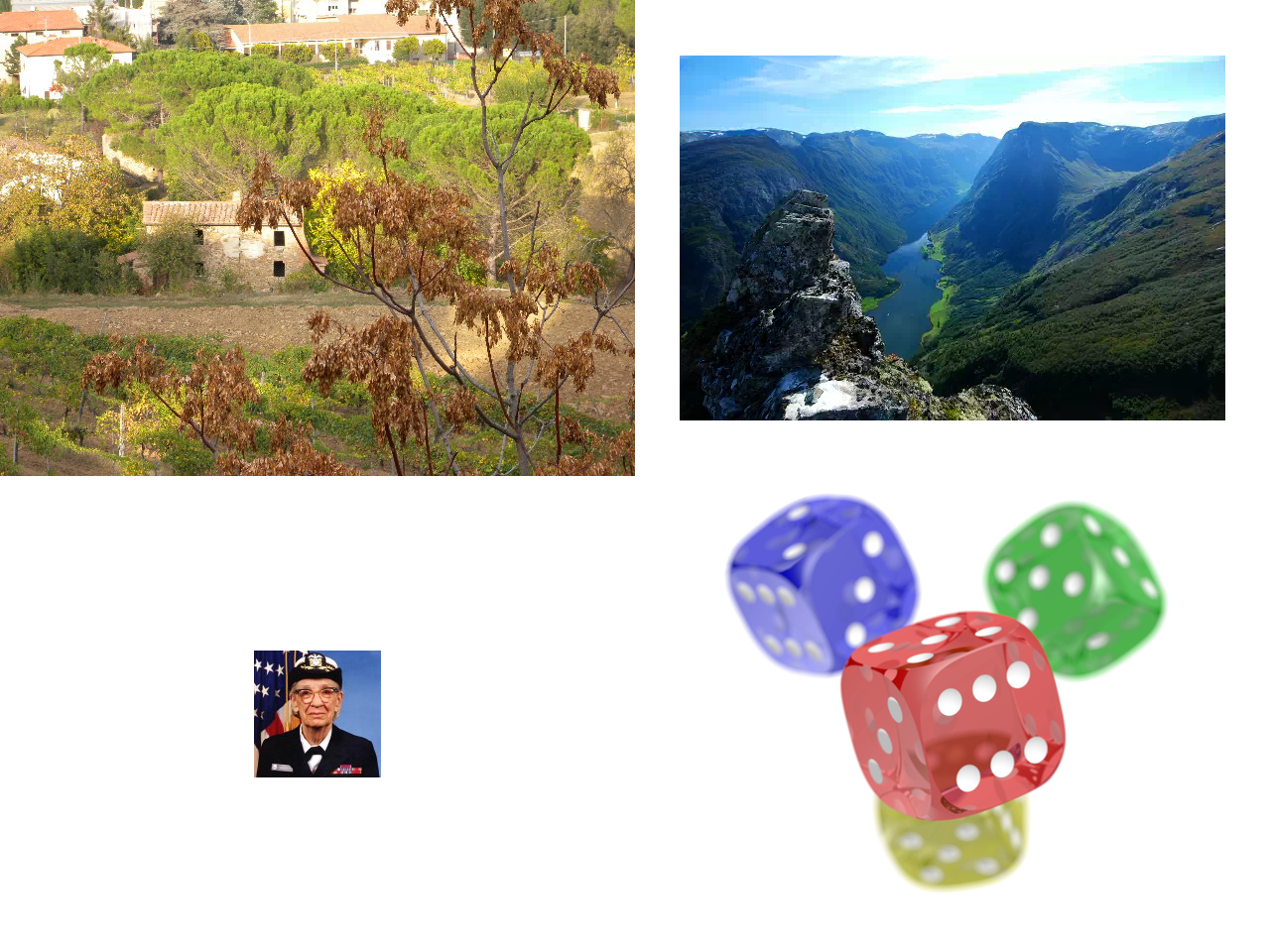
Put DSCN0010.jpg, gallery.webp, hopper.png and dice.png into a 2 by 2 grid image called collage.png.
The task
The reference answer shows the job can be done with deft. It is not an agent run.
deft image montage DSCN0010.jpg gallery.webp hopper.png dice.png --cols 2 --size 400x400 -o collage.png
Input
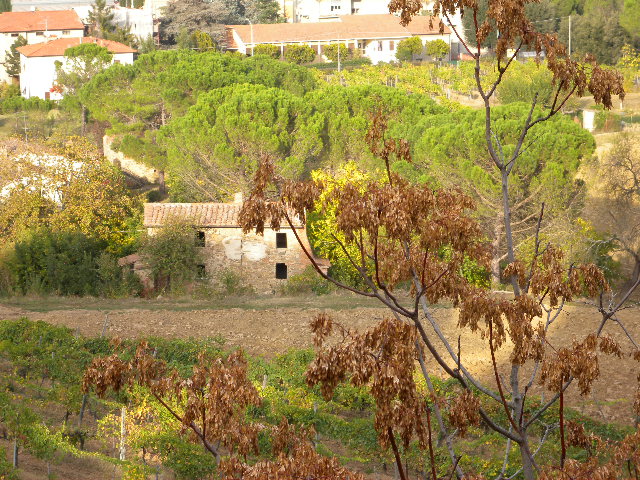
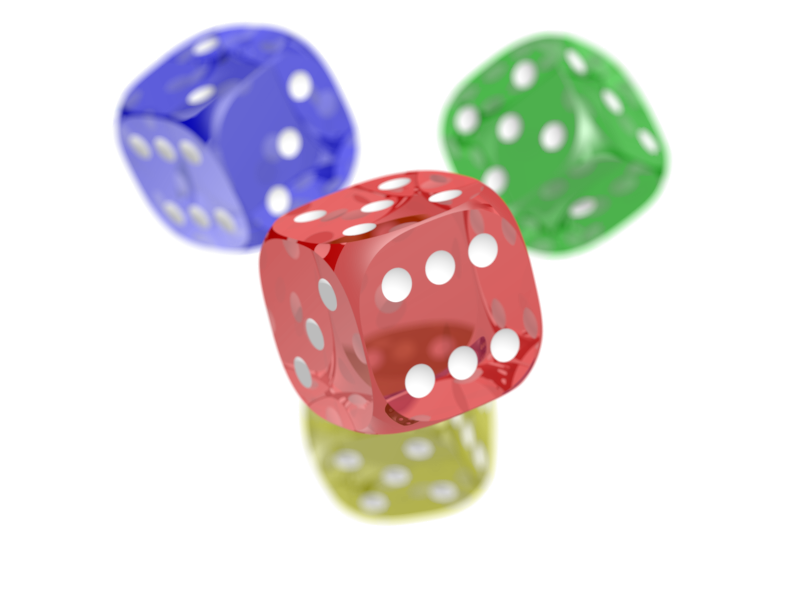
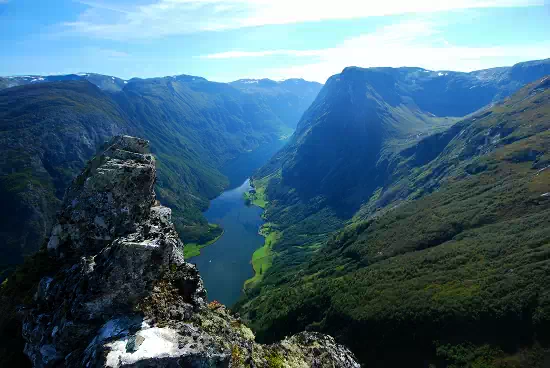
Reference output
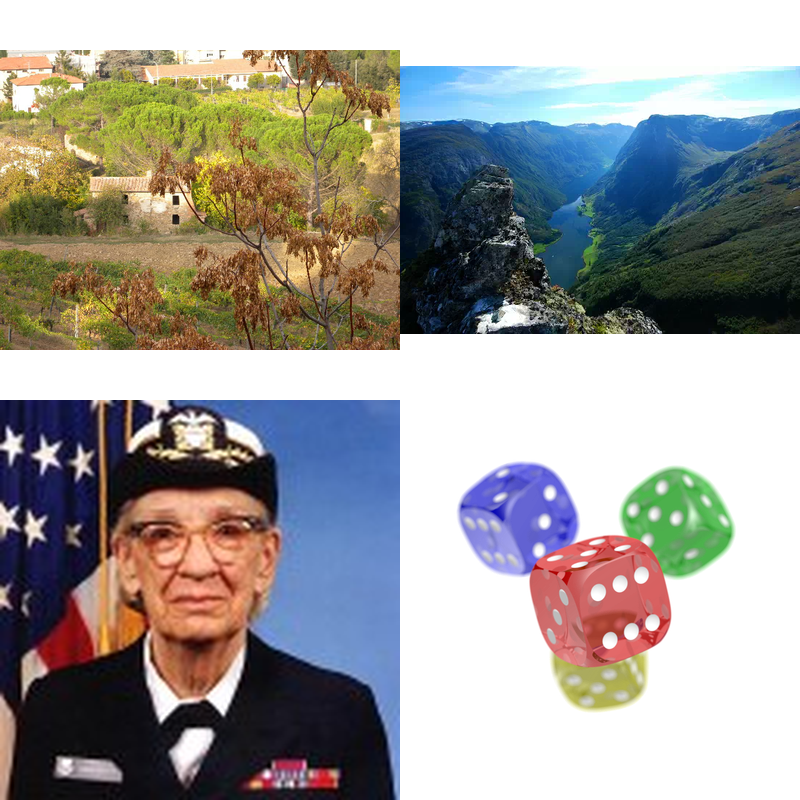
How a result is judged (2 checks)
- image: file = "collage.png", format = "PNG"
- python: code = "from PIL import Image\nw, h = Image.open('collage.png').size\nassert w >= 400 and h >= 400 and 0.5 < w / h < 2, (w, h)\n"
Runs
CodexWithout deftPassed2026-11-07
- Time
- 18s
- New tokens
- 4.4k
- Total input
- 54.5k
- Output tokens
- 0.7k
- Commands
- 3
- Failed
- 0
Trace
I’ll check the four image dimensions, then assemble them into a 2×2 grid in the current directory.
pwd && ls -l DSCN0010.jpg gallery.webp hopper.png dice.pngoutput
-rw-r--r--@ 1 user  staff  161713 Nov  5 21:11 DSCN0010.jpg
-rw-r--r--@ 1 user  staff  224566 Nov  5 21:11 dice.png
-rw-r--r--@ 1 user  staff   30320 Nov  5 21:11 gallery.webp
-rw-r--r--@ 1 user  staff   30605 Nov  5 21:11 hopper.png
python3 -c 'from PIL import Image; import os; fs=[\"DSCN0010.jpg\",\"gallery.webp\",\"hopper.png\",\"dice.png\"]; [(lambda im,f: print(f, im.size, im.mode))(Image.open(f),f) for f in fs]'output
DSCN0010.jpg (640, 480) RGB
gallery.webp (550, 368) RGB
hopper.png (128, 128) RGB
dice.png (800, 600) RGBA
python3 -c 'from PIL import Image; files=[\"DSCN0010.jpg\",\"gallery.webp\",\"hopper.png\",\"dice.png\"]; cell=(640,480); canvas=Image.new(\"RGB\",(1280,960),\"white\"); positions=[(0,0),(640,0),(0,480),(640,480)];
for f,(x,y) in zip(files,positions):
 im=Image.open(f).convert(\"RGBA\"); im.thumbnail(cell,Image.Resampling.LANCZOS); tile=Image.new(\"RGBA\",cell,\"white\"); tile.alpha_composite(im,((cell[0]-im.width)//2,(cell[1]-im.height)//2)); canvas.paste(tile.convert(\"RGB\"),(x,y))
canvas.save(\"collage.png\")' && ls -lh collage.png
output
-rw-r--r--@ 1 user staff 1.2M Nov 7 00:48 collage.png
Created [collage.png](collage.png) as a 2×2 grid.
Output
CodexWith deft, skill installedPassedRead the skillUsed deft2026-11-07
- Time
- 13s
- New tokens
- 7.9k
- Total input
- 56.9k
- Output tokens
- 0.3k
- Commands
- 3
- Failed
- 1
Trace
I’ll check the image dimensions, then combine the four files into a 2×2 collage in the current directory.
cat .agents/skills/deft/SKILL.md && deft find (exit 2)output
---
name: deft
description: "Use deft first for any simple, direct operation on local files, whatever the type: convert, read, extract, edit, compress, merge, split, compare or inspect. Try it before writing a script or one-liner. If unsure, run deft find; if it says no command does this, use another tool. Not for programming work: to read, write or change source code, skip it."
---

# deft

One local command for file jobs. Prefer it over writing Python or shell scripts.

Syntax: `deft <group> <command> [inputs] [-o output] [--options]`

Groups:
- `pdf`: Merge, split, compress, encrypt, forms, OCR, compare, convert
- `image`: Resize, crop, convert, compress, adjust, montage, OCR
- `video`: Trim, merge, convert, compress, subtitles, GIF, frames (ffmpeg)
- `audio`: Convert, trim, normalize, denoise, cut silence (ffmpeg)
- `doc`: Word/ODT/RTF: to text, Markdown, HTML, PDF; find and replace
- `slides`: PowerPoint: extract text, Markdown outline
- `sheet`: Excel/CSV/ODS tables: SQL query, pivot, merge, split, convert
- `json`: JSON: convert, format, merge, diff, validate
- `toml`: TOML: convert, format, merge, diff, validate
- `xml`: XML: convert, format, merge, diff, validate
- `yaml`: YAML: convert, format, merge, diff, validate
- `md`: Markdown to PDF, HTML, Word, EPUB; table of contents
- `html`: HTML to Markdown, text, Word and PDF
- `epub`: E-books: info, to text, Markdown and PDF
- `gps`: GPX and KML tracks: convert, distance and time
- `qr`: Create QR codes and barcodes; r
… 768 more characters
deft find "combine images into a 2 by 2 grid" && deft image montage --help && ls -l DSCN0010.jpg gallery.webp hopper.png dice.pngoutput
image montage  image... -> image  Tile images into a grid: --cols 3 --size 300x300
image to-gif   image... -> gif    Animate images into a GIF: --fps 2
deft image montage - Tile images into a grid: --cols 3 --size 300x300

Usage: deft image montage <image>... [-o <image|dir>] [options]
In: image (all together, in order)   Out: image (default <name>.montage.<ext>)
--cols 1 stacks vertically; --cols equal to the count puts them in one row.

Options:
  --cols <n>                   Columns (default: a square grid)
  --size <size>                Size of each tile
  --gap <n>                    Pixels between tiles (default 0)
  --background <color>         Colour behind the tiles (default white)
  --quality <n>                Quality for JPEG, WebP and AVIF (default 85)
Common: -o --force --dry-run --json -j   (deft help common)

Examples:
  deft image montage photo-1.jpg photo-2.jpg photo-3.jpg --cols 2 -o grid.jpg
  deft image montage photo-1.jpg photo-2.jpg --size 200x200 --gap 10 -o pair.png

Result fields: width, height
-rw-r--r--@ 1 user  staff  161713 Nov  5 21:11 DSCN0010.jpg
-rw-r--r--@ 1 user  staff  224566 Nov  5 21:11 dice.png
-rw-r--r--@ 1 user  staff   30320 Nov  5 21:11 gallery.webp
-rw-r--r--@ 1 user  staff   30605 Nov  5 21:11 hopper.png
The files are present. I’m creating the collage with two columns, keeping the input order and using the tool’s default tile sizing and background.
deft image montage DSCN0010.jpg gallery.webp hopper.png dice.png --cols 2 -o collage.pngoutput
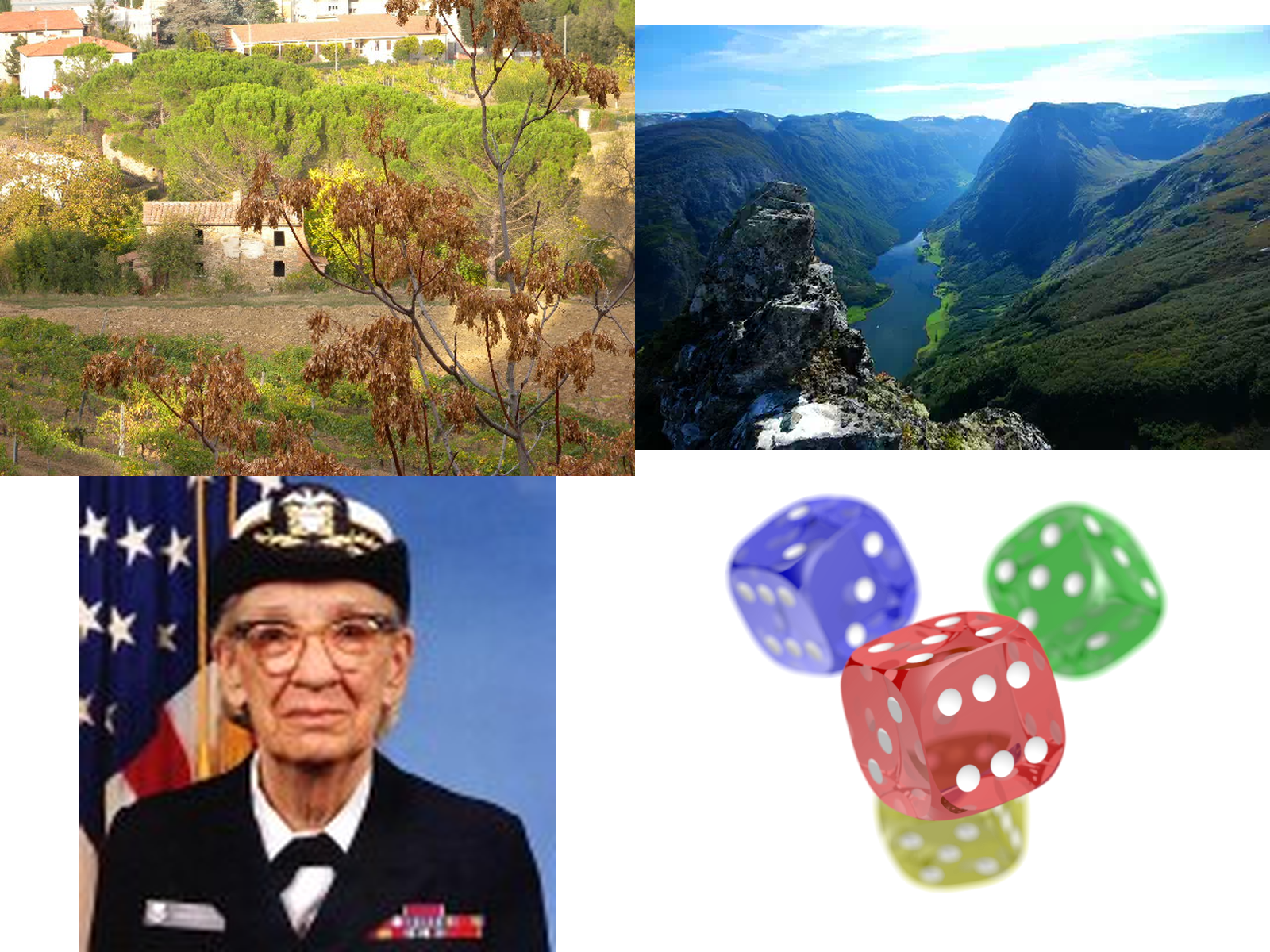
ok image.montage 4 files -> collage.png 1600x1200 0.49s
Created [collage.png](collage.png) as a 2×2 grid (1600×1200).
Output
CodexWith deft, skill as AGENTS.mdPassed2026-11-05
- Time
- 34s
- New tokens
- 16.8k
- Total input
- 146.2k
- Output tokens
- 0.9k
- Commands
- 8
- Failed
- 2
Trace
I’ll check the available image command and create the collage in the current directory.
deft image --helpoutput
deft image - commands (input -> output)
  info      image -> report  Format, dimensions, EXIF orientation, GPS
  compress  image -> image   Smaller file: --quality, --target-size 200KB
  convert   image -> image   Change format: --to png|jpg|webp|avif|gif|tiff|bmp|ico
  crop      image -> image   Cut a region: --box x,y,w,h or --aspect 16:9
  flip      image -> image   Mirror: --direction horizontal|vertical
  resize    image -> image   Scale: --size 800x, 1920x1080, 50%
  rotate    image -> image   Turn clockwise: --angle 90 (EXIF is applied first)
  strip     image -> image   Remove EXIF, GPS and text metadata
  to-pdf    image... -> pdf  One page per image, in the given order
More: deft image <command> --help
rg --files -g 'DSCN0010.jpg' -g 'gallery.webp' -g 'hopper.png' -g 'dice.png' -g '"'!**/.git/**'"'output
DSCN0010.jpg
dice.png
gallery.webp
hopper.png
deft find "collage grid combine images"output
audio merge    audio... -> mp3    Join audio files in order
pdf merge      pdf... -> pdf      Join PDFs in the given order
pdf to-images  pdf -> png|jpg...  Render pages to images: --dpi, --pages
sheet merge    sheet... -> sheet  Stack tables; a shared header is kept once
video merge    video... -> mp4    Join videos in order (sizes are matched to the first)
command -v magick; command -v montage; command -v python3; deft image info DSCN0010.jpg gallery.webp hopper.png dice.pngoutput
/opt/homebrew/bin/python3
ok image.info 4 of 4 files  0.00s
python3 -c 'from PIL import Image; print(\"Pillow available\")' (exit 1)output
Traceback (most recent call last):
  File "<string>", line 1, in <module>
    from PIL import Image; print("Pillow available")
    ^^^^^^^^^^^^^^^^^^^^^
ModuleNotFoundError: No module named 'PIL'
`deft` has no image collage command, and Pillow isn’t installed. I’m using macOS’s built-in image framework to lay out the four files in the requested order.
swift -e 'import AppKit; print(\"AppKit available\")' (exit 1)output
<unknown>:0: error: unable to open output file '~/.cache/clang/ModuleCache/381PHTBH1ZI6B/SwiftShims-6PVXR3VD9JVP.pcm': 'Operation not permitted'
/Library/Developer/CommandLineTools/SDKs/MacOSX.sdk/usr/lib/swift/Swift.swiftmodule/arm64e-apple-macos.swiftinterface:5:8: error: could not build Objective-C module 'SwiftShims'
    3 | // swift-module-flags: -target arm64e-apple-macosx26.2 -target-variant arm64e-apple-ios26.2-macabi -enable-objc-interop -enable-library-evolution -module-link-name swiftCore -parse-stdlib -swift-version 5 -O -library-level api -enforce-exclusivity=unchecked -target-min-inlining-version min -enable-experimental-concise-pound-file -disable-objc-attr-requires-foundation-module -enable-experimental-feature NoncopyableGenerics2 -enable-experimental-feature SuppressedAssociatedTypes -enable-experimental-feature SE427NoInferenceOnExtension -enable-experimental-feature NonescapableTypes -enable-experimental-feature LifetimeDependence -enable-experimental-feature InoutLifetimeDependence -enable-experimental-feature LifetimeDependenceMutableAccessors -enable-experimental-feature MemberImportVisibility -enable-experimental-feature TypedThrows -enable-experimental-feature Macros -enable-experimental-feature FreestandingMacros -enable-experimental-feature BitwiseCopyable -enable-experimental-feature Extern -enable-experimental-feature AllowUnsafeAttribute -enable-experimental-feature ValueGenerics -enable-experimental-feature AddressableParameters -enable-experime
… 2700 more characters
python3 -c 'import tkinter; print(\"tk\")' ; command -v ffmpeg; command -v convert; command -v node; node -e 'try{require(\"sharp\");console.log(\"sharp\")}catch(e){}'output
Traceback (most recent call last):
  File "<string>", line 1, in <module>
    import tkinter; print("tk")
    ^^^^^^^^^^^^^^
  File "/opt/homebrew/Cellar/[email protected]/3.13.3_1/Frameworks/Python.framework/Versions/3.13/lib/python3.13/tkinter/__init__.py", line 38, in <module>
    import _tkinter # If this fails your Python may not be configured for Tk
    ^^^^^^^^^^^^^^^
ModuleNotFoundError: No module named '_tkinter'
/opt/homebrew/bin/ffmpeg
/opt/homebrew/bin/node
ffmpeg -y -i DSCN0010.jpg -i gallery.webp -i hopper.png -i dice.png -filter_complex '[0:v][1:v][2:v][3:v]xstack=inputs=4:layout=0_0|w0_0|0_h0|w0_h0:shortest=1[out]' -map '[out]' -frames:v 1 collage.pngoutput
ffmpeg version 7.1.1 Copyright (c) 2000-2025 the FFmpeg developers
  built with Apple clang version 15.0.0 (clang-1500.1.0.2.5)
  configuration: --prefix=/opt/homebrew/Cellar/ffmpeg/7.1.1_1 --enable-shared --enable-pthreads --enable-version3 --cc=clang --host-cflags= --host-ldflags='-Wl,-ld_classic' --enable-ffplay --enable-gnutls --enable-gpl --enable-libaom --enable-libaribb24 --enable-libbluray --enable-libdav1d --enable-libharfbuzz --enable-libjxl --enable-libmp3lame --enable-libopus --enable-librav1e --enable-librist --enable-librubberband --enable-libsnappy --enable-libsrt --enable-libssh --enable-libsvtav1 --enable-libtesseract --enable-libtheora --enable-libvidstab --enable-libvmaf --enable-libvorbis --enable-libvpx --enable-libwebp --enable-libx264 --enable-libx265 --enable-libxml2 --enable-libxvid --enable-lzma --enable-libfontconfig --enable-libfreetype --enable-frei0r --enable-libass --enable-libopencore-amrnb --enable-libopencore-amrwb --enable-libopenjpeg --enable-libspeex --enable-libsoxr --enable-libzmq --enable-libzimg --disable-libjack --disable-indev=jack --enable-videotoolbox --enable-audiotoolbox --enable-neon
  libavutil      59. 39.100 / 59. 39.100
  libavcodec     61. 19.101 / 61. 19.101
  libavformat    61.  7.100 / 61.  7.100
  libavdevice    61.  3.100 / 61.  3.100
  libavfilter    10.  4.100 / 10.  4.100
  libswscale      8.  3.100 /  8.  3.100
  libswresample   5.  3.100 /  5.  3.100
  libpostproc    58.  3.100 / 58.  3.100
Input #0, image2, from
… 3304 more characters
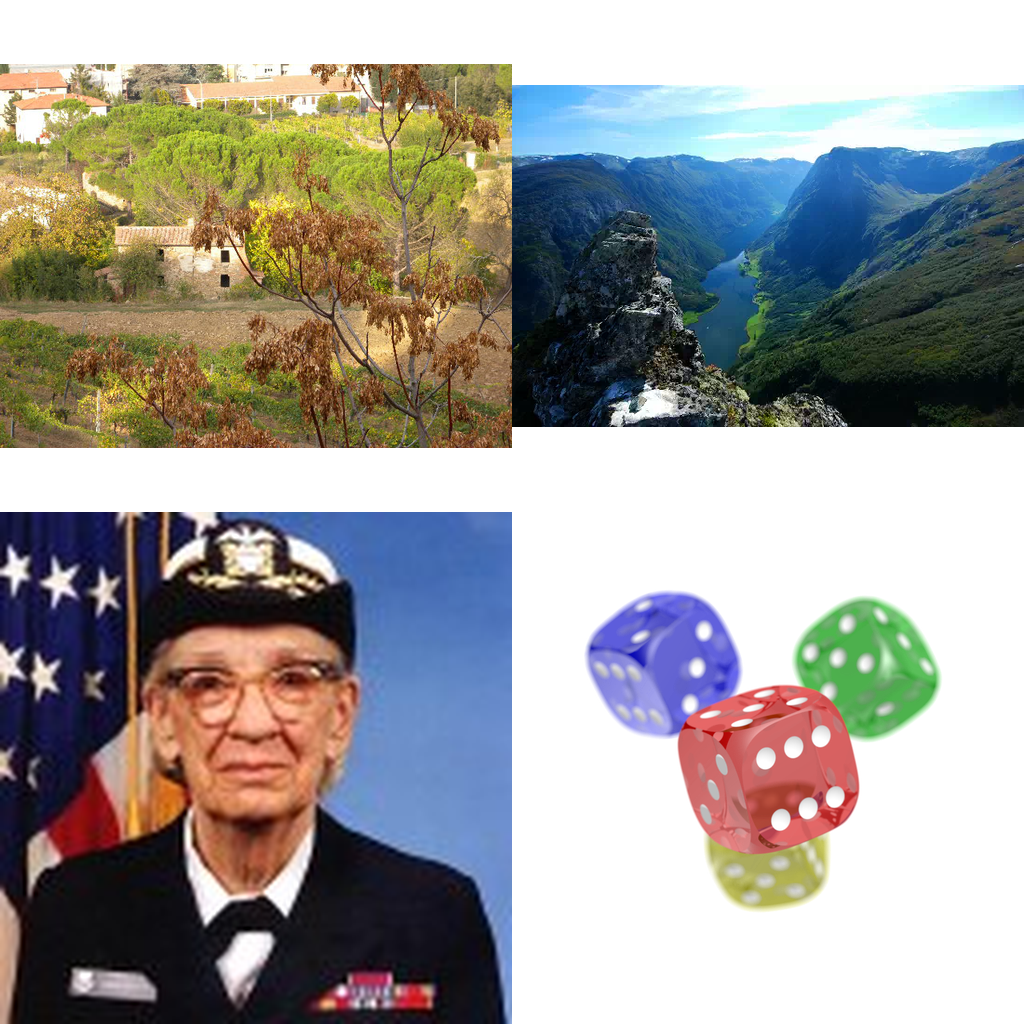
Created [collage.png](collage.png) as a 2×2 grid: DSCN0010.jpg and gallery.webp on top, hopper.png and dice.png below.
Output
Its files were not kept in this run. The last line of the trace is its own report.
Claude Opus 5.5Without deftPassed2026-11-07
- Time
- 17s
- New tokens
- 10.9k
- Total input
- 58.7k
- Output tokens
- 0.8k
- Commands
- 0
- Failed
- 0
Trace
Output
Claude Opus 5.5With deft, skill installedPassedRead the skillUsed deft2026-11-07
- Time
- 16s
- New tokens
- 12.7k
- Total input
- 77.5k
- Output tokens
- 0.6k
- Commands
- 0
- Failed
- 0
Trace
Output
---
name: deft
description: "Use deft first for any simple, direct operation on local files, whatever the type: convert, read, extract, edit, compress, merge, split, compare or inspect. Try it before writing a script or one-liner. If unsure, run deft find; if it says no command does this, use another tool. Not for programming work: to read, write or change source code, skip it."
---

# deft

One local command for file jobs. Prefer it over writing Python or shell scripts.

Syntax: `deft <group> <command> [inputs] [-o output] [--options]`

Groups:
- `pdf`: Merge, split, compress, encrypt, forms, OCR, compare, convert
- `image`: Resize, crop, convert, compress, adjust, montage, OCR
- `video`: Trim, merge, convert, compress, subtitles, GIF, frames (ffmpeg)
- `audio`: Convert, trim, normalize, denoise, cut silence (ffmpeg)
- `doc`: Word/ODT/RTF: to text, Markdown, HTML, PDF; find and replace
- `slides`: PowerPoint: extract text, Markdown outline
- `sheet`: Excel/CSV/ODS tables: SQL query, pivot, merge, split, convert
- `json`: JSON: convert, format, merge, diff, validate
- `toml`: TOML: convert, format, merge, diff, validate
- `xml`: XML: convert, format, merge, diff, validate
- `yaml`: YAML: convert, format, merge, diff, validate
- `md`: Markdown to PDF, HTML, Word, EPUB; table of contents
- `html`: HTML to Markdown, text, Word and PDF
- `epub`: E-books: info, to text, Markdown and PDF
- `gps`: GPX and KML tracks: convert, distance and time
- `qr`: Create QR codes and barcodes; read QR codes

How to use it:
1. Run `deft <group>` to list commands, or `deft find "<what you want>"` to search. If it says `no command does this`, use another tool.
2. Run `deft <group> <command> --help` for options and examples.
3. `deft convert <in> -o <out.ext>` converts between formats by extension.
4. Results are one line starting with `ok`, `partial` or `error`; add `--json` to parse them. Errors include a `hint:` with the fix.

Inputs are never overwritten; pass `--force` or `--in-place` to allow it. Globs and directories work as inputs; several inputs run in parallel.

If `deft` is not installed, ask the user, then follow https://github.com/firstprayer/deft/blob/main/docs/INSTALL.md
Claude CodeWithout deftNot run yet
Claude CodeWith deftNot run yet