Evals / pdf / Multi-step jobs
Turn a PDF page into a web-sized JPEG
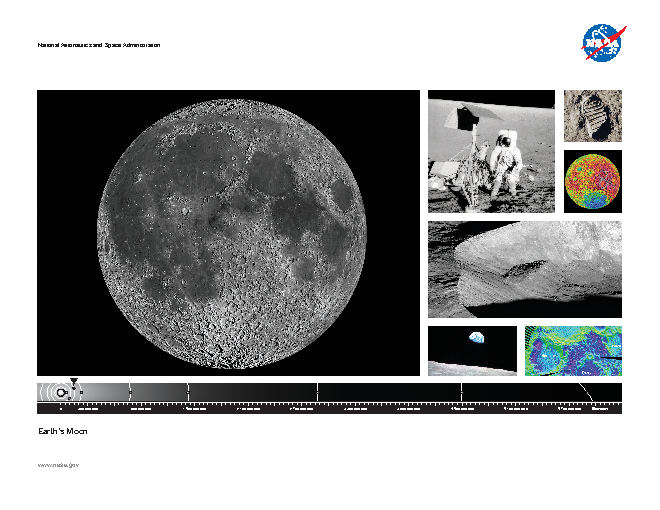
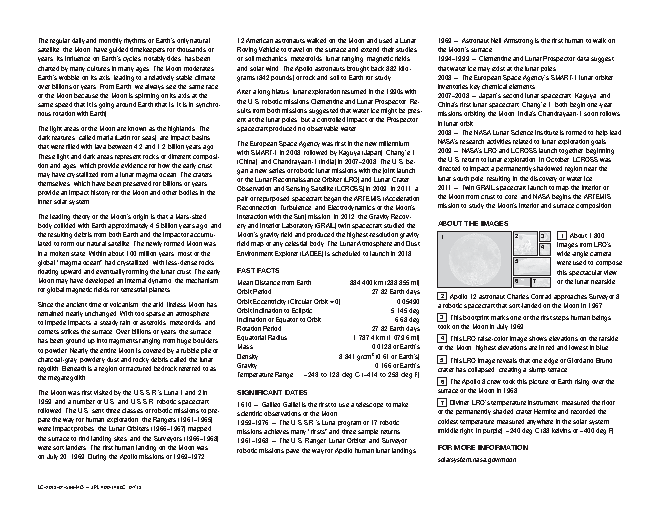
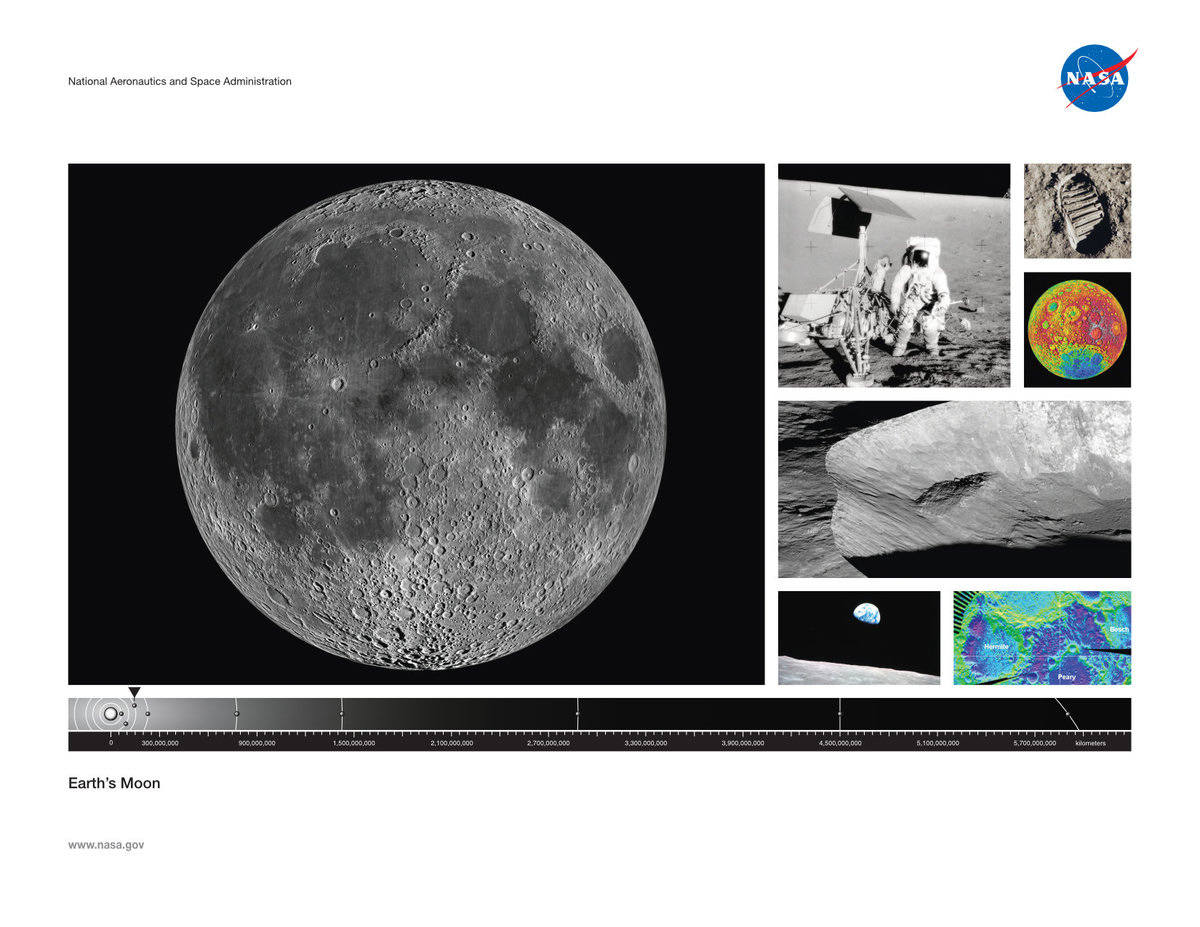
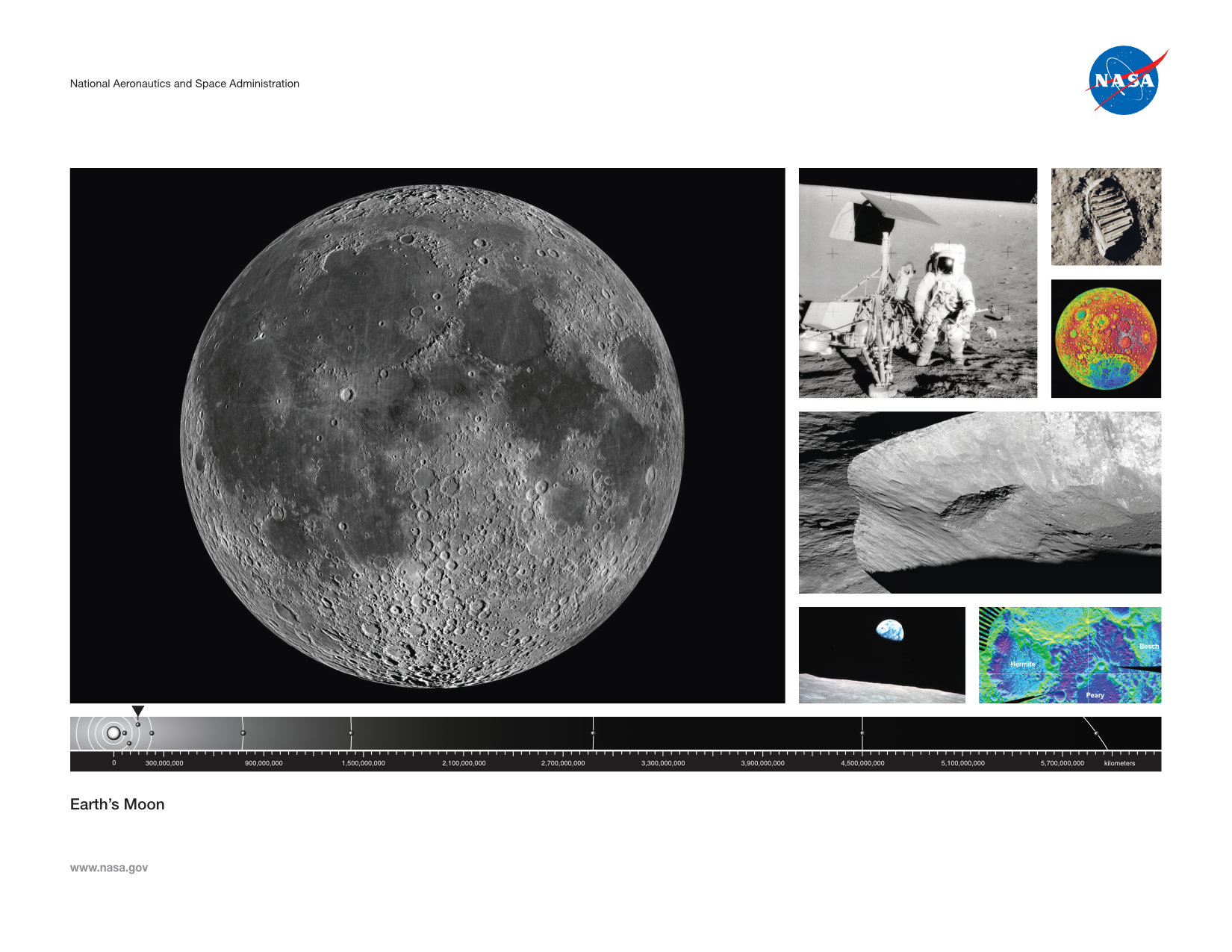
I want page 1 of photos.pdf on my blog: a JPEG 1200 pixels wide and under 150 KB, saved as moon.jpg.
The task
The reference answer shows the job can be done with deft. It is not an agent run.
deft pdf to-images photos.pdf --pages 1 --to jpg -o page1.jpg
deft image resize page1.jpg --size 1200x -o wide.jpg
deft image compress wide.jpg --target-size 150KB -o moon.jpg
Input
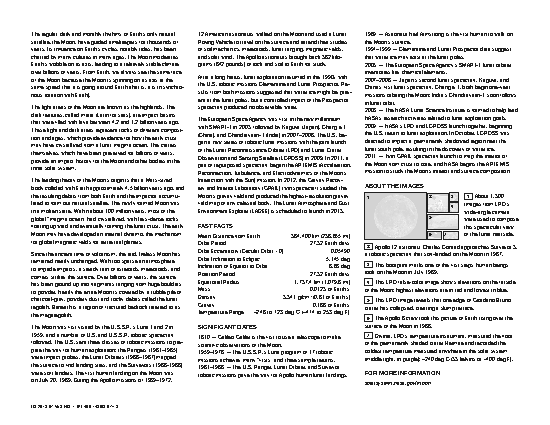
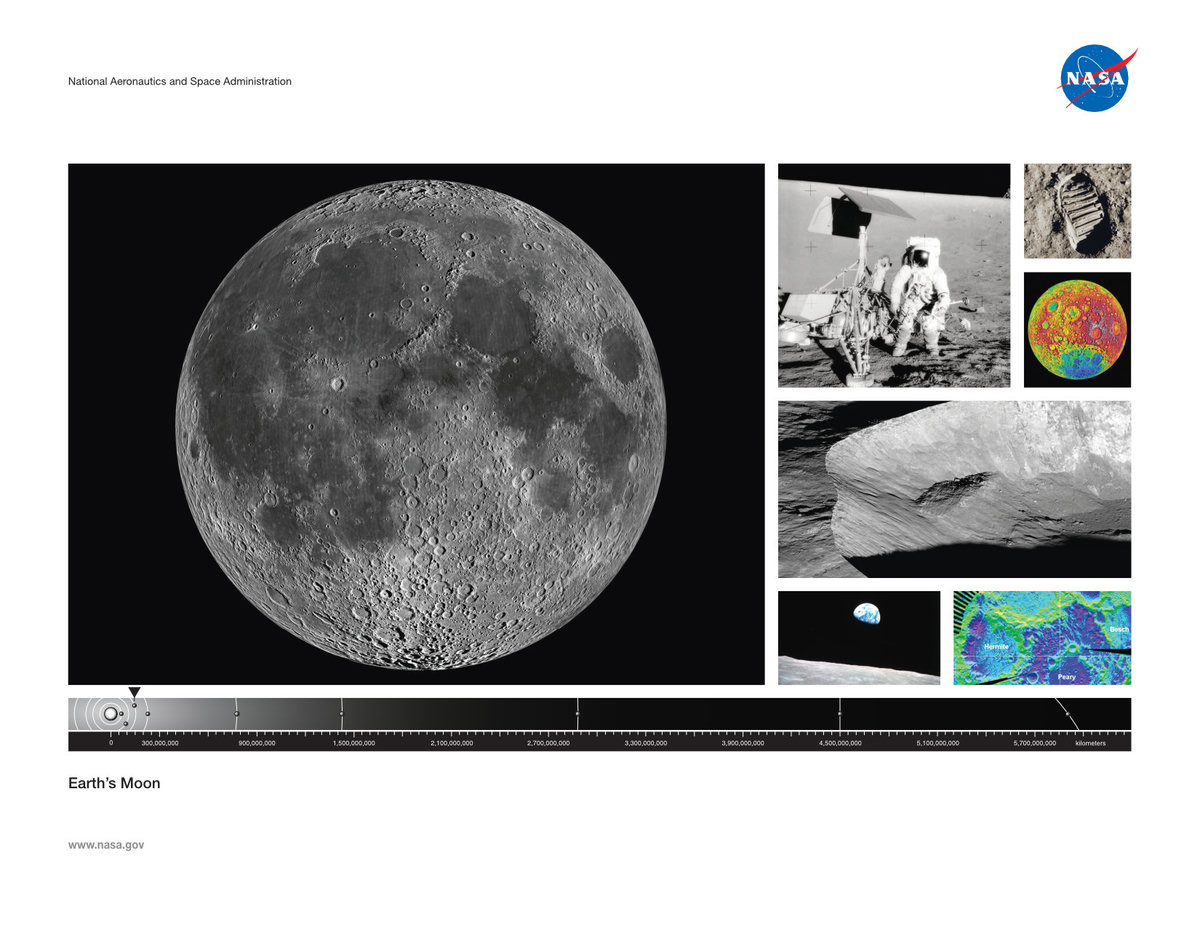
How a result is judged (3 checks)
- image: file = "moon.jpg", width = 1200, format = "JPEG"
- max_bytes: file = "moon.jpg", bytes = 153600
- python: code = "import subprocess\nfrom PIL import Image, ImageChops, ImageStat\nt = Image.open('moon.jpg').convert('L')\nassert abs(t.height - 927) <= 3, f'moon.jpg is {t.size}: the page is squeezed or cut'\ndef difference(page):\n subprocess.check_call(['gs', '-q', '-dSAFER', '-dBATCH', '-dNOPAUSE', '-sDEVICE=pnggray', '-r50', f'-dFirstPage={page}', f'-dLastPage={page}', '-sOutputFile=ref.png', 'photos.pdf'])\n r = Image.open('ref.png').convert('L').resize((200, 155), Image.LANCZOS)\n return ImageStat.Stat(ImageChops.difference(t.resize(r.size, Image.LANCZOS), r)).mean[0]\nd1, d2 = difference(1), difference(2)\nassert d1 < 10 and d1 < d2 / 2, f'moon.jpg does not look like page 1 ({d1:.1f}, page 2 {d2:.1f})'\n"
Runs
Claude Opus 5.5Without deftPassed2026-11-15
- Time
- 24s
- New tokens
- 13.2k
- Total input
- 76.6k
- Output tokens
- 1.7k
- Commands
- 4
- Failed
- 0
Trace
ls -la; which pdftoppm magick convert sips gs mutool qpdf python3; python3 -c "import fitz" 2>&1; python3 -c "import PIL; print(PIL.__version__)" 2>&1output
total 5168
drwxr-xr-x@   4 user  staff      128 Nov 14 20:14 .
drwx------@ 324 user  staff    10368 Nov 14 20:14 ..
drwxr-xr-x@   3 user  staff       96 Nov 14 20:14 .claude
-rw-r--r--@   1 user  staff  2645522 Nov  7 11:43 photos.pdf
pdftoppm not found
magick not found
convert not found
/usr/bin/sips
/usr/local/bin/gs
mutool not found
qpdf not found
~/opt/anaconda3/bin/python3
Traceback (most recent call last):
  File "<string>", line 1, in <module>
ModuleNotFoundError: No module named 'fitz'
9.0.1
gs -q -dNODISPLAY -dNOSAFER -c "(photos.pdf) (r) file runpdfbegin pdfpagecount = 1 pdfgetpage /MediaBox pget pop == quit" 2>&1output
2
[0.0 0.0 792.0 612.0]
gs -q -dSAFER -dBATCH -dNOPAUSE -sDEVICE=png16m -r220 -dTextAlphaBits=4 -dGraphicsAlphaBits=4 -dFirstPage=1 -dLastPage=1 -sOutputFile="$TMPDIR/p1.png" photos.pdf && python3 -I - "$TMPDIR/p1.png" <<'EOF'
import sys, io, os
from PIL import Image
im = Image.open(sys.argv[1]).convert("RGB")
w, h = im.size
im = im.resize((1200, round(h*1200/w)), Image.LANCZOS)
for q in range(90, 30, -3):
    buf = io.BytesIO()
    im.save(buf, "JPEG", quality=q, optimize=True, progressive=True)
    if buf.tell() < 150*1024: break
open("moon.jpg","wb").write(buf.getvalue())
print(im.size, q, buf.tell())
EOF
output
(1200, 927) 84 153462
That's under 150 KiB but over 150,000 bytes, so I'll bring it under the stricter limit too.
python3 -I - "$TMPDIR/p1.png" <<'EOF'
import sys, io
from PIL import Image
im = Image.open(sys.argv[1]).convert("RGB")
w, h = im.size
im = im.resize((1200, round(h*1200/w)), Image.LANCZOS)
for q in range(90, 30, -1):
    buf = io.BytesIO()
    im.save(buf, "JPEG", quality=q, optimize=True, progressive=True)
    if buf.tell() < 150000: break
open("moon.jpg","wb").write(buf.getvalue())
print(im.size, q, buf.tell())
EOF
ls -l moon.jpg; sips -g pixelWidth -g pixelHeight moon.jpg
output
(1200, 927) 83 149617
-rw-r--r--@ 1 user  staff  149617 Nov 14 20:14 moon.jpg
moon.jpg
  pixelWidth: 1200
  pixelHeight: 927
I saved page 1 of `photos.pdf` as `moon.jpg` in the current directory. It's 1200 × 927 pixels and 149,617 bytes, so it's under 150 KB whether you count a KB as 1,000 or 1,024 bytes. I rendered the page at high resolution with Ghostscript, scaled it down to 1200 pixels wide, and saved it at JPEG quality 83, the highest setting that stayed under the limit. I opened the result to check it: the text and photos look clean. The image is the whole page: NASA's "Earth's Moon" poster with its white margins, the large Moon photo, the smaller photos and the distance scale. If you'd like just the big Moon photo for the post, I can crop that instead.
Output
Its files were not kept in this run. The last line of the trace is its own report.
Claude Opus 5.5With deft, skill installedPassedRead the skillUsed deft2026-11-15
- Time
- 29s
- New tokens
- 16.6k
- Total input
- 159.9k
- Output tokens
- 1.6k
- Commands
- 6
- Failed
- 0
Trace
Loaded the deft skill
ls -la; deft find "pdf page to image"; deft pdf; deft imageoutput
total 5168
drwxr-xr-x@   4 user  staff      128 Nov 14 20:14 .
drwx------@ 324 user  staff    10368 Nov 14 20:14 ..
drwxr-xr-x@   4 user  staff      128 Nov 14 20:14 .claude
-rw-r--r--@   1 user  staff  2645522 Nov  7 11:43 photos.pdf
pdf to-images  pdf -> png|jpg...  Render pages: --dpi, --pages
pdf info       pdf -> report      Pages, size, metadata, fonts, images
deft pdf - commands (input -> output)
  info            pdf -> report      Pages, size, metadata, fonts, images
  compare         pdf... -> report   Compare two PDFs: text and pixels
  compress        pdf -> pdf         Make smaller: --level, --target-size 2MB
  crop            pdf -> pdf         Trim pages: --margin, --box, --auto
  decrypt         pdf -> pdf         Remove a password you know
  delete          pdf -> pdf         Remove pages: --pages 2,5-7
  encrypt         pdf -> pdf         Protect with a password (AES-256)
  extract-images  pdf -> image...    Save embedded pictures, unchanged
  fields          pdf -> report      List form fields
  fill            pdf -> pdf         Fill a form from JSON: --data values.json
  flatten         pdf -> pdf         Bake forms into pages
  from-images     image... -> pdf    One page per image
  from-md         md -> pdf          Typeset Markdown as PDF
  merge           pdf... -> pdf      Join PDFs in the given order
  meta            pdf -> pdf         Read or set metadata and bookmarks
  number          pdf -> pdf         Add page numbers: --format
  ocr
… 2690 more characters
deft pdf info photos.pdf; deft pdf to-images --helpoutput
ok pdf.info photos.pdf  2 pages, letter, PDF 1.6
pages=2 version=1.6 width=792.0 height=612.0 paper=letter title=Moon_Lithograph_h.pdf producer="Adobe PDF Library 10.0.1" images=8 fonts=9 forms=false
deft pdf to-images - Render pages: --dpi, --pages
Same as: deft convert

Usage: deft pdf to-images <pdf>... [-o <dir>] [options]
In: pdf (each handled separately)   Out: png|jpg files in <name>-images/

Options:
  --to <png|jpg>               Image format (default png)
  --dpi <n>                    Resolution (default 150)
  --quality <n>                JPEG quality (default 85)
  --pages <pages>              Pages to render (default all)
  --password <text>            Password of an encrypted input
Common: -o --force --dry-run --json -j   (deft help common)

Examples:
  deft pdf to-images three-pages.pdf -o pages/
  deft pdf to-images report.pdf --pages 1 --to jpg --dpi 300 -o cover/

Result fields: files
Page is 792pt wide; render at higher DPI, then resize to 1200 and compress.
deft pdf to-images photos.pdf --pages 1 --dpi 200 -o "$TMPDIR/pg/" && ls "$TMPDIR/pg/"output
ok pdf.to-images photos.pdf -> <tmp>  1 image  0.39s
f1040-001.png
f1040-002.png
photos-001.png
turned-001.png
turned-002.png
turned-003.png
turned-004.png
cd "$TMPDIR/pg" && deft image resize photos-001.png --size 1200x -o moon-1200.png --force && deft image compress moon-1200.png --to jpg --target-size 150KB -o "$OLDPWD/moon.jpg" 2>&1 || deft image compress --helpoutput
ok image.resize photos-001.png -> moon-1200.png  1200x927  0.13s
error BAD_OPTION unknown option --to
hint: did you mean --jobs?
deft image compress - Smaller file: --quality, --target-size 200KB

Usage: deft image compress <JPEG, PNG or WebP>... [-o <image|dir>] [options]
In: JPEG, PNG or WebP (each handled separately)   Out: image (default <name>.compressed.<ext>)
JPEG and WebP re-encode (WebP needs ffmpeg). PNG is optimised losslessly.
A file is never made larger. Missing --target-size is an error.
A target reached only below quality 30 gives a warning: resizing first keeps it sharper.

Options:
  --quality <n>                JPEG and WebP quality (default 75)
  --target-size <bytes>        Lower the quality until output <= this size
Common: -o --force --dry-run --json -j   (deft help common)

Examples:
  deft image compress photo-1.jpg -o small.jpg
  deft image compress photo-2.jpg --target-size 100KB -o tiny.jpg

Result fields: bytes_before, bytes_after, ratio, quality
Errors: TARGET_UNREACHABLE
Shell cwd was reset to
P="$TMPDIR/pg"; deft image convert "$P/moon-1200.png" --to jpg --quality 95 -o "$P/moon-1200.jpg" --force && deft image compress "$P/moon-1200.jpg" --target-size 150KB -o moon.jpg && deft image info moon.jpg && ls -l moon.jpgoutput
ok image.convert <tmp> -> <tmp>  1200x927  0.02s
ok image.compress <tmp> -> moon.jpg  290KB -> 150KB (-48%)  0.07s
ok image.info moon.jpg  1200x927
width=1200 height=927 orientation=1 has_metadata=false has_gps=false
-rw-r--r--@ 1 user  staff  153569 Nov 14 20:14 moon.jpg
153,569 bytes is under 150 KiB but over 150,000 bytes. I'll go a little smaller so it passes either way.
deft image compress "$TMPDIR/pg/moon-1200.jpg" --target-size 140KB -o moon.jpg --force --json && ls -l moon.jpg && deft image info moon.jpgoutput
{"v":1,"ok":true,"op":"image.compress","items":[{"ok":true,"inputs":["<tmp>"],"outputs":[{"path":"moon.jpg","format":"jpg","bytes":142117}],"facts":{"bytes_before":297061,"bytes_after":142117,"ratio":0.478,"quality":72},"warnings":[]}],"elapsed_ms":77}
-rw-r--r--@ 1 user  staff  142117 Nov 14 20:14 moon.jpg
ok image.info moon.jpg  1200x927
width=1200 height=927 orientation=1 has_metadata=false has_gps=false
`moon.jpg` is saved in the current directory. It's page 1 of `photos.pdf`, the NASA "Earth's Moon" poster, at 1200 × 927 pixels and 142,117 bytes, so it's under 150 KB. I aimed for about 140 KB because my first try came out at 153,569 bytes. That's under 150 KB if a KB is 1,024 bytes, but over if it's 1,000, so the smaller file passes either way. To get there the JPEG quality dropped to 72. I opened the result and it looks clean, with the text and photos still sharp. The page is a NASA poster with the NASA logo on it. NASA images are generally free to use, but the logo has its own usage rules. That's worth keeping in mind for a blog, though it may not matter for how you're using it.
Output
Its files were not kept in this run. The last line of the trace is its own report.