Evals / pdf / Multi-step jobs
Prepare a numbered, titled and locked packet for signature
Send-out for a new supplier: combine nda.pdf and then fw9.pdf into one file, number the pages like Page 3 of 8, set the PDF title to Northwind Labs onboarding, and protect it with the password Sign2026. Save it as onboarding.pdf.
The task
The reference answer shows the job can be done with deft. It is not an agent run.
deft pdf merge nda.pdf fw9.pdf -o joined.pdf
deft pdf number joined.pdf --format 'Page {n} of {total}' -o numbered.pdf
deft pdf meta numbered.pdf --title 'Northwind Labs onboarding' -o titled.pdf
deft pdf encrypt titled.pdf --new-password Sign2026 -o onboarding.pdf
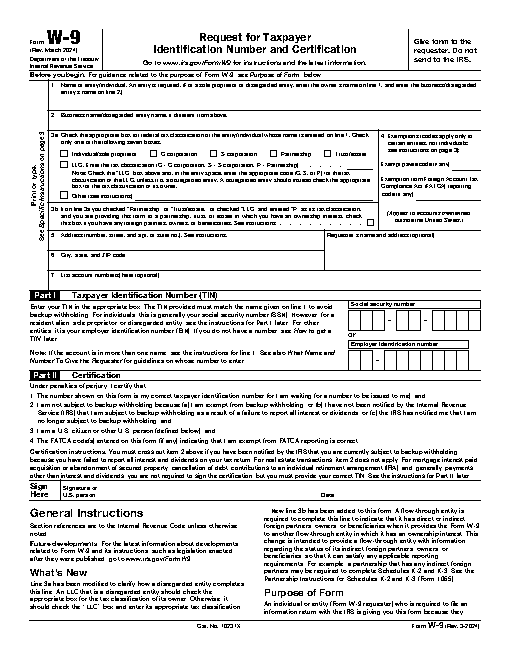
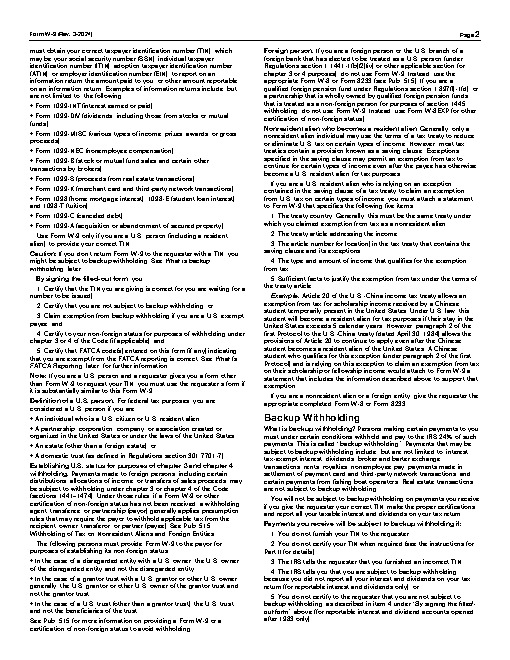
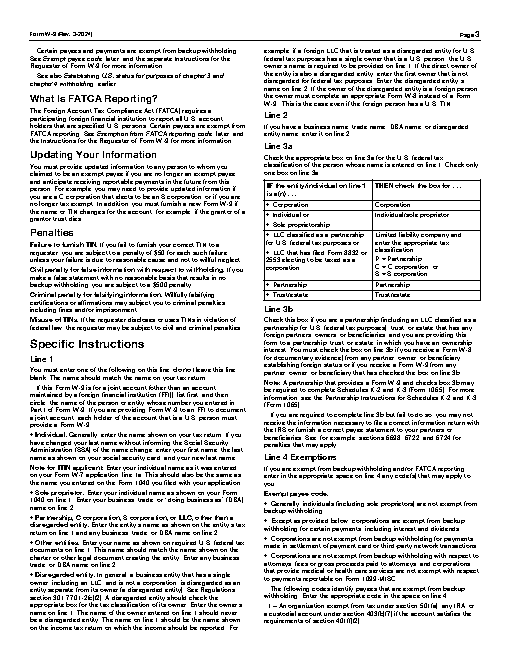
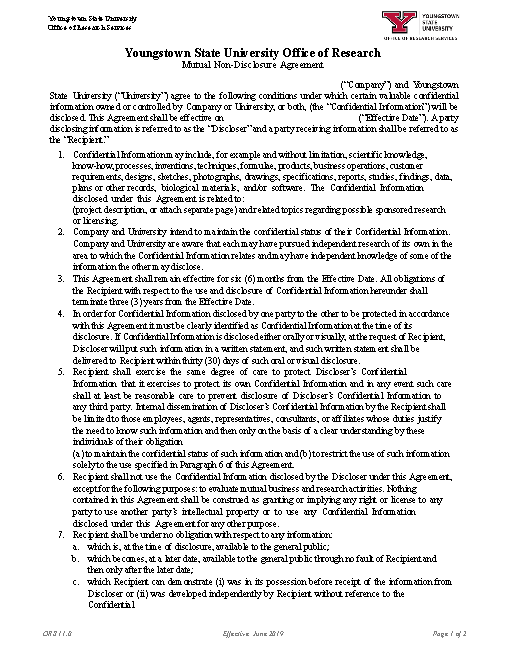
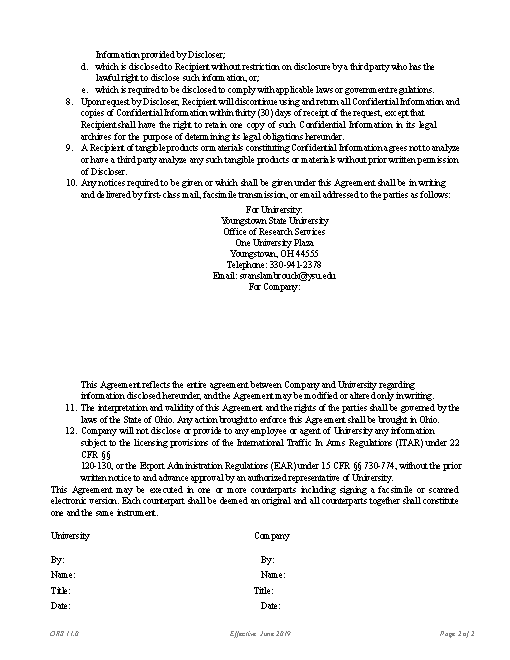
Reference output
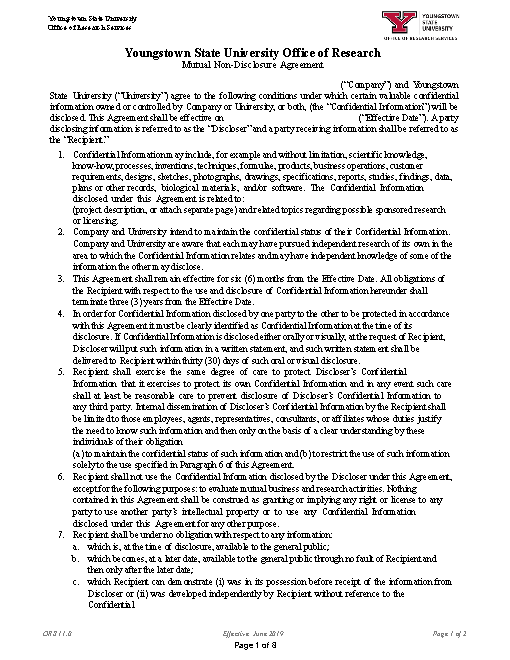
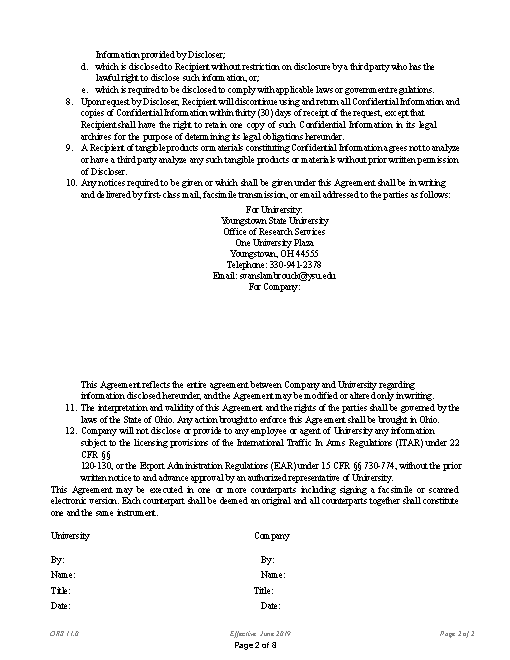
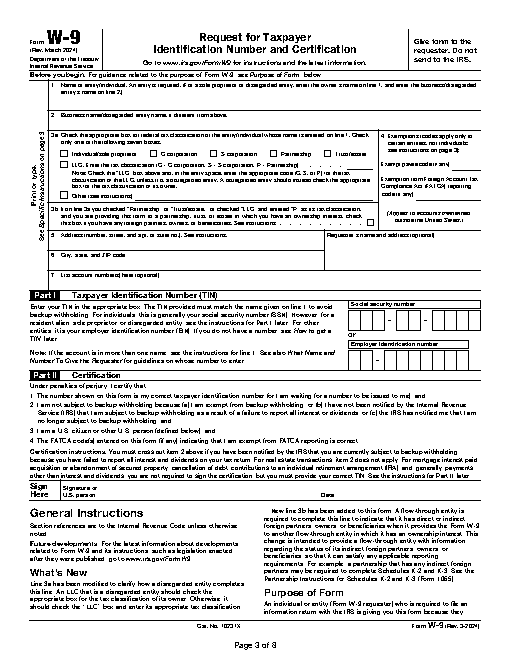
This PDF has no preview: it needs a password or cannot be read.
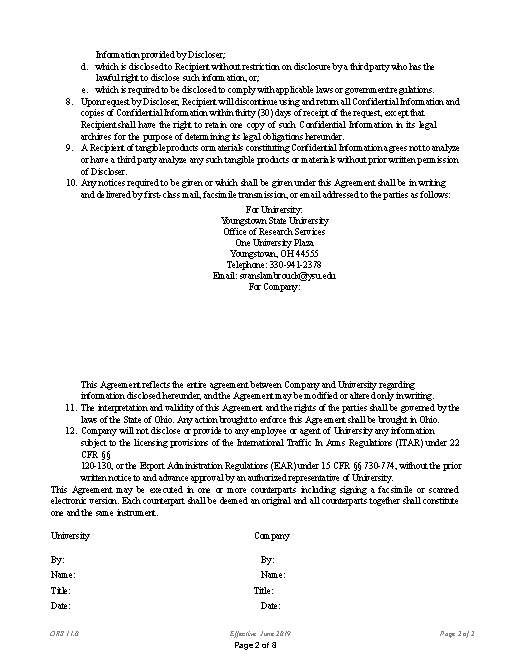
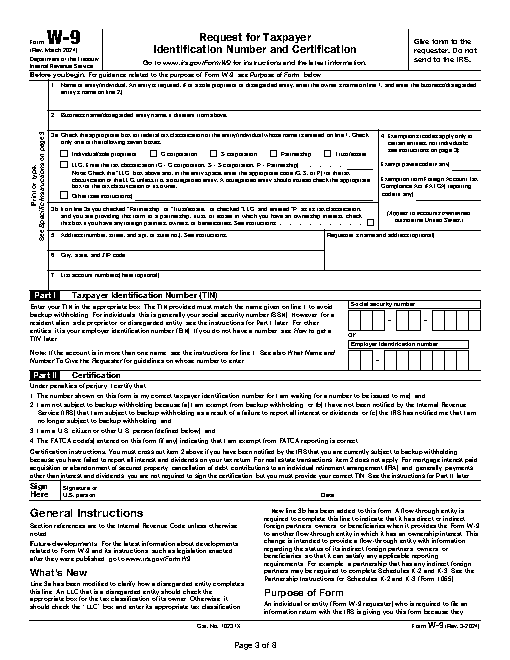
How a result is judged (3 checks)
- pdf_encrypted: file = "onboarding.pdf", encrypted = true
- pdf_pages: file = "onboarding.pdf", password = "Sign2026", pages = 8
- python: code = "import subprocess\nout, pw = 'onboarding.pdf', '-sPDFPassword=Sign2026'\ndef text(p):\n t = subprocess.run(['gs', '-q', '-dNOPAUSE', '-dBATCH', '-dSAFER', pw, '-sDEVICE=txtwrite', f'-dFirstPage={p}', f'-dLastPage={p}', '-sOutputFile=-', out], capture_output=True, text=True, errors='replace').stdout\n return ' '.join(t.split())\nassert 'Non-Disclosure' in text(1), 'the NDA is not first'\nassert 'W-9' in text(3), 'the W-9 does not follow the NDA'\nfor p in (1, 3, 8):\n assert f'Page {p} of 8' in text(p), f'page {p} has no \"Page {p} of 8\"'\no = subprocess.check_output(['gs', '-q', '-dNODISPLAY', '-dNOSAFER', pw, '-c', f'({out}) (r) file runpdfbegin Trailer /Info knownoget {{ /Title knownoget {{ print }} if }} if quit'])\no = o[2:].decode('utf-16-be') if o[:2] == b'\\xfe\\xff' else o.decode('latin-1')\nassert 'Northwind Labs onboarding' in o, f'title is {o!r}'\n"
Runs
Claude Opus 5.5Without deftFailed2026-11-15
Traceback (most recent call last): File "<string>", line 10, in <module> AssertionError: page 3 has no "Page 3 of 8"
- Time
- 43s
- New tokens
- 15.7k
- Total input
- 148.7k
- Output tokens
- 3.2k
- Commands
- 7
- Failed
- 1
Trace
ls -la; which qpdf pdftk gs python3; python3 -c "import pypdf; print(pypdf.__version__)"; python3 -c "import reportlab; print(reportlab.Version)" (exit 1)output
Exit code 1
total 576
drwxr-xr-x@   5 user  staff     160 Nov 14 20:14 .
drwx------@ 324 user  staff   10368 Nov 14 20:14 ..
drwxr-xr-x@   3 user  staff      96 Nov 14 20:14 .claude
-rw-r--r--@   1 user  staff  140815 Nov  5 21:11 fw9.pdf
-rw-r--r--@   1 user  staff  151453 Nov 13 23:22 nda.pdf
qpdf not found
pdftk not found
/usr/local/bin/gs
~/opt/anaconda3/bin/python3
Traceback (most recent call last):
  File "<string>", line 1, in <module>
ModuleNotFoundError: No module named 'pypdf'
Traceback (most recent call last):
  File "<string>", line 1, in <module>
ModuleNotFoundError: No module named 'reportlab'
python3 -c "import PyPDF2; print(PyPDF2.__version__)"; python3 -c "import fitz; print(fitz.__doc__)"; gs --version; for f in nda.pdf fw9.pdf; do gs -q -dNODISPLAY -dNOSAFER -c "($f) (r) file runpdfbegin pdfpagecount = quit"; doneoutput
Traceback (most recent call last):
  File "<string>", line 1, in <module>
ModuleNotFoundError: No module named 'PyPDF2'
Traceback (most recent call last):
  File "<string>", line 1, in <module>
ModuleNotFoundError: No module named 'fitz'
9.55.0
2
6
cat > "$TMPDIR/stamp.ps" <<'EOF'
/PageNum 0 def
<< /EndPage {
  exch pop 2 lt {
    /PageNum PageNum 1 add def
    gsave
    /Helvetica findfont 9 scalefont setfont 0 setgray
    currentpagedevice /PageSize get aload pop pop 2 div
    (Page ) PageNum 10 string cvs concatstrings ( of 8) concatstrings
    dup stringwidth pop 2 div 3 -1 roll exch sub 18 moveto show
    grestore true
  } { false } ifelse
} bind >> setpagedevice
[ /Title (Northwind Labs onboarding) /DOCINFO pdfmark
EOF
grep -c AcroForm fw9.pdf nda.pdf
gs -q -dNOPAUSE -dBATCH -dNOSAFER -sDEVICE=pdfwrite -dPDFSETTINGS=/prepress \
  -sOwnerPassword=Sign2026 -sUserPassword=Sign2026 -dEncryptionR=3 -dKeyLength=128 -dPermissions=-4 \
  -sOutputFile=onboarding.pdf "$TMPDIR/stamp.ps" nda.pdf fw9.pdf && ls -l onboarding.pdf
output
fw9.pdf:2
nda.pdf:1
-rw-r--r--@ 1 user  staff  153721 Nov 14 20:14 onboarding.pdf
cd "$TMPDIR"; P=onboarding.pdf
gs -q -dNODISPLAY -dNOSAFER -c "($P) (r) file runpdfbegin pdfpagecount = quit" 2>&1 | tail -2
gs -q -dNODISPLAY -dNOSAFER -sPDFPassword=Sign2026 -c "($P) (r) file runpdfbegin pdfpagecount = Trailer /Info knownoget {/Title get =} if quit"
gs -q -dNOPAUSE -dBATCH -sPDFPassword=Sign2026 -sDEVICE=png16m -r50 -sOutputFile=pg%d.png "$P"; ls pg*.png
output
Current allocation mode is local
GPL Ghostscript 9.55.0: Unrecoverable error, exit code 1
8
Form W-9 (Rev. March 2024)
pg1.png
pg2.png
pg3.png
pg4.png
pg5.png
pg6.png
pg7.png
pg8.png
Shell cwd was reset to
The title was overwritten by the W-9's own metadata. I'll fix it by applying the title after the inputs.
sed -i '' '/DOCINFO/d' "$TMPDIR/stamp.ps"
echo '[ /Title (Northwind Labs onboarding) /DOCINFO pdfmark' > "$TMPDIR/title.ps"
gs -q -dNOPAUSE -dBATCH -dNOSAFER -sDEVICE=pdfwrite -dPDFSETTINGS=/prepress \
  -sOwnerPassword=Sign2026 -sUserPassword=Sign2026 -dEncryptionR=3 -dKeyLength=128 -dPermissions=-4 \
  -sOutputFile=onboarding.pdf "$TMPDIR/stamp.ps" nda.pdf fw9.pdf "$TMPDIR/title.ps"
gs -q -dNODISPLAY -dNOSAFER -sPDFPassword=Sign2026 -c "(onboarding.pdf) (r) file runpdfbegin pdfpagecount = Trailer /Info knownoget {/Title get =} if quit"
cd "$TMPDIR" && rm -f pg*.png && gs -q -dNOPAUSE -dBATCH -sPDFPassword=Sign2026 -sDEVICE=png16m -r60 -sOutputFile=pg%d.png onboarding.pdf; echo $TMPDIR
output
8
Northwind Labs onboarding
<tmp>
Shell cwd was reset to
rm -f "$TMPDIR"/pg*.png "$TMPDIR"/stamp.ps "$TMPDIR"/title.ps; ls -loutput
total 968
-rw-r--r--@ 1 user  staff  140815 Nov  5 21:11 fw9.pdf
-rw-r--r--@ 1 user  staff  151453 Nov 13 23:22 nda.pdf
-rw-r--r--@ 1 user  staff  153717 Nov 14 20:15 onboarding.pdf
grep -c -a "/AcroForm\|/Widget" onboarding.pdfoutput
0
I've created `onboarding.pdf` in the current directory, but the W-9 in it can no longer be filled in on screen (more on that below). - **Order:** nda.pdf is pages 1–2 and fw9.pdf is pages 3–8, so 8 pages in all. - **Page numbers:** each page has "Page X of 8" centred at the bottom. I looked at page 3 (the first W-9 page) and the number is there and clear. - **Title:** the PDF title is "Northwind Labs onboarding". On the first try the W-9's own title, "Form W-9 (Rev. March 2024)", replaced it, so I rebuilt the file and checked the title again. - **Password:** opening the file requires `Sign2026` (128-bit encryption). It won't open without the password, and it does open with it. **The W-9's fill-in fields are gone.** fw9.pdf had fields you could type into. The merging tool here (Ghostscript; no other PDF tools were installed) kept the form's printed appearance but dropped those fields. T
Output
This PDF has no preview: it needs a password or cannot be read.
Claude Opus 5.5With deft, skill installedPassedRead the skillUsed deft2026-11-15
- Time
- 28s
- New tokens
- 14.7k
- Total input
- 155.7k
- Output tokens
- 1.4k
- Commands
- 6
- Failed
- 0
Trace
Loaded the deft skill
ls; deft pdfoutput
fw9.pdf
nda.pdf
deft pdf - commands (input -> output)
  info            pdf -> report      Pages, size, metadata, fonts, images
  compare         pdf... -> report   Compare two PDFs: text and pixels
  compress        pdf -> pdf         Make smaller: --level, --target-size 2MB
  crop            pdf -> pdf         Trim pages: --margin, --box, --auto
  decrypt         pdf -> pdf         Remove a password you know
  delete          pdf -> pdf         Remove pages: --pages 2,5-7
  encrypt         pdf -> pdf         Protect with a password (AES-256)
  extract-images  pdf -> image...    Save embedded pictures, unchanged
  fields          pdf -> report      List form fields
  fill            pdf -> pdf         Fill a form from JSON: --data values.json
  flatten         pdf -> pdf         Bake forms into pages
  from-images     image... -> pdf    One page per image
  from-md         md -> pdf          Typeset Markdown as PDF
  merge           pdf... -> pdf      Join PDFs in the given order
  meta            pdf -> pdf         Read or set metadata and bookmarks
  number          pdf -> pdf         Add page numbers: --format
  ocr             pdf -> txt         Read the text of a scanned PDF
  resize          pdf -> pdf         Fit pages to --page-size a4
  rotate          pdf -> pdf         Turn pages clockwise: --angle 90, --pages
  search          pdf -> report      Find text: --text invoice
  select          pdf -> pdf         Keep and reorder pages
  split           pdf -> pdf...
… 257 more characters
deft pdf number --help; deft pdf meta --help; deft pdf encrypt --helpoutput
deft pdf number - Add page numbers: --format

Usage: deft pdf number <pdf>... [-o <pdf|dir>] [options]
In: pdf (each handled separately)   Out: pdf (default <name>.numbered.<ext>)
Without --position the number goes bottom centre; where that already has text, it goes to the first free place of bottom-right, bottom-left, top-right, top, top-left, then the same places at half the margin unless --margin is given.

Options:
  --format <text>              Template with {n} and {total} (default {n})
  --position <position>        Where on the page (default: bottom, or a free corner)
  --margin <length>            Distance from the page edge (default 10mm)
  --font-size <number>         Text size in points (default 10)
  --color <color>              Text color (default black)
  --first-page <n>             First page that gets a number (default 1)
  --start <n>                  Number shown on that page (default 1)
  --password <text>            Password of an encrypted input
Common: -o --force --dry-run --json -j   (deft help common)

Examples:
  deft pdf number three-pages.pdf -o numbered.pdf
  deft pdf number report.pdf --format "Page {n} of {total}" --first-page 2

Result fields: numbered
deft pdf meta - Read or set metadata and bookmarks

Usage: deft pdf meta <pdf>... [-o <pdf|dir>] [options]
In: pdf (each handled separately)   Out: pdf (default <name>.meta.<ext>)
With no options it prints the fields. With options it writes a copy.

Options:
  --title <text>               Docume
… 1393 more characters
T="$TMPDIR/onb"; mkdir -p "$T" && deft pdf merge nda.pdf fw9.pdf -o "$T/m.pdf" && deft pdf number "$T/m.pdf" --format "Page {n} of {total}" -o "$T/n.pdf" && deft pdf meta "$T/n.pdf" --title "Northwind Labs onboarding" -o "$T/t.pdf" && deft pdf encrypt "$T/t.pdf" --new-password Sign2026 -o onboarding.pdf && deft pdf meta onboarding.pdf --password Sign2026 && deft pdf info onboarding.pdf --password Sign2026output
ok pdf.merge nda.pdf fw9.pdf -> <tmp>  8 pages  0.01s
ok pdf.number <tmp> -> <tmp>  8 pages numbered  0.02s
warning: the bottom centre already has text or pictures on 5 pages (page 1, 2, 3, 5, 6), so the numbers went to the bottom at half the margin; give --position to choose
ok pdf.meta <tmp> -> <tmp>  209KB  0.01s
ok pdf.encrypt <tmp> -> onboarding.pdf  206KB  0.01s
ok pdf.meta onboarding.pdf  5 fields
title="Northwind Labs onboarding" creator="Adobe InDesign CS6 (Windows)" producer="Adobe PDF Library 10.0.1" created=D:20160129140245-05'00' modified=D:20190820164206-04'00' outline=[]
ok pdf.info onboarding.pdf  8 pages, letter, PDF 1.7
pages=8 version=1.7 width=612.0 height=792.0 paper=letter title="Northwind Labs onboarding" producer="Adobe PDF Library 10.0.1" images=1 fonts=25 forms=true
T="$TMPDIR/onb"; deft pdf to-images "$T/t.pdf" --pages 1,5 --dpi 60 -o "$T/img"output
ok pdf.to-images <tmp> -> <tmp> 2 images 0.13s
Done building the file. Now checking where the page numbers landed.
ls <tmp>output
t-001.png
t-005.png
rm -rf "$TMPDIR/onb"; lsoutput
fw9.pdf
nda.pdf
onboarding.pdf
I created `onboarding.pdf` in the current directory, and I checked the finished file: - **Order:** nda.pdf, then fw9.pdf, 8 pages in total. - **Page numbers:** "Page 1 of 8" through "Page 8 of 8". Five pages already had text at the bottom centre, so on those the number sits closer to the bottom edge. On page 5, the one I looked at, it is readable and doesn't overlap anything. - **Title:** "Northwind Labs onboarding". - **Password:** `Sign2026` is needed to open the file (AES-256 encryption). The W-9 pages also keep their own printed "Page X" headers. So the second page of the W-9 shows "Page 2" at the top and "Page 4 of 8" at the bottom. That's normal for a combined file, but the supplier may notice it. The two original PDFs were not changed.
Output
Its files were not kept in this run. The last line of the trace is its own report.