Evals / pdf / Multi-step jobs
Make a draft handout from the first pages of a paper
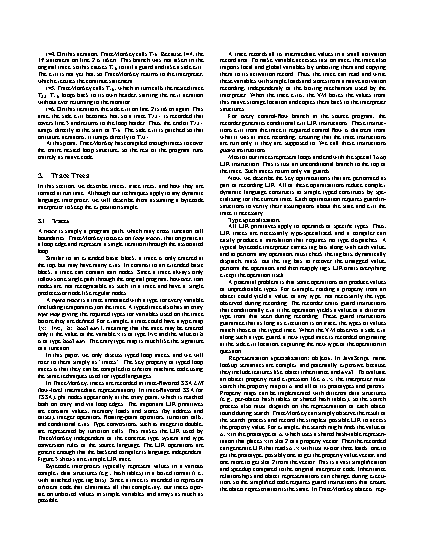
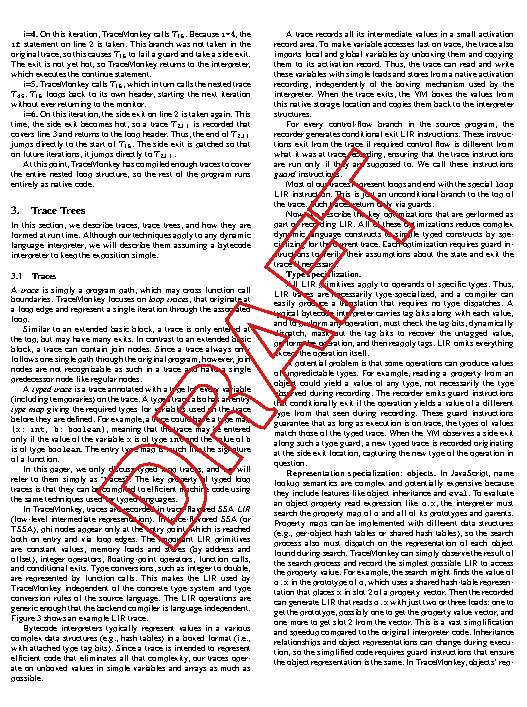
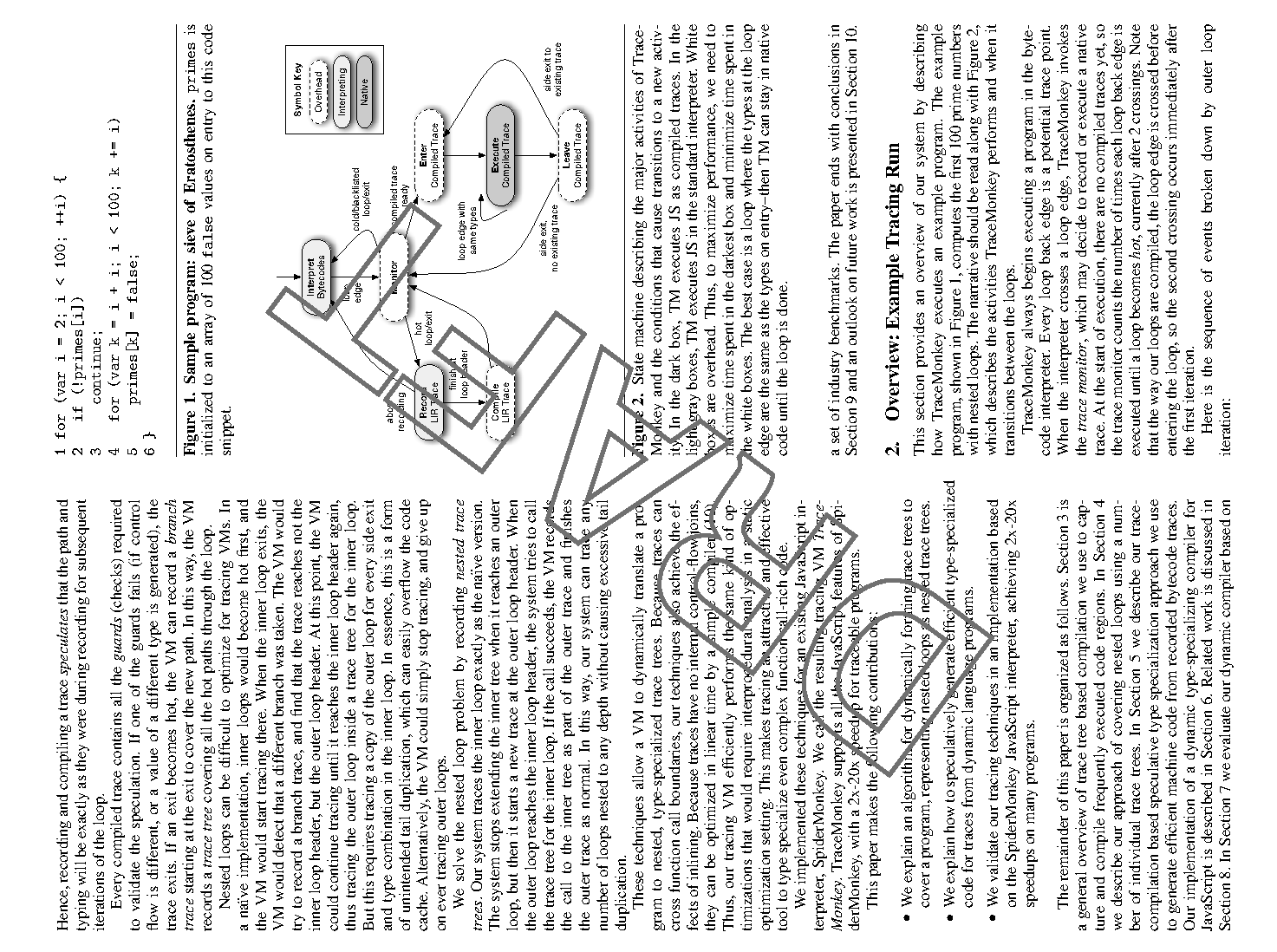
For our reading group, make draft-handout.pdf from paper.pdf: only pages 1 to 4, with 15 mm cut off every side of each page, the word DRAFT stamped across every page, and the PDF title set to Reading group: TraceMonkey.
The task
The reference answer shows the job can be done with deft. It is not an agent run.
deft pdf select paper.pdf --pages 1-4 -o first.pdf
deft pdf crop first.pdf --margin 15mm -o cropped.pdf
deft pdf watermark cropped.pdf --text DRAFT -o stamped.pdf
deft pdf meta stamped.pdf --title 'Reading group: TraceMonkey' -o draft-handout.pdf
Input
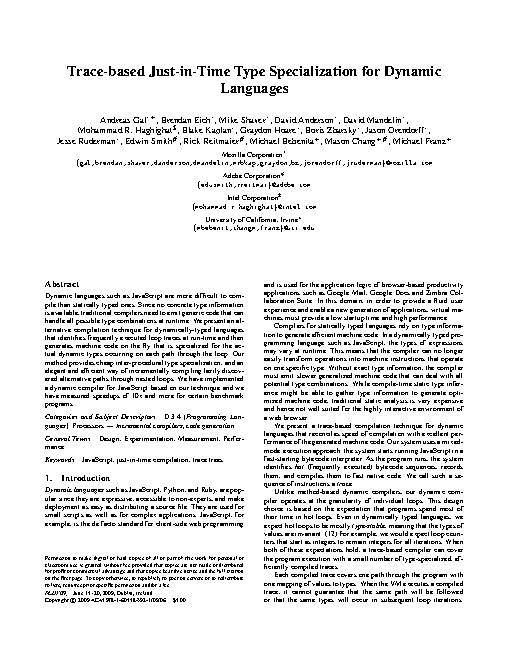
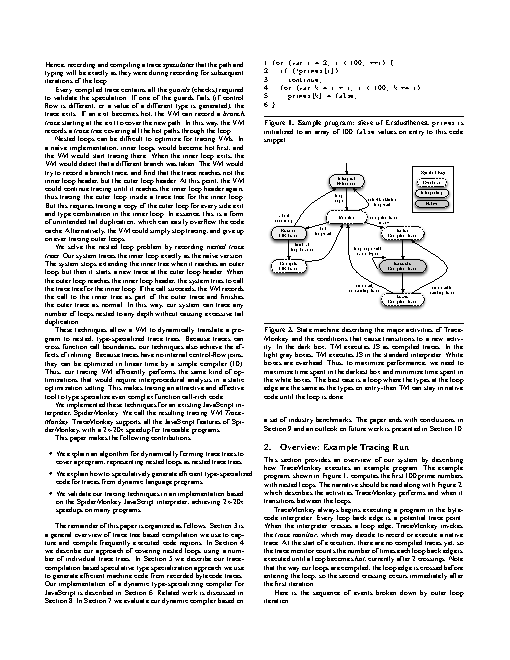
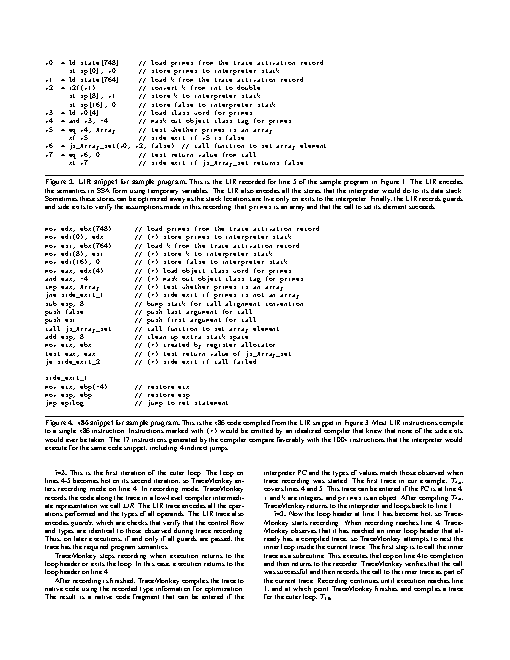
Reference output
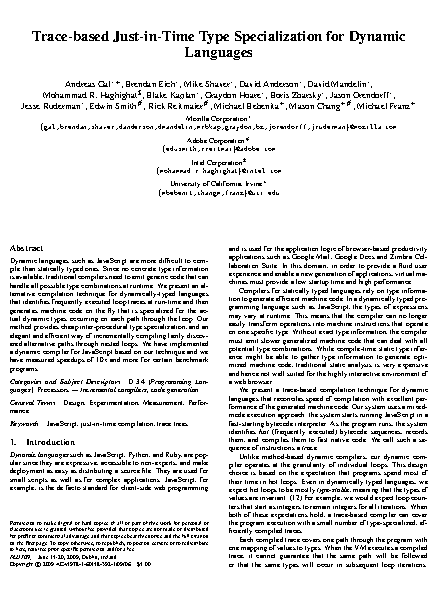
How a result is judged (2 checks)
- pdf_pages: file = "draft-handout.pdf", pages = 4
- python: code = "import subprocess\ndef added_marks(out, src, p, trim_mm):\n # Share of the page with new marks against the same page of the input.\n from PIL import Image, ImageChops, ImageFilter\n def render(pdf, name, extra):\n subprocess.check_call(['gs', '-q', '-dSAFER', '-dBATCH', '-dNOPAUSE', '-sDEVICE=pnggray', '-r50', f'-dFirstPage={p}', f'-dLastPage={p}', f'-sOutputFile={name}'] + extra + [pdf])\n return Image.open(name).convert('L')\n a = render(out, 'mark-out.png', ['-dUseCropBox'])\n b = render(src, 'mark-src.png', [])\n t = round(trim_mm / 25.4 * 50)\n if t:\n b = b.crop((t, t, b.width - t, b.height - t))\n b = b.resize(a.size)\n d = ImageChops.difference(a.filter(ImageFilter.GaussianBlur(2)), b.filter(ImageFilter.GaussianBlur(2)))\n return sum(1 for v in d.getdata() if v > 40) / (a.width * a.height)\ndef stamped(word, out, p, dpi):\n # A stamp may be drawn, not typed, and is often diagonal: read the page turned too.\n subprocess.check_call(['gs', '-q', '-dSAFER', '-dBATCH', '-dNOPAUSE', '-sDEVICE=pnggray', f'-r{dpi}', f'-dFirstPage={p}', f'-dLastPage={p}', '-sOutputFile=page.png', out])\n from PIL import Image\n page = Image.open('page.png')\n for angle in (0, 45, -45, 35, -35, 55, -55, 90, -90):\n page.rotate(angle, expand=True, fillcolor=255).save('turned.png')\n for psm in ('3', '11'):\n seen = subprocess.run(['tesseract', 'turned.png', '-', '--psm', psm], capture_output=True, text=True).stdout\n if word in seen.upper().replace(' ', ''):\n return True\n return False\nfrom PIL import Image\nout = 'draft-handout.pdf'\no = subprocess.check_output(['gs', '-q', '-dNODISPLAY', '-dNOSAFER', '-c', f'({out}) (r) file runpdfbegin Trailer /Info knownoget {{ /Title knownoget {{ print }} if }} if quit'])\no = o[2:].decode('utf-16-be') if o[:2] == b'\\xfe\\xff' else o.decode('latin-1')\nassert 'Reading group: TraceMonkey' in o, f'title is {o!r}'\nfor p in range(1, 5):\n subprocess.check_call(['gs', '-q', '-dSAFER', '-dBATCH', '-dNOPAUSE', '-dUseCropBox', '-sDEVICE=png16m', '-r72', f'-dFirstPage={p}', f'-dLastPage={p}', '-sOutputFile=page.png', out])\n w, h = Image.open('page.png').size\n assert abs(w - 527) <= 3 and abs(h - 707) <= 3, f'page {p} is {w}x{h}, wanted about 527x707'\n text = subprocess.run(['gs', '-q', '-dNOPAUSE', '-dBATCH', '-dSAFER', '-sDEVICE=txtwrite', f'-dFirstPage={p}', f'-dLastPage={p}', '-sOutputFile=-', out], capture_output=True, text=True, errors='replace').stdout\n if 'DRAFT' not in text:\n assert added_marks(out, 'paper.pdf', p, 15) > 0.01 or stamped('DRAFT', out, p, 150), f'page {p} has no DRAFT stamp'\nfirst = subprocess.run(['gs', '-q', '-dNOPAUSE', '-dBATCH', '-dSAFER', '-sDEVICE=txtwrite', '-dFirstPage=1', '-dLastPage=1', '-sOutputFile=-', out], capture_output=True, text=True, errors='replace').stdout\nassert 'Trace-based' in first, 'page 1 is not the first page of the paper'\n"
Runs
Claude Opus 5.5Without deftPassed2026-11-15
- Time
- 63s
- New tokens
- 22.4k
- Total input
- 243.4k
- Output tokens
- 5.4k
- Commands
- 9
- Failed
- 3
Trace
ls -la; which qpdf pdftk mutool gs pdfinfo; python3 -c "import pypdf; print(pypdf.__version__)"; python3 -c "import reportlab; print('rl')"; python3 -c "import fitz; print('fitz')" (exit 1)output
Exit code 1
total 1992
drwxr-xr-x@   4 user  staff      128 Nov 14 20:15 .
drwx------@ 324 user  staff    10368 Nov 14 20:15 ..
drwxr-xr-x@   3 user  staff       96 Nov 14 20:15 .claude
-rw-r--r--@   1 user  staff  1016315 Nov  5 21:11 paper.pdf
qpdf not found
pdftk not found
mutool not found
/usr/local/bin/gs
pdfinfo not found
Traceback (most recent call last):
  File "<string>", line 1, in <module>
ModuleNotFoundError: No module named 'pypdf'
Traceback (most recent call last):
  File "<string>", line 1, in <module>
ModuleNotFoundError: No module named 'reportlab'
Traceback (most recent call last):
  File "<string>", line 1, in <module>
ModuleNotFoundError: No module named 'fitz'
cd "$PWD"; gs -q -dNODISPLAY -dNOSAFER -c "(paper.pdf) (r) file runpdfbegin 1 1 4 { dup pdfgetpage /MediaBox pget pop == } for pdfpagecount == quit" 2>&1 | head; gs -q -dNODISPLAY -dNOSAFER -c "(paper.pdf) (r) file runpdfbegin 1 pdfgetpage dup /CropBox pget {==}{(nocrop) =} ifelse /Rotate pget {==}{(norot)=} ifelse quit"output
[0 0 612 792]
[0 0 612 792]
[0 0 612 792]
[0 0 612 792]
14
nocrop
norot
cd "$PWD"; cat > "$TMPDIR/stamp.ps" <<'EOF'
<< /BeginPage { pop -42.5197 -42.5197 translate } bind
   /EndPage { exch pop 2 ne {
       gsave initmatrix
       /Helvetica-Bold findfont 130 scalefont setfont
       0.85 0 0 setrgbcolor
       .setfillconstantalpha where { pop 0.3 .setfillconstantalpha } if
       263.48 353.48 translate
       706.96 526.96 atan rotate
       (DRAFT) dup stringwidth pop 2 div neg -45 moveto show
       grestore true } { false } ifelse } bind
>> setpagedevice
[ /Title (Reading group: TraceMonkey) /DOCINFO pdfmark
EOF
gs -q -dBATCH -dNOPAUSE -dSAFER -sDEVICE=pdfwrite -dFirstPage=1 -dLastPage=4 \
  -dDEVICEWIDTHPOINTS=526.9606 -dDEVICEHEIGHTPOINTS=706.9606 -dFIXEDMEDIA \
  -dALLOWPSTRANSPARENCY -sOutputFile=draft-handout.pdf "$TMPDIR/stamp.ps" paper.pdf && ls -l draft-handout.pdf
gs -q -dNODISPLAY -dNOSAFER -c "(draft-handout.pdf) (r) file runpdfbegin pdfpagecount == 1 pdfgetpage /MediaBox pget pop == Trailer /Info knownoget { /Title get == } if quit"
gs -q -dBATCH -dNOPAUSE -sDEVICE=png16m -r40 -dFirstPage=1 -dLastPage=1 -sOutputFile="$TMPDIR/p1.png" draft-handout.pdf
gs -q -dBATCH -dNOPAUSE -sDEVICE=png16m -r40 -dFirstPage=1 -dLastPage=1 -sOutputFile="$TMPDIR/orig.png" paper.pdf; echo $TMPDIR
output
Error: /stackunderflow in --where--
Operand stack:
   --dict:4/10(G)--   1
Execution stack:
   %interp_exit   .runexec2   --nostringval--   where   --nostringval--   2   %stopped_push   --nostringval--   where   where   false   1   %stopped_push   1974   1   3   %oparray_pop   1973   1   3   %oparray_pop   1961   1   3   %oparray_pop   1962   1   3   %oparray_pop   where   where   2   1   4   where   %for_pos_int_continue   1965   1   7   %oparray_pop   where   where   1824   0   9   %oparray_pop   where   1804   1   9   %oparray_pop   where   4   where   1827   0   9   %oparray_pop   where
Dictionary stack:
   --dict:782/1123(ro)(G)--   --dict:1/20(G)--   --dict:80/200(L)--   --dict:80/200(L)--   --dict:134/256(ro)(G)--   --dict:324/325(ro)(G)--   --dict:33/64(L)--   --dict:6/9(L)--   --dict:6/20(L)--
Current allocation mode is local
GPL Ghostscript 9.55.0: Unrecoverable error, exit code 1
1
[0 0 526.96 706.96]
(Reading group: TraceMonkey)
<tmp>
cd "$PWD"; gs -q -dNODISPLAY -dNOSAFER -c "(draft-handout.pdf) (r) file runpdfbegin pdfpagecount == quit"; ls -l draft-handout.pdfoutput
1
-rw-r--r--@ 1 user  staff  43315 Nov 14 20:16 draft-handout.pdf
cd "$PWD"; gs -dBATCH -dNOPAUSE -dSAFER -sDEVICE=pdfwrite -dFirstPage=1 -dLastPage=4 \
  -dDEVICEWIDTHPOINTS=526.9606 -dDEVICEHEIGHTPOINTS=706.9606 -dFIXEDMEDIA \
  -dALLOWPSTRANSPARENCY -sOutputFile=draft-handout.pdf "$TMPDIR/stamp.ps" paper.pdf 2>&1 | tail -20
output
GPL Ghostscript 9.55.0 (2021-09-27)
Copyright (C) 2021 Artifex Software, Inc.  All rights reserved.
This software is supplied under the GNU AGPLv3 and comes with NO WARRANTY:
see the file COPYING for details.
Processing pages 1 through 4.
Page 1
Loading NimbusSans-Bold font from /usr/local/share/ghostscript/9.55.0/Resource/Font/NimbusSans-Bold... 5262732 3788075 2647320 1300388 3 done.
Loading NimbusSans-Regular font from /usr/local/share/ghostscript/9.55.0/Resource/Font/NimbusSans-Regular... 5328844 3960793 2667520 1303239 3 done.
Page 2
Page 3
Page 4
Ghostscript processed all 4 pages, but my check shows only 1 page and no stamp. I'm rendering the output to find out why.
cd "$PWD"; rm -f $TMPDIR/o*.png; gs -q -dBATCH -dNOPAUSE -sDEVICE=png16m -r40 -sOutputFile="$TMPDIR/o%d.png" draft-handout.pdf; ls $TMPDIR/o*.png; grep -ac "/Type */Page[^s]" draft-handout.pdfoutput
<tmp>
<tmp>
<tmp>
<tmp>
4
The crop and stamp work, but the stamp is opaque and hides the text. I'll make it semi-transparent.
cd "$PWD"; sed -i '' 's/.setfillconstantalpha where { pop 0.3 .setfillconstantalpha } if/.setopacityalpha where { pop 0.25 .setopacityalpha } if/' "$TMPDIR/stamp.ps"
gs -q -dBATCH -dNOPAUSE -dSAFER -sDEVICE=pdfwrite -dFirstPage=1 -dLastPage=4 \
  -dDEVICEWIDTHPOINTS=526.9606 -dDEVICEHEIGHTPOINTS=706.9606 -dFIXEDMEDIA \
  -dALLOWPSTRANSPARENCY -sOutputFile=draft-handout.pdf "$TMPDIR/stamp.ps" paper.pdf
rm -f $TMPDIR/o*.png; gs -q -dBATCH -dNOPAUSE -sDEVICE=png16m -r40 -sOutputFile="$TMPDIR/o%d.png" draft-handout.pdf; ls $TMPDIR/o*.png
gs -q -dNODISPLAY -dNOSAFER -c "(draft-handout.pdf) (r) file runpdfbegin 4 pdfgetpage /MediaBox pget pop == Trailer /Info get /Title get == quit" (exit 1)
output
Exit code 1
<tmp>
<tmp>
<tmp>
<tmp>
[0 0 526.96 706.96]
Error: /typecheck in --get--
Operand stack:
   --nostringval--   Title
Execution stack:
   %interp_exit   .runexec2   --nostringval--   --nostringval--   --nostringval--   2   %stopped_push   --nostringval--   --nostringval--   --nostringval--   false   1   %stopped_push   .runexec2   --nostringval--   --nostringval--   --nostringval--   2   %stopped_push   --nostringval--
Dictionary stack:
   --dict:765/1123(ro)(G)--   --dict:1/20(G)--   --dict:80/200(L)--   --dict:80/200(L)--   --dict:134/256(ro)(G)--   --dict:323/325(ro)(G)--   --dict:31/32(L)--
Current allocation mode is local
GPL Ghostscript 9.55.0: Unrecoverable error, exit code 1
The Info entry is an indirect reference, so this check failed. I used the earlier `knownoget` form to read the title instead, and opened page 3.
cd "$PWD"; gs -q -dNODISPLAY -dNOSAFER -c "(draft-handout.pdf) (r) file runpdfbegin Trailer /Info knownoget { /Title get == } if quit" (exit 1)output
Exit code 1
Error: /undefined in --get--
Operand stack:
   --dict:4/4(L)--   Title
Execution stack:
   %interp_exit   .runexec2   --nostringval--   --nostringval--   --nostringval--   2   %stopped_push   --nostringval--   --nostringval--   --nostringval--   false   1   %stopped_push   .runexec2   --nostringval--   --nostringval--   --nostringval--   2   %stopped_push   --nostringval--   --nostringval--
Dictionary stack:
   --dict:765/1123(ro)(G)--   --dict:1/20(G)--   --dict:80/200(L)--   --dict:80/200(L)--   --dict:134/256(ro)(G)--   --dict:323/325(ro)(G)--   --dict:31/32(L)--
Current allocation mode is local
GPL Ghostscript 9.55.0: Unrecoverable error, exit code 1
The title went missing and the stamp still hides the text. I'll switch the stamp to outlined letters, which can't cover the text, then check the title again.
cd "$PWD"; cat > "$TMPDIR/stamp.ps" <<'EOF'
[ /Title (Reading group: TraceMonkey) /DOCINFO pdfmark
<< /BeginPage { pop -42.5197 -42.5197 translate } bind
   /EndPage { exch pop 2 ne {
       gsave initmatrix
       /Helvetica-Bold findfont 130 scalefont setfont
       0.85 0.1 0.1 setrgbcolor 2 setlinewidth
       263.48 353.48 translate
       706.96 526.96 atan rotate
       (DRAFT) dup stringwidth pop 2 div neg -45 moveto false charpath stroke
       grestore true } { false } ifelse } bind
>> setpagedevice
EOF
gs -q -dBATCH -dNOPAUSE -dSAFER -sDEVICE=pdfwrite -dFirstPage=1 -dLastPage=4 \
  -dDEVICEWIDTHPOINTS=526.9606 -dDEVICEHEIGHTPOINTS=706.9606 -dFIXEDMEDIA \
  -sOutputFile=draft-handout.pdf "$TMPDIR/stamp.ps" paper.pdf
rm -f $TMPDIR/o*.png; gs -q -dBATCH -dNOPAUSE -sDEVICE=png16m -r60 -sOutputFile="$TMPDIR/o%d.png" draft-handout.pdf; ls $TMPDIR/o*.png
grep -a "/Title" draft-handout.pdf | head -3
output
<tmp>
<tmp>
<tmp>
<tmp>
/Title(Reading group: TraceMonkey)
I've created `draft-handout.pdf` in the current directory from `paper.pdf`: - **Pages:** it has only pages 1–4. - **Cropping:** 15 mm is cut off every side. The original pages were 612 × 792 pt (US Letter), so the new pages are 527 × 707 pt. - **Stamp:** every page has "DRAFT" written diagonally across it as outlined red letters. I used outlines rather than solid letters because my first, solid version covered the text under it. Making it see-through didn't work with the Ghostscript 9.55 installed here. - **Title:** the PDF title is set to `Reading group: TraceMonkey`. I checked the result by rendering all four pages to images: the crop and the stamp are on every page and the text is still readable. I found the title string in the file but couldn't confirm it in a PDF viewer. Ghostscript was the only PDF tool available, so it rebuilt the file. The text is still real text, not images,
Output
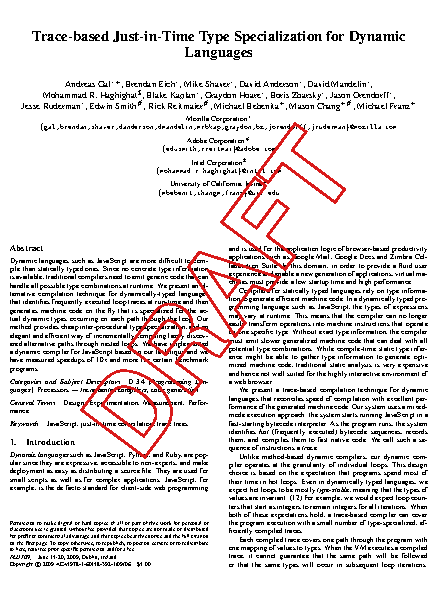
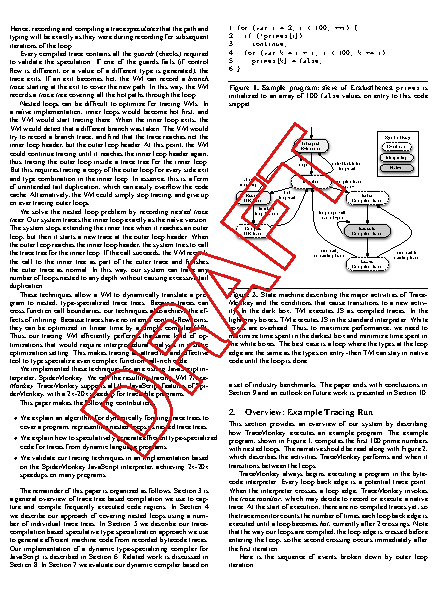
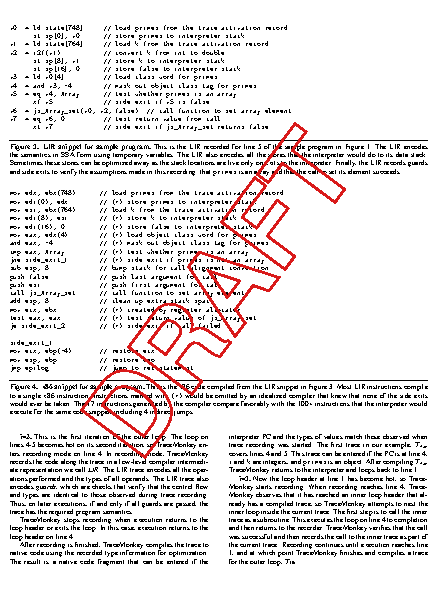
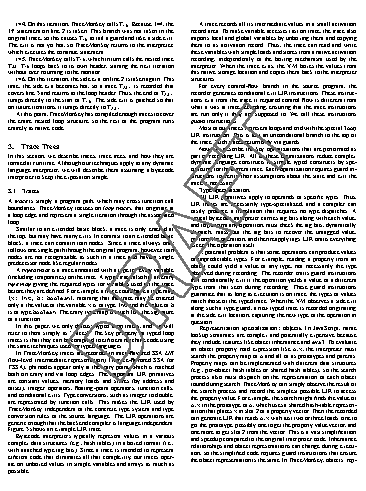
Claude Opus 5.5With deft, skill installedPassedRead the skillUsed deft2026-11-15
- Time
- 18s
- New tokens
- 13.0k
- Total input
- 81.0k
- Output tokens
- 0.9k
- Commands
- 3
- Failed
- 0
Trace
Loaded the deft skill
ls; deft pdfoutput
paper.pdf
deft pdf - commands (input -> output)
  info            pdf -> report      Pages, size, metadata, fonts, images
  compare         pdf... -> report   Compare two PDFs: text and pixels
  compress        pdf -> pdf         Make smaller: --level, --target-size 2MB
  crop            pdf -> pdf         Trim pages: --margin, --box, --auto
  decrypt         pdf -> pdf         Remove a password you know
  delete          pdf -> pdf         Remove pages: --pages 2,5-7
  encrypt         pdf -> pdf         Protect with a password (AES-256)
  extract-images  pdf -> image...    Save embedded pictures, unchanged
  fields          pdf -> report      List form fields
  fill            pdf -> pdf         Fill a form from JSON: --data values.json
  flatten         pdf -> pdf         Bake forms into pages
  from-images     image... -> pdf    One page per image
  from-md         md -> pdf          Typeset Markdown as PDF
  merge           pdf... -> pdf      Join PDFs in the given order
  meta            pdf -> pdf         Read or set metadata and bookmarks
  number          pdf -> pdf         Add page numbers: --format
  ocr             pdf -> txt         Read the text of a scanned PDF
  resize          pdf -> pdf         Fit pages to --page-size a4
  rotate          pdf -> pdf         Turn pages clockwise: --angle 90, --pages
  search          pdf -> report      Find text: --text invoice
  select          pdf -> pdf         Keep and reorder pages
  split           pdf -> pdf...      Sp
… 251 more characters
for c in select crop watermark meta; do deft pdf $c --help; echo ----; doneoutput
deft pdf select - Keep and reorder pages

Usage: deft pdf select <pdf>... [-o <pdf|dir>] [options]
In: pdf (each handled separately)   Out: pdf (default <name>.selected.<ext>)

Options:
  --pages <pages>              Pages to keep, in output order (required)
  --password <text>            Password of an encrypted input
Common: -o --force --dry-run --json -j   (deft help common)

Examples:
  deft pdf select three-pages.pdf --pages 3,1-2 -o reordered.pdf
  deft pdf select report.pdf --pages 1

Result fields: pages
----
deft pdf crop - Trim pages: --margin, --box, --auto

Usage: deft pdf crop <pdf>... [-o <pdf|dir>] [options]
In: pdf (each handled separately)   Out: pdf (default <name>.cropped.<ext>)
--box is x,y,width,height in points from the top-left of the page.
--auto cuts to the visible content; --margin then keeps that much around it.

Options:
  --margin <length>            Amount to cut from each side
  --box <text>                 Region to keep: x,y,width,height
  --auto                       Cut to the content
  --pages <pages>              Pages to crop (default all)
  --password <text>            Password of an encrypted input
Common: -o --force --dry-run --json -j   (deft help common)

Examples:
  deft pdf crop report.pdf --margin 10mm -o tight.pdf
  deft pdf crop report.pdf --auto --margin 5mm -o fit.pdf

Result fields: cropped
----
deft pdf watermark - Stamp text or an image on pages

Usage: deft pdf watermark <pdf>... [-o <pdf|dir>] [options]
In: pdf (each hand
… 1953 more characters
Watermark after cropping so DRAFT is centered on the visible page.
set -e; T=$TMPDIR/dh; mkdir -p $T
deft pdf select paper.pdf --pages 1-4 -o $T/1.pdf --force
deft pdf crop $T/1.pdf --margin 15mm -o $T/2.pdf --force
deft pdf watermark $T/2.pdf --text DRAFT -o $T/3.pdf --force
deft pdf meta $T/3.pdf --title 'Reading group: TraceMonkey' -o draft-handout.pdf
deft pdf meta draft-handout.pdf; deft pdf info draft-handout.pdf
output
ok pdf.select paper.pdf -> <tmp>  4 pages  0.00s
ok pdf.crop <tmp> -> <tmp>  4 pages  0.00s
ok pdf.watermark <tmp> -> <tmp>  4 pages stamped  0.00s
ok pdf.meta <tmp> -> draft-handout.pdf  165KB  0.00s
ok pdf.meta draft-handout.pdf  4 fields
title="Reading group: TraceMonkey" creator=TeX producer=pdfeTeX-1.21a created=D:20090401163925-07'00'
ok pdf.info draft-handout.pdf  4 pages, 527x707pt, PDF 1.5
pages=4 version=1.5 width=527.0 height=707.0 title="Reading group: TraceMonkey" producer=pdfeTeX-1.21a images=10 fonts=17 forms=false
I made `draft-handout.pdf` in the current directory. `paper.pdf` itself was not changed. - **Pages:** it has 4 pages, pages 1 to 4 of the paper. - **Crop:** 15 mm (about 42.5 pt) is cut from every side. Each page is now 527 × 707 pt, which is the original 612 × 792 pt (US Letter) less 85 pt in each direction. - **Stamp:** DRAFT is printed in grey at 20% opacity, at a 45° angle across the centre of every page. I added it after cropping so it sits in the middle of the trimmed page. - **Title:** the PDF title is set to "Reading group: TraceMonkey". I checked the page count, page size and title in the finished file. I didn't render the pages to look at the stamp myself, so it's worth a quick look before you print.
Output
Its files were not kept in this run. The last line of the trace is its own report.