Evals / pdf / Multi-step jobs
Print the first pages on A4 with page numbers
pub17.pdf is in US Letter size. A client in Germany wants a printed handout of only its first 10 pages, on A4 paper, numbered 1 to 10. Save it as handout.pdf.
The task
The reference answer shows the job can be done with deft. It is not an agent run.
deft pdf select pub17.pdf --pages 1-10 -o first.pdf
deft pdf resize first.pdf --page-size a4 -o a4.pdf
deft pdf number a4.pdf -o handout.pdf
Input

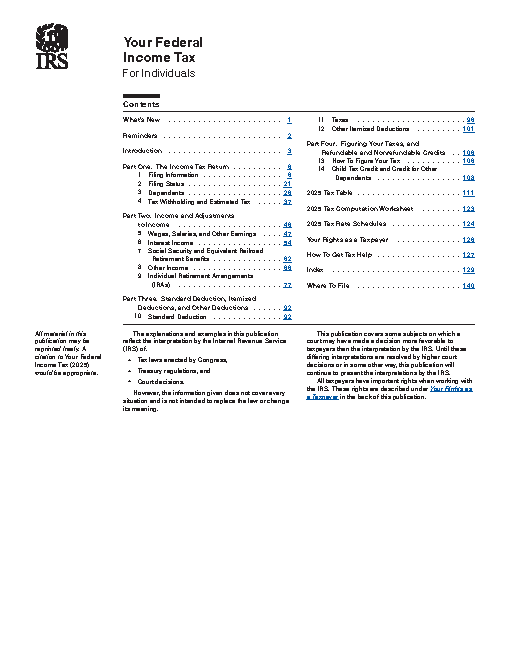
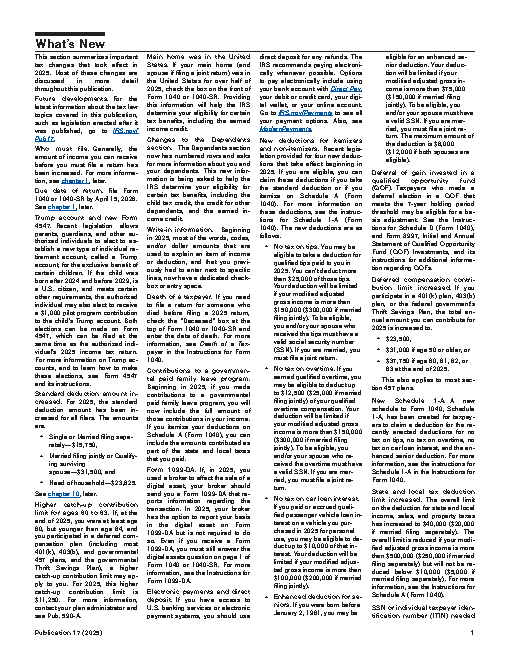
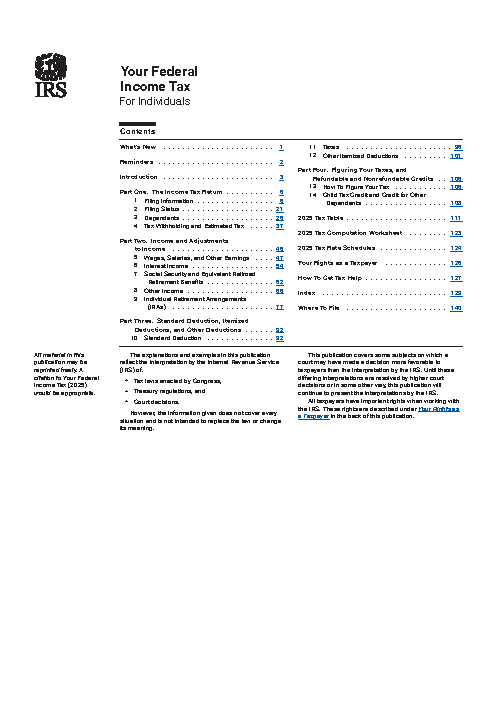
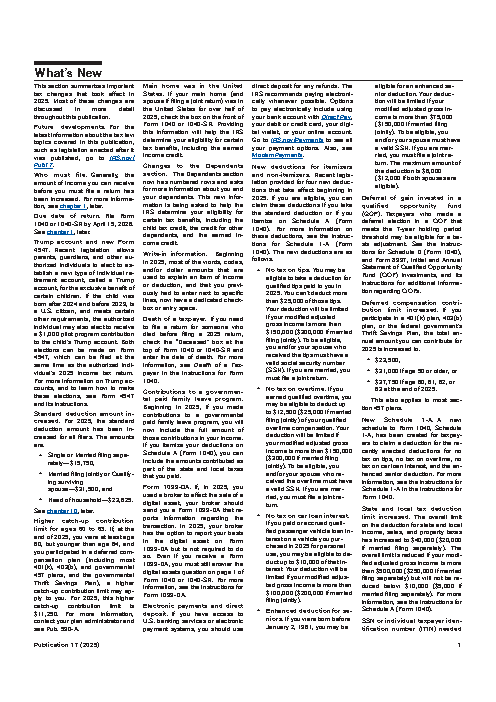
Reference output


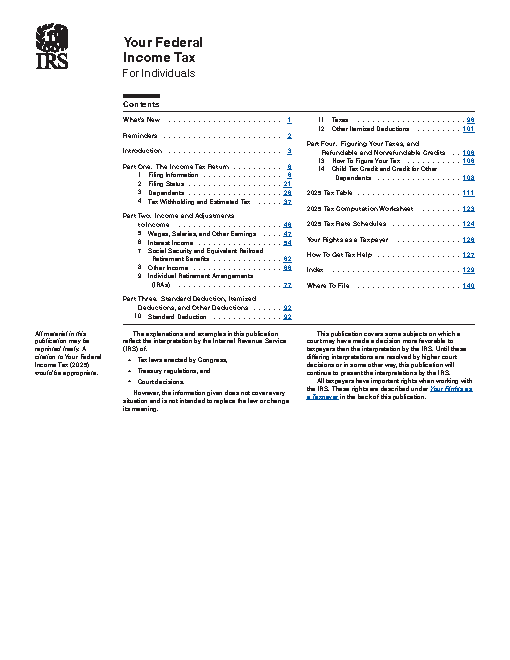
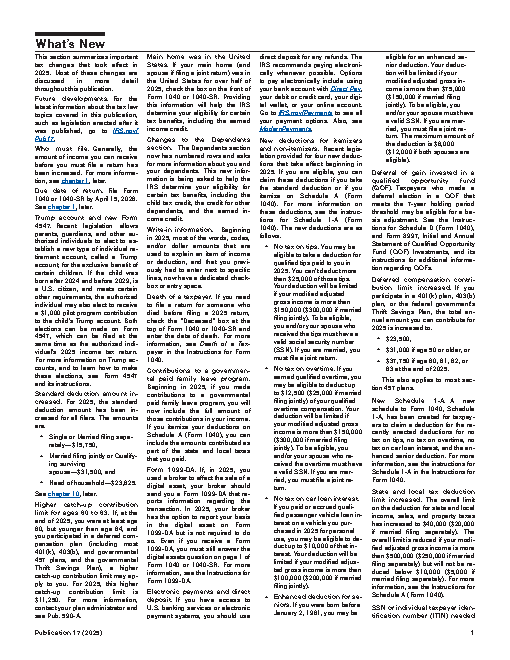

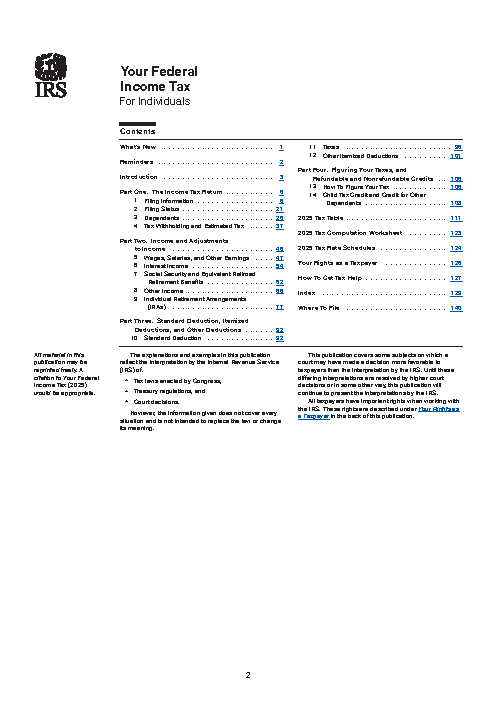
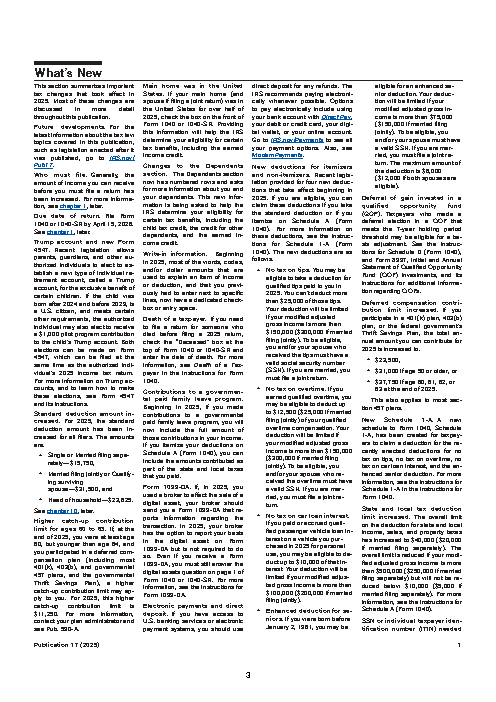
How a result is judged (4 checks)
- pdf_pages: file = "handout.pdf", pages = 10
- pdf_page: file = "handout.pdf", page = 1, width = 595, height = 842
- pdf_page: file = "handout.pdf", page = 10, width = 595, height = 842
- python: code = "import re, subprocess\ndef text(p):\n return subprocess.run(['gs', '-q', '-dNOPAUSE', '-dBATCH', '-dSAFER', '-sDEVICE=txtwrite', f'-dFirstPage={p}', f'-dLastPage={p}', '-sOutputFile=-', 'handout.pdf'], capture_output=True, text=True, errors='replace').stdout\nassert 'Publication 17' in text(1), 'page 1 is not the cover of the publication'\nassert 'Resident alien' in text(10), 'page 10 is not page 10 of the publication'\n# A new page number stands on a line of its own: 3, Page 3, 3 of 10 or 3/10.\nmissing = [p for p in range(1, 11) if not any(re.fullmatch(rf'(page\\s*)?-?\\s*{p}\\s*-?(\\s*(of|/)\\s*10)?', l.strip(), re.I) for l in text(p).splitlines())]\nassert not missing, f'no page number on pages {missing}'\n"
Runs
Claude Opus 5.5Without deftPassed2026-11-15
- Time
- 89s
- New tokens
- 27.9k
- Total input
- 248.6k
- Output tokens
- 6.2k
- Commands
- 10
- Failed
- 1
Trace
ls -la; which qpdf gs pdfjam mutool python3; python3 -c "import pypdf; print(pypdf.__version__)"; python3 -c "import reportlab; print('rl')"; python3 -c "import fitz; print('fitz')" (exit 1)output
Exit code 1
total 6040
drwxr-xr-x@   4 user  staff      128 Nov 14 20:16 .
drwx------@ 324 user  staff    10368 Nov 14 20:15 ..
drwxr-xr-x@   3 user  staff       96 Nov 14 20:16 .claude
-rw-r--r--@   1 user  staff  3088632 Nov  5 21:11 pub17.pdf
qpdf not found
/usr/local/bin/gs
/Library/TeX/texbin/pdfjam
mutool not found
~/opt/anaconda3/bin/python3
Traceback (most recent call last):
  File "<string>", line 1, in <module>
ModuleNotFoundError: No module named 'pypdf'
Traceback (most recent call last):
  File "<string>", line 1, in <module>
ModuleNotFoundError: No module named 'reportlab'
Traceback (most recent call last):
  File "<string>", line 1, in <module>
ModuleNotFoundError: No module named 'fitz'
gs -q -dNODISPLAY -dNOSAFER -c "(pub17.pdf) (r) file runpdfbegin pdfpagecount = quit" 2>&1; gs -q -dNOPAUSE -dBATCH -sDEVICE=txtwrite -dFirstPage=1 -dLastPage=12 -sOutputFile=- pub17.pdf 2>/dev/null | grep -nE '^\s*\S.{0,60}$' | awk 'length<80' | tail -n +1 | head -150output
142
4:            AH XSL/XML
10:                                            For Individuals
11:                      TAX GUIDE
12:                      2025
13:                     Get forms and other information faster and easier at:
20:                                             Your Federal
21:                                             Income Tax
22:                                             For Individuals
23:                                             Contents
61:                                              • Treasury regulations, and
64:                                              •
69:                                             its meaning.
72:              What’s New
79:              Future  developments. For  the
81:              latest information about the tax law
83:              topics  covered  in  this  publication,
85:              such as legislation enacted after it
87:              was  published,  go  to  IRS.gov/
93:              Who  must  file. Generally,  the
96:              amount of income you can receive
99:              before  you  must  file  a  return  has
106:              Due  date  of  return. File  Form
109:              1040 or 1040-SR by April 15, 2026.
112:              See chapter 1, later.
115:              Trump  account  and  new  Form
118:              4547. Recent  legislation  allows
121:              parents,  guardians,  and  other  au-
124:              thorized individuals to elec
… 6957 more characters
Let me check the existing page labels/footers on the first 10 pages.
for p in 1 2 3 4 5 6 7 8 9 10; do echo "== $p"; gs -q -dNOPAUSE -dBATCH -sDEVICE=txtwrite -dFirstPage=$p -dLastPage=$p -sOutputFile=- pub17.pdf 2>/dev/null | grep -E 'Page [0-9]+|^\s*[0-9]+\s*$|Publication 17 \(2025\)' | tail -3; done; gs -q -dNODISPLAY -dNOSAFER -c "(pub17.pdf) (r) file runpdfbegin 1 1 10 {pdfgetpage /MediaBox pget pop ==} for quit"output
== 1
            Page 1 of 142                                                                                             13:47 - 20-Jan-2026
                      2025
                                                          Publication 17 (2025)  Catalog Number 10311G
== 2
             Page 2 of 142  Fileid: … ication-17/2025/a/xml/cycle02/source                                                           13:47 - 20-Jan-2026
== 3
              Page 3 of 142  Fileid: … ication-17/2025/a/xml/cycle02/source                                                                   13:47 - 20-Jan-2026
              Publication 17 (2025)                                                                                                                                                  1
== 4
               Page 4 of 142  Fileid: … ication-17/2025/a/xml/cycle02/source                                                                          13:47 - 20-Jan-2026
               2                                                                                                                                                    Publication 17 (2025)
== 5
              Page 5 of 142  Fileid: … ication-17/2025/a/xml/cycle02/source                                                                       13:47 - 20-Jan-2026
              Publication 17 (2025)
… 2133 more characters
gs -q -dNOPAUSE -dBATCH -sDEVICE=txtwrite -dTextFormat=0 -dFirstPage=3 -dLastPage=4 -sOutputFile=- pub17.pdf 2>/dev/null | grep -B1 -A3 -E 'Publication 17 \(2025\)|Page 3 of' | grep -E '<span|char c="(1|2|P)"' | head -20output
(Bash completed with no output)
gs -q -dNOPAUSE -dBATCH -sDEVICE=txtwrite -dTextFormat=1 -dFirstPage=3 -dLastPage=4 -sOutputFile=- pub17.pdf 2>/dev/null | grep -E 'Page [0-9]|Publication 17 \(2025\)|>[0-9]<' | head;output
(Bash completed with no output)
gs -q -dNOPAUSE -dBATCH -sDEVICE=txtwrite -dTextFormat=1 -dFirstPage=3 -dLastPage=3 -sOutputFile=- pub17.pdf 2>/dev/null | grep -iE 'bbox' | awk -F'bbox="' '{split($2,a,"\""); print a[1], substr($0, index($0,"c=")?0:0, 0)}' | sort -k2 -n | head -5; gs -q -dNOPAUSE -dBATCH -sDEVICE=txtwrite -dTextFormat=1 -dFirstPage=3 -dLastPage=3 -sOutputFile=- pub17.pdf 2>/dev/null | head -5output
101 -78 104 -78
104 -78 112 -78
112 -78 120 -78
120 -78 127 -78
127 -78 137 -78
<page>
<block>
<line>
<span bbox="42 -78 345 -78" font="WHERZU+HelveticaWorld-Regular" size="14.0000">
<char bbox="42 -78 51 -78" c="P"/>
gs -q -dNOPAUSE -dBATCH -sDEVICE=txtwrite -dTextFormat=1 -dFirstPage=3 -dLastPage=3 -sOutputFile=- pub17.pdf 2>/dev/null | python3 -I -c "
import sys,re
for m in re.finditer(r'<span bbox=\"([^\"]+)\"[^>]*>(.*?)</span>', sys.stdin.read(), re.S):
    t=''.join(re.findall(r'c=\"(.*?)\"',m.group(2)))
    print(m.group(1),'|',t[:60])
" | sort -t' ' -k2 -n | tail -8; gs -q -dNODISPLAY -dNOSAFER -c "(pub17.pdf) (r) file runpdfbegin 3 pdfgetpage dup /CropBox knownoget {==} if dup /TrimBox knownoget {==} if pop quit"
output
42 732 168 732 | contact your plan administrator and
446 732 570 732 | SSN or individual taxpayer iden-
328 738 432 738 | January 2, 1961, you may be
177 741 302 741 | payment systems, you should use
42 741 98 741 | see Pub. 590-A.
446 741 572 741 | tification number (ITIN) needed
42 761 123 761 | Publication 17 (2025)
565 761 570 761 | 1
[0 0 612 792]
for p in 1 2 3 4 5 6 7 8 9 10; do echo "== $p"; gs -q -dNOPAUSE -dBATCH -sDEVICE=txtwrite -dTextFormat=1 -dFirstPage=$p -dLastPage=$p -sOutputFile=- pub17.pdf 2>/dev/null | python3 -I -c "
import sys,re
for m in re.finditer(r'<span bbox=\"([^\"]+)\"[^>]*size=\"([^\"]+)\"[^>]*>(.*?)</span>', sys.stdin.read(), re.S):
    b=list(map(float,m.group(1).split()))
    if b[1]>735: print(m.group(1),m.group(2),'|',''.join(re.findall(r'c=\"(.*?)\"',m.group(3)))[:50])
"; done
output
== 1 77 739 174 739 9.0000 | • IRS.gov/Spanish (Español) 241 739 329 740 9.0000 | • IRS.gov/Korean (한국어) 392 739 508 739 9.0000 | • IRS.gov/Vietnamese (Tiếng ViǬ 217 766 391 766 8.3333 | Publication 17 (2025) Catalog Number 10311G 45 776 94 776 8.3333 | Jan 13, 2026 178 776 430 776 8.3333 | Department of the Treasury Internal Revenue Servi == 2 == 3 328 738 432 738 8.0000 | January 2, 1961, you may be 42 741 98 741 8.0000 | see Pub. 590-A. 177 741 302 741 8.0000 | payment systems, you should use 446 741 572 741 8.0000 | tification number (ITIN) needed 42 761 123 761 8.0000 | Publication 17 (2025) 565 761 570 761 8.0000 | 1 == 4 311 736 437 736 8.0000 | sure that taxpayer information is 42 741 168 741 8.0000 | For more information about identity 177 741 302 741 8.0000 | payer’s household income may not 42 761 47 761 8.0000 | 2 489 761 570 761 8.0000 | Publication 17 (2025) == 5 42 736 142 736 8.0000 | filing a tax return. It explains: 446 741 474 741 8.0000 | section 481 741 490 741 8.0000 | at 498 741 511 741 8.0000 | the 518 741 534 741 8.0000 | end 541 741 550 741 8.0000 | of 558 741 572 741 8.0000 | this 42 761 123 761 8.0000 | Publication 17 (2025) 565 761 570 761 8.0000 | 3 == 6 46 736 57 736 9.0000 | 36 220 736 273 736 9.0000 | Other Credits 42 761 47 761 8.0000 | 4 489 761 570 761 8.0000 | Publication 17 (2025) == 7 42 761 123 761 8.0000 | Publication 17 (2025) 565 761 570 761 8.0000 | … 906 more characters
Building the A4 version now: I'm replacing the old printed page numbers (the original's "1"–"8" start on its 3rd page) with new numbers 1–10 in the same spots.
cd $TMPDIR && mkdir -p ho && cd ho && cp pub17.pdf src.pdf && cat > h.tex <<'EOF'
\documentclass{article}
\usepackage[a4paper,margin=0pt]{geometry}
\usepackage[scaled]{helvet}
\usepackage{pdfpages,tikz}
\pagestyle{empty}
\newcommand\s{0.972673}
\newcommand\oy{35.746}
% x,y in original letter points (y from bottom) -> A4 points
\newcommand\folio{%
 \begin{tikzpicture}[remember picture,overlay,x=1bp,y=1bp,shift={(current page.south west)}]
  \pgfmathtruncatemacro\n{\value{page}}
  \ifodd\value{page}
   \fill[white] (561*\s,\oy+26*\s) rectangle (574*\s,\oy+40*\s);
   \node[anchor=base east,inner sep=0,font=\sffamily\fontsize{7.8}{8}\selectfont] at (570*\s,\oy+31*\s) {\n};
  \else
   \fill[white] (40*\s,\oy+26*\s) rectangle (53*\s,\oy+40*\s);
   \node[anchor=base west,inner sep=0,font=\sffamily\fontsize{7.8}{8}\selectfont] at (42*\s,\oy+31*\s) {\n};
  \fi
 \end{tikzpicture}}
\begin{document}
\includepdf[pages=1-10,fitpaper=false,noautoscale=false,pagecommand={\folio}]{src.pdf}
\end{document}
EOF
pdflatex -interaction=nonstopmode h.tex >/dev/null; pdflatex -interaction=nonstopmode h.tex | tail -2
gs -q -dNODISPLAY -dNOSAFER -c "(h.pdf) (r) file runpdfbegin pdfpagecount = 1 pdfgetpage /MediaBox pget pop == quit"
for p in 1 2 3 10; do gs -q -dNOPAUSE -dBATCH -sDEVICE=png16m -r60 -dFirstPage=$p -dLastPage=$p -sOutputFile=p$p.png h.pdf; done
gs -q -dNOPAUSE -dBATCH -sDEVICE=png16m -r200 -dFirstPage=3 -dLastPage=3 -sOutputFile=z3.png h.pdf; gs -q -dNOPAUSE -dBATCH -sDEVICE=png16m -r200 -dFirstPage=10 -dLastPage=10 -sOutputFile=z10.png h.pdf
python3 -I -c "
from PIL import Image
for n in (3,10):
  im=Image.open(f'z{n}.png'); w,h=im.size; im.crop((0,int(h*0.88),w,h)).save(f'c{n}.png')
"; pwd
output
Output written on h.pdf (10 pages, 257934 bytes).
Transcript written on h.log.
10
[0 0 595.276 841.89]
<tmp>
Shell cwd was reset to
Looks clean. Saving it to the working directory.
cp <tmp> ./handout.pdf && ls -l handout.pdf && for p in 1 2 3 4 5 6 7 8 9 10; do gs -q -dNOPAUSE -dBATCH -sDEVICE=txtwrite -dFirstPage=$p -dLastPage=$p -sOutputFile=- handout.pdf 2>/dev/null | grep -E '^\s*([0-9]+)\s+\S|\s([0-9]+)\s*$' | tail -1 | tr -s ' '; doneoutput
-rw-r--r--@ 1 user  staff  257934 Nov 14 20:17 handout.pdf
 1
 2
 Publication 17 (2025) 1
 2 Publication 17 (2025)
 Publication 17 (2025) 3
 4 Publication 17 (2025)
 Publication 17 (2025) 5
 8
 9
 10
I saved `handout.pdf` with the first 10 pages of `pub17.pdf` on A4 paper (595 × 842 pt), numbered 1 to 10. - **Paper size:** each US Letter page is scaled to 97% to fit the A4 width and centred top to bottom, so nothing is cut off. That leaves about 1.3 cm of extra white space at the top and bottom. - **Page numbers:** the original doesn't start numbering until its 3rd page, which is printed as "1". So I covered the old numbers on pages 3–10 with white boxes and put the new numbers in the same places and font size. Odd pages have the number bottom-right and even pages bottom-left, as in the original. The cover and page 2 had no number, so I added "1" and "2" in the same style. I checked the cover and pages 3 and 10 as images. - **Hidden old numbers:** the old numbers are hidden but still in the file's text. They don't show on screen or on paper, but someone copying or searching the PDF'
Output
Its files were not kept in this run. The last line of the trace is its own report.
Claude Opus 5.5With deft, skill installedPassedRead the skillUsed deft2026-11-15
- Time
- 24s
- New tokens
- 14.2k
- Total input
- 118.0k
- Output tokens
- 1.4k
- Commands
- 4
- Failed
- 0
Trace
Loaded the deft skill
ls && deft pdfoutput
pub17.pdf
deft pdf - commands (input -> output)
  info            pdf -> report      Pages, size, metadata, fonts, images
  compare         pdf... -> report   Compare two PDFs: text and pixels
  compress        pdf -> pdf         Make smaller: --level, --target-size 2MB
  crop            pdf -> pdf         Trim pages: --margin, --box, --auto
  decrypt         pdf -> pdf         Remove a password you know
  delete          pdf -> pdf         Remove pages: --pages 2,5-7
  encrypt         pdf -> pdf         Protect with a password (AES-256)
  extract-images  pdf -> image...    Save embedded pictures, unchanged
  fields          pdf -> report      List form fields
  fill            pdf -> pdf         Fill a form from JSON: --data values.json
  flatten         pdf -> pdf         Bake forms into pages
  from-images     image... -> pdf    One page per image
  from-md         md -> pdf          Typeset Markdown as PDF
  merge           pdf... -> pdf      Join PDFs in the given order
  meta            pdf -> pdf         Read or set metadata and bookmarks
  number          pdf -> pdf         Add page numbers: --format
  ocr             pdf -> txt         Read the text of a scanned PDF
  resize          pdf -> pdf         Fit pages to --page-size a4
  rotate          pdf -> pdf         Turn pages clockwise: --angle 90, --pages
  search          pdf -> report      Find text: --text invoice
  select          pdf -> pdf         Keep and reorder pages
  split           pdf -> pdf...      Sp
… 251 more characters
deft pdf info pub17.pdf; deft pdf select --help; deft pdf resize --help; deft pdf number --helpoutput
ok pdf.info pub17.pdf  142 pages, letter, PDF 1.7
pages=142 version=1.7 width=612.0 height=792.0 paper=letter title="2025 Publication 17" author=W:CAR:MP:FP producer="Antenna House PDF Output Library 6.6.1437 (Linux64); modified using iText 2.1.7 by 1T3XT" images=1 fonts=26 forms=false
deft pdf select - Keep and reorder pages

Usage: deft pdf select <pdf>... [-o <pdf|dir>] [options]
In: pdf (each handled separately)   Out: pdf (default <name>.selected.<ext>)

Options:
  --pages <pages>              Pages to keep, in output order (required)
  --password <text>            Password of an encrypted input
Common: -o --force --dry-run --json -j   (deft help common)

Examples:
  deft pdf select three-pages.pdf --pages 3,1-2 -o reordered.pdf
  deft pdf select report.pdf --pages 1

Result fields: pages
deft pdf resize - Fit pages to --page-size a4

Usage: deft pdf resize <pdf>... [-o <pdf|dir>] [options]
In: pdf (each handled separately)   Out: pdf (default <name>.resized.<ext>)
Content is scaled and centred. Landscape pages stay landscape.

Options:
  --page-size <a3|a4|a5|letter|legal>
      Paper (default a4)
  --pages <pages>              Pages to resize (default all)
  --password <text>            Password of an encrypted input
Common: -o --force --dry-run --json -j   (deft help common)

Examples:
  deft pdf resize report.pdf --page-size letter -o letter.pdf

Result fields: resized
deft pdf number - Add page numbers: --format

Usage: deft pdf number <pdf>... [-o <pdf|dir>] [optio
… 1104 more characters
Order: select → resize → number (numbering last so it sits correctly on A4 pages).
deft pdf select pub17.pdf --pages 1-10 -o "$TMPDIR/s.pdf" --force && deft pdf resize "$TMPDIR/s.pdf" --page-size a4 -o "$TMPDIR/r.pdf" --force && deft pdf number "$TMPDIR/r.pdf" -o handout.pdf && deft pdf info handout.pdfoutput
ok pdf.select pub17.pdf -> <tmp>  10 pages  0.19s
ok pdf.resize <tmp> -> <tmp>  10 pages  0.00s
ok pdf.number <tmp> -> handout.pdf  10 pages numbered  0.02s
ok pdf.info handout.pdf  10 pages, a4, PDF 1.7
pages=10 version=1.7 width=595.3 height=841.9 paper=a4 title="2025 Publication 17" author=W:CAR:MP:FP producer="Antenna House PDF Output Library 6.6.1437 (Linux64); modified using iText 2.1.7 by 1T3XT" images=0 fonts=17 forms=false
deft pdf to-images handout.pdf --pages 3 --dpi 60 -o "$TMPDIR/" --forceoutput
ok pdf.to-images handout.pdf -> <tmp> 1 image 0.08s
I saved `handout.pdf` with the first 10 pages of `pub17.pdf`. The pages are A4 (595 × 842 pt), and the new page numbers 1–10 sit at the bottom centre. **How it was made:** 1. I kept pages 1–10. 2. I scaled each page to fit A4. The content stays centred, so the slightly shorter, wider Letter layout leaves small blank margins at the top and bottom. 3. I added the page numbers after resizing, so they're placed correctly on the A4 pages. **One thing to check:** I looked at page 3 to confirm. The original document already prints its own page numbers in the footer, and they don't match ours. For example, handout page 3 still shows "Publication 17 (2025)" and "1" in its bottom corner from the original, with the new "3" in the middle below it. If having two numbers on a page might confuse the client, I can cover the original footer numbers or move the new numbers somewhere more obvious.
Output
Its files were not kept in this run. The last line of the trace is its own report.