Evals / pdf / Multi-step jobs
Make a small preview image of a report's first page
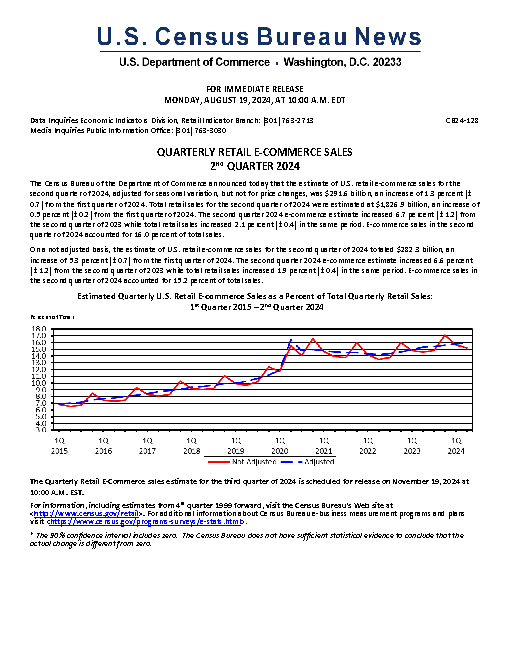
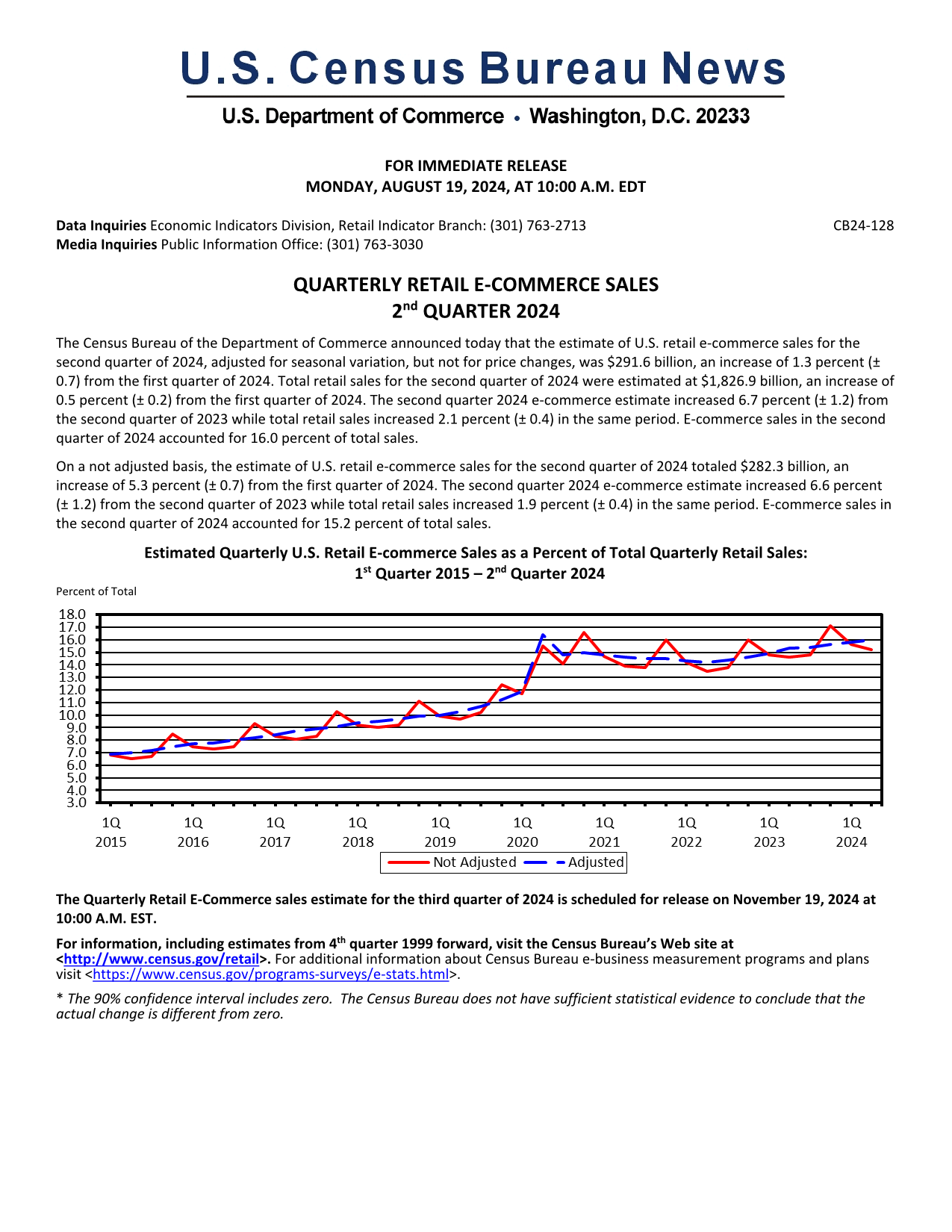
Our intranet needs a preview of the first page of tables.pdf: a PNG exactly 400 pixels wide, saved as thumb.png.
The task
The reference answer shows the job can be done with deft. It is not an agent run.
deft pdf to-images tables.pdf --pages 1 -o page1.png
deft image resize page1.png --size 400x -o thumb.png
Input
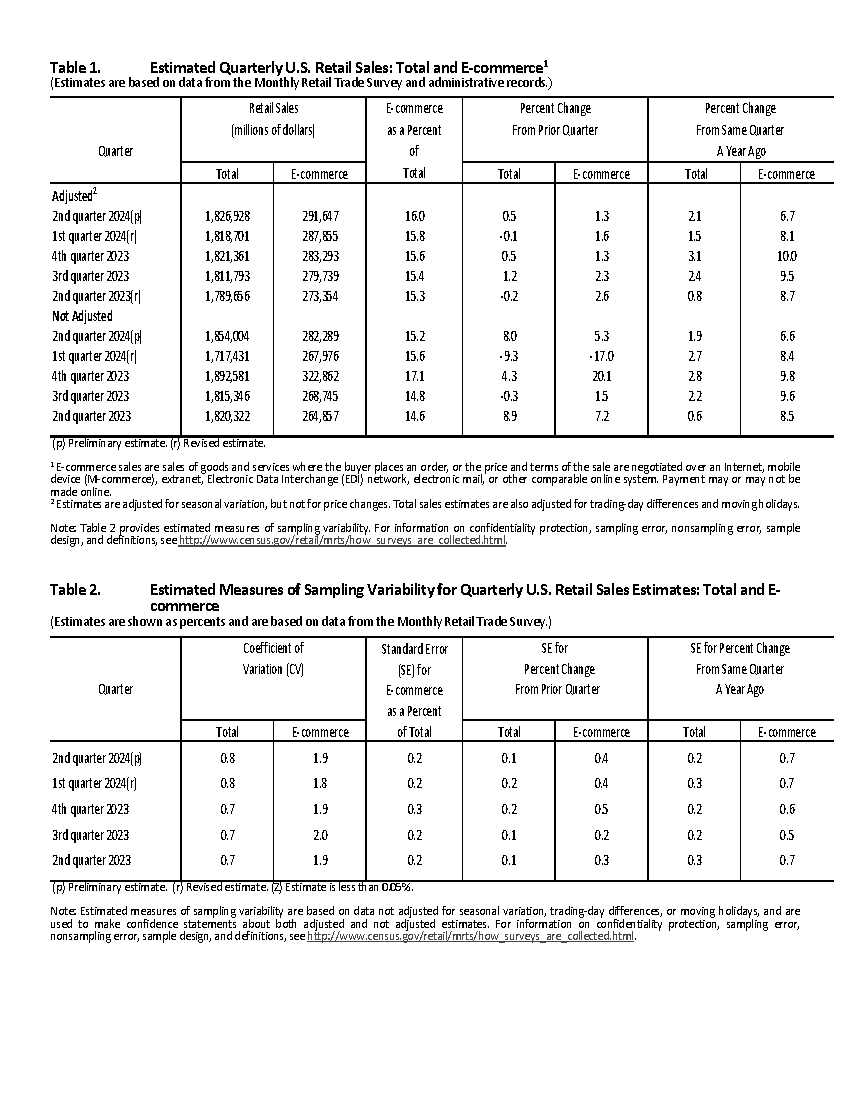
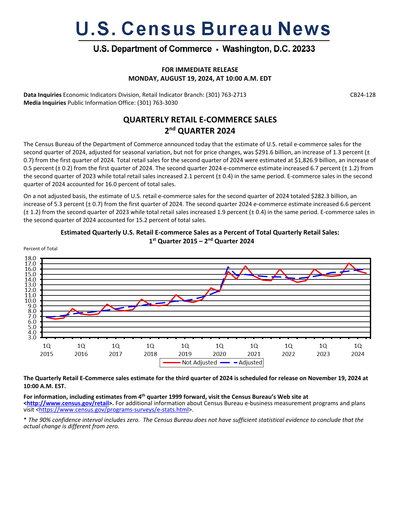
How a result is judged (2 checks)
- image: file = "thumb.png", width = 400, format = "PNG"
- python: code = "import subprocess\nfrom PIL import Image, ImageChops, ImageStat\nt = Image.open('thumb.png').convert('L')\nassert abs(t.height - 518) <= 3, f'thumb.png is {t.size}: the page is squeezed or cut'\ndef difference(page):\n subprocess.check_call(['gs', '-q', '-dSAFER', '-dBATCH', '-dNOPAUSE', '-sDEVICE=pnggray', '-r100', f'-dFirstPage={page}', f'-dLastPage={page}', '-sOutputFile=ref.png', 'tables.pdf'])\n r = Image.open('ref.png').convert('L').resize((100, 130), Image.LANCZOS)\n return ImageStat.Stat(ImageChops.difference(t.resize(r.size, Image.LANCZOS), r)).mean[0]\nd1, d2 = difference(1), difference(2)\nassert d1 < 10 and d1 < d2 / 2, f'thumb.png does not look like page 1 ({d1:.1f}, page 2 {d2:.1f})'\n"
Runs
Claude Opus 5.5Without deftPassed2026-11-15
- Time
- 21s
- New tokens
- 11.5k
- Total input
- 90.9k
- Output tokens
- 1.3k
- Commands
- 4
- Failed
- 2
Trace
ls -la; which pdftoppm magick convert gs sips qlmanage mutool 2>/dev/null (exit 1)output
Exit code 1
total 416
drwxr-xr-x@   4 user  staff     128 Nov 14 20:16 .
drwx------@ 324 user  staff   10368 Nov 14 20:16 ..
drwxr-xr-x@   3 user  staff      96 Nov 14 20:16 .claude
-rw-r--r--@   1 user  staff  210859 Nov  7 11:43 tables.pdf
pdftoppm not found
magick not found
convert not found
/usr/local/bin/gs
/usr/bin/sips
/usr/bin/qlmanage
mutool not found
gs -q -dSAFER -dBATCH -dNOPAUSE -sDEVICE=png16m -dFirstPage=1 -dLastPage=1 -r150 -dTextAlphaBits=4 -dGraphicsAlphaBits=4 -sOutputFile="$TMPDIR/page1.png" tables.pdf && sips --resampleWidth 400 "$TMPDIR/page1.png" --out thumb.png >/dev/null && sips -g pixelWidth -g pixelHeight thumb.png (exit 1)output
Exit code 13
Error: Cannot write to file F71A7C40-1477-45B7-8A0E-92598D923159
Error 13: an unknown error occurred
Try 'sips --help' for help using this tool
sips can't write its temp file in the sandbox, so I'll have Ghostscript render straight to 400 px wide.
gs -q -dNODISPLAY -dNOSAFER -dFirstPage=1 -dLastPage=1 -sFile=tables.pdf -c "File (r) file runpdfbegin 1 pdfgetpage /MediaBox pget pop == quit" 2>&1; gs -q -dSAFER -dBATCH -dNOPAUSE -sDEVICE=bbox -dFirstPage=1 -dLastPage=1 tables.pdf 2>&1 | head -3output
[0 0 612 792]
%%BoundingBox: 35 135 577 762
%%HiResBoundingBox: 35.963999 135.431996 576.059959 761.579977
gs -q -dSAFER -dBATCH -dNOPAUSE -sDEVICE=png16m -dFirstPage=1 -dLastPage=1 -g400x518 -dPDFFitPage -dTextAlphaBits=4 -dGraphicsAlphaBits=4 -sOutputFile=thumb.png tables.pdf && file thumb.pngoutput
thumb.png: PNG image data, 400 x 518, 8-bit/color RGB, non-interlaced
I saved `thumb.png` in the current directory. It's a PNG of the first page of `tables.pdf`, exactly 400 × 518 pixels. The PDF page is US Letter size, so 518 pixels is the height that keeps it in proportion at 400 wide. I opened the image to check it: it shows the U.S. Census Bureau "Quarterly Retail E-Commerce Sales, 2nd Quarter 2024" release page, chart included. At this size the headings are easy to read, but the body text is small and a little soft.
Output
Its files were not kept in this run. The last line of the trace is its own report.
Claude Opus 5.5With deft, skill installedPassedRead the skillUsed deft2026-11-15
- Time
- 19s
- New tokens
- 12.2k
- Total input
- 111.5k
- Output tokens
- 0.9k
- Commands
- 4
- Failed
- 0
Trace
Loaded the deft skill
ls; deft find "render pdf page to png thumbnail"output
tables.pdf
pdf to-images  pdf -> png|jpg...  Render pages: --dpi, --pages
deft pdf to-images --helpoutput
deft pdf to-images - Render pages: --dpi, --pages
Same as: deft convert

Usage: deft pdf to-images <pdf>... [-o <dir>] [options]
In: pdf (each handled separately)   Out: png|jpg files in <name>-images/

Options:
  --to <png|jpg>               Image format (default png)
  --dpi <n>                    Resolution (default 150)
  --quality <n>                JPEG quality (default 85)
  --pages <pages>              Pages to render (default all)
  --password <text>            Password of an encrypted input
Common: -o --force --dry-run --json -j   (deft help common)

Examples:
  deft pdf to-images three-pages.pdf -o pages/
  deft pdf to-images report.pdf --pages 1 --to jpg --dpi 300 -o cover/

Result fields: files
No width option, so render then resize.
deft pdf to-images tables.pdf --pages 1 --dpi 150 -o "$TMPDIR/pages/" --json; ls "$TMPDIR/pages/"; deft image resize --help | head -30output
{"v":1,"ok":true,"op":"pdf.to-images","items":[{"ok":true,"inputs":["tables.pdf"],"outputs":[{"path":"<tmp>","format":"png","bytes":302650,"width":1275,"height":1650,"page":1}],"facts":{"files":1},"warnings":[]}],"elapsed_ms":207}
p01.png
p02.png
p03.png
p04.png
p05.png
p06.png
p07.png
scan-001.png
scan-002.png
scan-003.png
scan-004.png
tables-001.png
deft image resize - Scale: --size 800x, 1920x1080, 50%

Usage: deft image resize <image>... [-o <image|dir>] [options]
In: image (each handled separately)   Out: image (default <name>.resized.<ext>)
Images never grow unless --upscale is set. SVG is drawn at the size asked for.

Options:
  --size <size>                Target size (required)
  --fit <contain|cover|fill>   For WxH: fit inside, fill and crop, or stretch (default contain)
  --upscale                    Allow enlarging
  --quality <n>                Quality for JPEG, WebP and AVIF (default 85)
Common: -o --force --dry-run --json -j   (deft help common)

Examples:
  deft image resize photo-1.jpg --size 800x -o small.jpg
  deft image resize *.jpg --size 300x300 --fit cover -o thumbs/

Result fields: width, height
deft image resize "$TMPDIR/pages/tables-001.png" --size 400x -o thumb.png --json; file thumb.pngoutput
{"v":1,"ok":true,"op":"image.resize","items":[{"ok":true,"inputs":["<tmp>"],"outputs":[{"path":"thumb.png","format":"png","bytes":90871}],"facts":{"width":400,"height":518},"warnings":[]}],"elapsed_ms":35}
thumb.png: PNG image data, 400 x 518, 8-bit/color RGB, non-interlaced
I saved `thumb.png` in the current directory. It's a PNG of page 1 of `tables.pdf`, exactly 400 × 518 pixels. The height follows from keeping the page's original proportions. To make it, I rendered the page at 150 dpi and scaled it down to 400 pixels wide. I opened the result and it shows the page correctly: the U.S. Census Bureau's Q2 2024 quarterly retail e-commerce report, including its chart. `tables.pdf` itself was not changed.
Output
Its files were not kept in this run. The last line of the trace is its own report.