Evals / pdf / Multi-step jobs
Turn a sideways table upright and save it as an image
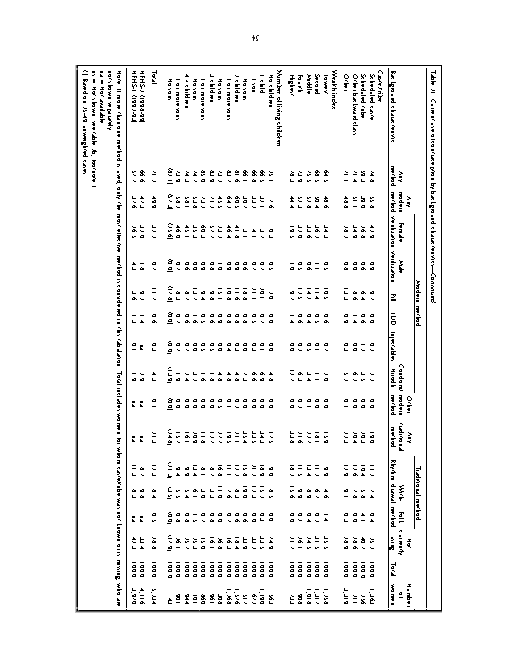
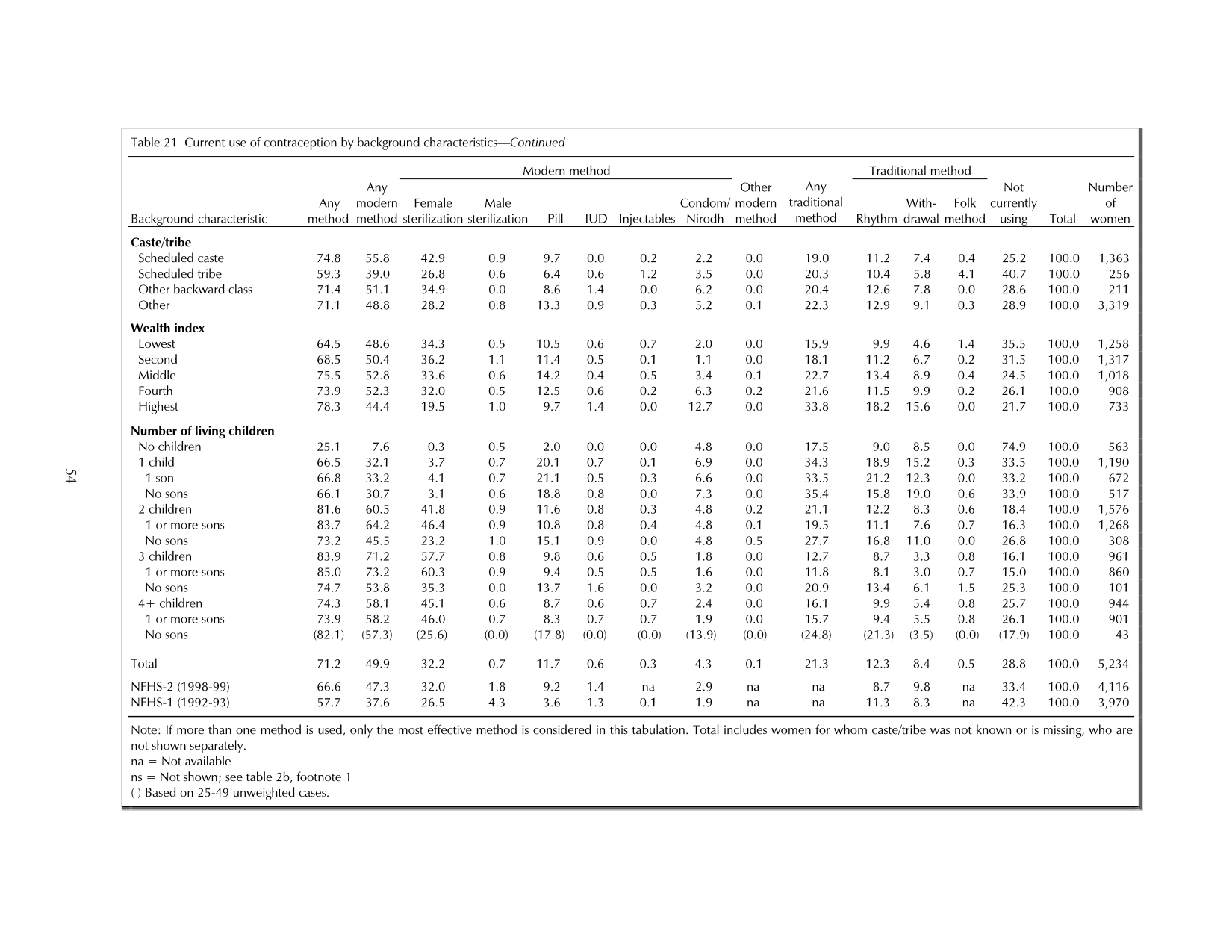
table-21.pdf has a table printed sideways. I need it as a picture for a slide: turned so the text reads normally, as a 150 dpi PNG called table.png.
The task
The reference answer shows the job can be done with deft. It is not an agent run.
deft pdf rotate table-21.pdf --angle -90 -o upright.pdf
deft pdf to-images upright.pdf --dpi 150 -o table.png
Input
How a result is judged (2 checks)
- image: file = "table.png", format = "PNG", width = 1650, height = 1275
- python: code = "import subprocess\nseen = subprocess.run(['tesseract', 'table.png', '-'], capture_output=True, text=True).stdout\nflat = ' '.join(seen.split()).lower()\nassert 'table 21' in flat and 'contraception' in flat, 'table.png does not read upright'\n"
Runs
Claude Opus 5.5Without deftPassed2026-11-15
- Time
- 32s
- New tokens
- 15.0k
- Total input
- 179.6k
- Output tokens
- 2.3k
- Commands
- 8
- Failed
- 2
Trace
ls -la; which pdftoppm magick mutool qpdf; python3 -c "import fitz" 2>&1; pdfinfo table-21.pdf 2>&1 (exit 1)output
Exit code 127
total 112
drwxr-xr-x@   4 user  staff    128 Nov 14 20:17 .
drwx------@ 324 user  staff  10368 Nov 14 20:16 ..
drwxr-xr-x@   3 user  staff     96 Nov 14 20:17 .claude
-rw-r--r--@   1 user  staff  54242 Nov 14 11:00 table-21.pdf
pdftoppm not found
magick not found
mutool not found
qpdf not found
Traceback (most recent call last):
  File "<string>", line 1, in <module>
ModuleNotFoundError: No module named 'fitz'
(eval):1: command not found: pdfinfo
which sips gs convert qlmanage swift; python3 -c "import Quartz; print('quartz ok')" 2>&1; python3 -c "import pypdf; print('pypdf')" 2>&1 | tail -1; head -c 1500 table-21.pdf | strings | head -40output
/usr/bin/sips
/usr/local/bin/gs
convert not found
/usr/bin/qlmanage
/usr/bin/swift
Traceback (most recent call last):
  File "<string>", line 1, in <module>
ModuleNotFoundError: No module named 'Quartz'
ModuleNotFoundError: No module named 'pypdf'
%PDF-1.7
4 0 obj
/Subtype /XML
/Type /Metadata
/Filter /FlateDecode
/Length 651
stream
(qU5
dpFJm*j3
swnD
j?L`
endstream
endobj
7 0 obj
/Subtype /Type1C
/Filter /FlateDecode
/Length 6367
stream
tTiP
[.G<`
"AK0
vqtlf
XujN
z9;|
!Fn'
Cfk9,
19)/#
OTQ]v
9.9?3
Ghostscript is available. Let me check page count, page geometry and /Rotate.
gs -q -dNODISPLAY -dNOSAFER -c "(table-21.pdf) (r) file runpdfbegin pdfpagecount = 1 pdfgetpage dup /MediaBox pget pop == /Rotate pget {==}{(no rotate) =} ifelse quit" 2>&1; mkdir -p "$TMPDIR/r"; gs -q -sDEVICE=png16m -r40 -o "$TMPDIR/r/p%d.png" table-21.pdf; ls "$TMPDIR/r"output
1
[0 0 612 792]
180
p1.png
cp "$TMPDIR/r/p1.png" ./_preview.pngoutput
(Bash completed with no output)
gs -q -sDEVICE=png16m -r150 -o "$TMPDIR/r/full.png" table-21.pdf && sips -r 270 "$TMPDIR/r/full.png" --out ./_ccw.png >/dev/null && sips -Z 900 ./_ccw.png --out ./_ccw_small.png >/dev/null; sips -g pixelWidth -g pixelHeight ./_ccw.pngoutput
Error: Cannot write to file F15866B7-6562-45D3-9726-6E382C6A74A7
Error 13: an unknown error occurred
Try 'sips --help' for help using this tool
Warning: ./_ccw.png not a valid file - skipping
python3 -c "import PIL; print(PIL.__version__)" 2>&1; python3 -c "import numpy; print('np')" 2>&1output
9.0.1
np
python3 -I -c "
from PIL import Image
im=Image.open('$TMPDIR/r/full.png'); print(im.size)
r=im.rotate(90,expand=True)  # counter-clockwise
r.thumbnail((1000,1000)); r.save('_ccw_small.png')
"
output
(1275, 1650)
Rendered at 150 dpi; checking which rotation makes the text upright.
Counter-clockwise is correct. Saving the full-resolution version and cleaning up.
python3 -I -c "
from PIL import Image
im=Image.open('$TMPDIR/r/full.png').rotate(90,expand=True)
im.save('table.png',dpi=(150,150)); print(im.size)
" && rm -f _preview.png _ccw_small.png && ls
output
(1650, 1275)
table-21.pdf
table.png
I made `table.png` in the current directory. It's a 150 dpi image, 1650 × 1275 pixels, turned so the text reads normally. I checked a preview to make sure it's upright. It shows "Table 21: Current use of contraception by background characteristics — *Continued*", including the notes underneath. The image is the whole page, so it also has the page margins and the page number "54" sideways on the left. You'll probably want to crop that off on the slide. I can also make a version cropped tightly to the table if you'd like.
Output
Its files were not kept in this run. The last line of the trace is its own report.
Claude Opus 5.5With deft, skill installedPassedRead the skillUsed deft2026-11-15
- Time
- 29s
- New tokens
- 22.4k
- Total input
- 197.0k
- Output tokens
- 1.5k
- Commands
- 5
- Failed
- 0
Trace
Loaded the deft skill
ls; deft find "render PDF page to PNG"; deft pdf; deft imageoutput
table-21.pdf
pdf to-images  pdf -> png|jpg...  Render pages: --dpi, --pages
deft pdf - commands (input -> output)
  info            pdf -> report      Pages, size, metadata, fonts, images
  compare         pdf... -> report   Compare two PDFs: text and pixels
  compress        pdf -> pdf         Make smaller: --level, --target-size 2MB
  crop            pdf -> pdf         Trim pages: --margin, --box, --auto
  decrypt         pdf -> pdf         Remove a password you know
  delete          pdf -> pdf         Remove pages: --pages 2,5-7
  encrypt         pdf -> pdf         Protect with a password (AES-256)
  extract-images  pdf -> image...    Save embedded pictures, unchanged
  fields          pdf -> report      List form fields
  fill            pdf -> pdf         Fill a form from JSON: --data values.json
  flatten         pdf -> pdf         Bake forms into pages
  from-images     image... -> pdf    One page per image
  from-md         md -> pdf          Typeset Markdown as PDF
  merge           pdf... -> pdf      Join PDFs in the given order
  meta            pdf -> pdf         Read or set metadata and bookmarks
  number          pdf -> pdf         Add page numbers: --format
  ocr             pdf -> txt         Read the text of a scanned PDF
  resize          pdf -> pdf         Fit pages to --page-size a4
  rotate          pdf -> pdf         Turn pages clockwise: --angle 90, --pages
  search          pdf -> report      Find text: --text invoice
  select          pdf -> pdf
… 2397 more characters
deft pdf info table-21.pdf; deft pdf to-images --help | head -30output
ok pdf.info table-21.pdf  1 page, letter, PDF 1.7
pages=1 version=1.7 width=612.0 height=792.0 paper=letter producer="itext-paulo-155 (itextpdf.sf.net-lowagie.com)" images=0 fonts=4 forms=false
deft pdf to-images - Render pages: --dpi, --pages
Same as: deft convert

Usage: deft pdf to-images <pdf>... [-o <dir>] [options]
In: pdf (each handled separately)   Out: png|jpg files in <name>-images/

Options:
  --to <png|jpg>               Image format (default png)
  --dpi <n>                    Resolution (default 150)
  --quality <n>                JPEG quality (default 85)
  --pages <pages>              Pages to render (default all)
  --password <text>            Password of an encrypted input
Common: -o --force --dry-run --json -j   (deft help common)

Examples:
  deft pdf to-images three-pages.pdf -o pages/
  deft pdf to-images report.pdf --pages 1 --to jpg --dpi 300 -o cover/

Result fields: files
deft pdf to-images table-21.pdf --dpi 150 -o "$TMPDIR/r/" && ls "$TMPDIR/r"output
ok pdf.to-images table-21.pdf -> <tmp>  1 image  0.26s
full.png
p1.png
table-21-001.png
The page is rendered at 150 dpi. The table's top edge is on the left, so I'm turning it 90° clockwise next.
deft image rotate "$TMPDIR/r/table-21-001.png" --angle 90 -o table.png && deft image info table.pngoutput
ok image.rotate <tmp> -> table.png  1650x1275  0.20s
ok image.info table.png  1650x1275
width=1650 height=1275 orientation=1 has_metadata=false has_gps=false
Turning it clockwise left it upside down, so it needs to go the other way (270° clockwise).
deft image rotate "$TMPDIR/r/table-21-001.png" --angle 270 -o table.png --force && deft image info table.pngoutput
ok image.rotate <tmp> -> table.png  1650x1275  0.20s
ok image.info table.png  1650x1275
width=1650 height=1275 orientation=1 has_metadata=false has_gps=false
`table.png` is in the current directory. It's the page rendered at 150 dpi, then turned 90° counter-clockwise so the table reads normally, with the title at the top. It's 1650 × 1275 pixels. I opened the final image to check the text is right way up. It's the whole page, so it includes the white margins and the printed page number "54" turned sideways in the left margin. If you'd like the image cropped to just the table border for your slide, I can do that.
Output
Its files were not kept in this run. The last line of the trace is its own report.