Evals / video / Multi-step jobs
See a video at a glance
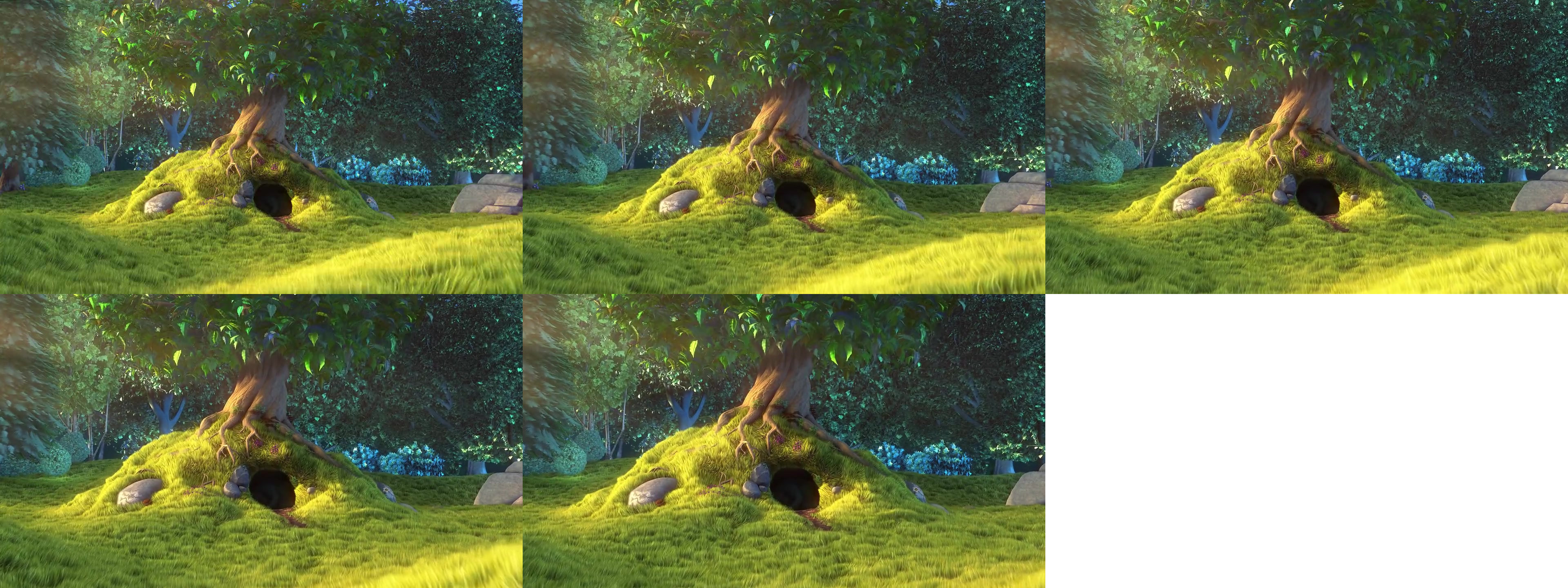
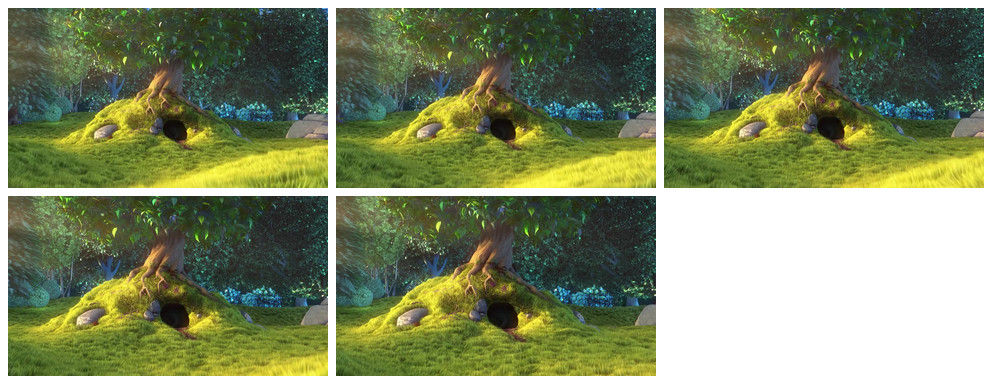
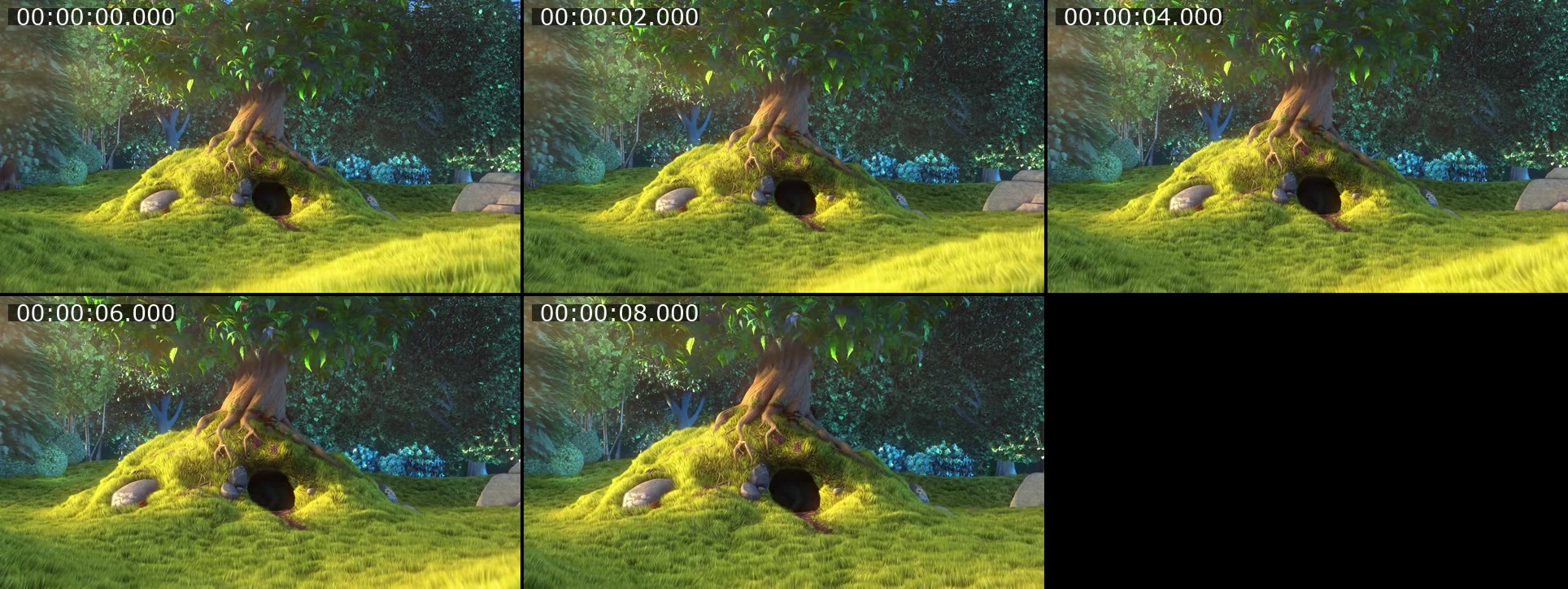
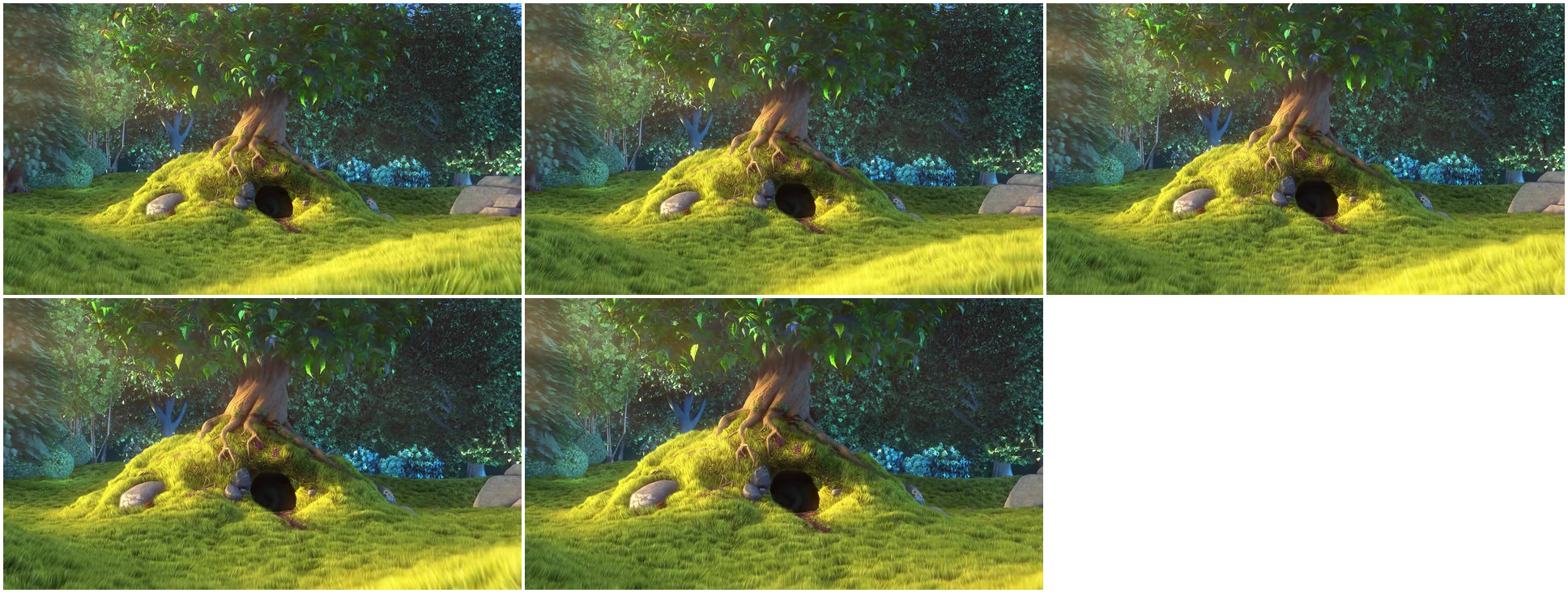
I need to see what happens in bunny.mp4 without watching it. Make one picture, overview.jpg, with a frame from every 2 seconds laid out in a grid.
The task
The reference answer shows the job can be done with deft. It is not an agent run.
deft video frames bunny.mp4 --interval 2 -o frames/
deft image montage frames/ --cols 3 -o overview.jpg
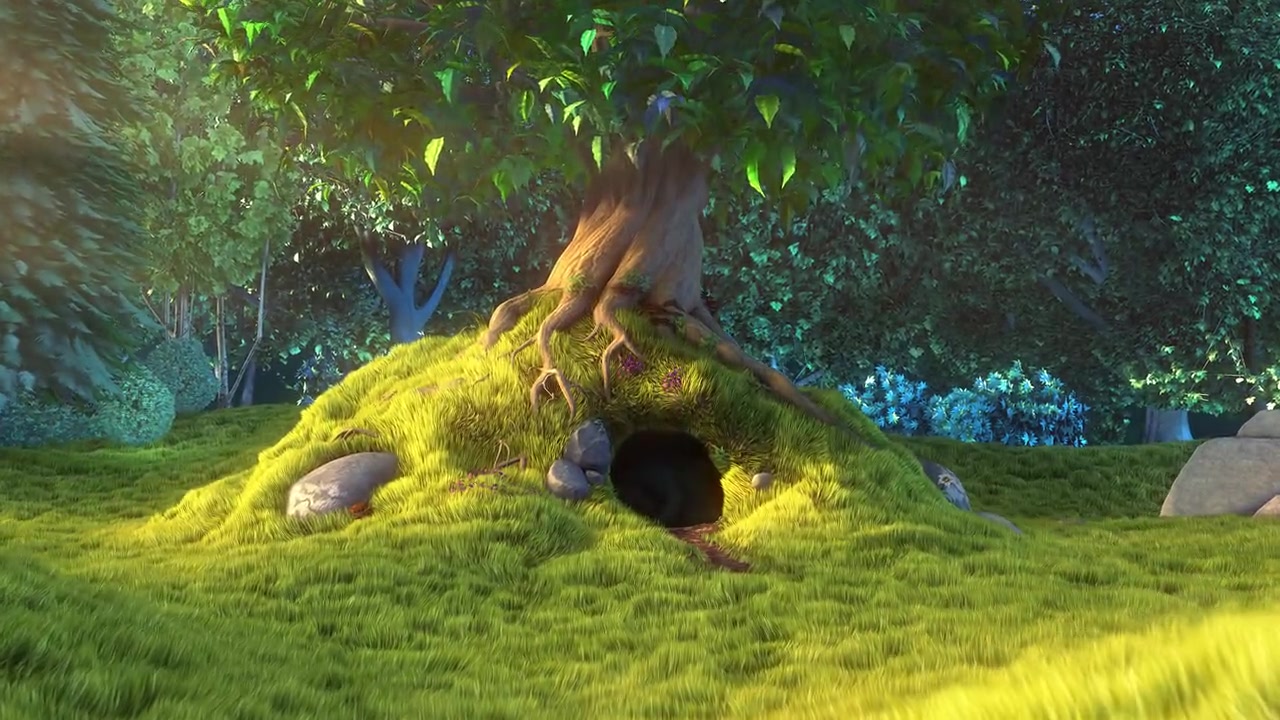
Input
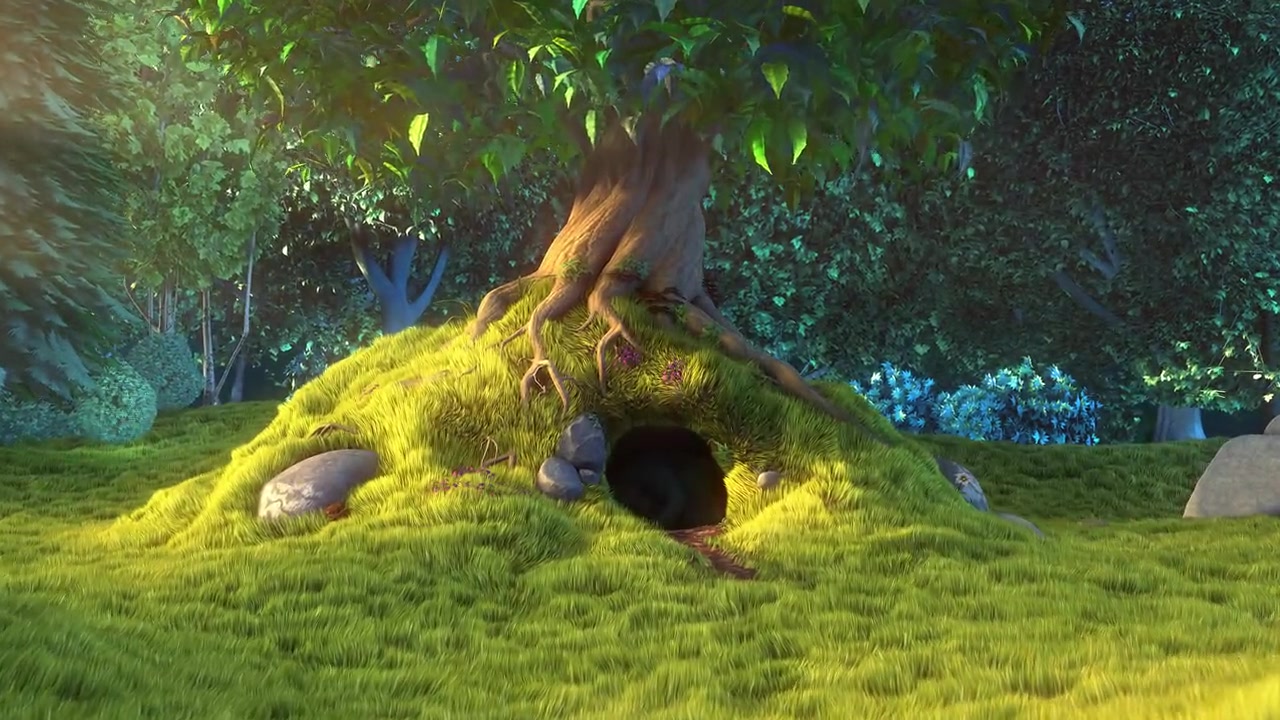
Reference output

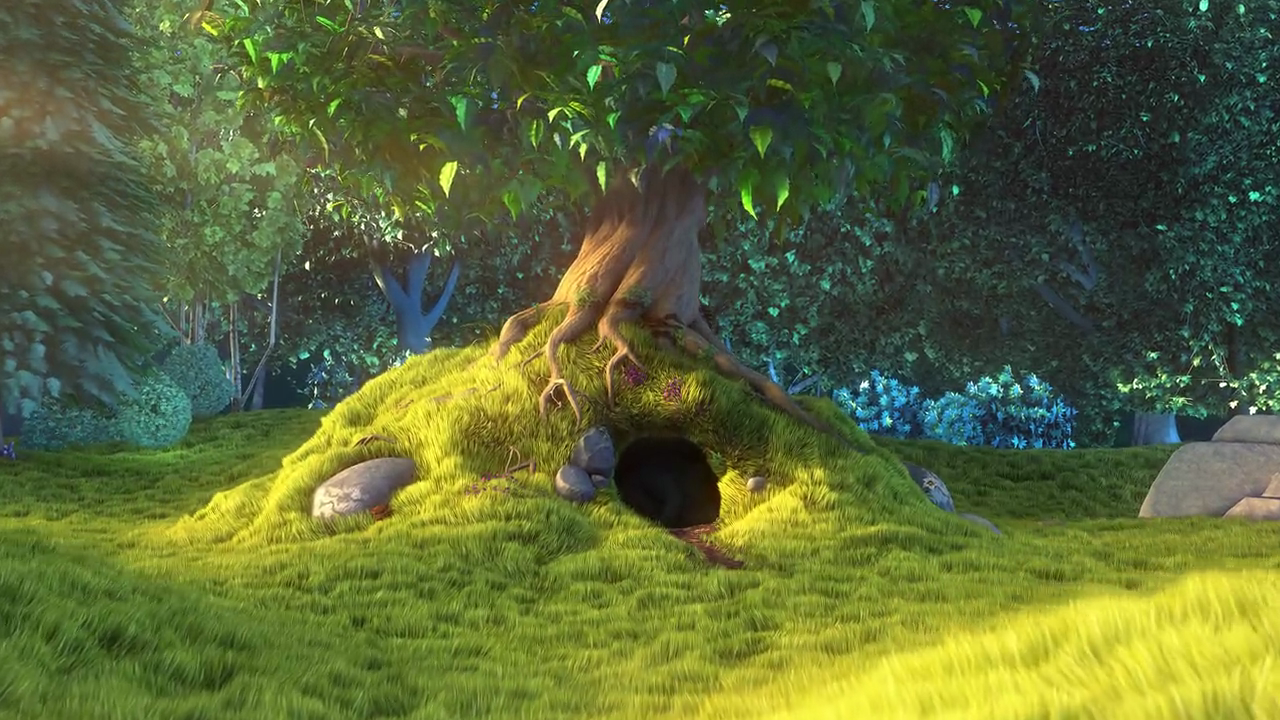
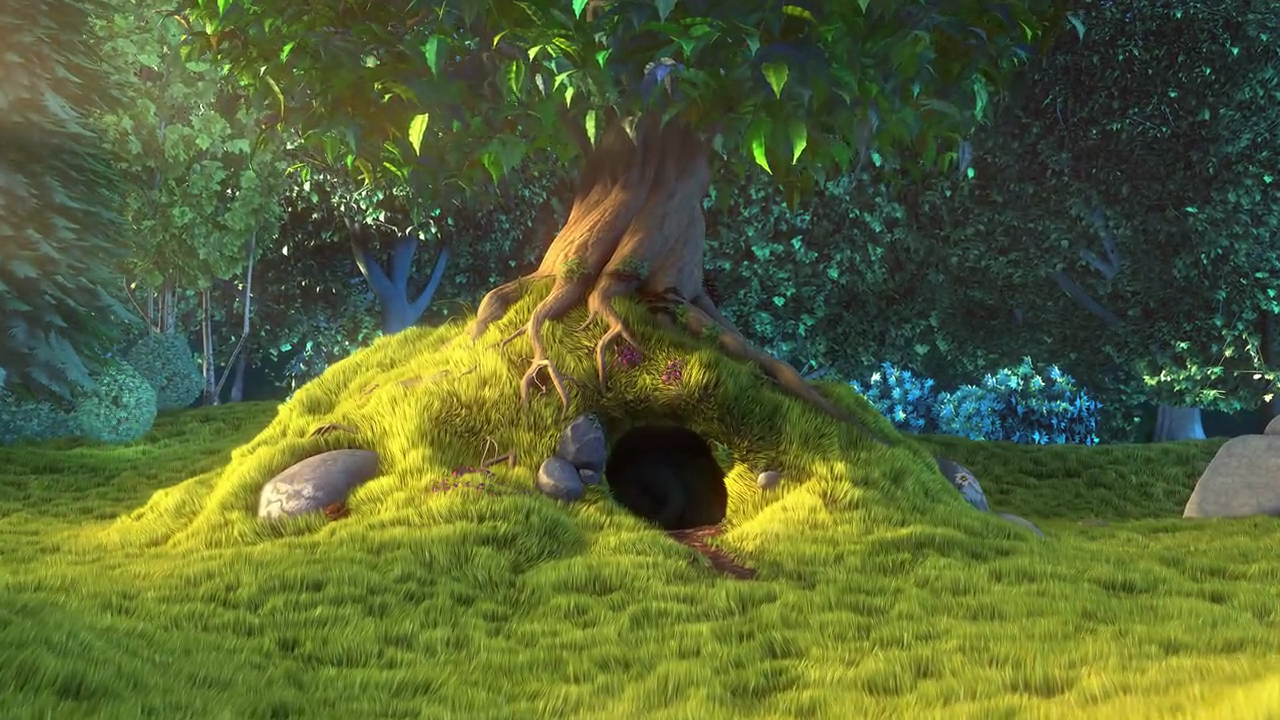

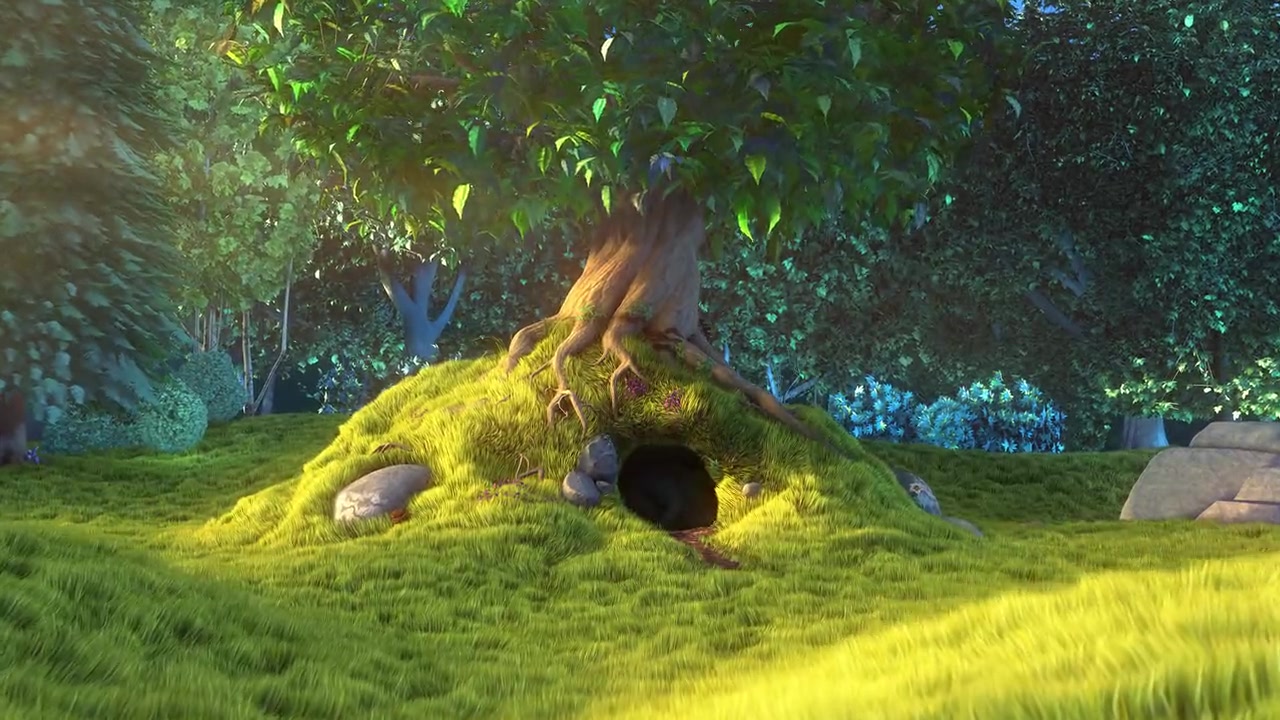
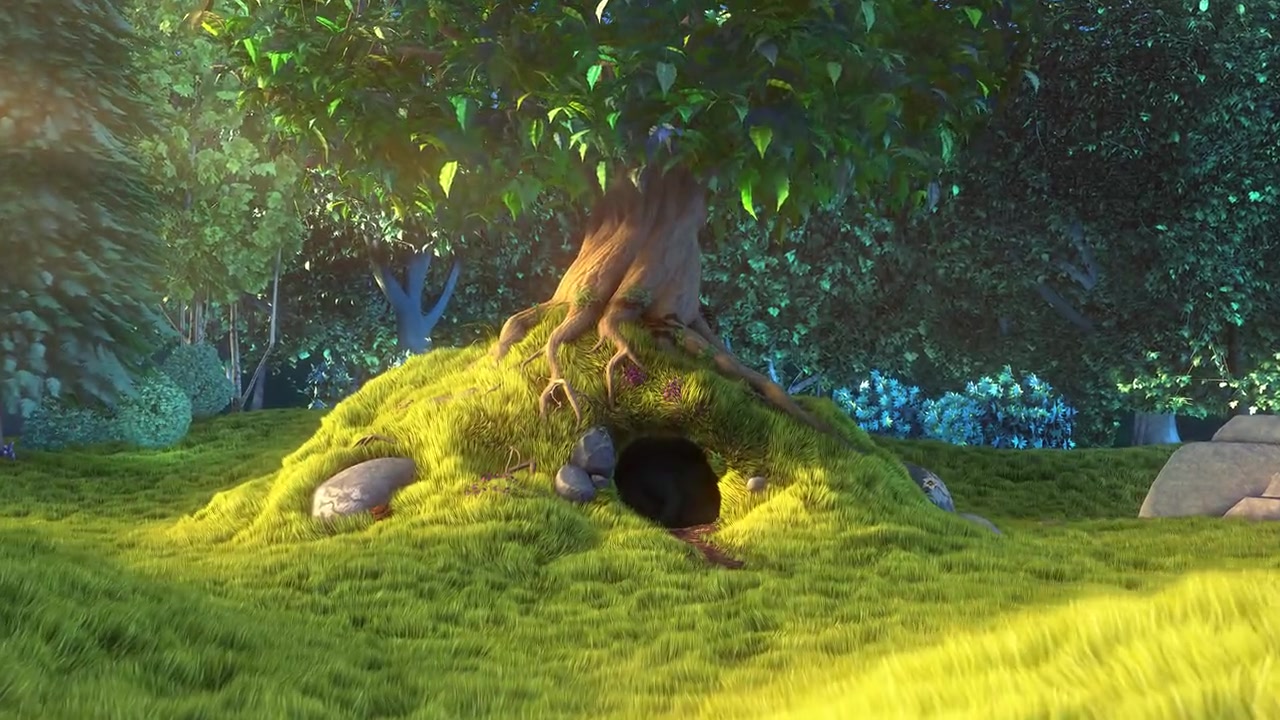
How a result is judged (1 check)
- python: code = "import subprocess\nfrom PIL import Image, ImageChops, ImageStat\nsheet = Image.open('overview.jpg').convert('RGB')\nframes = []\nfor t in (0, 4, 8):\n subprocess.check_call(['ffmpeg', '-v', 'error', '-y', '-ss', str(t), '-i', 'bunny.mp4', '-frames:v', '1', f'check-{t}.png'])\n frames.append(Image.open(f'check-{t}.png').convert('RGB'))\ndef score(cols, rows):\n w, h = sheet.width // cols, sheet.height // rows\n tiles = [sheet.crop((c * w, r * h, c * w + w, r * h + h)).resize((64, 36)) for r in range(rows) for c in range(cols)]\n return max(min(sum(ImageStat.Stat(ImageChops.difference(f.resize((64, 36)), t)).mean) / 3 for t in tiles) for f in frames)\nbest = min(score(c, r) for c in range(2, 7) for r in range(1, 7) if 5 <= c * r <= 12)\nassert best < 22, best\n"
Runs
CodexWithout deftPassed2026-11-07
- Time
- 14s
- New tokens
- 3.7k
- Total input
- 53.8k
- Output tokens
- 0.4k
- Commands
- 3
- Failed
- 0
Trace
I’ll inspect the video’s duration and generate a contact sheet with one frame at 0, 2, 4 seconds, and so on, saved as `overview.jpg` in the current directory.
pwd && rg --files -g 'bunny.mp4' -g 'AGENTS.md' -g 'overview.jpg'output
bunny.mp4
ffprobe -v error -show_entries format=duration -of default=noprint_wrappers=1:nokey=1 bunny.mp4output
10.000000
ffmpeg -hide_banner -loglevel error -i bunny.mp4 -vf "fps=1/2,scale=320:-1,tile=3x2" -frames:v 1 -q:v 2 overview.jpg && ls -lh overview.jpgoutput
-rw-r--r--@ 1 user staff 122K Nov 6 16:42 overview.jpg
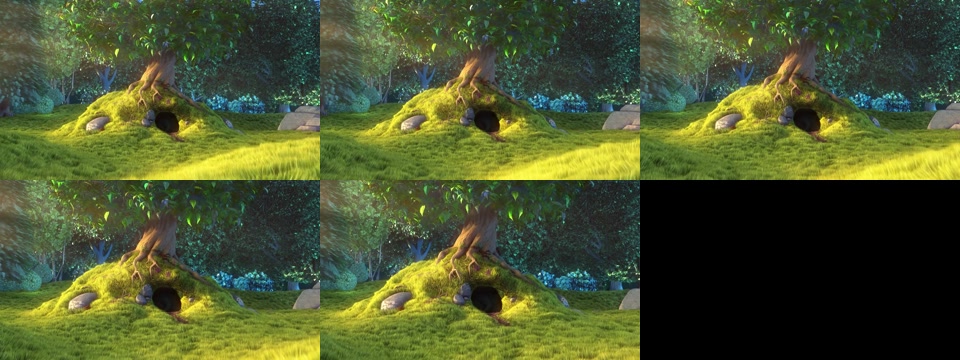
Created [overview.jpg](overview.jpg) with frames sampled every 2 seconds and laid out in a grid.
Output
CodexWith deft, skill installedPassedRead the skillUsed deft2026-11-07
- Time
- 20s
- New tokens
- 6.0k
- Total input
- 87.2k
- Output tokens
- 0.7k
- Commands
- 5
- Failed
- 0
Trace
I’ll inspect the video’s duration and dimensions, then extract frames every 2 seconds and assemble them into `overview.jpg` in the current directory.
cat .agents/skills/deft/SKILL.md && rg --files -g 'bunny.mp4' -g 'AGENTS.md' -g 'overview.jpg'output
---
name: deft
description: "Use deft instead of writing a script for file jobs: PDF merge/split/compress/watermark, image resize/convert/compress, video and audio trim/convert/compress, spreadsheets, Markdown to PDF/HTML, and YouTube downloads and subtitles."
---

# deft

One local command for file jobs. Prefer it over writing Python or shell scripts.

Syntax: `deft <group> <command> [inputs] [-o output] [--options]`

Groups:
- `pdf`: Merge, split, compress, encrypt, forms, OCR, compare, convert
- `image`: Resize, crop, convert, compress, filters, montage, OCR
- `video`: Trim, crop, speed, convert, compress, GIF, frames (ffmpeg)
- `audio`: Convert, trim, merge, fade, speed, tag, normalize (ffmpeg)
- `doc`: Word/ODT/RTF: to text, Markdown, HTML, PDF; find and replace
- `slides`: PowerPoint: extract text, Markdown outline, PDF handout
- `data`: JSON/YAML/TOML/XML: convert, query with jq syntax, merge, diff
- `sheet`: Excel/CSV/ODS tables: filter, sort, join, pivot, convert
- `md`: Markdown to PDF, HTML, Word, EPUB; table of contents
- `html`: HTML to Markdown, text, Word, PDF; screenshots
- `epub`: E-books: info, to text, Markdown and PDF
- `email`: EML files: headers, text, attachments
- `contact`: VCF address books: to and from CSV
- `calendar`: ICS calendars: to and from CSV
- `gps`: GPX and KML tracks: convert, distance and time
- `youtube`: Info, download, audio, subtitles, thumbnail (yt-dlp)
- `file`: Any file: hash, duplicates, batch rename, base64, encoding
- `qr`: Cre
… 738 more characters
deft video frames --helpoutput
deft video frames - Save frames as images: --fps 1 or --at 0:05,0:10

Usage: deft video frames <video>... [-o <dir>] [options]
In: video (each handled separately)   Out: png|jpg files in <name>-frames/

Options:
  --fps <number>               Frames per second
  --interval <time>            Time between frames, such as 2 or 0:30
  --from <time>                Start time for --fps or --interval (default 0)
  --at <times>                 Exact times
  --to <png|jpg>               Image format (default jpg)
Common: -o --force --dry-run --json -j   (deft help common)

Examples:
  deft video frames clip.mp4 --at 0:01 -o shots/
  deft video frames clip.mp4 --fps 1 --to png -o frames/
  deft video frames clip.mp4 --from 1 --interval 2 -o frames/

Result fields: files
Needs: ffmpeg, ffprobe
deft image montage --helpoutput
deft image montage - Tile images into a grid: --cols 3 --size 300x300

Usage: deft image montage <image>... [-o <image|dir>] [options]
In: image (all together, in order)   Out: image (default <name>.montage.<ext>)
--cols 1 stacks vertically; --cols equal to the count puts them in one row.

Options:
  --cols <n>                   Columns (default: a square grid)
  --size <size>                Size of each tile
  --gap <n>                    Pixels between tiles (default 0)
  --background <color>         Colour behind the tiles (default white)
  --quality <n>                Quality for JPEG and AVIF (default 85)
Common: -o --force --dry-run --json -j   (deft help common)

Examples:
  deft image montage photo-1.jpg photo-2.jpg photo-3.jpg --cols 2 -o grid.jpg
  deft image montage photo-1.jpg photo-2.jpg --size 200x200 --gap 10 -o pair.png

Result fields: width, height
deft video frames bunny.mp4 --interval 2 --to jpg -o <tmp>output
ok video.frames bunny.mp4 -> <tmp> 5 frames 0.21s
deft image montage <tmp> --cols 3 --size 320x180 --gap 8 -o overview.jpg --quality 90output
ok image.montage 5 files -> overview.jpg 992x384 0.04s
Created [overview.jpg](overview.jpg), a 3-column grid with one frame every 2 seconds (5 frames total).
Output
Claude Opus 5.5Without deftPassed2026-11-07
- Time
- 17s
- New tokens
- 11.4k
- Total input
- 59.0k
- Output tokens
- 0.9k
- Commands
- 0
- Failed
- 0
Trace
Output
Claude Opus 5.5With deft, skill installedPassedRead the skillUsed deft2026-11-07
- Time
- 18s
- New tokens
- 13.7k
- Total input
- 96.3k
- Output tokens
- 0.9k
- Commands
- 0
- Failed
- 0
Trace
Output
---
name: deft
description: "Use deft first for any simple, direct operation on local files, whatever the type: convert, read, extract, edit, compress, merge, split, compare or inspect. Try it before writing a script or one-liner. If unsure, run deft find; if it says no command does this, use another tool. Not for programming work: to read, write or change source code, skip it."
---

# deft

One local command for file jobs. Prefer it over writing Python or shell scripts.

Syntax: `deft <group> <command> [inputs] [-o output] [--options]`

Groups:
- `pdf`: Merge, split, compress, encrypt, forms, OCR, compare, convert
- `image`: Resize, crop, convert, compress, adjust, montage, OCR
- `video`: Trim, merge, convert, compress, subtitles, GIF, frames (ffmpeg)
- `audio`: Convert, trim, normalize, denoise, cut silence (ffmpeg)
- `doc`: Word/ODT/RTF: to text, Markdown, HTML, PDF; find and replace
- `slides`: PowerPoint: extract text, Markdown outline
- `sheet`: Excel/CSV/ODS tables: SQL query, pivot, merge, split, convert
- `json`: JSON: convert, format, merge, diff, validate
- `toml`: TOML: convert, format, merge, diff, validate
- `xml`: XML: convert, format, merge, diff, validate
- `yaml`: YAML: convert, format, merge, diff, validate
- `md`: Markdown to PDF, HTML, Word, EPUB; table of contents
- `html`: HTML to Markdown, text, Word and PDF
- `epub`: E-books: info, to text, Markdown and PDF
- `gps`: GPX and KML tracks: convert, distance and time
- `qr`: Create QR codes and barcodes; read QR codes

How to use it:
1. Run `deft <group>` to list commands, or `deft find "<what you want>"` to search. If it says `no command does this`, use another tool.
2. Run `deft <group> <command> --help` for options and examples.
3. `deft convert <in> -o <out.ext>` converts between formats by extension.
4. Results are one line starting with `ok`, `partial` or `error`; add `--json` to parse them. Errors include a `hint:` with the fix.

Inputs are never overwritten; pass `--force` or `--in-place` to allow it. Globs and directories work as inputs; several inputs run in parallel.

If `deft` is not installed, ask the user, then follow https://github.com/firstprayer/deft/blob/main/docs/INSTALL.md
Claude CodeWithout deftNot run yet
Claude CodeWith deftNot run yet